Bus Lines in Dream City: Stops, Stands, Depots and Routes
Buses turn a spread-out town into one connected city. This guide explains bus stops, bus stands, depots and bus lines in Dream City, and how to plan routes that link homes, work and services.
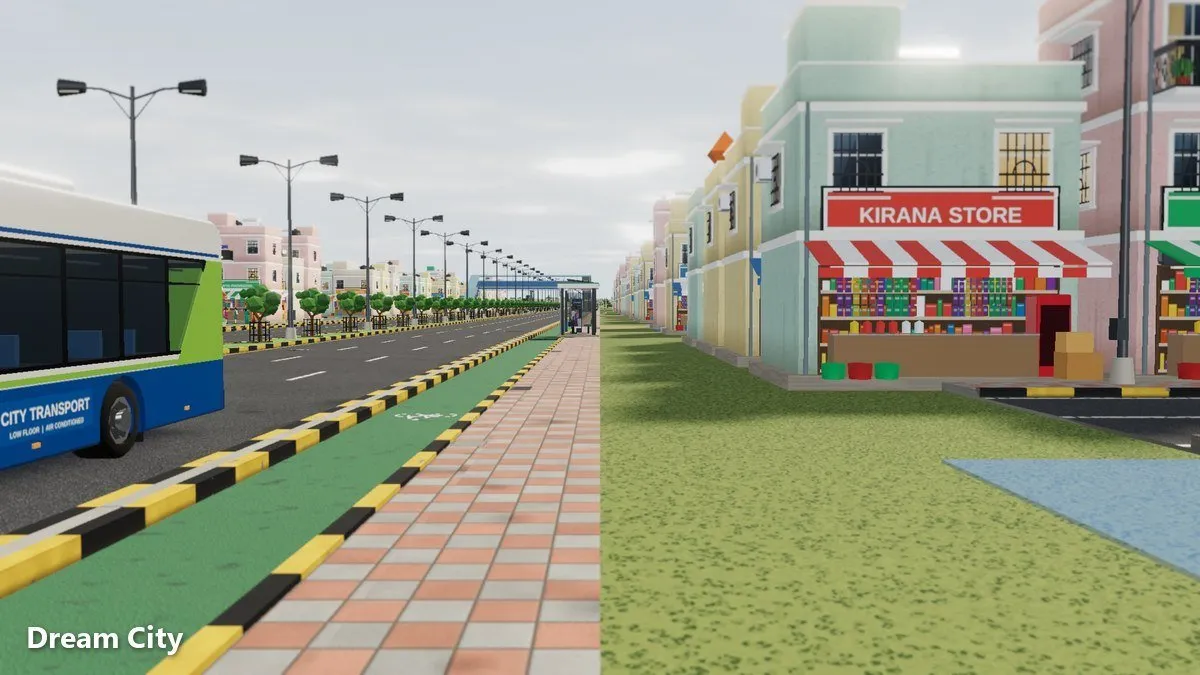
A small settlement can get by on footpaths and a few roads. A growing town can’t. In Omebly Dream City, you build your own public transport: bus stops, bus stands, a depot and bus lines you draw yourself. This Dream City bus lines guide shows you how to plan a network that links homes, work and services.
For an overview of the whole game, read our main Dream City guide. Buses run on roads, so our road guide is worth reading first if your road layout is still taking shape.
Quick answer: Buses unlock at Village. Build a depot first on a well-connected main road away from homes, because every line needs one. Place bus stops on ordinary streets people can reach on foot, and put bus stands on main roads where lines meet. Then draw bus lines through two or more stops that link where people live to where they work, shop and get services. Start with one short line, watch the buses run, and grow the network as your town spreads. Check the transport group in the Budget as you go.
The pieces of a bus network
Dream City’s transport tools fit together like this:
| Piece | What it’s for |
|---|---|
| Bus stop | A small, cheap marker on an ordinary road, close to homes and destinations |
| Bus stand | A larger building that also works as a stop, giving nearby homes a transit bonus |
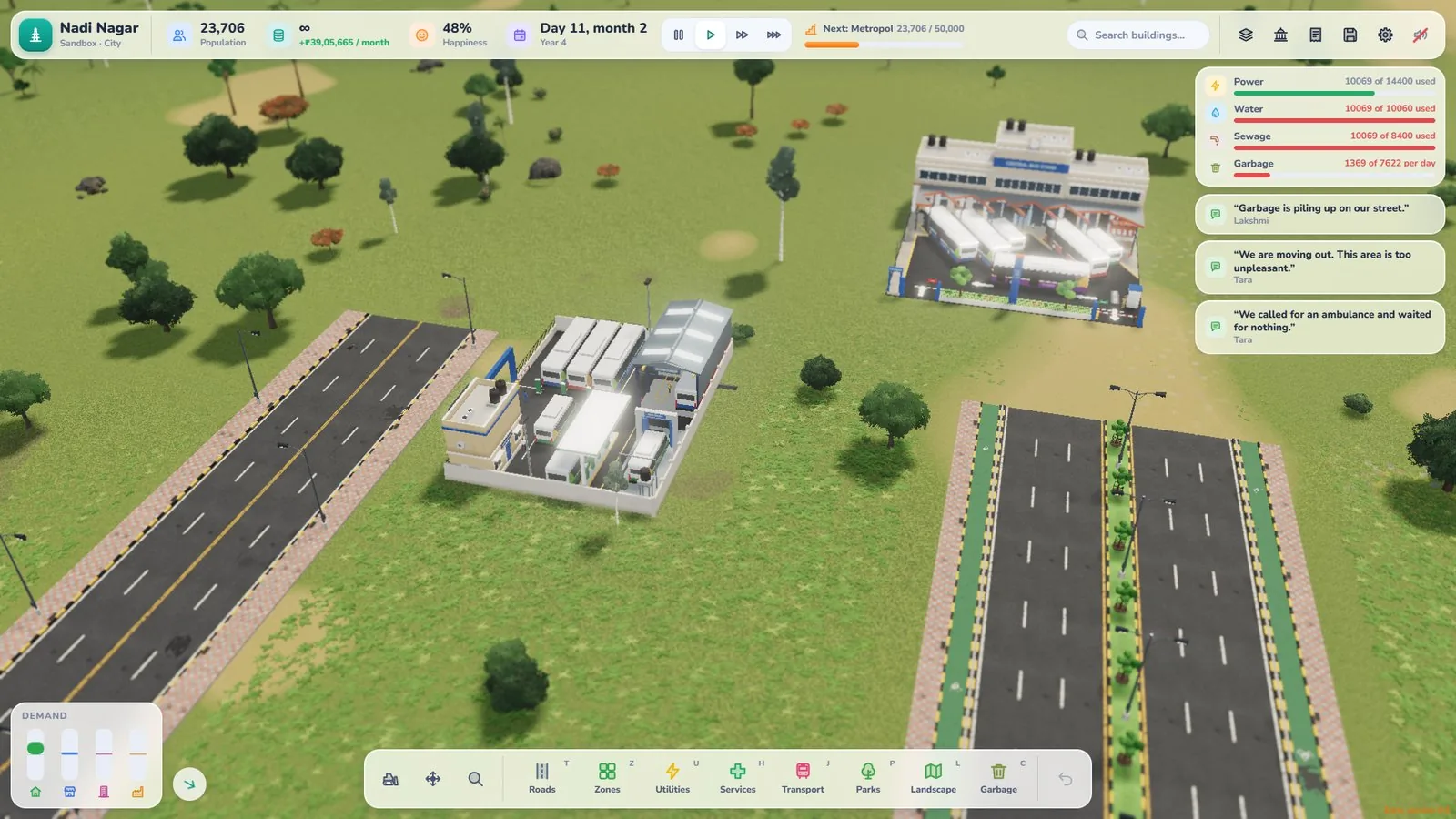
| Depot | Holds your buses (20 each). Every line needs one; best on a main road away from homes |
| Bus line | The route you draw through two or more stops |
You’ll also see parking where people drive, cycles on the streets and planes passing overhead. Together they make the city feel alive.
When to start building buses
There’s no need to rush. Buses unlock at Village, and a Settlement or Hamlet is small enough to walk across. Buses start to earn their place when:
- Homes and work are in different neighbourhoods. People need a way to get between them.
- Your town spreads across the map. Especially in Career mode as you buy more land.
- Main roads are getting busy. A bus line gives people another way to travel.
Start with one line. You’ll learn more from watching it run than from planning a dozen on paper.
Step-by-step: your first bus line
Step 1: Pick two places people travel between
The best first line links a block of homes with a cluster of workplaces or shops. Open the Jobs panel if you’re not sure where the work is. A line that connects workers to jobs is useful from day one.
Step 2: Build the depot
Place the depot on a main road with good access to your line, away from quiet residential streets. You can’t run a line until you have one.
Step 3: Place stops where people walk
Put bus stops on streets that homes can reach easily. Stops go on ordinary roads, not on highways, and not right next to a junction. Dirt paths are walking only, so a short path can help people reach a stop from a back lane. Don’t put stops so far apart that whole streets are left out.
Step 4: Add a bus stand on a main road
If your line meets other roads or will meet other lines later, a bus stand on an avenue or boulevard gives you a natural hub. It works as a stop on your lines, and homes near it get a transit bonus.
Step 5: Draw the line
Draw your bus line through two or more stops, following the roads. Keep it simple: a clear route with sensible stops beats a winding one.
Step 6: Watch the buses
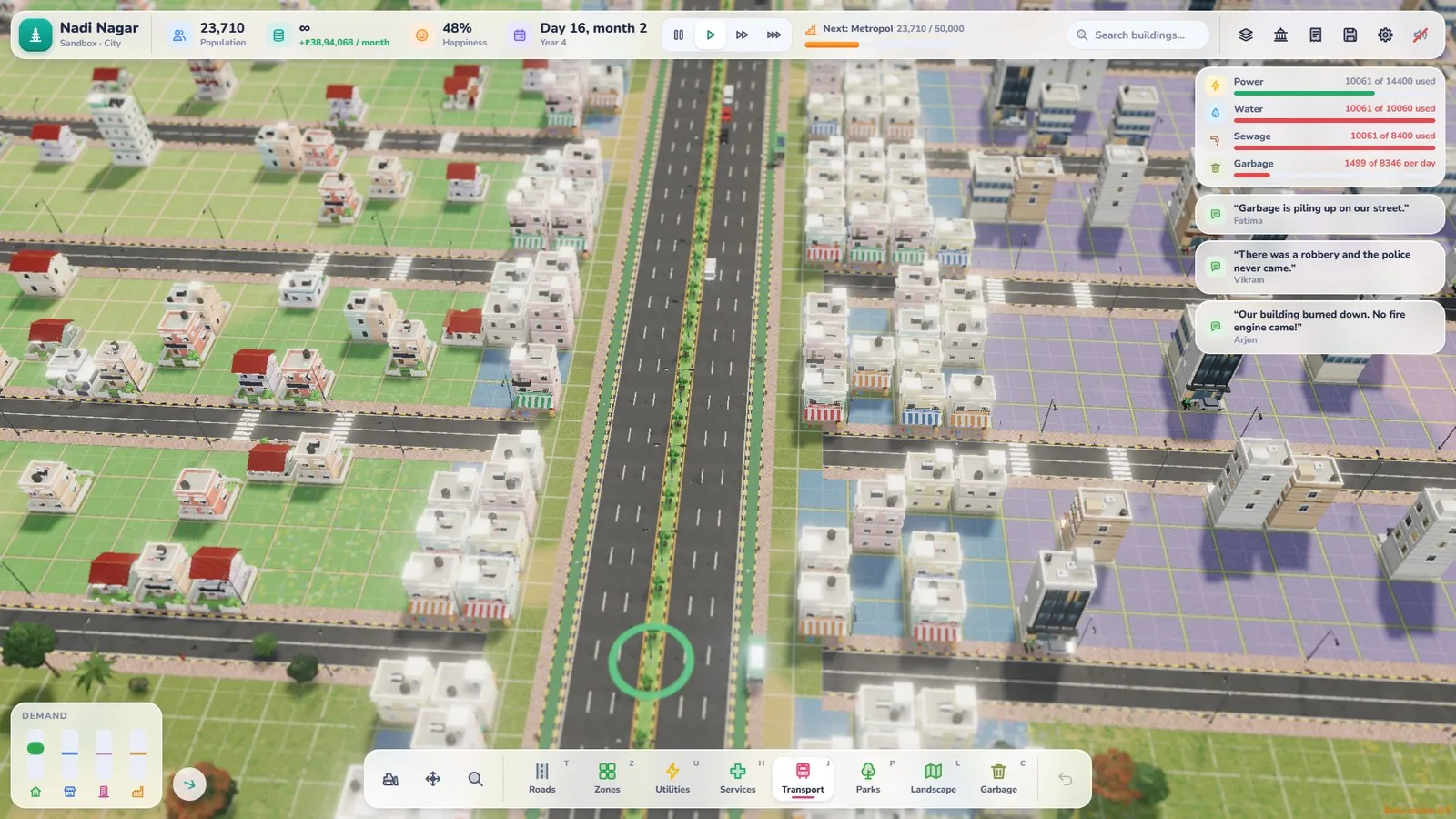
People and vehicles move around your city, so you can watch buses run your route. Drop to the street-level camera and see how the line feels from a resident’s point of view.
Route design tips
Keep lines direct
A line that zig-zags through every back street takes longer. Run lines along main roads and let stops sit close to where people live.
Link the places people need
Good lines connect homes to:
- Workplaces and shops
- Schools, a college or a university
- Health services such as a PHC, clinic or hospital
- Everyday stops like the mandi, ration shop or ATM
Use hubs
Let lines meet at bus stands, so one hub serves several routes and the homes around it.
Grow in steps
Add a new line when a new neighbourhood fills up. Small additions are easier to judge than a whole network built at once.
Buses and your roads
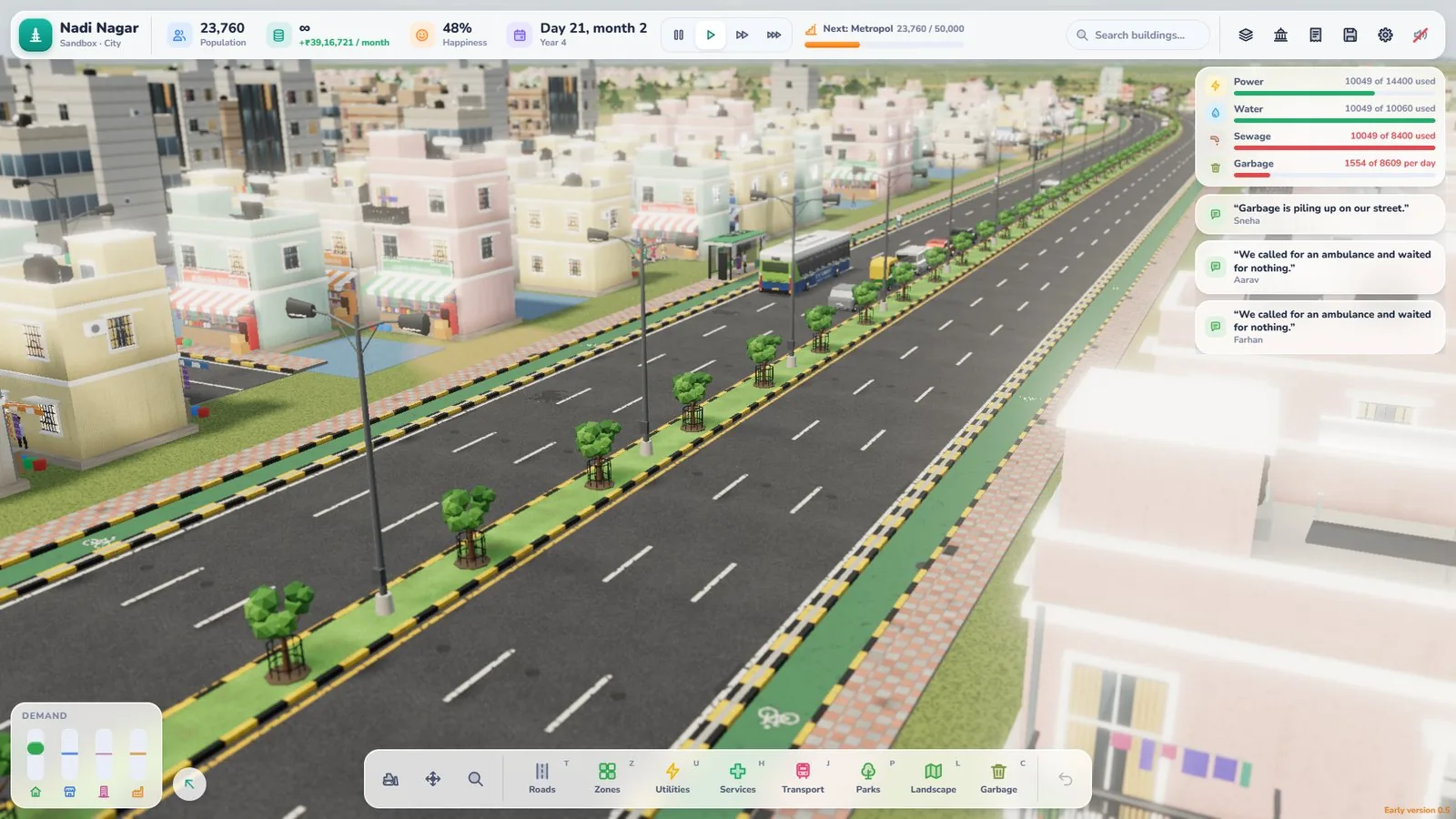
Buses share roads with everything else, so good roads make good routes.
- Avoid narrow detours. Gravel roads and village lanes suit homes, but main lines run better on streets, avenues and boulevards.
- Mind junctions. Roundabouts and traffic signals at busy junctions help keep traffic, including buses, moving.
- Think about cycles. 4-lane avenues and 6-lane boulevards come in versions with cycle tracks, which give cyclists their own space alongside your bus routes.
- Add parking where people drive, so cars have somewhere to go.
Buses and your budget
In Career mode, every piece of the network costs money. The Budget groups monthly costs by department, and transport has its own group. Each line shows a kind of building, how many you have and what they cost, and tapping a line flies the camera to it. Every bus on your lines has its own monthly cost, listed as ‘Buses × N’.
Budget-friendly transport tips
- Build one line at a time and check the Budget after each.
- Don’t over-build stops. Sensible spacing serves people without extra cost.
- Remember that services cost more as they get busier. A popular network is a good problem, but plan for it.
Listen to your residents
You can follow a resident’s day and watch how they get around, and residents speak their mind. If people complain about getting to work, that’s a sign your network has a gap. Following one person from home to work is one of the best ways to test a new line.
Common bus mistakes
- Building a huge network before anyone needs it
- Placing stops where homes can’t easily reach them
- Drawing winding routes through back lanes
- Putting the depot on a quiet residential street
- Never checking the transport group in the Budget
Your bus checklist
- One short line linking homes and work
- Stops within easy reach of homes
- Bus stands on main roads
- Depot built first, on a connected main road
- Lines grown as neighbourhoods fill
- Transport costs checked in the Budget
Open Dream City, draw your first bus line and get your town moving.
Frequently asked questions
How do buses work in Dream City?
Build a bus depot first, because every line needs one. Then place bus stops (or a bus stand) and draw a line through two or more of them. Buses run your route along the roads you've built. Buses unlock at Village.
What is the difference between a bus stop and a bus stand?
A bus stop is a small, cheap marker on an ordinary road. A bus stand is a bigger building that also works as a stop on your lines, and homes near it get a transit bonus. Put stands on main roads where several lines meet.
Where should I put the bus depot?
On a main road with good access to your lines, away from quiet residential streets. Keep it out of the way but connected. You need a depot before any line can run, and each depot holds 20 buses.
Do buses cost money?
In Career mode, each bus has a monthly running cost. The Budget's Transport group lists your buses, bus stands and depots, and bus stops appear under Roads. Sandbox gives you unlimited money.
When should I start building bus lines?
Once your town spreads beyond a short walk, usually when homes, work and services sit in different neighbourhoods. A single short line is a good first step.

Written by
Nazmul Hussain, Managing Director & Technical Head, Omebly. 10+ years building websites and apps for clients in India, the Gulf, the UK and the US, and mentoring at Omebly Academy. LinkedIn · GitHub
Follow Omebly
New guides, work and launches on every channel.