



Businesses with traffic but few enquiries
Evidence of where visitors give up, instead of guesses about what to redesign.
Omebly PDF Tools
Edit PDFRotate PDFHeader and footerBates numberingResize PDFEdit metadataPDF bookmarksAdd page numbersAdd watermarkCrop PDFCreate PDF formFill PDF formsMerge PDFSplit PDFRemove pagesExtract pagesOrganise PDFPages per sheetScan to PDFBatch PDFCompress PDFGrayscale PDFOptimise for webRemove commentsRepair PDFOCR PDFJPG to PDFPNG to PDFText to PDFMarkdown to PDFEPUB to PDFWord to PDFPowerPoint to PDFExcel to PDFHTML to PDFPDF to JPGPDF to PNGPDF to TextExtract imagesPDF to EPUBPDF to WordPDF to PowerPointPDF to ExcelPDF to PDF/AUnlock PDFProtect PDFSign PDFFlatten PDFRedact PDFCompare PDFAI SummarizerTranslate PDFChat with PDFPDF to MarkdownA clear, prioritised list of what stops users signing up, buying or finishing tasks, and how to fix it.
From $2,500 one-time
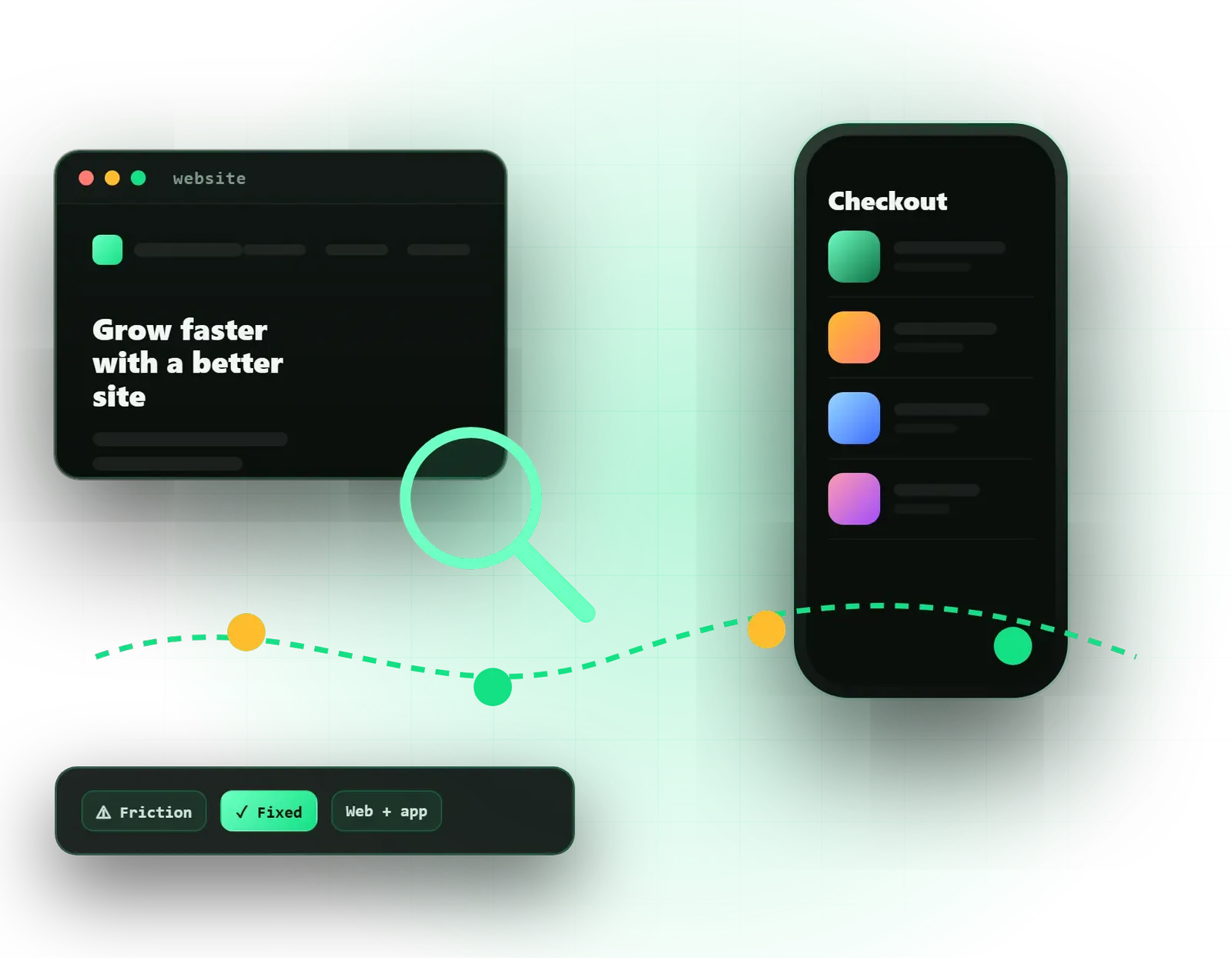
Evidence of where visitors give up, instead of guesses about what to redesign.
The flows that confuse users, ranked by how much they cost you.
A brief based on research, so the redesign fixes real problems and keeps what already works.
A screen-by-screen review against recognised usability principles, with each issue rated by severity.
Funnels, exit pages and device splits from GA4 or your product analytics, showing where people drop off.
Session recordings and click maps reviewed to see how real visitors move, hesitate and rage-click.
Your key journeys drawn step by step, with every point of friction marked and explained.
Contrast, keyboard use, form labels and focus states checked against WCAG guidance.
Short sessions with real customers completing tasks, where the plan includes primary research.
Each fix ranked by impact and effort, with quick wins separated from larger redesign work.
Before-and-after mock-ups in Figma for the most important problems, so the fixes are easy to picture.
You can see that something is wrong: plenty of visitors but few enquiries, trials that never convert, or a support inbox full of the same questions. What you cannot easily see is why. Omebly’s UX audit services find the reasons. We combine an expert usability review with your analytics, recordings of real sessions and, where useful, conversations with your users, then give you a prioritised list of fixes.
We audit business websites, online stores, mobile apps and SaaS products. The audit is useful on its own, and it is often the smartest first step before spending on a redesign. It is part of our wider UI/UX design service.
Signs an audit would help:
A good audit does three things. It shows exactly where users struggle, it explains why with evidence, and it ranks the fixes, so you start with the ones that matter most and cost least.
Heuristic evaluation. We review each screen in scope against recognised usability principles. Typical findings include buttons that do not look clickable, error messages that blame the user, forms that ask for the same thing twice, and important information hidden below the fold on mobile. Each issue gets a severity rating and a screenshot.
In Google Analytics 4 or your product analytics, we look at funnels, exit pages and differences between devices and traffic sources. If mobile visitors leave a checkout far more often than desktop visitors, that tells us where to look first.
Session recordings and heatmaps from tools like Microsoft Clarity or Hotjar show what people actually do: where they scroll, what they tap that is not a link, and where they hesitate or tap repeatedly in frustration. A short sample of recordings often explains a drop-off chart in minutes.
We draw your key journeys step by step, such as finding a service and enquiring, or signing up and completing set-up, and mark every point of friction along the way. This gives your whole team a shared picture of the problem.
We check colour contrast, keyboard navigation, focus states and form labels against WCAG guidance. Accessibility problems shut some users out completely, and fixing them usually makes the product easier for everyone.
When the plan includes it, we interview customers or watch them complete tasks. Nothing replaces hearing a customer say they did not realise the price included delivery.
We start from your business goal, not a checklist. An audit for an e-commerce store focuses on product pages, basket and checkout. A SaaS audit focuses on onboarding, the first useful moment and the screens tied to support tickets. A service business website audit looks at how quickly a visitor understands the offer and finds a way to get in touch.
We are careful about evidence. An expert opinion is a starting point; we confirm the important findings with data or real users before ranking them high. Where the data is thin, for example on a new site with little traffic, we say so and adjust confidence accordingly.
Recommendations are practical. Each one says what to change, why, how confident we are, and roughly how much effort it takes. Quick wins, such as rewording a button or moving a phone number, are separated from larger work like restructuring navigation. For the most important problems, we sketch the fix in Figma so everyone can see it.
We do not set a standard timeline. The effort depends on:
Your fixed written quote lists the scope, the methods and the milestones.
Every audit is led personally by our founder, Nazmul Hussain, who has 10+ years of experience building websites, apps and digital products. That build experience keeps our recommendations realistic: we know which fixes are a quick change and which need real development.
Tell us what is not working and share a link on WhatsApp at +91 70444 33991, email info@omebly.com or use our contact page. We will send a fixed quote within 48 hours.
We agree the journeys that matter and get read access to analytics, recordings and the product.
Heuristic evaluation and accessibility checks on every screen in scope.
Analytics funnels, recordings and support tickets reviewed to confirm which issues hurt most.
Interviews or task-based tests with real users, when included in the plan.
A prioritised findings report and redesign concepts, presented on a call with your team.
From $2,500 one-time. Every project gets a fixed written quote after a free consultation, with milestone payments.
From $2,500
Fixed quote
Fixed quote
| Omebly | An automated audit tool | |
|---|---|---|
| What it finds | Confusing flows, unclear wording, missing steps and trust gaps | Technical issues such as speed, tags and contrast errors |
| Context | Judged against your users and business goals | The same generic checks for every site |
| Evidence | Combines expert review, analytics and real users | Automated scores |
| Priorities | Ranked by impact on enquiries, sales or retention | Long lists ranked by rule type |
| Fixes | Concrete recommendations and Figma concepts | General advice links |
| Cost | Paid project with a fixed quote | Free or a low monthly fee |

You do not need a lab or a large budget to watch real people use your product. Here is how to run usability testing with five users, step by step.
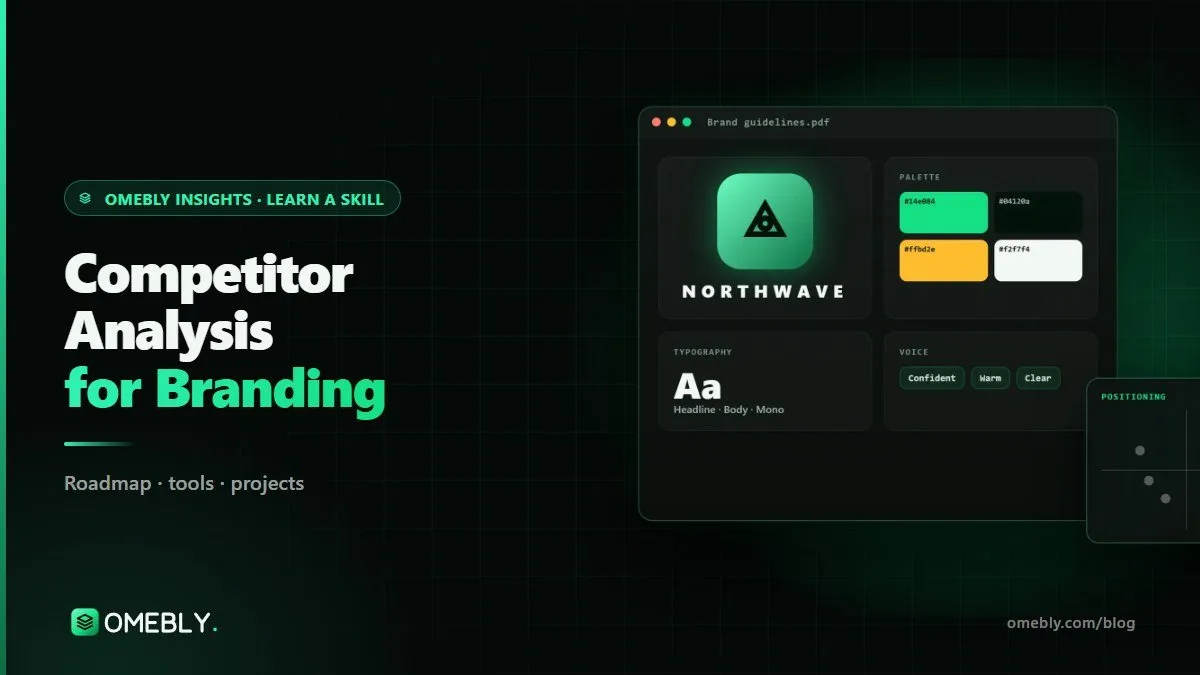
Competitor analysis for branding isn't about copying the market leader. It's a method for seeing what everyone else claims, so you can stand somewhere they don't.
It is an expert review of an interface against well-known usability principles, such as Jakob Nielsen's ten heuristics: clear system status, familiar language, easy undo, consistency, error prevention and so on. Each problem found is linked to a principle and rated by severity. It is quick and affordable, but it should be checked against real user data where possible.
Read-only access is enough. Typically that means viewer access to Google Analytics 4 or your product analytics, Search Console for websites, and a test account for logged-in products. If you already use Hotjar or Microsoft Clarity, we review those recordings; if not, we can help you install Clarity, which is free, a few weeks before the audit.
They overlap. A UX audit looks at how easily people can use the whole product or site, including logged-in areas, accessibility and task completion. Conversion rate optimisation focuses on one measurable goal, such as checkout or lead forms, and usually follows up with A/B tests. Many fixes from a UX audit also lift conversions.
For finding usability problems, around five people per user type usually reveals the main issues, a widely cited guideline from the Nielsen Norman Group. More sessions find fewer new problems. If your product has distinct groups, such as buyers and sellers, we test a few of each rather than one large group.
Yes. We review the app on real iOS and Android devices, check it against Apple's and Google's design guidelines, and look at store reviews and support messages for repeated complaints. If the app has analytics such as Firebase, we review its funnels. The report covers both platforms and notes where they differ.
We can, but the audit stands on its own. You receive a report your own team can act on. If you want help, our design team can redesign the affected screens, and our developers can build the changes. Each step gets its own fixed quote, so you are never committed to more than the audit.
Tell us what you have in mind. You get a free consultation and a fixed quote within 48 hours.
Prefer email? info@omebly.com