
Studios with a slow game
A profiled, prioritised list of what is costing frame time, and fixes for the worst of it.
Omebly PDF Tools
Edit PDFRotate PDFHeader and footerBates numberingResize PDFEdit metadataPDF bookmarksAdd page numbersAdd watermarkCrop PDFCreate PDF formFill PDF formsMerge PDFSplit PDFRemove pagesExtract pagesOrganise PDFPages per sheetScan to PDFBatch PDFCompress PDFGrayscale PDFOptimise for webRemove commentsRepair PDFOCR PDFJPG to PDFPNG to PDFText to PDFMarkdown to PDFEPUB to PDFWord to PDFPowerPoint to PDFExcel to PDFHTML to PDFPDF to JPGPDF to PNGPDF to TextExtract imagesPDF to EPUBPDF to WordPDF to PowerPointPDF to ExcelPDF to PDF/AUnlock PDFProtect PDFSign PDFFlatten PDFRedact PDFCompare PDFAI SummarizerTranslate PDFChat with PDFPDF to MarkdownA smoother, lighter game: steadier frame rates, faster loading and fewer crashes on your players' devices.
From $10,000 one-time
A profiled, prioritised list of what is costing frame time, and fixes for the worst of it.
A build checked against minimum devices and current store technical requirements before submission.
Root causes found for out-of-memory crashes, hitches and overheating on real phones.
Profiling on your target devices with a written report of the biggest costs, ranked by impact.
Frame-by-frame captures to see whether scripts, physics, rendering or the GPU is the bottleneck.
Static and dynamic batching, GPU instancing, shared materials and texture atlases.
Hiding what the camera cannot see and swapping distant models for lighter versions.
Cutting per-frame allocations, texture memory and asset duplication that cause hitches and crashes.
Compression, asset bundling and start-up work trimmed so the game opens and loads faster.
Builds checked against current technical requirements for Google Play, the App Store and Steam.
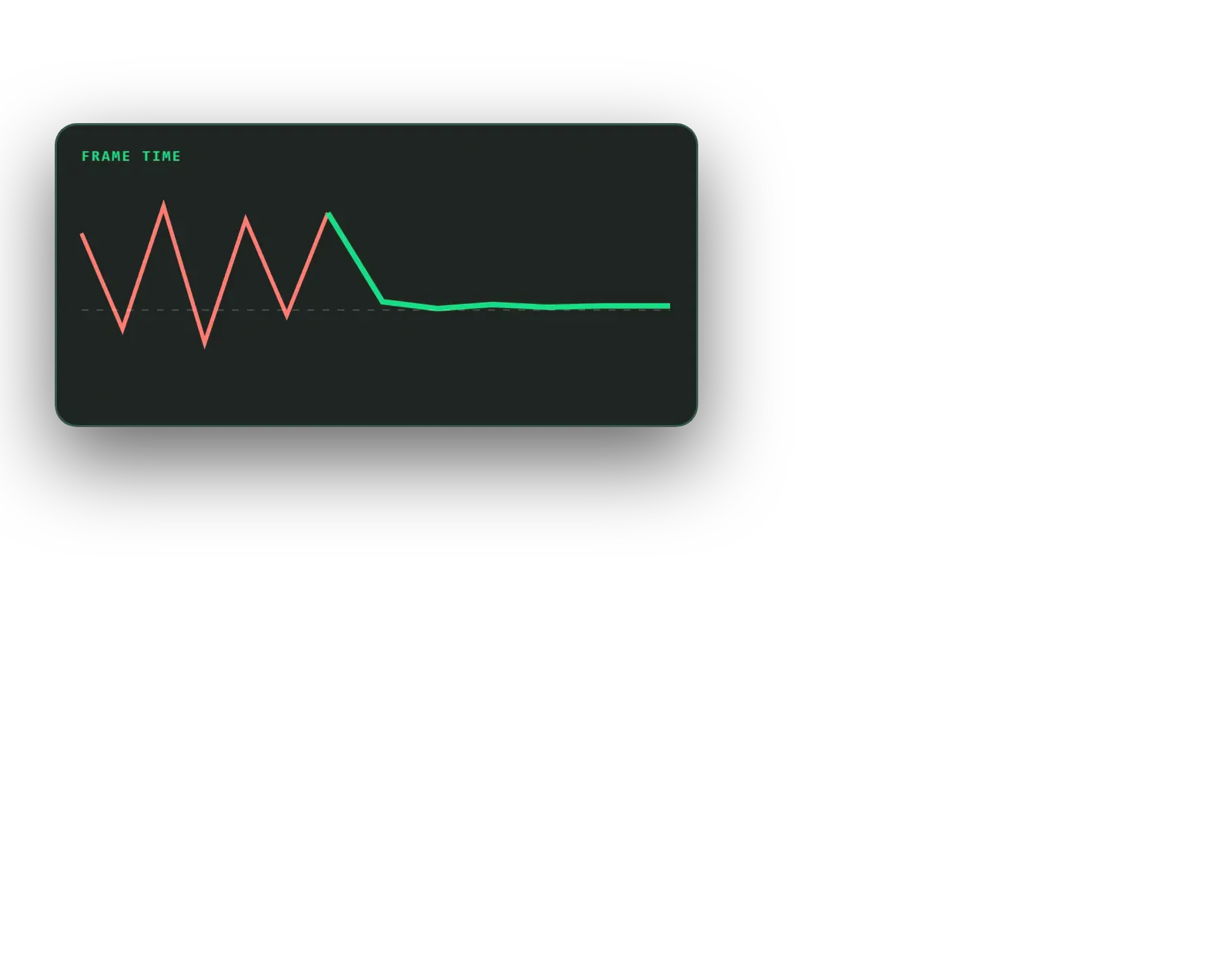
The same measurements repeated after the fixes, on the same devices, so the change is clear.
A game that stutters, overheats a phone or takes too long to load loses players before the gameplay has a chance. Omebly’s game performance optimization service finds where your Unity or Unreal game is spending its frame time and memory, fixes the biggest problems first and shows the improvement with before-and-after numbers on real devices.
We work on mobile, PC and browser games. Typical reasons clients come to us are low or uneven frame rates, crashes on lower-memory phones, long loading screens, a build that is too large, and launch preparation against store technical requirements. This is a specialist part of Omebly Game Development: you do not need us to have built the game.
A performance audit. We agree your target devices and frame rate, build repeatable test scenes, and capture profiling data on real hardware. The audit report ranks every problem by how much frame time or memory it costs, with an estimate of the effort to fix it. Many projects start and end with the audit, because a clear list is enough for the in-house team.
The first question is always where the bottleneck sits. If the CPU is the limit, the cause may be scripts, physics, animation or too many draw calls. If the GPU is the limit, it may be overdraw, heavy shaders, high resolution or expensive post-processing. Fixing the wrong side wastes time, so we confirm with the Unity Profiler, Unreal Insights, RenderDoc and the platform tools from Android and Apple.
We reduce draw calls with static and dynamic batching, GPU instancing, shared materials and texture atlases. On phones, this is often the single largest gain.
Occlusion culling stops the engine drawing objects hidden behind walls. Level-of-detail models swap in simpler meshes as objects move away from the camera. Together they keep busy 3D scenes affordable.
In Unity, small allocations in every frame lead to garbage collection pauses that show up as hitches. We find and remove them, and we cut texture memory with the right compression formats and sizes. This also reduces out-of-memory crashes on cheaper phones.
We look at what happens at start-up, split content so it loads when needed, compress assets and remove unused ones. A smaller build downloads faster and is less likely to be abandoned.
We check builds against current technical requirements for Google Play, the App Store and Steam, such as API levels, 64-bit builds, crash rates and size limits.
Measure, change one thing, measure again. Optimisation goes wrong when several changes are made at once and nobody knows which one helped. We change one area at a time and re-measure on the same devices.
A shader that costs a third of the frame matters more than a dozen small script tweaks. The audit ranking keeps the work on what players will actually feel.
Rather than lowering quality for everyone, we set quality tiers so newer phones keep the full look and older phones get lighter shadows, effects or resolution.
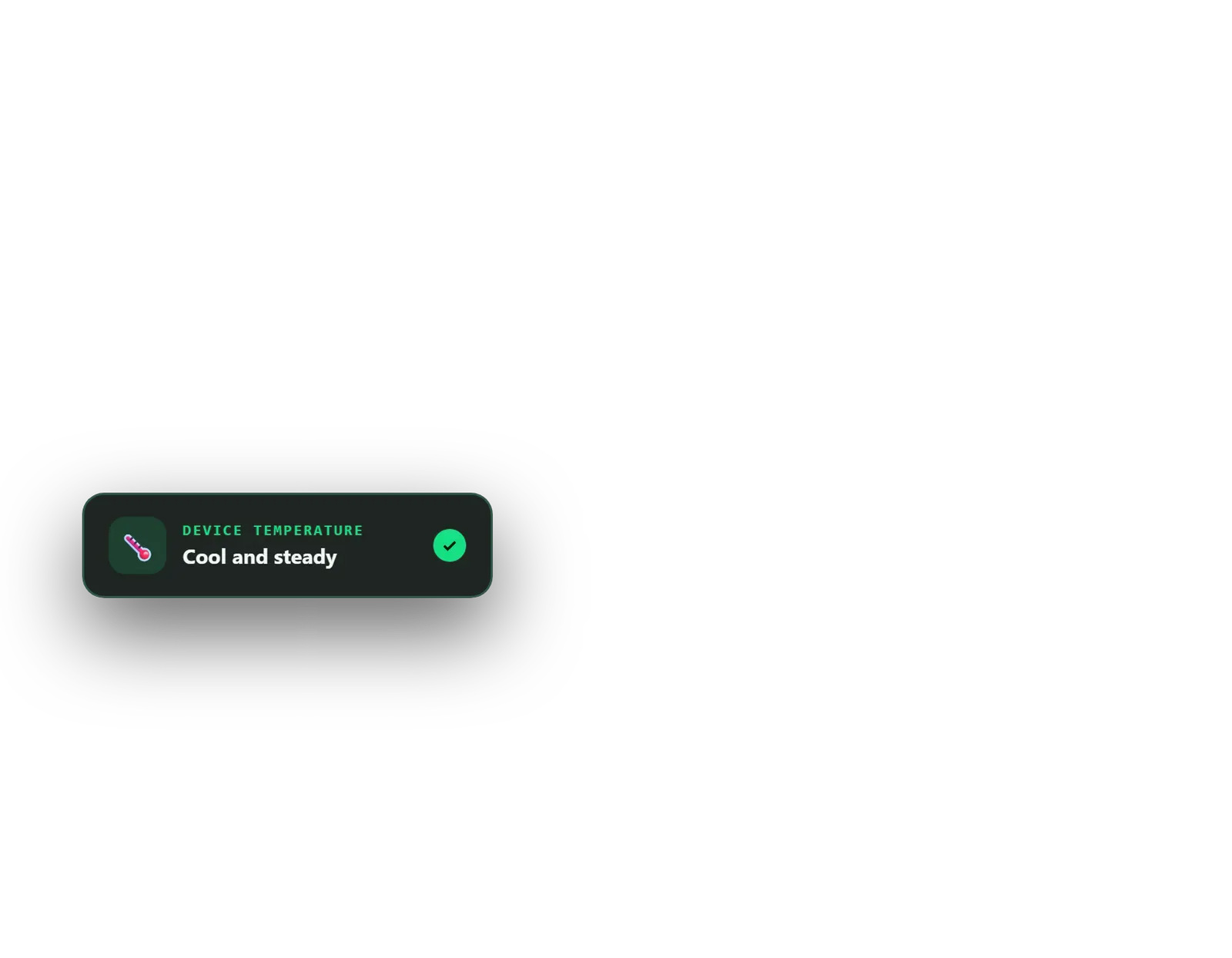
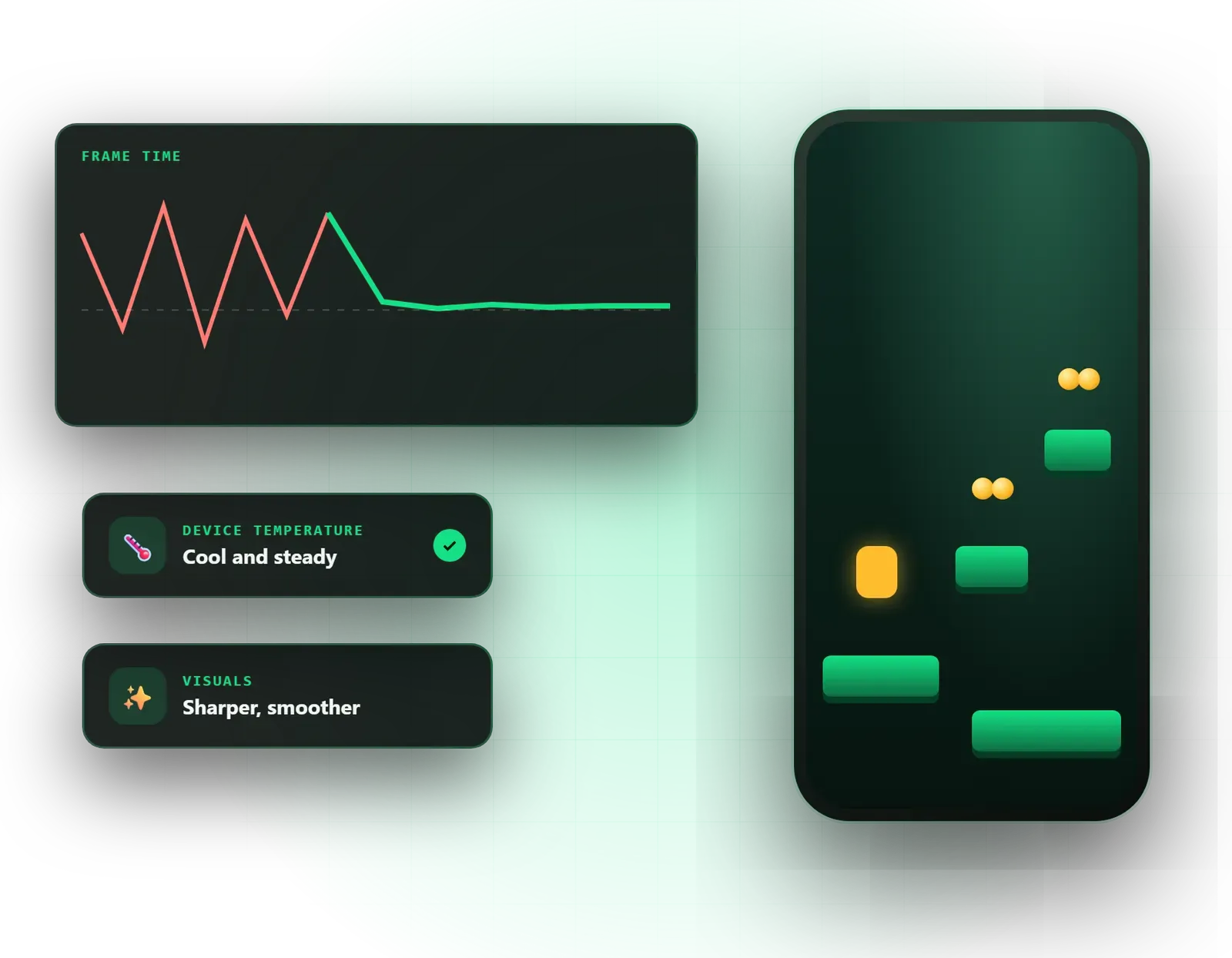
Phones slow their chips down when they get hot. A game can run well for two minutes and then drop. We test longer sessions and aim for a steady frame rate that holds, rather than a peak that does not last.
Physics settings are often left at defaults that are far too expensive for a phone. We tune the fixed time step, simplify colliders and limit what collides with what. In scripts, we look for work repeated every frame that only needs to happen occasionally, such as searching for objects, rebuilding UI or recalculating paths, and move it to events or timers.
We work on a separate branch in your version control, so your team can review every change and nothing is mixed into feature work by accident.
If the problems come from heavy art, our game art and level design team can rebuild assets to a budget. Browser games have their own constraints, covered on our WebGL games page.
Optimisation is scoped after a first look at the project, and your written quote fixes the price. The main factors are:
If you are unsure whether you need the full service, the audit on its own is a sensible first step: it gives you numbers and a ranked plan you can act on with any team.
Every project is led by our founder, Nazmul Hussain, who has 10+ years building websites, apps and digital products. You get a fixed written quote within 48 hours, weekly test builds with fresh measurements and milestone payments released after review. An NDA is available before we open your project, and bugs in code Omebly writes during the work are fixed free under our support policy. New features and work on the rest of the codebase are quoted separately.
Send us your symptoms and target devices on WhatsApp at +91 70444 33991 or book a free consultation.
Your symptoms, target devices and engine version discussed under NDA if needed, then access to the project.
Repeatable test scenes and device captures that record frame time, memory and load times.
A ranked list of problems with the expected gain and effort for each, agreed with you.
Optimisations made on a branch, with a test build and fresh measurements every week.
Before-and-after numbers, merged changes and notes your team can follow.
From $10,000 one-time. Every project gets a fixed written quote after a free consultation, with milestone payments.
From $10,000
Fixed quote
Fixed quote
| Omebly | Guess-and-fix by the existing team | |
|---|---|---|
| Starting point | Measured baseline on real devices | A feeling that the game is slow |
| What gets fixed first | The costs that take the most frame time | Whatever looks suspicious |
| Proof of improvement | Before-and-after numbers on the same devices | It feels a bit better |
| Risk to the game | Changes on a separate branch, tested weekly | Changes mixed into feature work |
| Team knowledge | Written notes so your team avoids repeating the problems | Lessons stay in one person's head |

A Unity game that runs smoothly in the editor can stutter on a real Android phone. Here is how to find the cause and fix the biggest problems first.
Two 3D games that look similar on paper can differ hugely in cost. Here is what actually moves the budget, and how first-time publishers can control it.

A good 2D mobile game starts as one action that feels great under a thumb. Here is how to grow that action into a game people return to.
The editor runs on a powerful computer with debugging overheads, so its numbers rarely match a phone. Mobile chips also behave differently: they slow down when hot, share memory with the graphics chip and have tighter memory limits. We profile development builds on your minimum and typical devices, because that is where your players are.
A draw call is an instruction from the CPU asking the GPU to draw something. Each one has a cost, and on phones too many of them can limit the frame rate even when the scene looks simple. Shared materials, texture atlases, batching and instancing combine objects so the same scene needs far fewer draw calls.
Yes, that is most optimisation work. We review the project first so we understand its structure. Our lifetime bug-fix support covers the code Omebly writes during the work, not the rest of the existing codebase. We agree in writing which systems we will change, and we work on a separate branch so your team can review every change.
Not usually. Many gains come from invisible changes such as fewer draw calls, less memory churn and better culling. Where a visual trade-off would help, such as lower shadow quality on older phones, we propose it as a setting for that device tier and show you the difference before making it.
We cannot promise approval, because Google, Apple and Valve make those decisions. We can check your build against their current technical requirements, such as target API level, 64-bit support, crash rates, privacy details and app size, and fix technical issues we find, which removes common reasons for rejection.
We record a baseline at the start using repeatable test scenes on fixed devices, measuring frame time, memory, load time and build size. After the fixes, we repeat the same tests on the same devices and share both sets of numbers in the final report, so you can see exactly what changed.
Tell us what you have in mind. You get a free consultation and a fixed quote within 48 hours.
Prefer email? info@omebly.com