





Brands with commercial or product footage
Make product colours accurate and every shot match, so the film looks like one production.
Omebly PDF Tools
Edit PDFRotate PDFHeader and footerBates numberingResize PDFEdit metadataPDF bookmarksAdd page numbersAdd watermarkCrop PDFCreate PDF formFill PDF formsMerge PDFSplit PDFRemove pagesExtract pagesOrganise PDFPages per sheetScan to PDFBatch PDFCompress PDFGrayscale PDFOptimise for webRemove commentsRepair PDFOCR PDFJPG to PDFPNG to PDFText to PDFMarkdown to PDFEPUB to PDFWord to PDFPowerPoint to PDFExcel to PDFHTML to PDFPDF to JPGPDF to PNGPDF to TextExtract imagesPDF to EPUBPDF to WordPDF to PowerPointPDF to ExcelPDF to PDF/AUnlock PDFProtect PDFSign PDFFlatten PDFRedact PDFCompare PDFAI SummarizerTranslate PDFChat with PDFPDF to MarkdownFootage that looks consistent, natural and on-brand from the first shot to the last.
From $150 per video
Make product colours accurate and every shot match, so the film looks like one production.
Hand off a locked cut and get back a graded master in the format your delivery needs.
Turn flat camera profiles into a signature look you can keep across every upload.
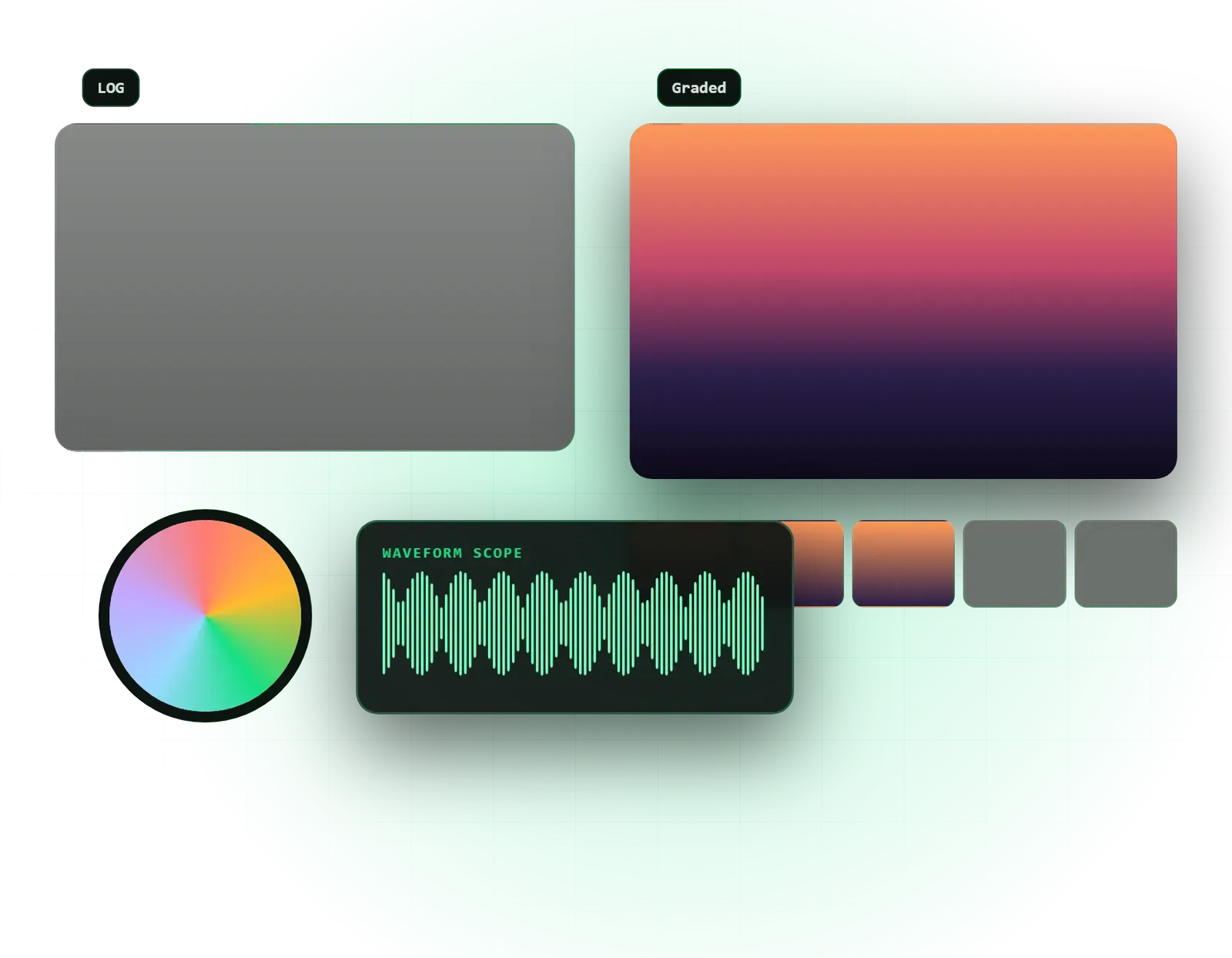
An ACES or camera-specific pipeline so LOG and RAW footage converts to Rec.709 correctly, not by guesswork.
Exposure, white balance and contrast balanced on scopes for every shot before any creative look is added.
Different cameras, angles and lighting set-ups matched so cuts feel seamless.
Faces kept natural and healthy while the rest of the frame takes on the chosen look.
A look built for your brand or story, using film emulation LUTs where they suit.
HDR passes for projects that will be watched on HDR screens, alongside a standard version.
On request, a LUT of your look so your team or other editors can apply it consistently.
Final files as ProRes 4444 or DNxHR, plus web-ready exports for each platform.
Colour grading is the step that makes footage look like one deliberate film rather than a set of clips. Our color grading services cover both halves of the job: correcting exposure, white balance and differences between cameras, and then giving the project a look that suits the brand or story. All grading is done in DaVinci Resolve, with ACES colour management where the project calls for it.
It matters most when footage comes from more than one camera, when it was shot in a flat LOG or RAW profile, or when product colours have to look true on screen. Brands with commercials and product films, production teams who need a graded master for delivery, and creators who shoot in LOG and want a consistent signature look all come to us for this. It is one part of our wider video editing service, and can be booked on its own for a cut that is already locked.
Every grade starts with colour management. LOG and RAW footage from RED, ARRI, Sony and other cameras is converted to Rec.709 using the correct transform for that camera, so colours start accurate instead of being pushed by eye. Then comes primary correction, shot by shot, on the waveform and vectorscope: exposure, white balance and contrast set so each image is clean and natural.
Next is shot-to-shot matching. A two-camera interview, a drone shot and a phone clip will never match out of the box, and cuts between them jump unless each shot is matched by hand. Secondary corrections follow, such as isolating skin tones so faces stay healthy, tracking a window to lift a subject, or correcting the colour of a single product so it matches the real item.
Only then do we add the creative look, which might use film emulation LUTs or be built from scratch for your brand. For projects watched on HDR screens we add an HDR grade alongside the standard one. Masters are delivered as ProRes 4444 or DNxHR, with web exports for each platform.
We prefer to agree the look before grading the whole timeline. After the footage check, we pick a handful of hero shots, grade them and send stills or a short clip with one or two look options. Once you approve a direction, it is applied across the film and refined shot by shot.
The trade-offs are practical. A strong stylised look can make a commercial memorable but may make a product colour inaccurate, so for e-commerce we keep the product true and push the look in the background and shadows instead. Heavy noise reduction cleans up dark footage but softens detail, so we use it selectively. And a LUT downloaded online rarely works on its own, because it was built for a different camera and different exposure. We use LUTs as a finishing layer on balanced footage, not as the whole grade.
For films edited elsewhere, we conform from an XML, EDL or AAF and the original media. That keeps the full quality of the camera files and makes it easy to send a finished master back to your editor or straight to delivery.
A short ad or a single interview can be graded quickly; a documentary or a campaign with dozens of locations takes longer. The main factors are the running time, the number of cameras and lighting set-ups, the number of shots that need secondary work such as skin or object isolation, whether HDR is required, and how many versions and formats you need delivered.
Footage that was shot well, with consistent white balance and correct exposure, is faster to grade than footage that needs rescuing. Sending the right files also saves time: a clean XML and original media avoid hours of manual rebuilding. After a free consultation and a look at sample clips, you receive a fixed written quote within 48 hours with scope, review rounds and delivery dates.
A few habits on set and in the edit make grading faster and give better results. Expose correctly for the profile you are using, and keep white balance fixed within a scene rather than on auto. If you can, shoot a few seconds of a colour chart or a white card under each lighting set-up.
In the edit, avoid baking in LUTs or effects that cannot be removed later, and keep speed changes and transforms simple, as some do not translate cleanly between applications. When you hand over, include the original camera files rather than transcodes, note any shots you are unhappy with, and tell us which clips came from which camera. These small steps mean more of the budget goes on the look, and less on fixing problems.
Every project is led by founder Nazmul Hussain, who brings 10+ years of building digital products, and every grade is set on scopes rather than by eye alone, so it holds up on different screens. You review hero shots before the full grade, pay in milestones, and can request an NDA for unreleased campaigns.
Once paid in full, the graded masters are yours, along with any look LUT agreed in the proposal. Grading pairs naturally with our sound design and mixing for a fully finished film, and with documentary and event films where footage often comes from many cameras.
Send a short sample of your footage and a reference look on WhatsApp or through our contact page, and we will tell you what the grade can achieve.
We review sample clips, camera models and profiles, and agree the delivery formats and reference looks.
We relink your locked edit from an XML, EDL or AAF with the original media, or split a flattened export into shots.
Every shot is corrected on scopes and matched across cameras before the look goes on.
We grade hero shots first for your approval, then apply and refine the look across the timeline.
We render ProRes or DNxHR masters and the web versions you need, and check them on a second screen.
From $150 per video. Every project gets a fixed written quote after a free consultation, with milestone payments.
From $150
Fixed quote
Fixed quote
| Omebly | Applying a downloaded LUT | |
|---|---|---|
| Starting point | Footage balanced on scopes before any look | LUT applied to whatever exposure the shot has |
| Matching | Each camera and shot matched by hand | Same LUT looks different on every camera |
| Skin tones | Isolated and protected | Faces shift orange, green or grey |
| Colour science | Correct input transform for your camera's LOG | Often built for a different camera profile |
| Delivery | ProRes or DNxHR masters plus platform exports | One compressed export |
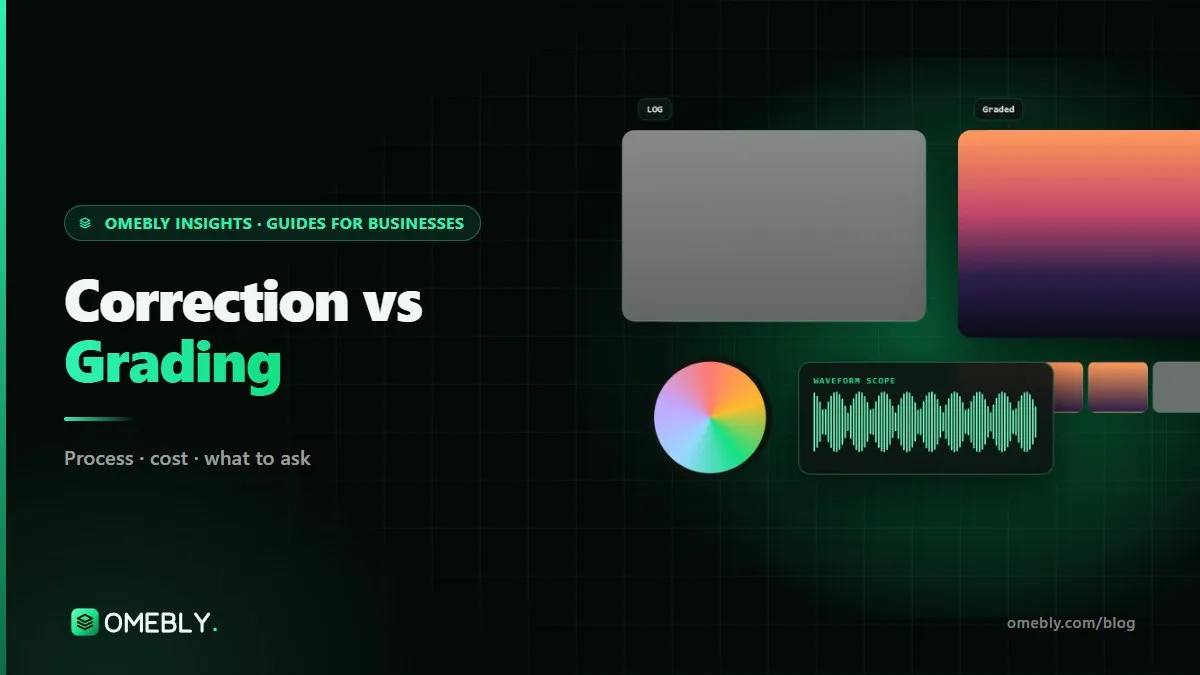
Colour correction makes footage accurate and consistent; colour grading gives it a mood. Here is what each step involves, the order they happen in and what to ask for.
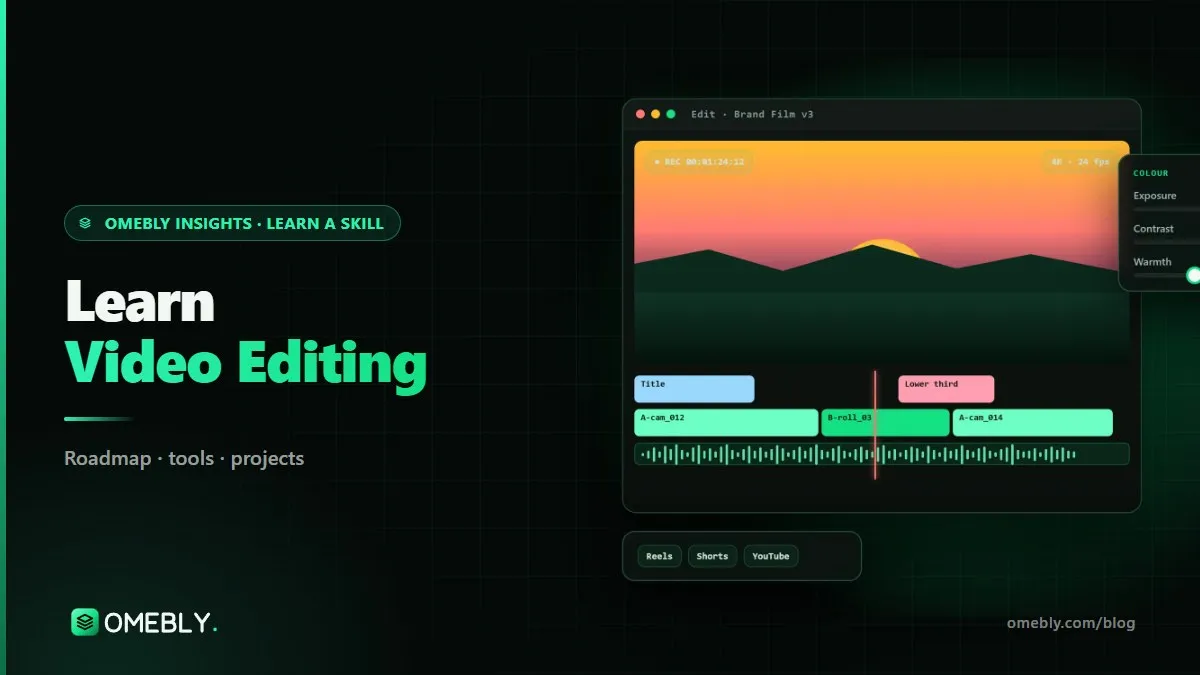
A practical roadmap for learning video editing in 2026, from cuts and pacing in Premiere Pro to colour in DaVinci Resolve, Reels, YouTube edits and ads.

What a startup actually needs from brand identity design: logo system, colours, typography, tone of voice and guidelines, plus the process, costs and common mistakes.
Yes. The cleanest way is for your editor to send an XML, EDL or AAF of the locked cut with the original camera media, so we grade at full quality and send back a master. If that isn't possible, a high-quality flattened export such as ProRes can be split into shots in DaVinci Resolve, though there is less room to push the footage.
No, but LOG and RAW give us far more room to recover highlights, match cameras and build a look. Standard profiles can still be corrected and matched well. Whatever you shoot, correct exposure on set matters more than the profile: footage that is badly underexposed or clipped can be improved, but detail that was never recorded cannot be brought back.
We work with RED RAW, ARRI LogC and Sony S-Log, as well as other common LOG and RAW formats, including footage from phones that record in LOG. We set up the correct colour management for each camera so the conversion to Rec.709 is accurate. If you are unsure what your camera recorded, send a short sample clip and we will check it before quoting.
Correction fixes problems: exposure, white balance and differences between shots, so everything looks natural and consistent. Grading is the creative step that follows, giving the film a mood or brand look, such as warm and filmic or clean and bright. Every project needs correction; how far to take the grade depends on the story and where it will be shown.
Yes. Once you have approved a look, we can export it as a LUT for your editors or your camera monitor. A LUT works most reliably on footage shot with the same camera, profile and similar lighting, so we explain its limits and, where needed, make separate versions for different cameras you use regularly.
Yes, for projects that will be watched on HDR-capable screens or platforms. HDR needs footage with enough dynamic range, usually LOG or RAW, and a separate standard version is always delivered too, as most viewers still watch in SDR. Tell us in the brief if you need HDR so the workflow is planned from the start.
Tell us what you have in mind. You get a free consultation and a fixed quote within 48 hours.
Prefer email? info@omebly.com