


Teams with a finished app
Get a built app through App Store and Google Play submission without losing weeks to forms and rejections.
Omebly PDF Tools
Edit PDFRotate PDFHeader and footerBates numberingResize PDFEdit metadataPDF bookmarksAdd page numbersAdd watermarkCrop PDFCreate PDF formFill PDF formsMerge PDFSplit PDFRemove pagesExtract pagesOrganise PDFPages per sheetScan to PDFBatch PDFCompress PDFGrayscale PDFOptimise for webRemove commentsRepair PDFOCR PDFJPG to PDFPNG to PDFText to PDFMarkdown to PDFEPUB to PDFWord to PDFPowerPoint to PDFExcel to PDFHTML to PDFPDF to JPGPDF to PNGPDF to TextExtract imagesPDF to EPUBPDF to WordPDF to PowerPointPDF to ExcelPDF to PDF/AUnlock PDFProtect PDFSign PDFFlatten PDFRedact PDFCompare PDFAI SummarizerTranslate PDFChat with PDFPDF to MarkdownYour app submitted properly to the App Store and Google Play, with fewer review surprises and a plan for after launch.
From $1,500 one-time
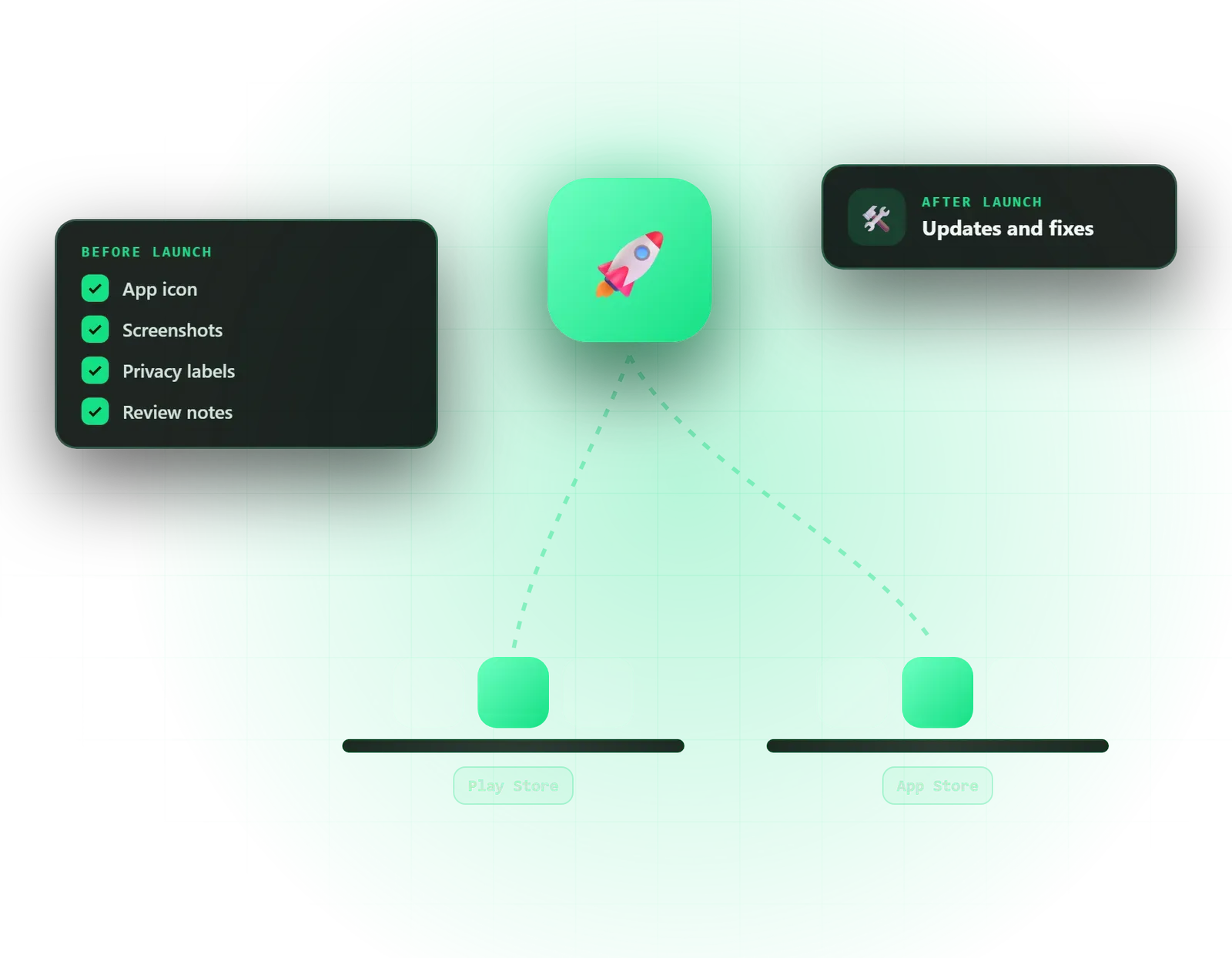
Get a built app through App Store and Google Play submission without losing weeks to forms and rejections.
Set up developer accounts, signing and listings correctly in your own name from day one.
Understand why the app was rejected, fix what is needed and resubmit with clear notes for the reviewer.
Help enrolling in the Apple Developer Program and Google Play Console in your name, and granting us safe team access.
Certificates, provisioning profiles, Play App Signing and release builds prepared and stored in accounts you control.
A check of the app against Apple's App Review Guidelines and Google Play policies, with a list of issues to fix first.
App name, subtitle, descriptions, keywords, screenshots and preview images prepared for each store.
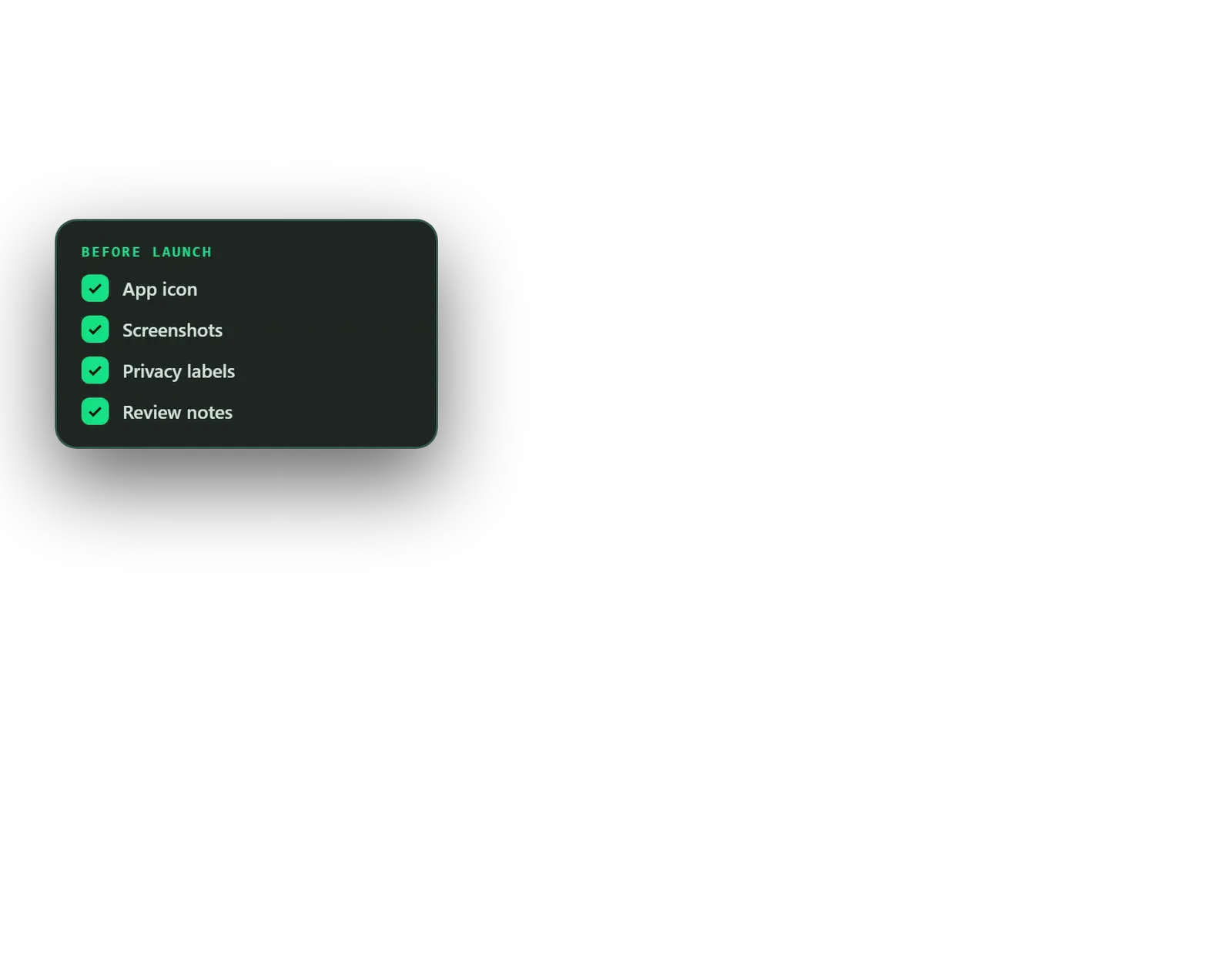
Apple privacy labels, Google Play data safety form, content ratings and permission declarations completed accurately.
TestFlight and Google Play internal or closed testing set up, including the closed test Google requires for some new accounts.
Review notes, demo login and answers to reviewer questions, plus fixes and resubmission if an app is rejected.
Keyword research and listing copy for both stores, with screenshots that show the app's value in the first two frames.
Crashlytics monitoring, OS compatibility updates and yearly SDK upgrades available as quoted jobs or a retainer.
Finishing an app is not the same as launching it. Before Apple or Google will publish anything, they need signed release builds, accurate privacy declarations, content ratings, store listings, screenshots in the right sizes and, often, a demo account for the reviewer. Miss one item and the app sits in review or comes back rejected. Omebly’s app store submission service takes care of that last stretch for both the App Store and Google Play, and stays on after launch if you need ongoing support.
It suits teams with a finished app that want it published properly, founders publishing for the first time who need accounts and signing set up in their own name, and apps that have already been rejected or stuck in review.
One thing we will always be clear about: the final review decision belongs to Apple and Google. We cannot promise approval. What we can do is remove the avoidable reasons for rejection and respond quickly and clearly if a reviewer raises something.
A pre-submission review. We go through your app as a reviewer would, against Apple’s App Review Guidelines and Google Play’s developer policies. Typical findings include login walls without a demo account, broken links, placeholder content, permissions requested without explanation, missing account deletion, and payments that should use in-app purchase. You get a short list of what to fix before submitting.
Apps are published under developer accounts in your name. We help with enrolment, then set up certificates, provisioning profiles and Play App Signing, with keys stored in accounts you control rather than on one person’s laptop.
Apple’s privacy labels and Google’s data safety form must match what the app and every SDK inside it actually collect. We list each SDK, check what data it handles, and complete the forms accurately, along with content ratings and permission declarations.
We research the words your customers search for, write titles, subtitles and descriptions for each store, and design screenshots that show the main benefit in the first two frames.
TestFlight and Google Play testing tracks let your testers use release builds before the public sees them. Where Google requires a closed test for a newer personal account, we plan that period into your launch date.
We submit with clear review notes and a demo login, watch for reviewer messages, and answer them. If an app is rejected, we fix what is needed and resubmit.
Staged roll-outs. On Google Play we can release to a small percentage of users first and widen it once crash reports look healthy. On the App Store, phased release spreads automatic updates over several days. Both limit the damage if a problem slips through.
Review times vary and sometimes stretch, especially around holidays and major OS releases. We submit early and keep launch announcements flexible until approval arrives.
Both stores let you choose where the app is available and localise listings per language. We set availability to match your market, for example India, the UAE and the wider Gulf, and prepare English and, where you need it, Arabic or Hindi listings, so local searches show copy written for those users.
Every update gets a clear version number and short, honest release notes. Reviewers read them, and so do users deciding whether to update.
Firebase Crashlytics and the stores’ own vitals show crashes and slow screens on real devices. In the first days after launch we watch these closely and report back to you.
Apple and Google raise their requirements every year, such as new SDK versions or target API levels. Support options include Crashlytics monitoring with a bug-fixing retainer, OS compatibility updates and yearly SDK upgrades, quoted as fixed jobs or a retainer.
After the free consultation and a first look at your app, you receive a fixed written quote within 48 hours. The app development page explains how launch fits into a full build; this service can also be booked on its own.
What affects the scope most:
Developer account fees are paid directly to Apple and Google and are not part of our price.
Every launch is overseen by founder Nazmul Hussain, with his 10+ years of building and shipping websites, apps and digital products. You get a fixed written quote, milestone payments released after you have seen the work, and clear updates while your app is in review.
All accounts, keys and listings stay in your name, and an NDA is available on request. If Omebly built your app, bugs in code we wrote remain covered by our support policy; for apps built elsewhere, fixes are quoted. For new builds, see iOS app development and Android app development.
Ready to launch? Message us on WhatsApp or use the contact page.
A WhatsApp or video call about your app, its current state, target countries and launch date.
We check the app and listings against store rules, then send a fixed written quote within 48 hours.
Developer accounts confirmed, release builds signed and store listings, privacy forms and ratings prepared.
TestFlight and Google Play testing tracks run with your testers, with any required closed-test period planned in.
Apps submitted with review notes; reviewer questions answered and any rejection reasons fixed and resubmitted.
Staged roll-out, crash monitoring and a short report, with optional ongoing support.
From $1,500 one-time. Every project gets a fixed written quote after a free consultation, with milestone payments.
From $1,500
Fixed quote
Fixed quote
| Omebly | Doing it yourself | |
|---|---|---|
| Store rules | App checked against current Apple and Google rules before submission | Rules learned from each rejection |
| Privacy forms | Privacy labels and data safety form matched to every SDK in the app | Easy to miss data collected by third-party SDKs |
| Rejections | Reviewer notes read, fixes made and resubmitted with clear replies | Back-and-forth that can stall a launch for weeks |
| Listings | Keyword-researched copy and designed screenshots for both stores | Plain screenshots and a description written at the last minute |
| Accounts and keys | Everything set up in your name, with signing keys stored safely | Keys on one laptop, at risk of being lost |
| After launch | Crash monitoring and planned OS updates available | Problems found through one-star reviews |
Most app rejections are avoidable: crashes, missing demo logins, privacy mismatches and payment rules. Here is what Apple and Google look for.
What UAE businesses need to know before building an iPhone app: Apple accounts, App Store review rules, payments, privacy and proper Arabic support.
Most Indian users are on Android, but that doesn't settle it. Here is how to decide whether to launch on Android, iOS or both, based on your users and budget.
No, and nobody honestly can. Apple and Google make every review decision, and their rules change. What we do is check your app against the current guidelines before submission, complete the privacy and policy forms accurately, provide a demo login and clear review notes, and fix and resubmit if a reviewer raises issues. That removes the common, avoidable reasons for rejection.
Yes. We first review the build, the listing and the privacy details, then give you a list of anything likely to cause a rejection and a fixed quote. If code changes are needed, we explain whether we can make them safely. Lifetime bug-fix support only covers code Omebly writes, so it does not apply to the original developer's code.
We read the rejection message and any guideline it cites, then decide with you whether the fix is in the app, the listing or simply a clearer explanation for the reviewer. Most rejections come down to missing information, broken links, privacy mismatches or too little functionality. We make the agreed changes, reply in App Store Connect or the Play Console, and resubmit.
Google Play requires some newer personal developer accounts to run a closed test with a minimum number of testers for at least 14 days before they can publish to production. We check whether this applies to your account at the start, help you organise testers and plan the launch date around it, so it does not catch you out at the end.
ASO means choosing the title, subtitle, keywords, descriptions and screenshots that help the right people find and install your app in store search. It matters most when people will search for an app like yours rather than arrive from your website or ads. We research the words your customers use and write listings for both stores, without making promises about rankings.
You need an Apple Developer Program membership for the App Store and a Google Play Console account for Android, both in your own or your company's name so the apps stay yours. Apple charges a yearly fee and Google a one-time registration fee, paid directly to them. Organisation accounts may also need business verification documents.
Tell us what you have in mind. You get a free consultation and a fixed quote within 48 hours.
Prefer email? info@omebly.com