
Free tools that keep your files on your device
PDF, image and video tools that work right in your browser. No sign-up, no limits, and nothing is uploaded to a server.
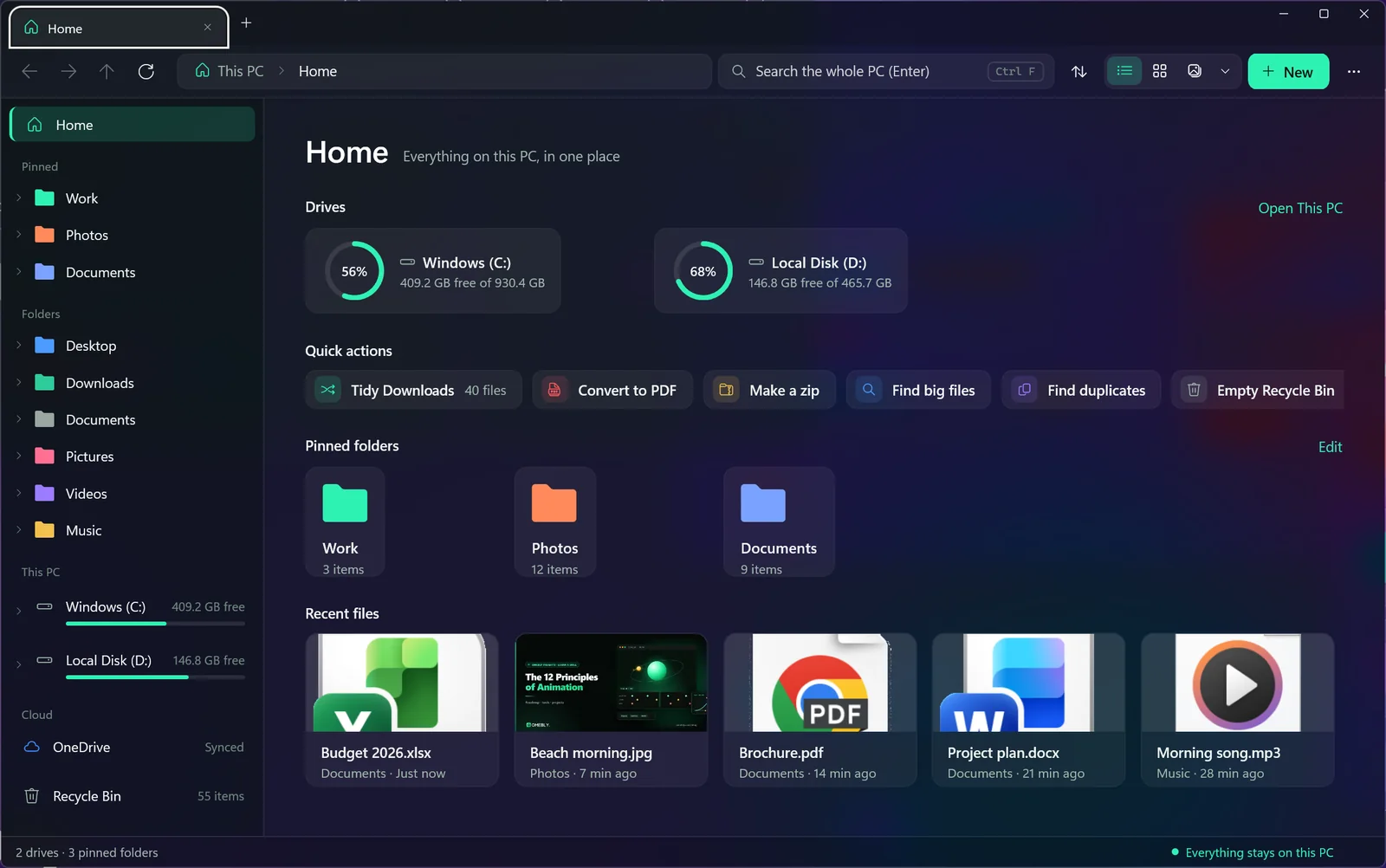
New · free Windows app
Omebly Explorer
A file manager that does everything File Explorer does, with every PDF tool on this page on its right-click menu, tabs, a viewer for every file and copying up to 18x faster.
Omebly PDF Tools
Edit PDF
Edit PDFEdit text, images and pagesOpen →Rotate PDFTurn pages the right wayOpen →Header and footerText, dates and page numbersOpen →Bates numberingABC000001 on every pageOpen →Resize PDFA4, Letter and moreOpen →Edit metadataTitle, author, keywordsOpen →PDF bookmarksAdd a clickable outlineOpen →Add page numbersNumber every pageOpen →Add watermarkStamp text or a logoOpen →Crop PDFTrim page marginsOpen →Create PDF formMake any PDF fillableOpen →Fill PDF formsType in fields, tick boxesOpen →
Organise PDF
Optimise PDF
Convert to PDF
JPG to PDFImages into a PDFOpen →PNG to PDFPNG, WebP and other imagesOpen →Text to PDFTXT into PDFOpen →Markdown to PDFMD into PDFOpen →EPUB to PDFE-books into PDFOpen →Word to PDFDOCX into PDFOpen →PowerPoint to PDFPPTX into PDFOpen →Excel to PDFXLSX into PDFOpen →HTML to PDFWeb pages into PDFOpen →
Convert from PDF
PDF to JPGPages as imagesOpen →PDF to PNGPages as PNG imagesOpen →PDF to TextPlain .txt fileOpen →Extract imagesPictures at full qualityOpen →PDF to EPUBReflowable e-bookOpen →PDF to WordEditable DOCXOpen →PDF to PowerPointEditable PPTXOpen →PDF to ExcelTables into XLSXOpen →PDF to PDF/AFor long-term archivingOpen →
PDF Security
PDF Intelligence
Omebly Image Tools
Edit image
Omebly Video Tools
Edit video
Video EditorMulti-track timeline, text, captions, musicOpen →
Video Editor ProPremiere-style workspaceSOON
Built with open-source software and models. See the credits.