







Businesses spending on ads
See which channels, campaigns and keywords bring enquiries and sales, not just clicks.
Omebly PDF Tools
Edit PDFRotate PDFHeader and footerBates numberingResize PDFEdit metadataPDF bookmarksAdd page numbersAdd watermarkCrop PDFCreate PDF formFill PDF formsMerge PDFSplit PDFRemove pagesExtract pagesOrganise PDFPages per sheetScan to PDFBatch PDFCompress PDFGrayscale PDFOptimise for webRemove commentsRepair PDFOCR PDFJPG to PDFPNG to PDFText to PDFMarkdown to PDFEPUB to PDFWord to PDFPowerPoint to PDFExcel to PDFHTML to PDFPDF to JPGPDF to PNGPDF to TextExtract imagesPDF to EPUBPDF to WordPDF to PowerPointPDF to ExcelPDF to PDF/AUnlock PDFProtect PDFSign PDFFlatten PDFRedact PDFCompare PDFAI SummarizerTranslate PDFChat with PDFPDF to MarkdownAnalytics you can trust, and one dashboard that shows where your enquiries and sales really come from.
From $450 audit, one-time
See which channels, campaigns and keywords bring enquiries and sales, not just clicks.
Track the full shopping journey, from product view to purchase, with revenue that matches your store.
Replace duplicate tags and broken events with one documented set-up everyone understands.
Your current GA4, tags, events and ad conversions checked for gaps, duplicates and errors.
A written list of the actions that matter to your business and how each is tracked and named.
Data streams, retention, filters, cross-domain tracking and Search Console and Google Ads links configured.
Form submissions, calls, sign-ups and purchases tracked as events, with the important ones marked as key events.
A clean GTM container, and server-side tagging where it improves data quality and site speed.
Google consent mode connected to your cookie banner, so tracking follows each visitor's choice.
Google Ads conversions and the Meta Conversions API fed from the same events, without double-counting.
Automated reports showing channels, campaigns, key events and revenue, refreshed without manual work.
Multi-touch attribution and path reports to show how channels work together before a sale.
Every marketing decision depends on the data behind it, and most analytics set-ups are quietly broken: duplicate tags, missing form events, purchases counted twice, or tracking that ignores the cookie banner. Our GA4 setup service fixes that. We plan what should be measured, build it properly in Google Analytics 4 and Google Tag Manager, connect it to your ad platforms, and turn it into a Looker Studio dashboard that shows where enquiries and sales actually come from.
It suits businesses spending on ads who need to know which channels work, online stores that want revenue in GA4 to match the store, and teams whose tracking has grown messy over time. It is part of our wider digital marketing service, and underpins everything else we run, from SEO to paid campaigns.
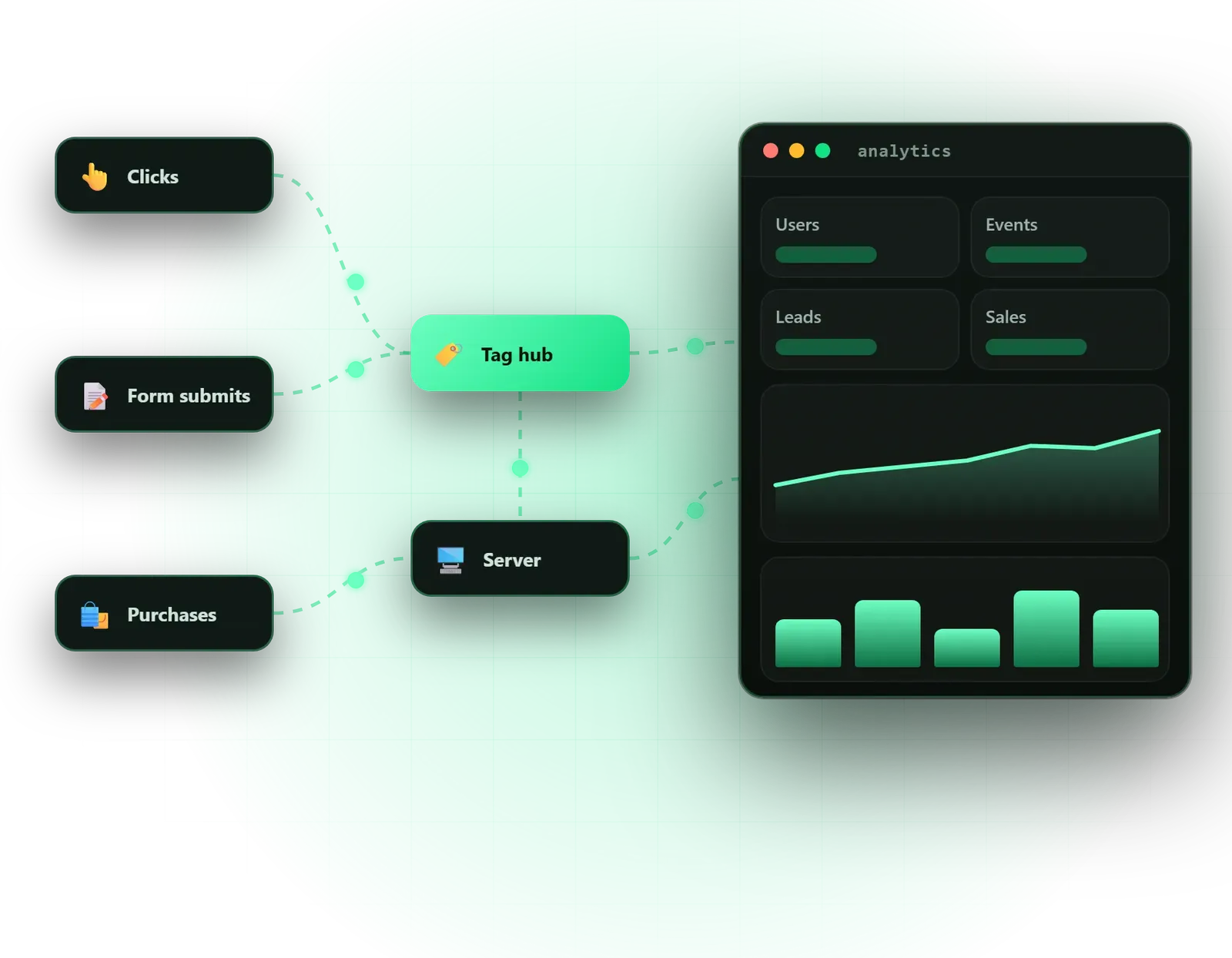
We start with an audit of your current tracking: the GA4 property, every tag in Google Tag Manager, and the conversions your ad platforms are counting. Then we write a measurement plan, a short document that lists the actions that matter to your business, how each is tracked and what it is called. That plan is what keeps tracking consistent when sites change or new team members join.
Implementation covers the GA4 property itself, including data streams, data retention, internal traffic filters, cross-domain tracking and links to Search Console and Google Ads. Custom events track form submissions, sign-ups, phone and WhatsApp clicks and the full e-commerce journey, and the outcomes that really matter are marked as key events. Google Tag Manager is organised and documented, with server-side tagging added where it improves data quality.
Consent mode is connected to your cookie banner so tracking respects each visitor’s choice. Google Ads conversions and the Meta Conversions API are fed from the same events, so platforms stop disagreeing about what happened. Finally, automated Looker Studio dashboards bring it together, with multi-touch attribution and path views that show how channels work together before a sale.
We measure less, but better. Tracking every click creates noise and makes reports hard to read, so the measurement plan starts from your business questions: which channels bring qualified enquiries, where shoppers drop off, what a customer from each campaign is worth. Only events that help answer those questions are built.
Accuracy is tested, not assumed. Every event is checked in Tag Manager preview and GA4 debug view, and totals are compared with your store, CRM or booking system. Some gap between tools is normal, because of ad blockers, consent choices and different attribution rules, but we explain what remains rather than leaving you to wonder.
Server-side tagging is a trade-off. It can improve data quality, reduce browser scripts and give more control over what third parties receive, but it needs a hosted tagging server with its own small running cost. We recommend it when your ad spend or data needs justify it. For larger data needs, GA4’s BigQuery export keeps raw event data you can query beyond the standard reports.
A straightforward GA4 and Tag Manager set-up for a business website can be completed within a few weeks, including testing. Stores with complex checkouts, sites across several domains, server-side tagging and custom dashboards take longer. Waiting for developer or platform access is the most common delay, so we list what we need on day one.
Cost depends on the number of sites and domains, the platform (for example Shopify, WordPress or a custom build), the number of events and key events, whether server-side tagging and ad platform conversions are included, and how many dashboards you need. Server hosting and any paid tools are billed by their providers, separately from our fee. Everything is confirmed in a fixed written quote after a free consultation.
Some issues appear in most audits. The GA4 tag is installed twice, once directly and once through Tag Manager, which doubles page views and purchases. Thank-you page views are counted as conversions even when visitors reload the page. Payment gateways that send shoppers to another domain break the session, so sales are credited to the payment provider instead of the campaign that brought them. Internal traffic from your own team is never filtered out.
Key events are left unset, or every scroll and click is marked as one, which makes reports meaningless. And cookie banners either block tracking with no consent mode, or let tags fire before anyone has chosen. Each of these is fixable, and fixing them often changes which channels look worth the spend.
Projects are led personally by founder Nazmul Hussain, who brings 10+ years of building websites and digital products, so tracking is set up by people who understand how sites and checkouts are built, not just how reports look. You get a written measurement plan, a walkthrough of your dashboards and an NDA on request.
Every account, container and dashboard is created in your name or transferred to you, so the data stays yours. With reliable tracking in place, our conversion rate optimisation can find where visitors drop off, and our Google Ads management can bid towards real enquiries and sales.
Tell us your website platform and the ad channels you use on WhatsApp or through the contact page, and we will tell you what to check first.
We look at your site, platforms, ad channels and the questions you want your data to answer.
We audit existing tracking and write a measurement plan of events, key events and naming.
GA4, Google Tag Manager, consent mode and ad platform conversions are built in a test environment first.
Every event is tested with preview and debug tools and checked against your store or CRM numbers.
Looker Studio dashboards are built, documented and walked through with your team.
From $450 audit, one-time. Every project gets a fixed written quote after a free consultation, with milestone payments.
From $450
Fixed quote
Fixed quote
| Omebly | The default GA4 install | |
|---|---|---|
| What is tracked | Events planned around your enquiries and sales | Page views and a few automatic events |
| Key events | Only real business outcomes marked | None set, or every click counted |
| Consent | Consent mode tied to your cookie banner | Often tracks before consent or not at all |
| Ad platforms | Google and Meta fed from the same events | Separate pixels that disagree |
| Reporting | Automated Looker Studio dashboard | Standard reports few people open |
| Documentation | Written measurement plan and naming | Nobody remembers what each tag does |
Key events tell GA4 and Google Ads what success looks like for your business. Here is how to choose them, build them properly and check they are counting correctly.
Set up Google Analytics 4 properly in an hour, then learn to read the four reports that tell you where visitors come from, what they do and what works.
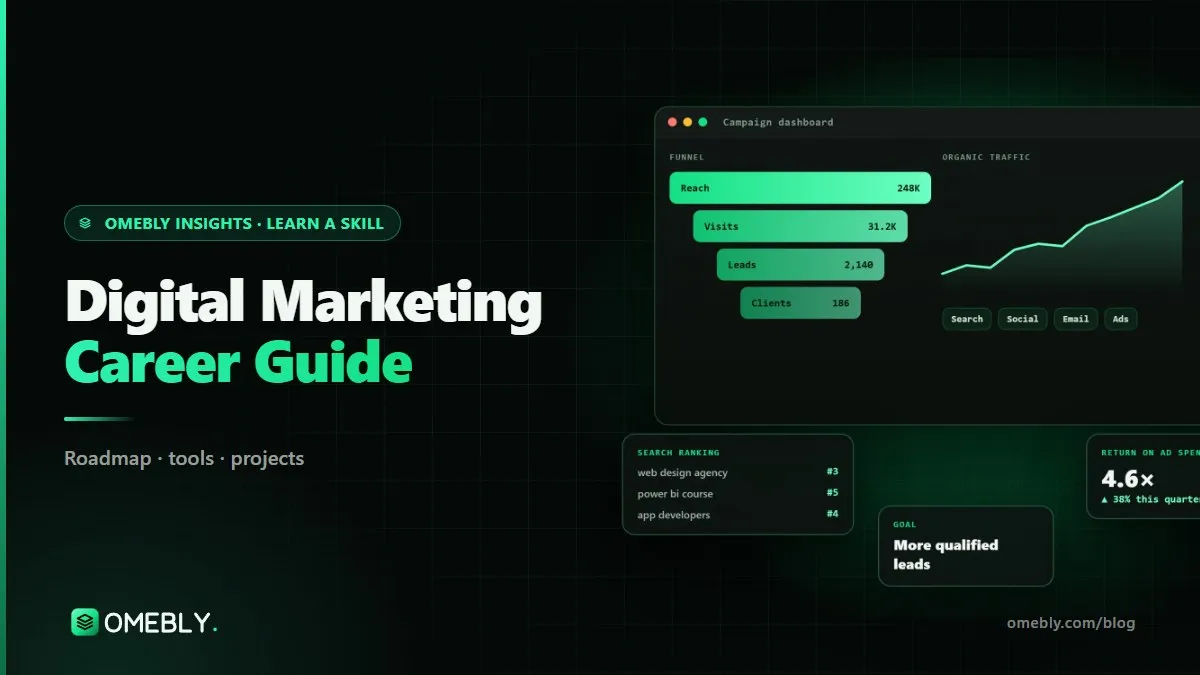
A practical career guide to digital marketing in 2026: the skills to learn in order, the tools that matter, a month-by-month plan, portfolio projects and the roles you can aim for.
Some difference is normal. Ad platforms count conversions with their own attribution windows, ad blockers and consent choices hide some visits, and GA4 models some data. Large gaps, though, usually mean duplicate tags, missing events or broken cross-domain tracking. We find the cause, fix what can be fixed and explain the difference that remains.
Server-side Google Tag Manager sends tracking data to your own tagging server first, which then passes it to GA4, Google Ads and Meta. It can improve data quality, reduce scripts loading in the browser and give you more control over what is shared. It adds a small monthly hosting cost, so we recommend it when ad spend or data quality makes it worthwhile.
Consent mode passes each visitor's cookie choice to Google tags, so they behave accordingly. Google requires it for advertisers using its ad features with visitors in the European Economic Area, and it is good practice for any site with a cookie banner. We connect it to your existing consent tool or help you choose one.
It is designed around your questions, but usually shows traffic and key events by channel and campaign, revenue or enquiry trends, landing page performance, device and country splits and ad spend against results where available. It refreshes automatically, so you can check it any time without waiting for a report.
Yes. Clicks on phone numbers and WhatsApp links can be tracked as events, and calls from Google Ads can be tracked through Google's call reporting. Tracking whether a call became a sale needs a call tracking tool or a record in your CRM, which we can plan for. Clicks show intent, not outcomes, so we label them clearly.
Yes. GA4, Google Tag Manager, Looker Studio and any server container are created in your accounts or transferred to you, and we work through user access you can remove at any time. The measurement plan and documentation are handed over too, so another team can pick up the set-up without guessing.
Tell us what you have in mind. You get a free consultation and a fixed quote within 48 hours.
Prefer email? info@omebly.com