




Founders planning a first app
A complete set of screens and flows to show investors, test with users and hand to any developer.
Omebly PDF Tools
Edit PDFRotate PDFHeader and footerBates numberingResize PDFEdit metadataPDF bookmarksAdd page numbersAdd watermarkCrop PDFCreate PDF formFill PDF formsMerge PDFSplit PDFRemove pagesExtract pagesOrganise PDFPages per sheetScan to PDFBatch PDFCompress PDFGrayscale PDFOptimise for webRemove commentsRepair PDFOCR PDFJPG to PDFPNG to PDFText to PDFMarkdown to PDFEPUB to PDFWord to PDFPowerPoint to PDFExcel to PDFHTML to PDFPDF to JPGPDF to PNGPDF to TextExtract imagesPDF to EPUBPDF to WordPDF to PowerPointPDF to ExcelPDF to PDF/AUnlock PDFProtect PDFSign PDFFlatten PDFRedact PDFCompare PDFAI SummarizerTranslate PDFChat with PDFPDF to MarkdownApp screens that feel natural on iOS and Android, tested on a real phone before development starts.
From $2,500 screens package, one-time
A complete set of screens and flows to show investors, test with users and hand to any developer.
Redesigned flows that cut extra taps from sign-up, search and checkout.
Platform-correct screens, states and specs your Flutter, Swift or Kotlin developers can build from.
Diagrams of each main journey, such as onboarding, search, booking or payment, before any screen is drawn.
Low-detail screens that settle navigation, content order and the number of steps in each flow.
Every screen in your brand, following Apple's Human Interface Guidelines and Google's Material 3.
Both themes designed and checked for contrast, so the app respects the phone's system setting.
Empty, loading, error, offline and permission-denied states, not just the happy path.
A Figma prototype you can run on your own phone and share with testers or investors.
Designed frames for App Store and Google Play listing images, based on the final screens.
Components, icons, spacing, gestures and transition notes, organised for the developers who will build it.
People judge an app within the first few taps. If sign-up is confusing or the main button is out of reach, they close it and rarely come back. Omebly’s mobile app UI UX design services give you screens that feel at home on iPhone and Android, flows with no wasted steps, and a prototype you can try on your own phone before development begins.
We design in Figma, following Apple’s Human Interface Guidelines for iOS and Google’s Material 3 for Android. The result is a full set of screens, states and specifications that developers can build from, whether they use Flutter, SwiftUI or native Android. This sits under our wider UI/UX design service, which also covers websites and dashboards.
This service suits founders planning a first app, businesses whose app gets complaints about being hard to use, and development teams who have strong engineers but no designer.
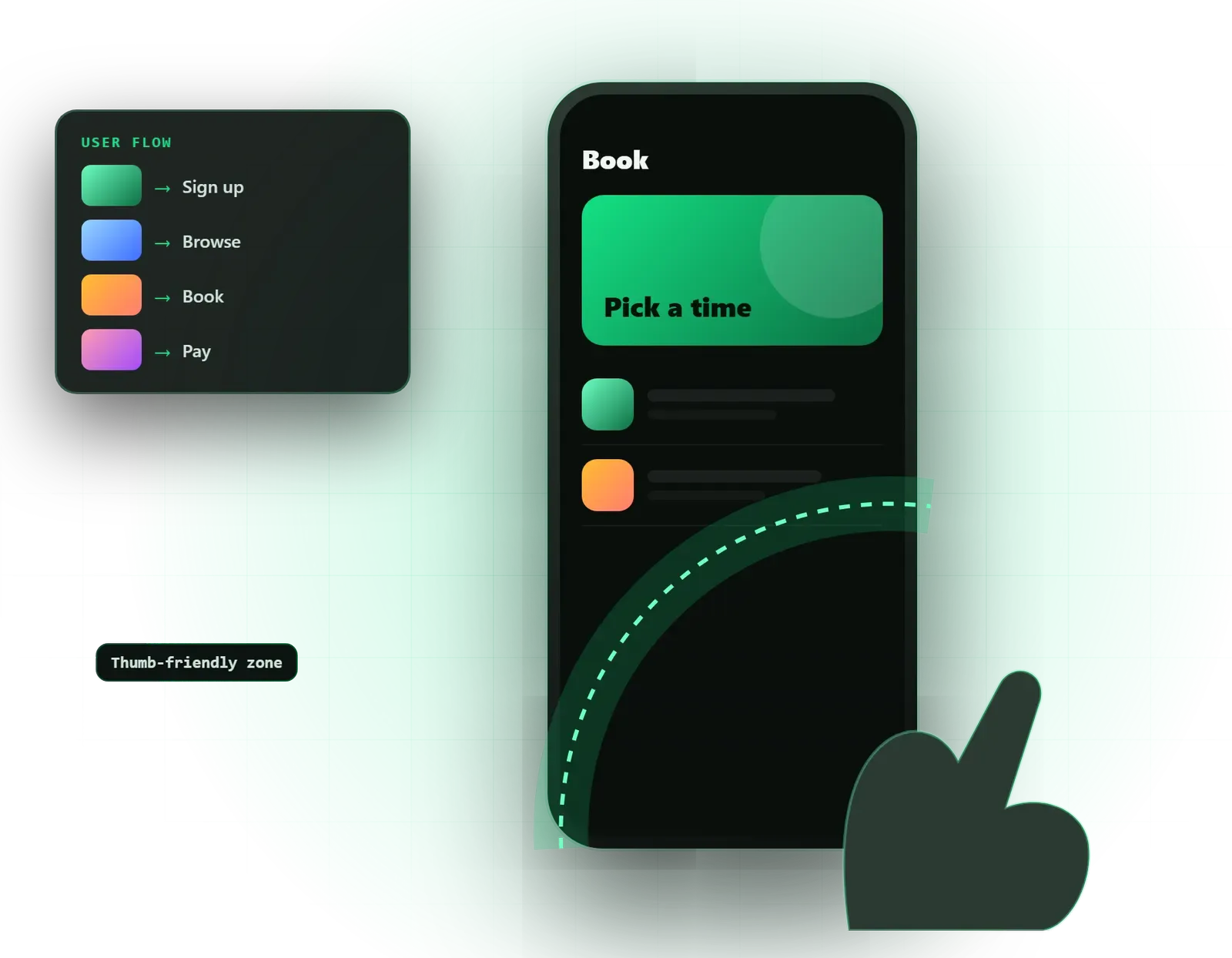
User flows come first. Before drawing any screen, we map each journey: opening the app for the first time, signing up, searching, booking, paying, getting help. Seeing a flow as a diagram makes it obvious where a step can be removed or merged.
Wireframes then turn each flow into simple grey screens. We put them on a phone straight away, because something that looks fine on a large monitor can feel cramped on a 6-inch screen.
High-fidelity screens apply your brand. We design for the thumb: tab bars, primary buttons and search sit where a thumb reaches easily, and risky actions such as delete or cancel subscription are harder to hit by mistake. Text sizes respect the phone’s accessibility settings, so users who increase their font size still get a usable app.
We design both light and dark themes, and we check contrast in each. Dark mode is not just inverted colours; shadows, images and brand colours often need adjusting to look right.
Most app designs that cause problems in development are missing their states. We include what the user sees when a list is empty, while content loads, when the network drops, when a payment fails and when a permission is refused. These screens are small, but without them developers improvise, and the app feels unfinished.
Finally, we prepare store screenshot layouts for App Store and Google Play listings, and a developer hand-off with components, icons, spacing, gestures and transition notes.
The main decision is how far to follow each platform’s own patterns. iPhone users expect a swipe from the left edge to go back and certain sheet and alert styles. Android users expect Material components and the system back gesture. We keep your brand consistent across both and let these details follow the platform. For a Flutter app, we name colours and text styles so they map directly to a Flutter theme, which saves developers time.
Other choices we will discuss with you:
To test the flows properly, we build a tappable prototype. For a more advanced, investor-ready version with realistic logic and transitions, see our interactive prototypes service.
We do not set a standard timeline, because apps range from a handful of screens to well over a hundred. What changes the effort most:
Your fixed written quote lists the flows, the screen count, the revision rounds and the milestones.
Omebly designs and builds apps, so our designers work beside people who ship Flutter, Android and iOS apps. Every project is led personally by our founder, Nazmul Hussain, who has 10+ years of experience building websites, apps and digital products. Designs are checked against what is practical to build, before your budget goes into development.
Share your idea, any sketches and the apps you admire on WhatsApp at +91 70444 33991, email info@omebly.com or use our contact page. You will have a fixed quote within 48 hours.
We agree who the users are, what they must do in the app and map each journey step by step.
Grey-box screens for every flow, tested by tapping through them on a phone.
Key screens in your brand first, then the full set in light and dark, reviewed in weekly demos.
A tappable prototype, tried with a few real users where your plan includes testing.
Files prepared for developers, with design checks on the build if Omebly or your team develops it.
From $2,500 screens package, one-time. Every project gets a fixed written quote after a free consultation, with milestone payments.
From $2,500
Fixed quote
Fixed quote
| Omebly | A freelance designer | |
|---|---|---|
| Platform rules | Designed to Apple and Google guidelines, with differences noted | Often one design copied to both platforms |
| Screen states | Empty, loading, error and offline states included | Frequently only the main screens |
| Build knowledge | Checked by a team that also builds Flutter, Android and iOS apps | Depends on the individual |
| Continuity | A team, so holidays or illness do not stop the project | One person, one point of failure |
| Path to development | Can move straight into a build quote | You find and brief a developer separately |
| Cost | Fixed written quote with milestones | Often cheaper hourly, but scope can drift |
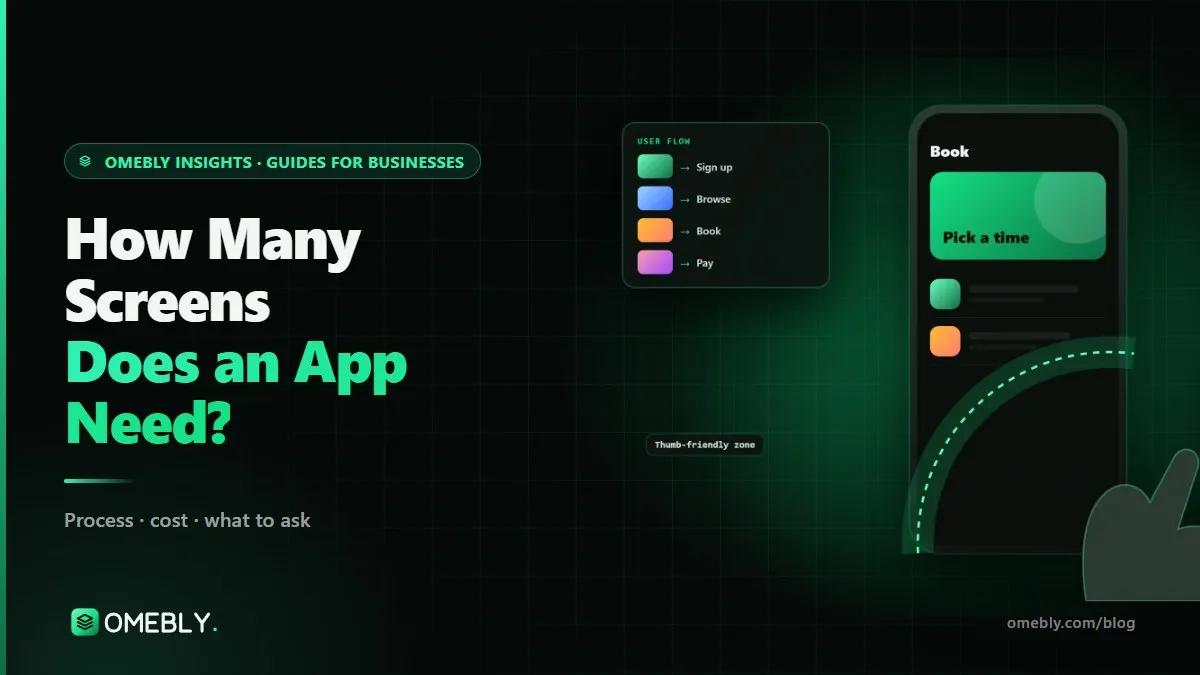
Apps rarely have as few screens as founders expect. Here is how to plan app screens from user journeys, count the states you will need and keep version 1 lean.

From idea and game design document to prototype, art, testing and store release: how a Unity mobile game is really made, and what it costs.
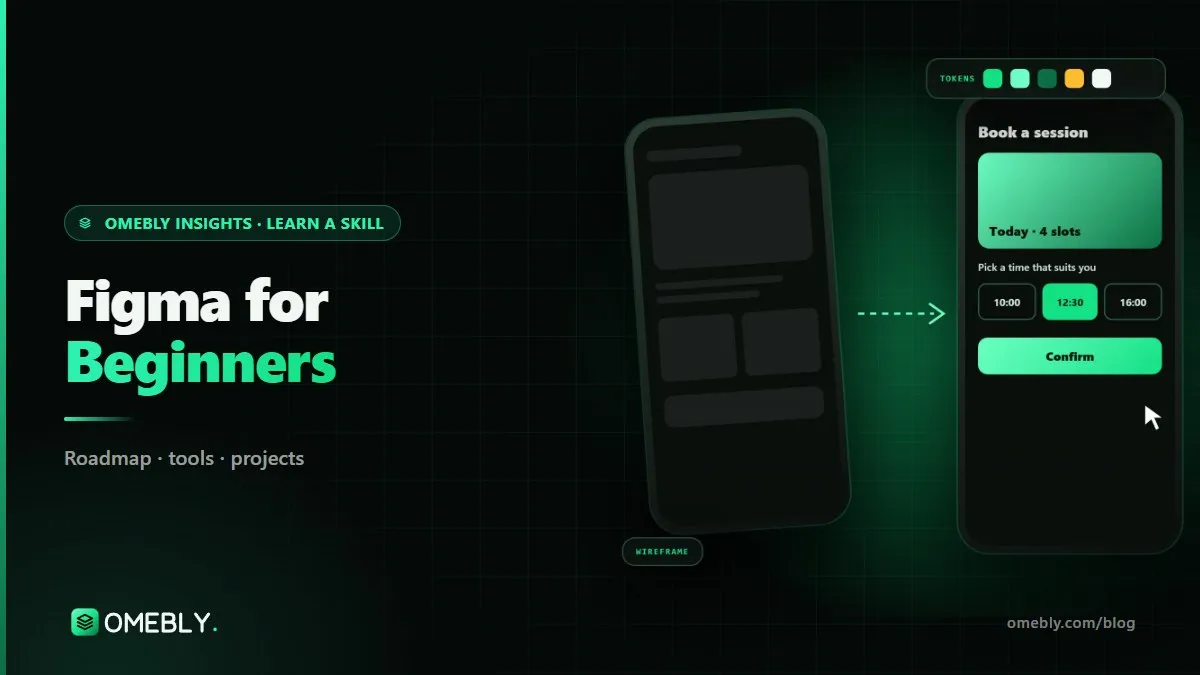
Open Figma for the first time and finish with a real, clickable app screen. This step-by-step tutorial covers frames, grids, styles, auto layout, components and a simple prototype.
Mostly, yes. Your brand, colours, icons and main layouts stay the same, so users recognise the app. Small things follow each platform: back navigation, date pickers, switches, alerts and share sheets. Users notice when an Android app behaves like an iPhone app, so we design those differences in rather than forcing one platform's patterns on the other.
A little. Flutter draws its own widgets, so a single design can look identical on both platforms, and Material 3 widgets are ready to use. We name colours and text styles so they map neatly to a Flutter theme. If you want iPhone users to see native iOS controls, we mark those screens so developers use Cupertino widgets.
It is the area of the screen a thumb reaches comfortably while holding the phone in one hand, mostly the lower middle. We put frequent actions such as the tab bar, main buttons and search there, and keep destructive actions like delete away from easy accidental taps. It matters more as phones get taller.
Yes, and they deserve care. We explain why the app needs notifications, location or the camera before the system prompt appears, because a refused permission is hard to win back. Onboarding is kept short, often skippable, and focused on getting the user to the first useful moment quickly.
Only if your users need them. Many business apps are used almost entirely on phones, and a stretched phone layout is acceptable on tablets. If your app will be used on iPads or Android tablets, for example in shops, clinics or warehouses, we design proper tablet layouts with side panels and larger touch areas.
Yes. Install the free Figma app, open the prototype link and tap through it as if it were real. It runs on iPhone and Android. You can share the same link with colleagues or a few customers and collect their reactions before any money is spent on code.
We can. The app icon follows your logo and brand, but it has to stay readable at very small sizes and on any wallpaper, so it is usually simpler than the logo itself. We supply the icon sizes and masks Apple and Google require. If you have no brand yet, our brand-building team can help first.
Tell us what you have in mind. You get a free consultation and a fixed quote within 48 hours.
Prefer email? info@omebly.com