Dream City Traffic Tips: Avoid Jams With One-Ways, Signals and Overbridges
Traffic jams creep up on every growing city. This guide shows how to spot trouble in Dream City and fix it with one-way streets, signals, roundabouts, overbridges, subways and smarter road layouts.
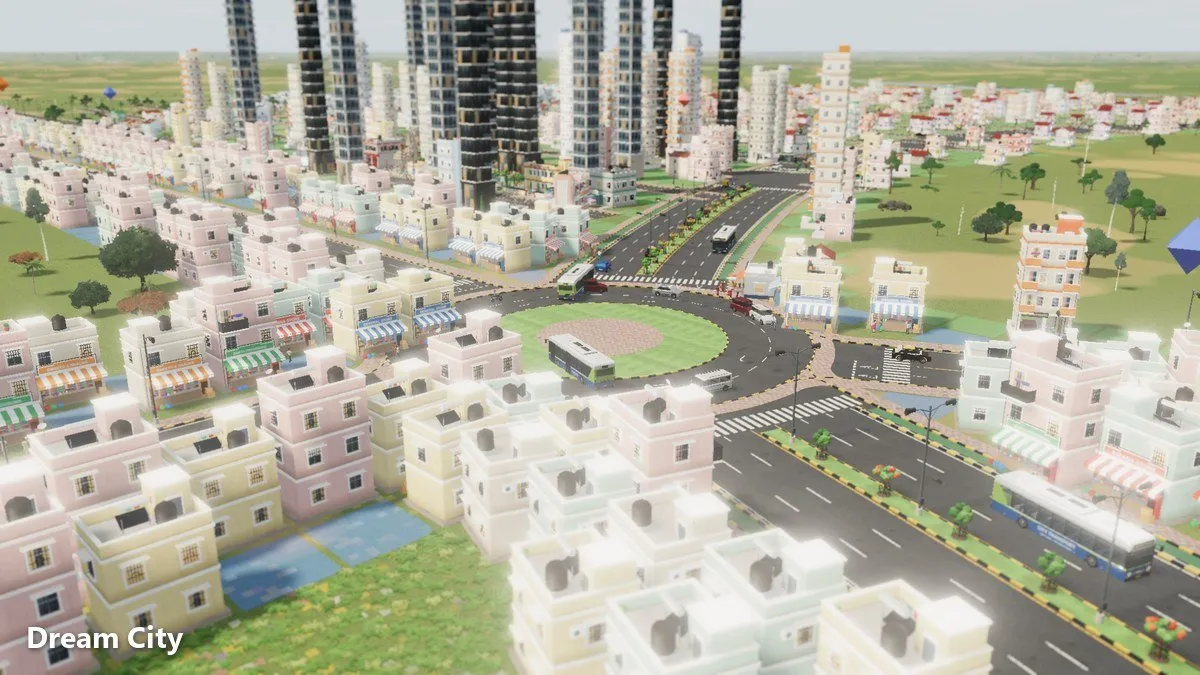
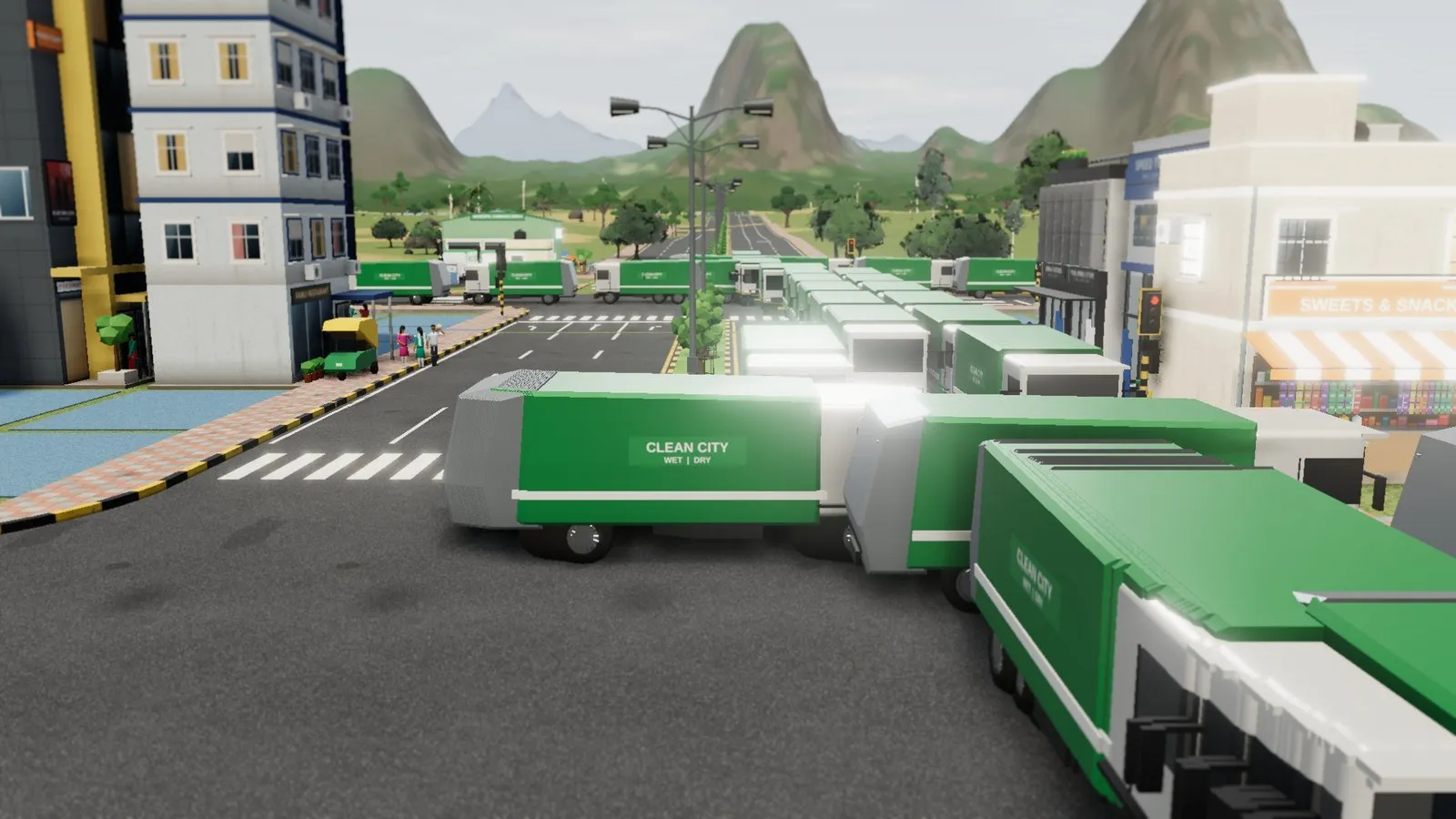
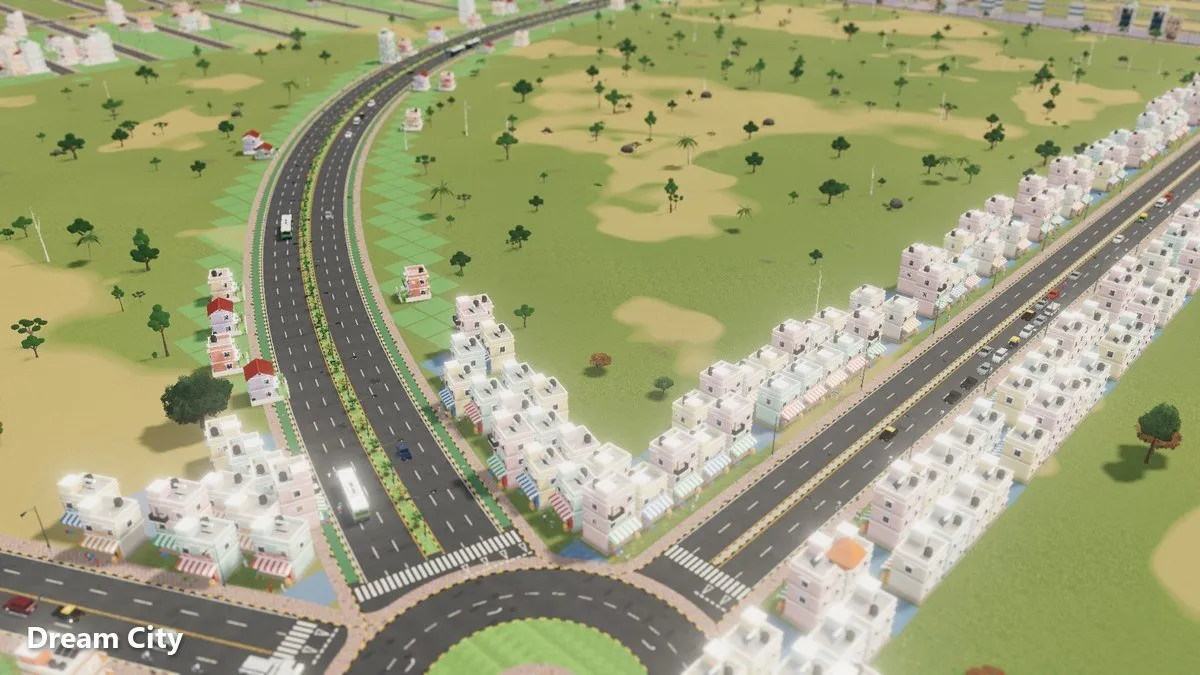
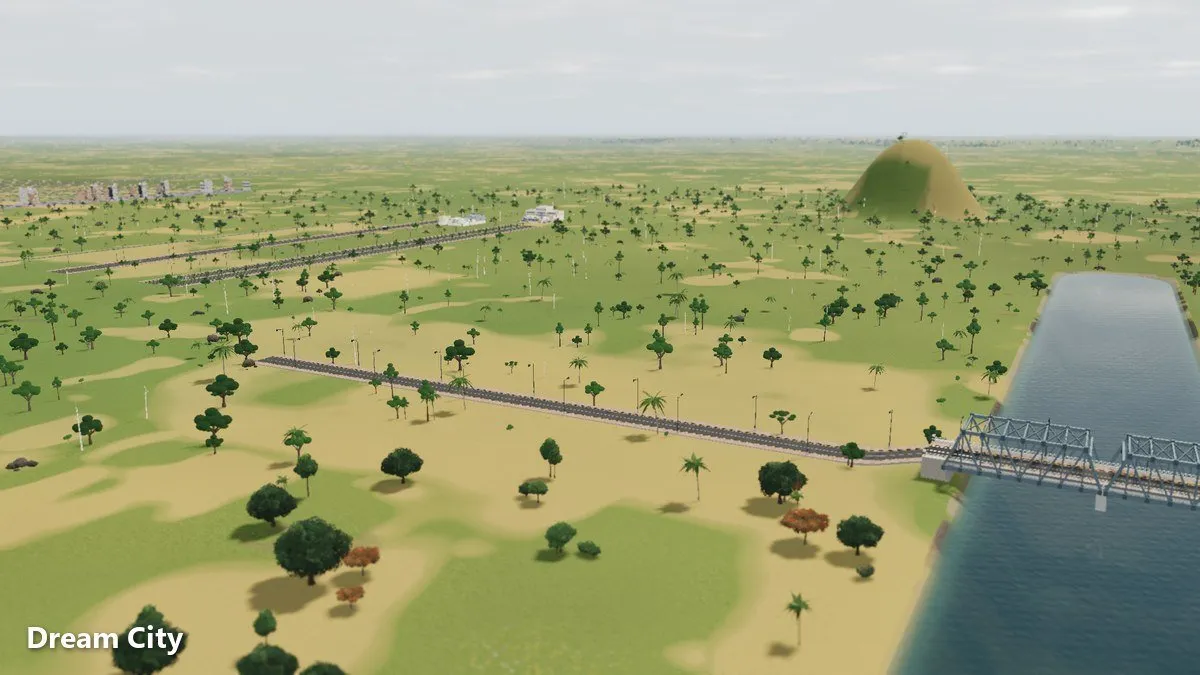
A city that’s growing fast will eventually grind to a halt somewhere. In Omebly Dream City, people and vehicles move around your streets live, so you can see exactly where trouble starts. These Dream City traffic tips go beyond the basics and show you how to find a jam, work out why it’s there, and fix it.
If you’re new to the game, read the main Dream City guide. For a full tour of road types, see our road guide. This post is about using those roads well.
Quick answer: Find where vehicles bunch up, then fix that spot. Use a road hierarchy so through traffic stays on avenues and boulevards, pair parallel streets as one-ways, put roundabouts or traffic signals at busy junctions, space junctions out, and move pedestrians over or under busy roads with foot overbridges and subways. Keep speed breakers on quiet streets. Make one change at a time and watch the result.
Step 1: Find the real problem
Before you change anything, watch.
How to spot a jam
- Zoom out and look for lines of vehicles that don’t move.
- Follow the queue back to where it starts. The jam usually begins at a junction, not in the middle of a road.
- Drop to the street-level camera for a closer look at what vehicles are doing.
- Follow a resident’s day. Watching someone commute shows which routes people actually take.
Common causes
- A small road carrying traffic it wasn’t built for
- Junctions placed too close together
- Too many side streets joining a main road
- Every route funnelling through one crossing, often a single bridge
- Homes and work far apart with only one way between them
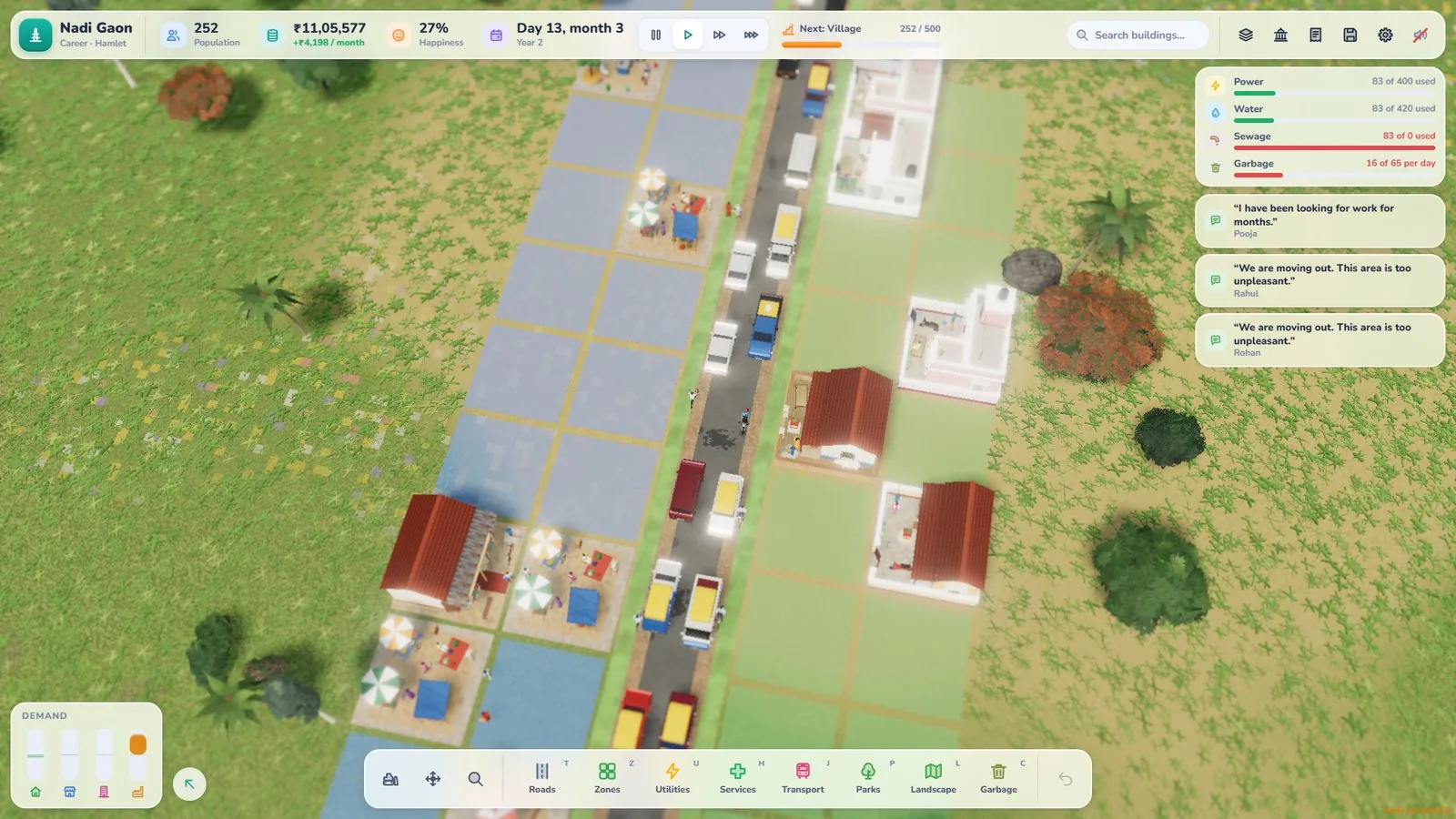
Step 2: Get the road hierarchy right
Many jams come from the wrong road in the wrong place.
- Small roads (gravel roads, village lanes, streets and tree-lined streets) serve homes.
- 4-lane avenues, with or without a median, carry traffic across town.
- 6-lane boulevards handle the heaviest flows.
- Highways unlock at City and link the far ends of the map. Every city also starts with a free state highway at the map edge.
Fix it
- Upgrade the busy route, not every road around it. Draw the bigger road over the old one and it’s replaced in place.
- Give through traffic a main road so it doesn’t cut through housing.
- Let side streets join at sensible intervals rather than every few metres.
Step 3: Use one-way streets
One-ways are one of the most useful tools in a crowded centre.
Why one-ways help
On a one-way street, all traffic flows the same direction, which simplifies junctions and keeps tight neighbourhoods tidy.
How to use them
- Pick two parallel streets a block apart.
- Make one run each way, so traffic can still get everywhere. You set a one-way’s direction by drawing it in the direction cars should go.
- Use them in dense areas where widening roads isn’t practical.
- Check every block can still be reached. A one-way that traps a neighbourhood creates a new problem.
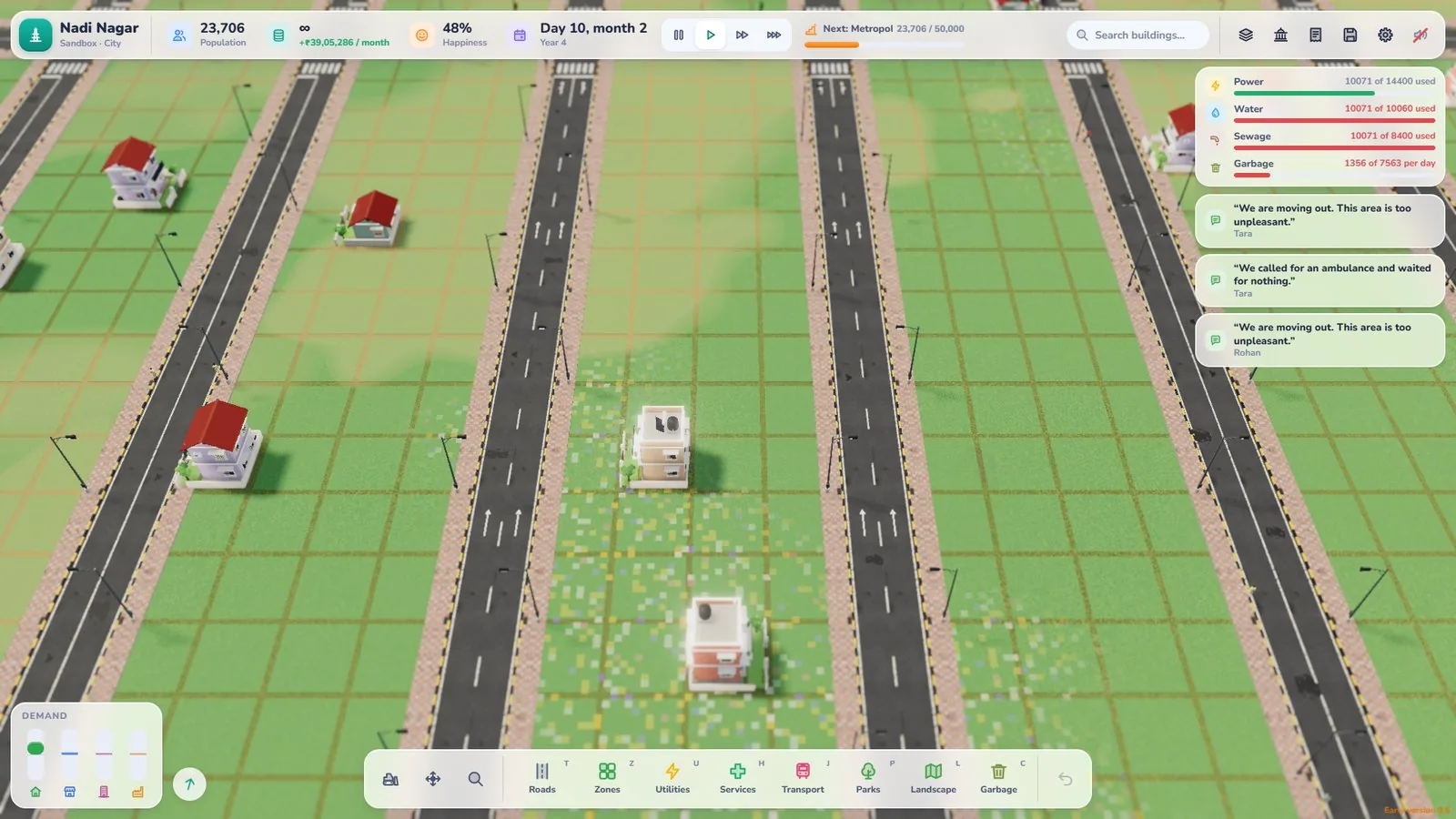
Step 4: Fix your junctions
Junctions are where most jams start. Junctions are automatic by default: busy ones get signals, quiet ones get stop or give-way signs. Click a junction to choose signals, an all-way stop, give-way, or a small, medium or large roundabout yourself.
Roundabouts
Roundabouts keep traffic moving without stopping. They suit junctions where several roads meet and there’s room to build.
Traffic signals
Signals take turns letting each direction through. Use them at busy crossings where a roundabout won’t fit.
Junction tips
- Space junctions out. Two junctions close together can block each other.
- Don’t put a junction right beside a bridge. Rivers already funnel traffic, so give it room on either side.
- Match the tool to the space. Big, open junction? Try a roundabout. Tight corner? Try signals.
- Change one junction at a time so you can tell what worked.
Step 5: Separate people from traffic
Pedestrians and vehicles share your city, and accidents bring ambulances. On busy roads, keep people out of the traffic.
| Tool | Best for |
|---|---|
| Zebra crossing | Quieter streets and lanes |
| Foot overbridge | Carrying people over wide roads (from Village) |
| Subway | Taking people under wide roads (from Town) |
| Speed breaker | Slowing traffic near homes, schools and markets |
Where to use them
- Overbridges and subways where a busy avenue or boulevard separates homes from a school, mandi or bus stand.
- Zebra crossings on quieter streets where traffic is light.
- Speed breakers on residential streets, not on the main roads you want to keep moving.
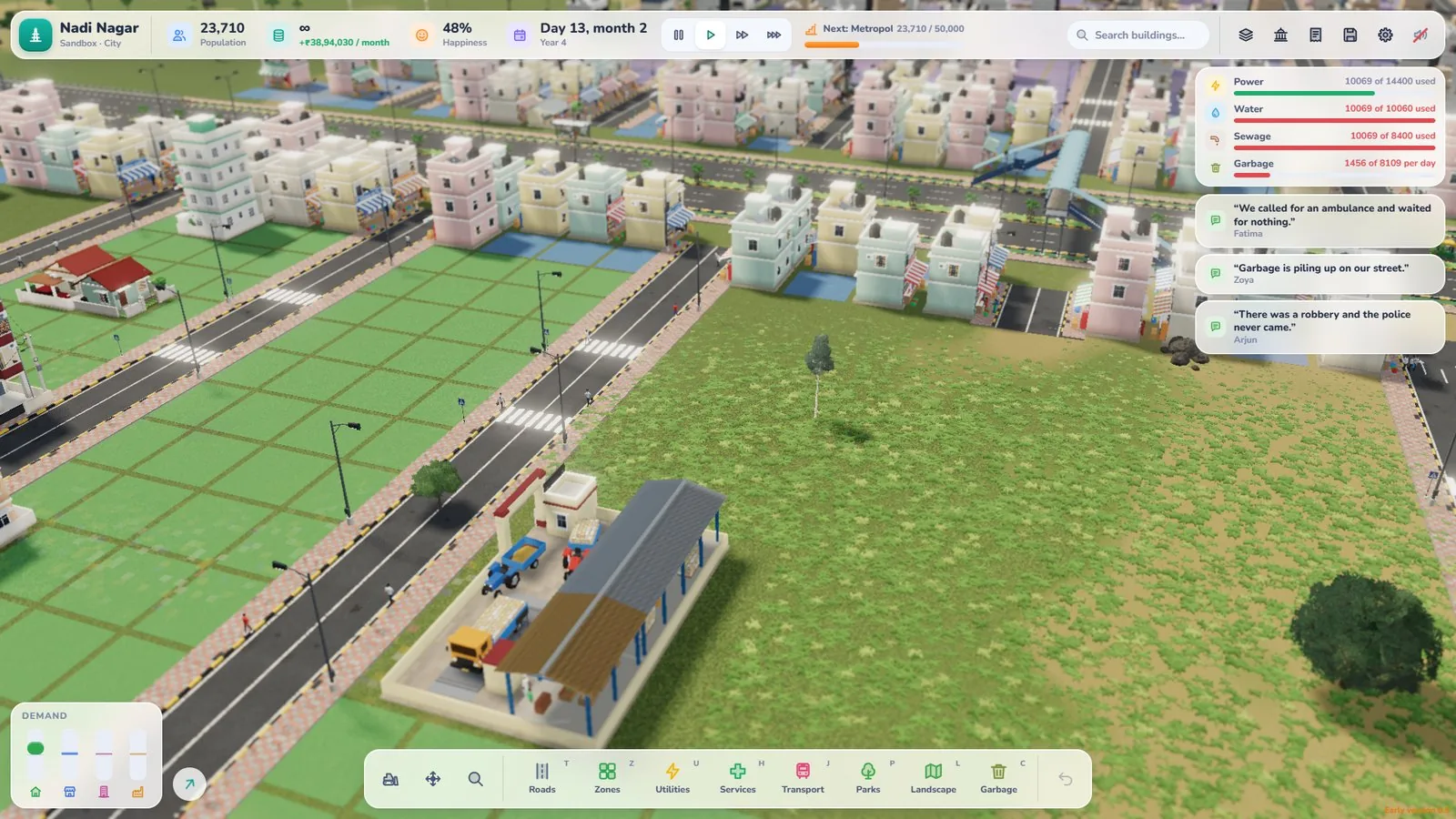
Step 6: Give people other ways to travel
Roads aren’t the only answer.
- Bus lines: Draw bus lines between stops and bus stands, linking homes to work and services.
- Cycles: 4-lane avenues and 6-lane boulevards come in versions with cycle tracks, giving cyclists their own space.
- Walking: Dirt paths are walking only and can create handy shortcuts between neighbourhoods.
- Parking: Add parking where people drive, so cars have somewhere to go.
Then watch your busiest roads to see whether the changes help.
Step 7: Plan ahead for growth
Traffic gets worse as the city grows, so leave room for it.
- Leave space beside main roads so you can upgrade them later.
- Plan more than one route between big areas of homes and work.
- Think about bridges early. Every river crossing builds a bridge automatically, but too few crossings funnel traffic.
- Keep homes and work closer together to shorten trips. The Jobs panel helps you balance them.
A quick traffic-fix routine
- Find the queue and follow it to its start.
- Ask: wrong road, bad junction or pedestrian crossing?
- Make one change.
- Watch for a few minutes.
- Keep it, or try something else.
Common traffic mistakes
- Widening every road instead of fixing the junction
- Junctions too close together
- Speed breakers on main roads
- Zebra crossings across busy boulevards
- Only one bridge over a river
- One-ways that trap a neighbourhood
Your traffic checklist
- Road hierarchy in place
- Busy junctions with roundabouts or signals
- Junctions well spaced
- One-way pairs in dense areas
- Overbridges or subways on busy roads
- Bus lines and cycle tracks where they help
- One change at a time
Open Dream City, find your worst junction and get traffic moving again.
Frequently asked questions
How do I fix traffic jams in Dream City?
Watch where vehicles bunch up, then fix that spot: upgrade the road, add a roundabout or traffic signals at the junction, turn parallel streets into one-ways, and give pedestrians overbridges or subways on busy roads.
Should I use roundabouts or traffic signals?
Roundabouts keep traffic moving without stopping and suit junctions with room to spare. Traffic signals take turns letting each direction through and fit busy crossings where a roundabout won't.
Where should I put speed breakers?
On quiet streets near homes, schools and markets, where slower traffic makes sense. Keep them off the main roads that carry traffic across town. Each speed breaker makes that road a little slower (about 5%) but halves its accident risk.
What is the difference between a foot overbridge and a subway?
A foot overbridge carries people over a busy road, and a subway takes them under it. Both let people cross without walking across the traffic.
Do accidents happen in Dream City?
Yes. People and vehicles move around your city, and accidents bring ambulances. Safe crossings and sensible junctions help. Ambulances, police and fire engines drive your roads from the nearest station, so jams slow them down too.

Written by
Nazmul Hussain, Managing Director & Technical Head, Omebly. 10+ years building websites and apps for clients in India, the Gulf, the UK and the US, and mentoring at Omebly Academy. LinkedIn · GitHub
Follow Omebly
New guides, work and launches on every channel.