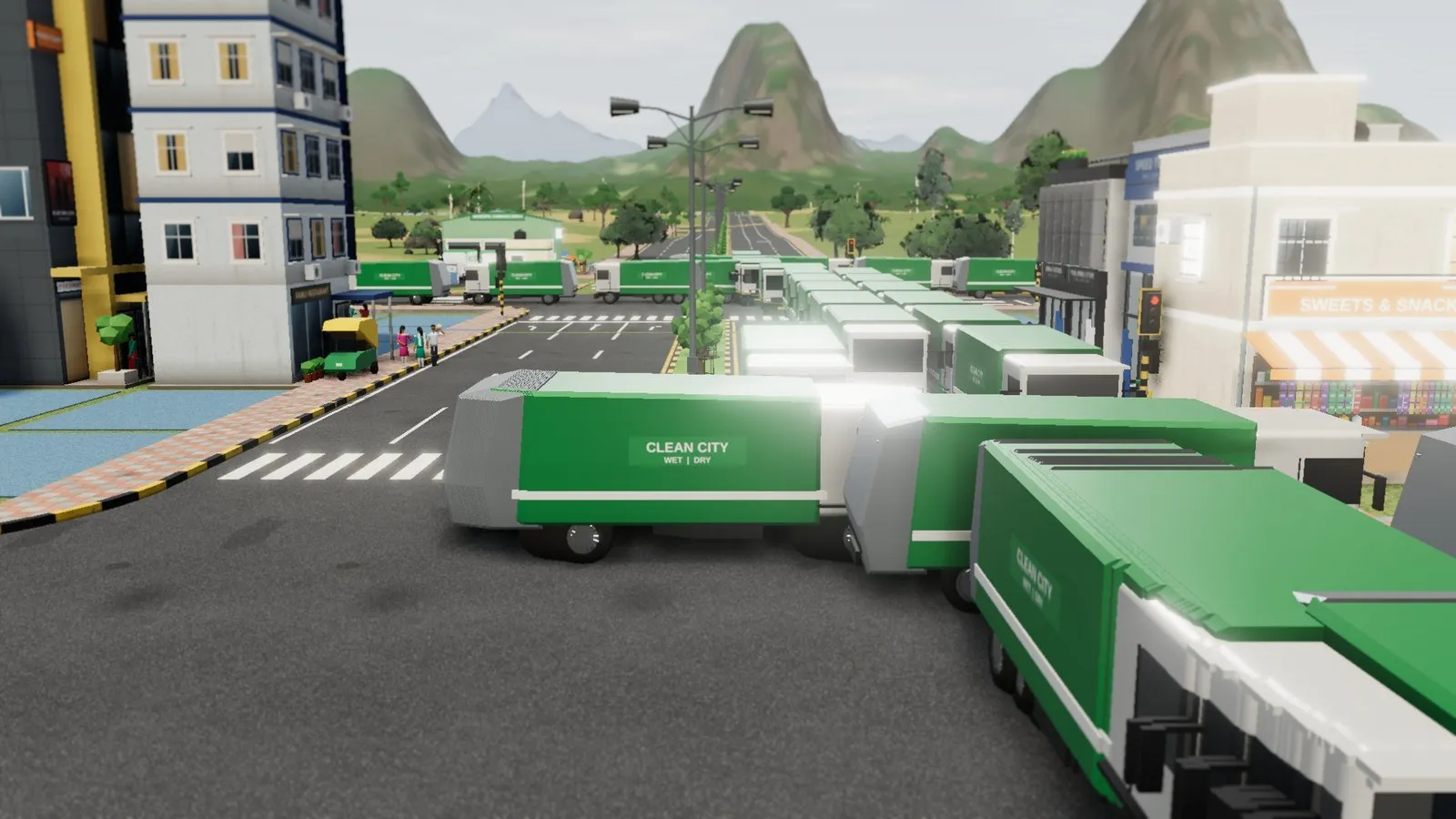
Dream City Beginner's Guide: Your First 30 Minutes
Your first half hour in Dream City sets up everything that follows. Here's a calm, step-by-step plan: follow Asha, draw a sensible first road, zone homes and work, add power, water and garbage, and keep tax fair.
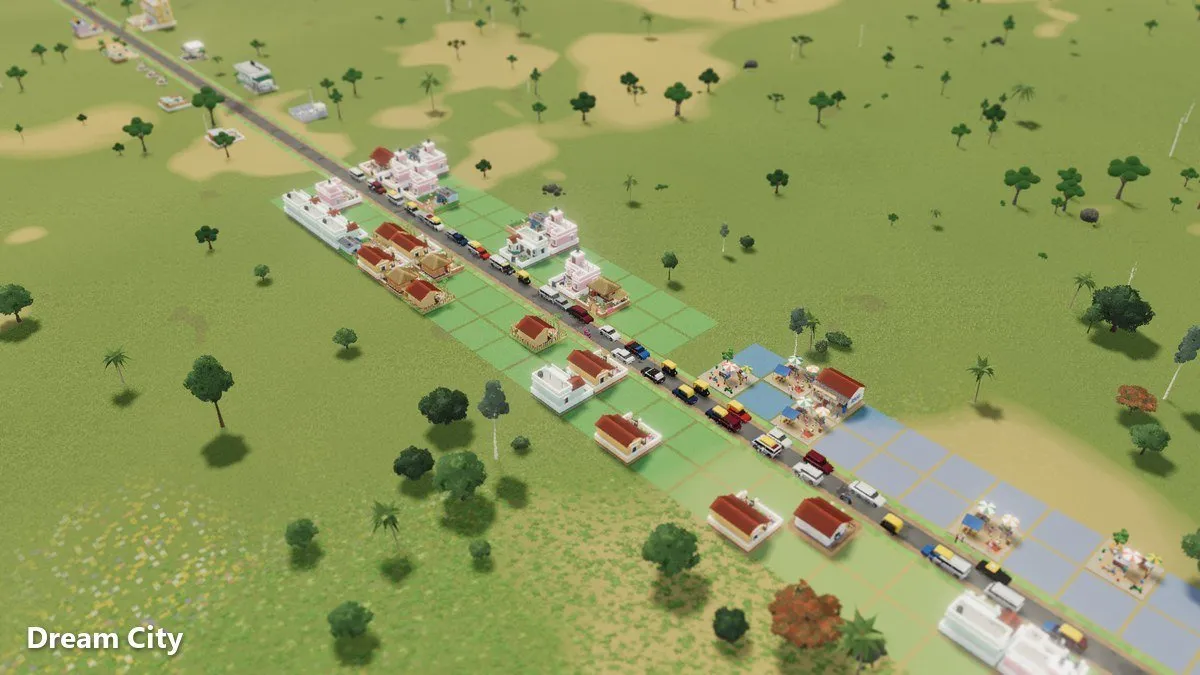
The first 30 minutes of any city builder decide whether you fall in love with it or close the tab confused. This Dream City beginner’s guide gives you a simple plan for that first half hour, so your settlement grows smoothly instead of running out of money.
If you haven’t read it yet, our main Dream City guide covers every feature in the game. This post is different: it’s a practical, minute-by-minute walkthrough of what to actually do when you open Dream City for the first time.
Quick answer: Start a Career game and follow Asha’s tips. Lay one sensible main road, zone a small block of homes with some work nearby, add cheap power, water and a village garbage point, and keep tax at or below 12%. Watch the Jobs panel so you have roughly as many jobs as workers. Grow slowly and only spend what the Budget says you can afford.
Minutes 0–5: set up and meet Asha
Dream City runs in your browser on PC or phone, with no download, no account and no ads. Open the game page and you’re ready.
Choose your language and currency
The game speaks English, Hindi, Bengali, Arabic and Russian, and you choose the currency it shows. Rupees are included. Pick what feels natural, because you’ll be reading costs constantly.
Pick Career for your first city
Career mode starts you on a small plot with limited money. That limit is a good teacher. It forces you to think about every road and building. Sandbox, with unlimited money, is fun later. If you’re unsure, the main Dream City guide explains both modes.
Let Asha show you the basics
Asha is your in-game guide. Her tips walk you through your first road, homes, water and power, and short tips appear the first time you open each menu. Don’t skip them, even if you’ve played city builders before. They show you how this particular game thinks.
Minutes 5–10: read the land, then draw your first road
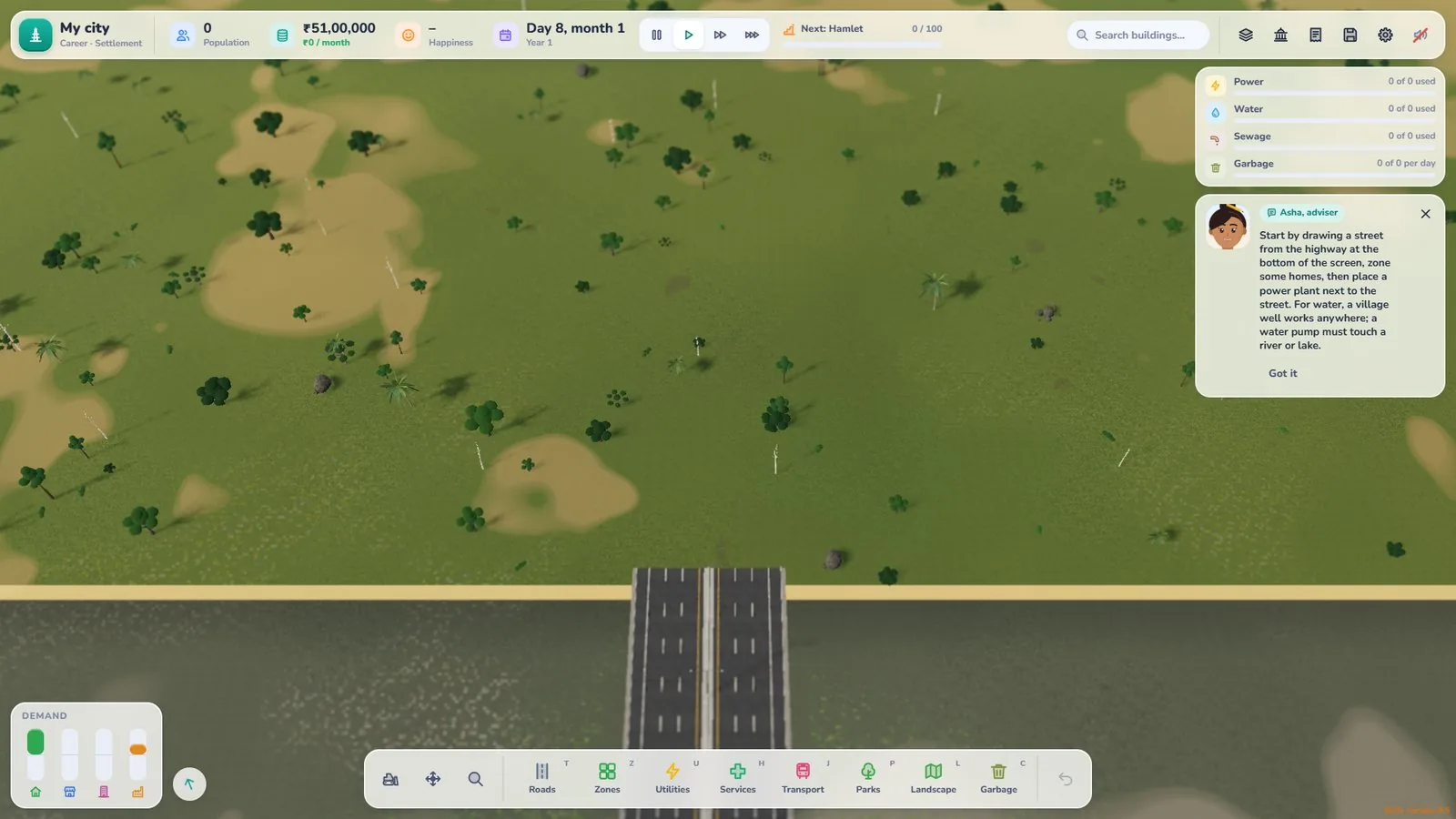
Before you click anything, look around your plot. Where is the river? Where are the slopes? A mountain ring surrounds the map, and rivers and ponds shape where it’s easy to build.
Plan one spine road
Your first road should be a “spine” that the rest of the settlement can branch off. A few tips:
- Keep it near the middle of your plot, so homes can line both sides.
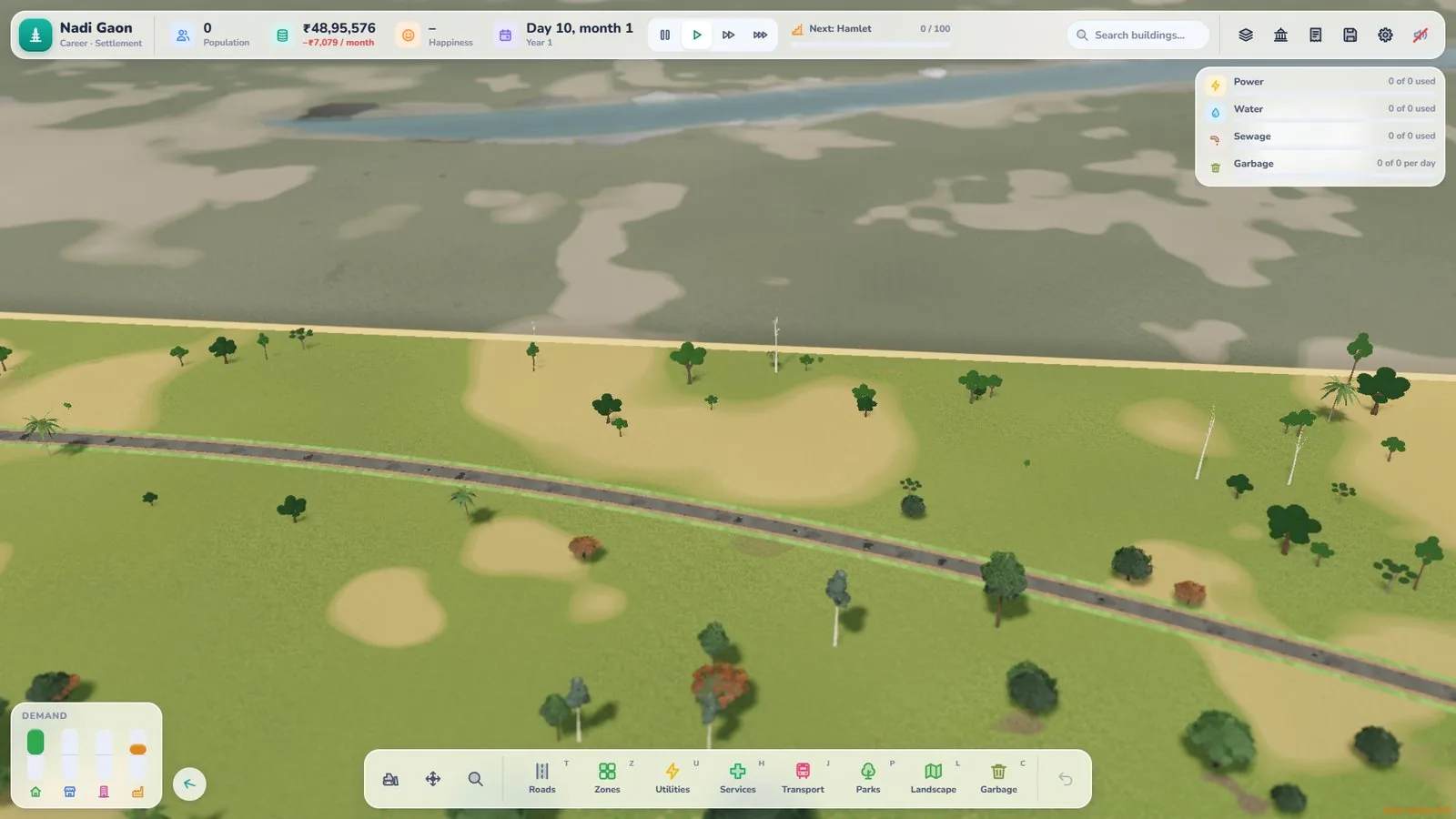
- Follow the land. Roads can curve, so bend around a hill rather than fighting it.
- Don’t overbuild. A young settlement doesn’t need a wide avenue. Gravel roads and village lanes suit early traffic.
- Save money early. Gravel roads are the cheapest road for vehicles; dirt paths are cheap walking links between homes.
If your road crosses the river, the bridge builds itself (the river usually sits in the next plot you buy), so you don’t need to worry about that step.
Use the grid tool for neat blocks
If you like tidy blocks, the grid tool helps you lay out straight streets quickly. Mixing a curved spine with a small grid of side streets often looks and works well.
Minutes 10–15: zone homes and work
Zones are where people move in. Homes start as huts and grow into bigger buildings, and eventually high-rises, as the area improves.
Start small
Zone a modest block of homes along your spine road. Then zone some work close by. Most tax comes from people with jobs and from businesses with filled jobs, so a town of homes without work earns very little.
Keep jobs and workers in balance
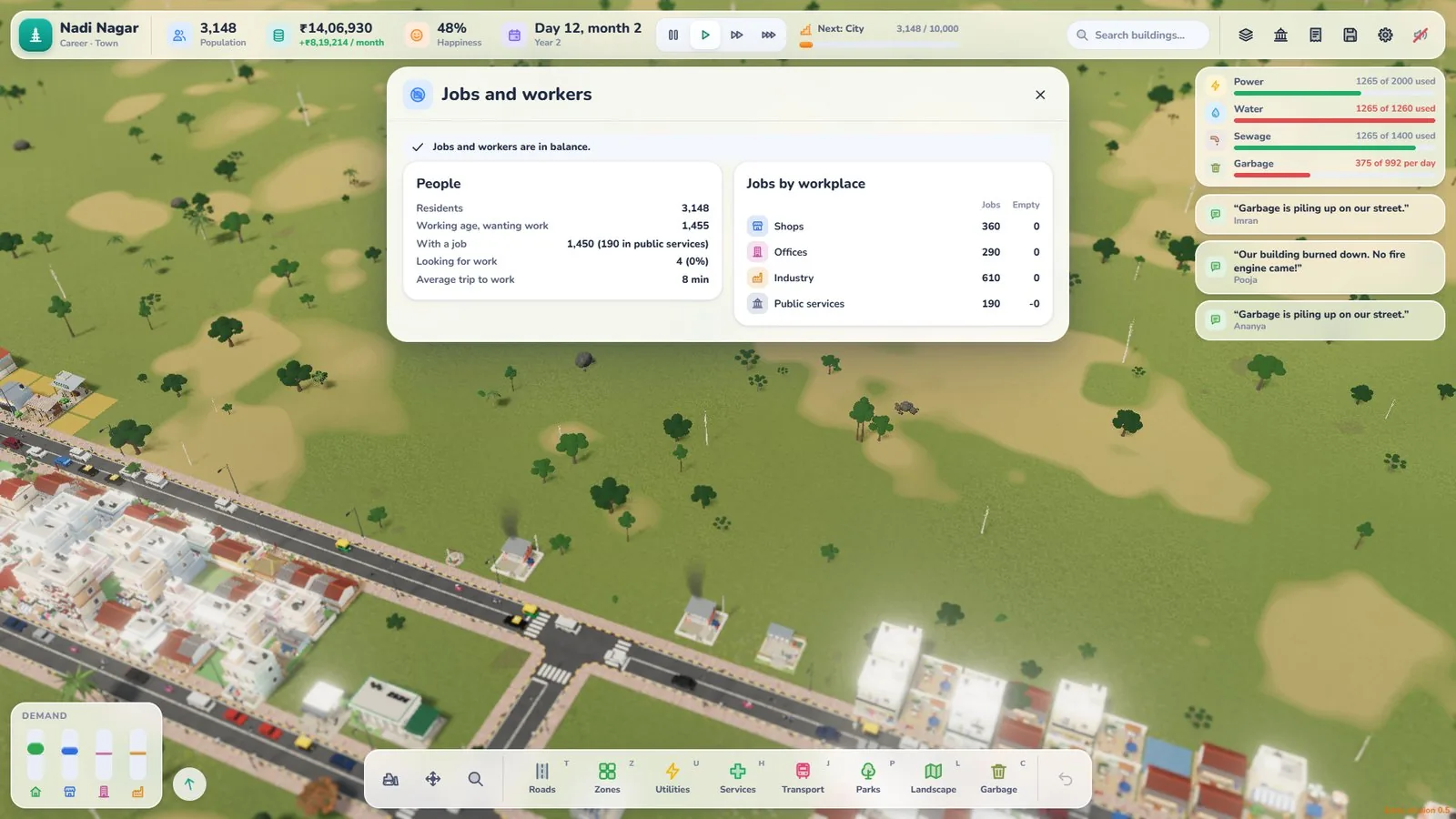
Open the Jobs panel early and get into the habit of checking it. It shows the balance between jobs and workers, and happiness follows that balance. Too many workers and not enough jobs means unhappy residents and little tax. Too many jobs and not enough workers means empty workplaces.
Minutes 15–20: power, water and garbage
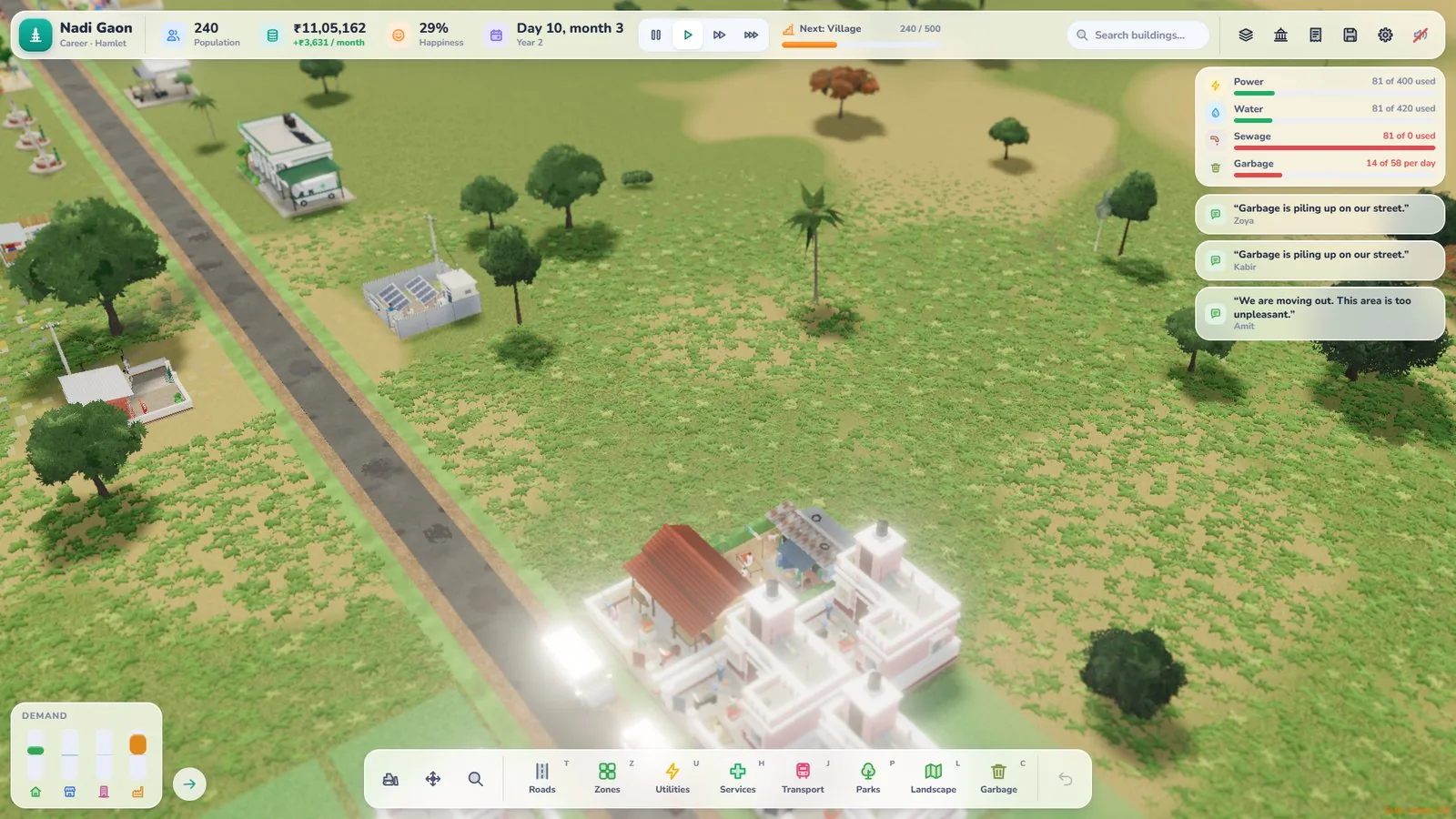
New homes need the basics. At Settlement stage, your starter utility buildings are the diesel generator, the solar mini-grid and the village garbage point.
Diesel or solar?
This is your first real trade-off:
| Option | Build cost | Running cost | Pollution |
|---|---|---|---|
| Diesel generator | Cheap | Higher | Yes |
| Solar mini-grid | Higher | Very low | None |
If money is tight right now, diesel gets the lights on. If you can afford solar, it pays off over time with very low upkeep and no pollution. Pollution drifts with the wind, so if you do build diesel, keep it away from homes and think about which way the smoke will travel.
Water
People need water too. Dream City has wells, pumps and water towers, plus sewage. Follow Asha’s lead for your first water supply, and expect to expand it as the settlement grows.
Garbage
Place the village garbage point where it can serve your homes. Waste is easy to forget until it becomes a problem, so set it up now.
Minutes 20–25: set tax and read the Budget
In Career mode you run the money, and two numbers matter most for a beginner.
Tax: stay at or below 12%
Tax up to 12% feels fair to residents. Above 12% happiness drops, and above 22% people start to leave. For your first city, sit at or just under 12% and leave it there while you learn.
The Budget
The Budget groups your monthly costs by department, and each group shows every kind of building, how many you have and what they cost. Check it before every new purchase. Remember that services cost more as they get busier, and wages rise as your town grows, so costs creep up over time.
Minutes 25–30: watch, listen and fix
Now slow down and watch your settlement live.
Follow a resident
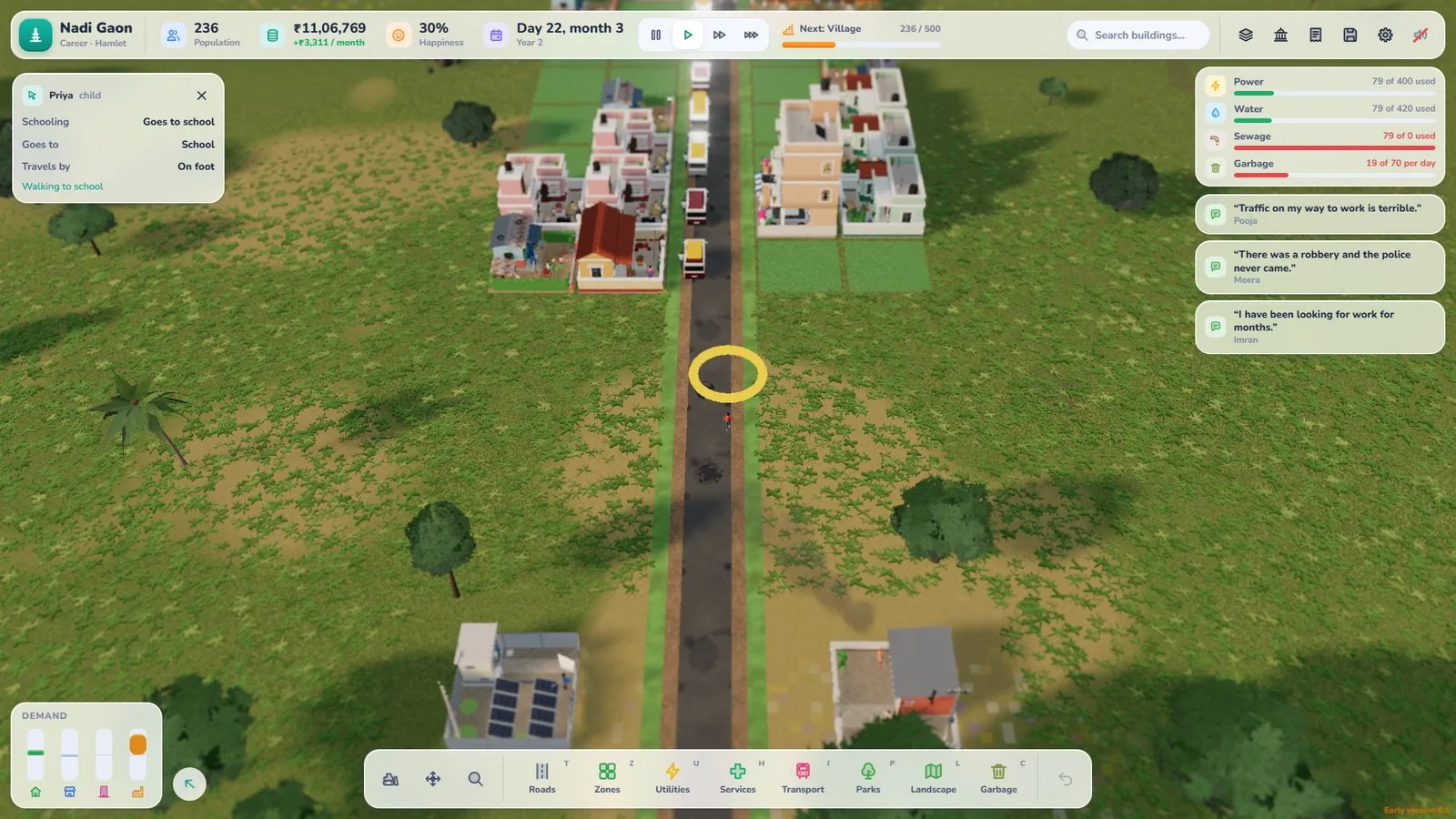
You can follow a resident through their day. It’s one of the best ways to spot problems: a long walk to work, a missing service, or a road that doesn’t connect.
Listen to what people say
Residents speak their mind. Treat their comments as free feedback. If several people complain about the same thing, fix that next.
Make small fixes, not big plans
Add a missing road link, nudge the jobs balance, or extend water to a new street. Small, steady fixes keep a young town healthy.
Common beginner mistakes
- Building too much road too early. Every road costs money. Build what you need.
- Zoning homes with no work. No jobs means very little tax.
- Putting diesel next to houses. Pollution drifts with the wind.
- Pushing tax above 12% to fix money problems. Happiness drops, and above 22% people leave.
- Ignoring the Jobs panel. Happiness follows the jobs balance.
Your 30-minute checklist
- Language and currency chosen
- Career game started, Asha’s first tips followed
- One spine road plus a few side streets
- A small block of homes and nearby work
- Power, water and a village garbage point
- Tax at or below 12%
- Jobs panel roughly balanced
Once your settlement reaches 100 people, it becomes a Hamlet. From there, the main Dream City guide shows every stage up to Metropolis.
Keep playing anywhere
Dream City is an early version that’s updated often. It runs on PC and phone in a WebGL browser, and you can install it as an app from Chrome. After your first visit the game opens offline too, and your save stays in your browser on your device.
Open Dream City, say hello to Asha and lay your first road today.
Frequently asked questions
What should I do first in Dream City?
Pick your language and currency, start a Career game and follow Asha's tips. They walk you through your first road, homes, water and power.
Should a beginner play Career or Sandbox?
Career teaches you how the city's money works, which makes you a better planner. Sandbox has unlimited money and is great for practising road layouts without pressure.
Which power option is best at the start?
A diesel generator is cheap to build but pollutes and costs more to run. A solar mini-grid costs more to build but has very low upkeep and makes no pollution. Choose based on the money you have and how long you plan to keep it.
What tax rate should I use as a beginner?
Stay at or below 12%, which feels fair to residents. Above 12% happiness starts to drop, and above 22% people leave.
Will I lose my city if I close the tab?
Saves stay in your browser on your device, so you can come back to your city. Clearing your browser data removes the save.

Written by
Nazmul Hussain, Managing Director & Technical Head, Omebly. 10+ years building websites and apps for clients in India, the Gulf, the UK and the US, and mentoring at Omebly Academy. LinkedIn · GitHub
Follow Omebly
New guides, work and launches on every channel.