






Businesses with a slow WordPress or Shopify site
Pages load faster on mobile, so fewer visitors leave before they see your offer.
Omebly PDF Tools
Edit PDFRotate PDFHeader and footerBates numberingResize PDFEdit metadataPDF bookmarksAdd page numbersAdd watermarkCrop PDFCreate PDF formFill PDF formsMerge PDFSplit PDFRemove pagesExtract pagesOrganise PDFPages per sheetScan to PDFBatch PDFCompress PDFGrayscale PDFOptimise for webRemove commentsRepair PDFOCR PDFJPG to PDFPNG to PDFText to PDFMarkdown to PDFEPUB to PDFWord to PDFPowerPoint to PDFExcel to PDFHTML to PDFPDF to JPGPDF to PNGPDF to TextExtract imagesPDF to EPUBPDF to WordPDF to PowerPointPDF to ExcelPDF to PDF/AUnlock PDFProtect PDFSign PDFFlatten PDFRedact PDFCompare PDFAI SummarizerTranslate PDFChat with PDFPDF to MarkdownA faster, safer website, with every fix measured before and after and explained in plain words.
From $1,500 one-time
Pages load faster on mobile, so fewer visitors leave before they see your offer.
The specific pages and metrics flagged by Google are fixed and tracked until the report updates.
Malware is removed, the way in is closed and the site is hardened so it is much harder to break into again.
A written report from lab tests and real-user data, ranking each problem by impact and effort, before any change is made.
Targeted work on Largest Contentful Paint, Interaction to Next Paint and Cumulative Layout Shift for the templates Google flags.
Modern image formats, correct sizing, lazy loading, trimmed fonts and third-party scripts delayed or removed.
Slow queries found and optimised, caching set up at page and object level, and server settings reviewed.
A content delivery network, a valid SSL certificate with HTTPS everywhere, and a web application firewall with sensible rules.
Admin accounts, passwords, two-factor login, file permissions, outdated plugins and exposed files checked and fixed.
Infected files and database entries cleaned, backdoors removed and blacklist warnings followed up with Google.
The same tests re-run after the work, with a short list of what to keep doing so the site stays fast.
A slow or unsafe website costs you quietly. Visitors on mobile data give up before the page appears, Google Search Console flags pages as “poor”, and a hacked site can show a red warning to everyone who tries to visit. Our website speed optimization service finds out why your site is slow, fixes the causes and hardens it against attack at the same time, because the two problems usually share roots: outdated plugins, heavy scripts and a server nobody has looked at in years.
This work is for sites that already exist. Most are WordPress or WooCommerce sites that have grown over time, Shopify stores weighed down by apps, or custom sites built by a previous developer. If you are planning a new site anyway, see our business website service, where speed is built in from the start. Speed and security work sits under our wider web development service.
The audit comes first. We test your key templates (home, a service or product page, a blog post, checkout) in Google PageSpeed Insights and Lighthouse, and compare them with real-user data from Search Console. The report ranks each problem by how much it slows the page and how much effort it takes to fix, so you can approve the most valuable fixes first.
Speed work targets the three Core Web Vitals. For Largest Contentful Paint, we resize and convert images to modern formats, preload the main image and trim render-blocking CSS. For Interaction to Next Paint, we reduce heavy JavaScript and delay chat widgets, tracking tags and embeds until they are needed. For Cumulative Layout Shift, we reserve space for images, ads and fonts so the page stops jumping. On the server side, we find slow database queries, set up page and object caching, and put a CDN such as Cloudflare in front of the site.
Security work covers HTTPS everywhere with a valid SSL certificate, a web application firewall, two-factor login for admins, removal of unused accounts and plugins, correct file permissions and tested backups. If the site is already infected, we clean files and the database, remove backdoors and ask Google to review any warning.
The most common mistake is installing another plugin to fix a slow site. A caching plugin can help server response time, but it rarely fixes a heavy slider, an unoptimised hero image or six tracking scripts loading before the content. We diagnose per template, because a home page and a product page are usually slow for different reasons.
There are trade-offs, and we discuss them openly. Delaying a chat widget makes the page faster, but the chat bubble appears a moment later. Removing a page builder module can mean a section looks slightly different. Some third-party scripts are needed for marketing, so we load them more efficiently rather than deleting them. You decide each of these.
Every change is made on a staging copy first. Forms, checkout, logins and key pages are tested before anything reaches the live site, and a full backup is taken before deployment. On Shopify, where the platform controls the servers, we work on theme code, apps and assets, and the audit says so up front.
Speed also slips back over time. A new marketing tag, an uncompressed banner or a fresh plugin can undo months of work in an afternoon. So the before-and-after report ends with a short house-rules list for your team: image sizes to upload, how to add a tracking tag without blocking the page, and which plugins to avoid. If you would rather not police that yourselves, an optional paid care plan includes regular re-tests, updates and backups, and we flag anything that has crept back in before it shows up in Search Console.
An audit on its own is quick. Fixing and hardening a site takes longer, and the cost depends on what the audit finds rather than on page count alone. The main factors are:
You receive a fixed written quote after the audit, listing each fix. Starting prices for web work are on the web development page.
Omebly is founder-led. Nazmul Hussain, our MD and Technical Head, has 10+ years of building websites, apps and digital products, and reviews the audit and fix plan himself.
We work from Kolkata, India and Downtown Dubai, with calls in your time zone.
Send us your website address and what worries you most, whether it is slow pages, a Search Console warning or a hack. Message us on WhatsApp at +91 70444 33991, email info@omebly.com or use the contact form.
We test key templates in PageSpeed Insights and Lighthouse, read your Search Console data and scan the site for security issues.
You get a prioritised list of fixes with a fixed price, and decide which ones to approve.
Changes are made and tested on a copy of your site first, so the live site is not put at risk.
Approved changes are moved to the live site, then the same tests are re-run and compared with the baseline.
Optional care plan for uptime checks, updates, backups and regular re-tests.
From $1,500 one-time. Every project gets a fixed written quote after a free consultation, with milestone payments.
From $1,500
Fixed quote
Fixed quote
| Omebly | A caching plugin on its own | |
|---|---|---|
| Finding the cause | Audit shows which scripts, images or queries slow each template | Applies general settings without diagnosing the cause |
| Core Web Vitals | Fixes the specific metric Google flags on each template | Mostly helps server response time |
| Third-party scripts | Chat, tracking and embed scripts reviewed, delayed or removed | Usually left as they are |
| Security | Firewall, SSL, access review and malware clean-up | Not covered |
| Risk to the live site | Changes tested on a staging copy first | Settings changed on the live site |
| Proof | Before-and-after report with the same tests | No report |
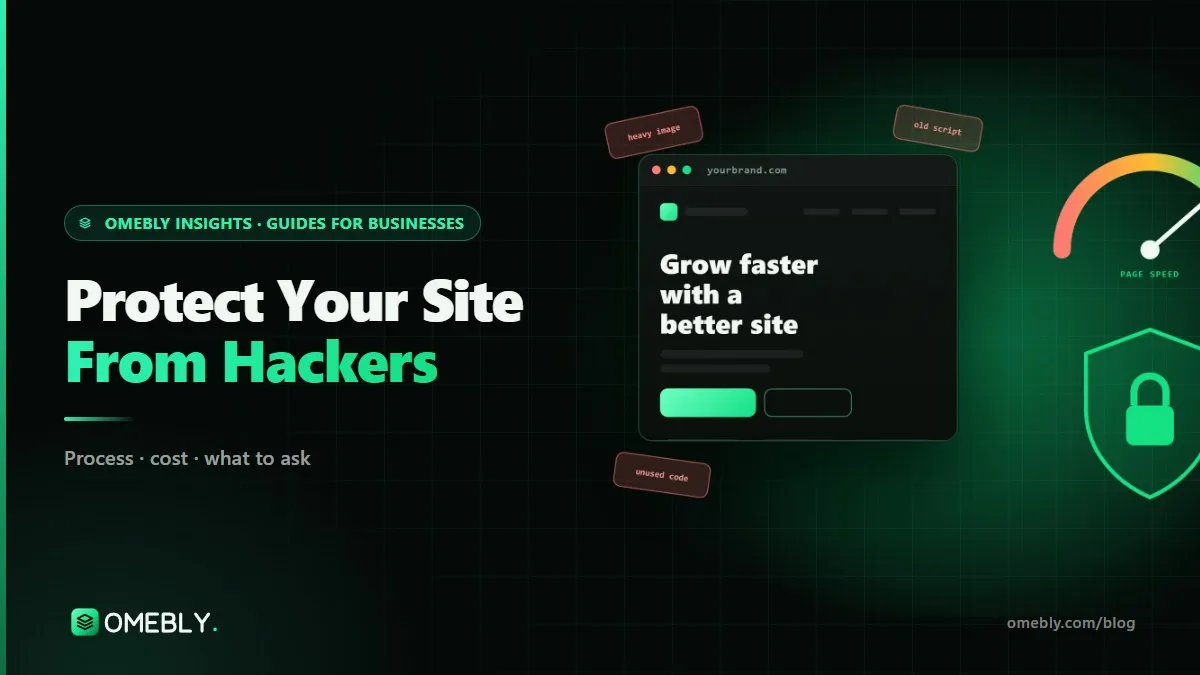
Most small business sites are hacked through old plugins, weak logins and missing backups, not clever attacks. Here are the fixes that matter, in order, plus what to do if it happens.
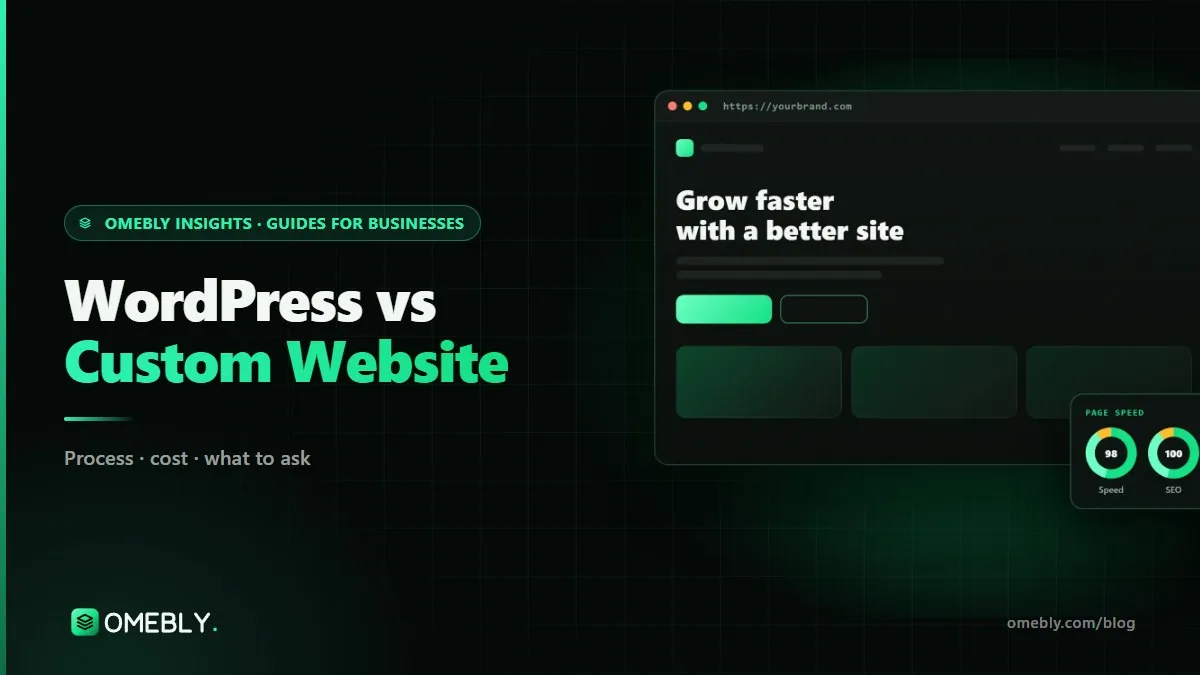
WordPress or a custom-built site? An honest comparison of cost, speed, security, editing, SEO and upkeep, plus the headless middle path that gives you both.
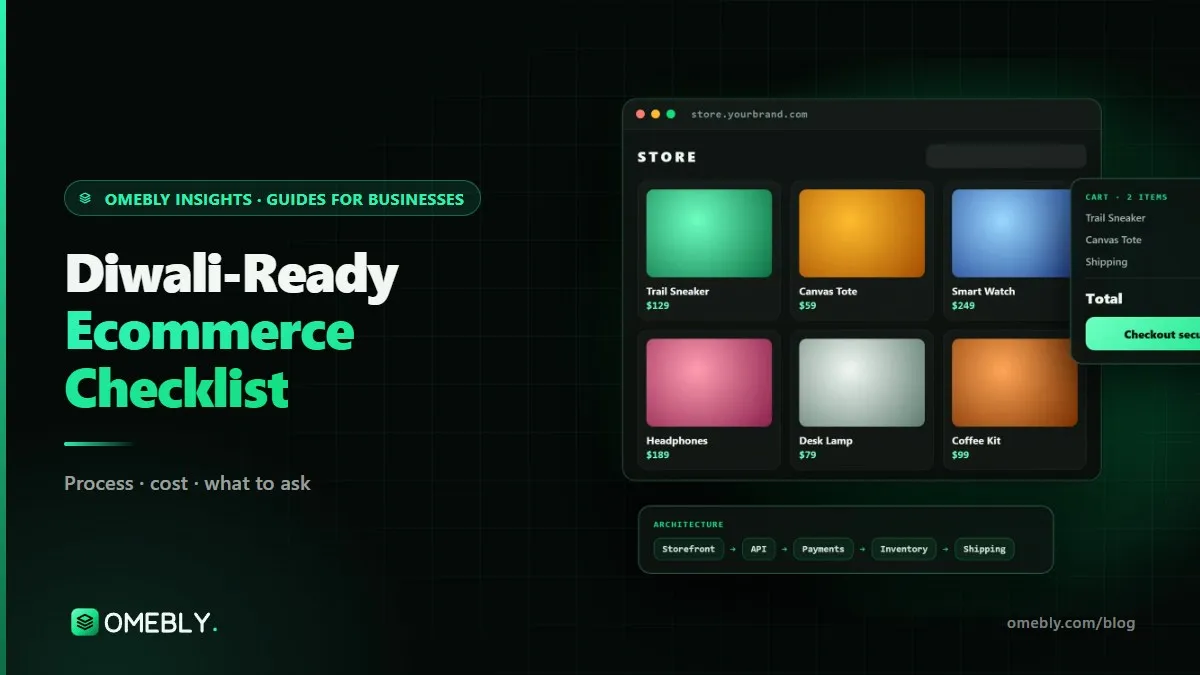
A week-by-week checklist to get your online store ready for Diwali: faster pages, a checkout that doesn't fail, accurate stock and offers that work.
We aim for good Core Web Vitals on your real visitors' devices, because that is the data Google uses in Search Console, rather than chasing one lab number. Lighthouse scores move with network conditions and test location, so we report them alongside real-user data. The audit tells you what is realistic for your platform and which fixes give the biggest gain, before you approve any work.
Page experience, including Core Web Vitals, is one of many signals Google uses, and content relevance matters far more. A faster site can help visitors stay, read and buy, especially on mobile data. We don't promise rankings or traffic from speed work alone. If you also need SEO, our digital marketing team can plan that as a separate service.
Send us your site address, hosting access and a screenshot of any warning on WhatsApp, and we will assess it. Clean-up starts with a backup of the infected site for evidence, then removal of malicious files, database entries and hidden admin users, and closing the weakness that let the attacker in. We then ask Google to review any security warning.
Yes. On WordPress we can change themes, plugins, caching and the server. On Shopify, the platform runs the servers, so we focus on the theme code, apps, images and scripts. On custom sites we can work on the code and hosting directly. The audit states clearly what can and cannot be changed on your platform.
We make changes on a staging copy first and check forms, checkout, logins and key pages before anything goes live. A full backup is taken before deployment, so we can roll back if something unexpected happens. Some fixes, such as removing a heavy slider or plugin, change how a page looks or works, and we agree those with you first.
It covers bugs in code Omebly writes during the project, as set out in our support policy. It does not cover your existing theme, plugins or code written by others, new security threats that appear later, or speed changes caused by content or scripts added after hand-over. For ongoing protection, an optional paid care plan covers updates, backups and regular checks.
If the site relies on a heavy page builder, dozens of plugins and an old theme, fixes may only go so far. The audit will tell you honestly if that is the case. A rebuild, for example moving from WordPress to a custom front end while keeping WordPress for editing, can then make more sense than repeated optimisation.
Tell us what you have in mind. You get a free consultation and a fixed quote within 48 hours.
Prefer email? info@omebly.com