
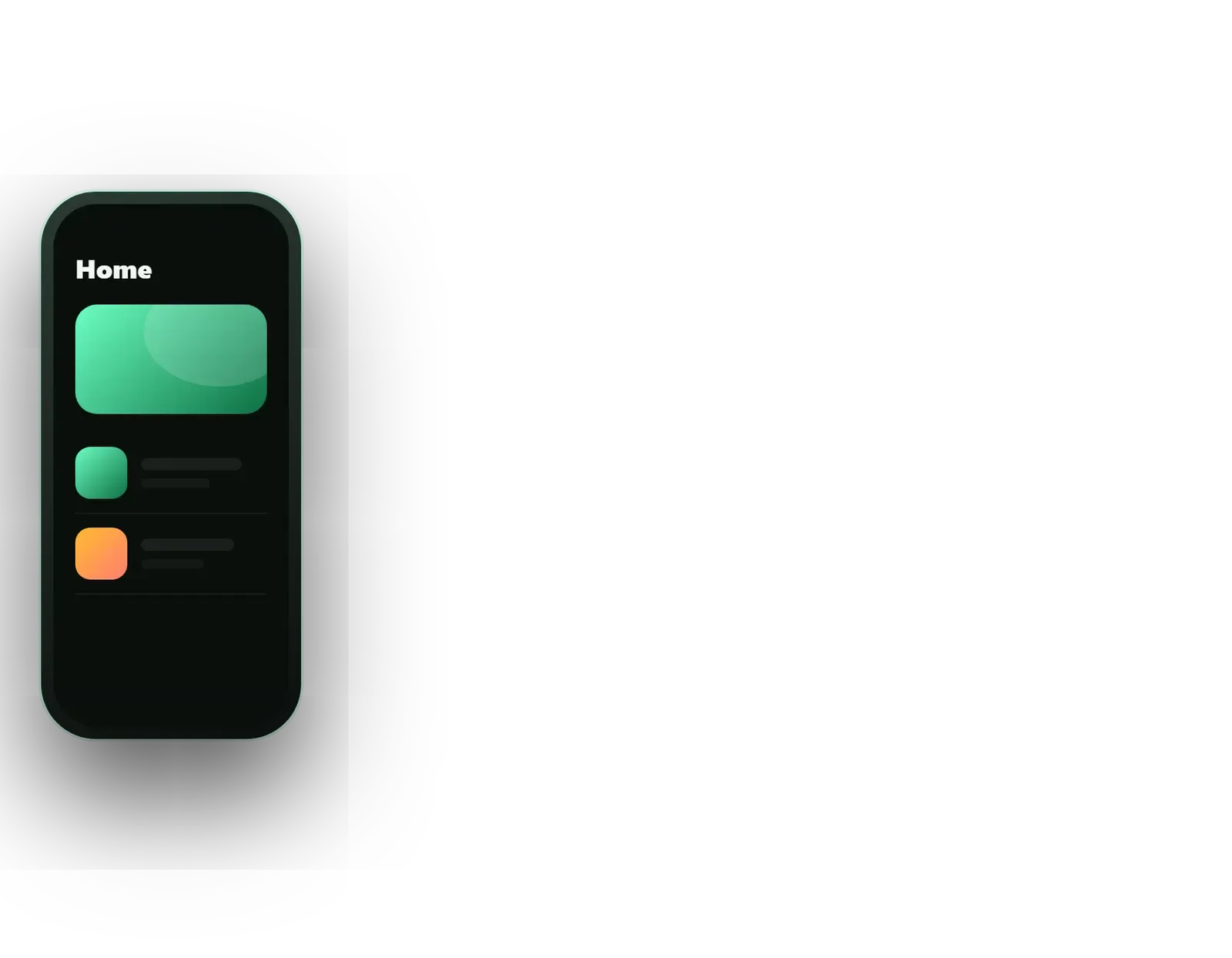
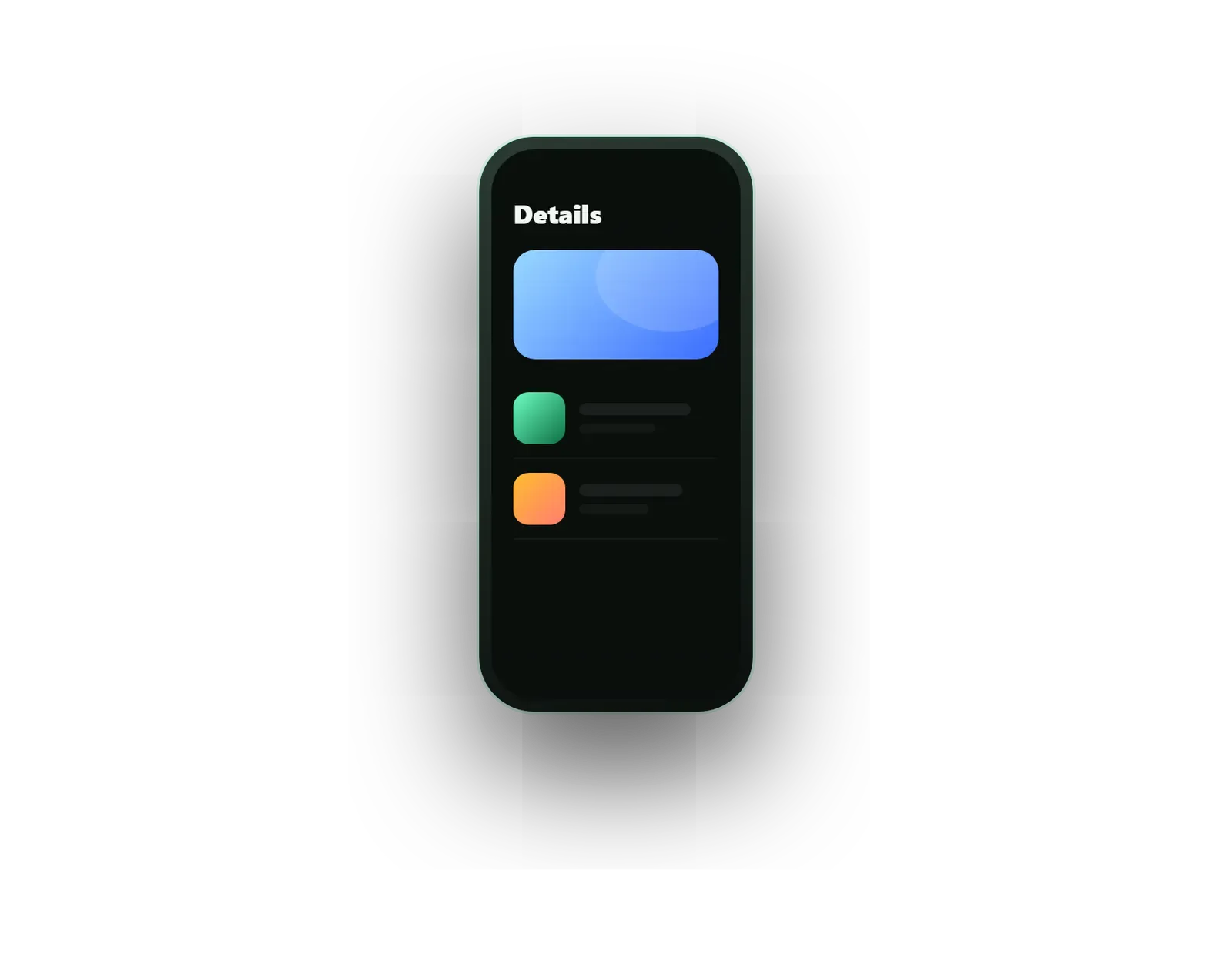

Founders pitching an idea
A realistic demo investors and early customers can tap through on their own phones.
Omebly PDF Tools
Edit PDFRotate PDFHeader and footerBates numberingResize PDFEdit metadataPDF bookmarksAdd page numbersAdd watermarkCrop PDFCreate PDF formFill PDF formsMerge PDFSplit PDFRemove pagesExtract pagesOrganise PDFPages per sheetScan to PDFBatch PDFCompress PDFGrayscale PDFOptimise for webRemove commentsRepair PDFOCR PDFJPG to PDFPNG to PDFText to PDFMarkdown to PDFEPUB to PDFWord to PDFPowerPoint to PDFExcel to PDFHTML to PDFPDF to JPGPDF to PNGPDF to TextExtract imagesPDF to EPUBPDF to WordPDF to PowerPointPDF to ExcelPDF to PDF/AUnlock PDFProtect PDFSign PDFFlatten PDFRedact PDFCompare PDFAI SummarizerTranslate PDFChat with PDFPDF to MarkdownA clickable prototype that looks and feels like the real product, so you can test and pitch before paying for code.
From $2,500 one-time
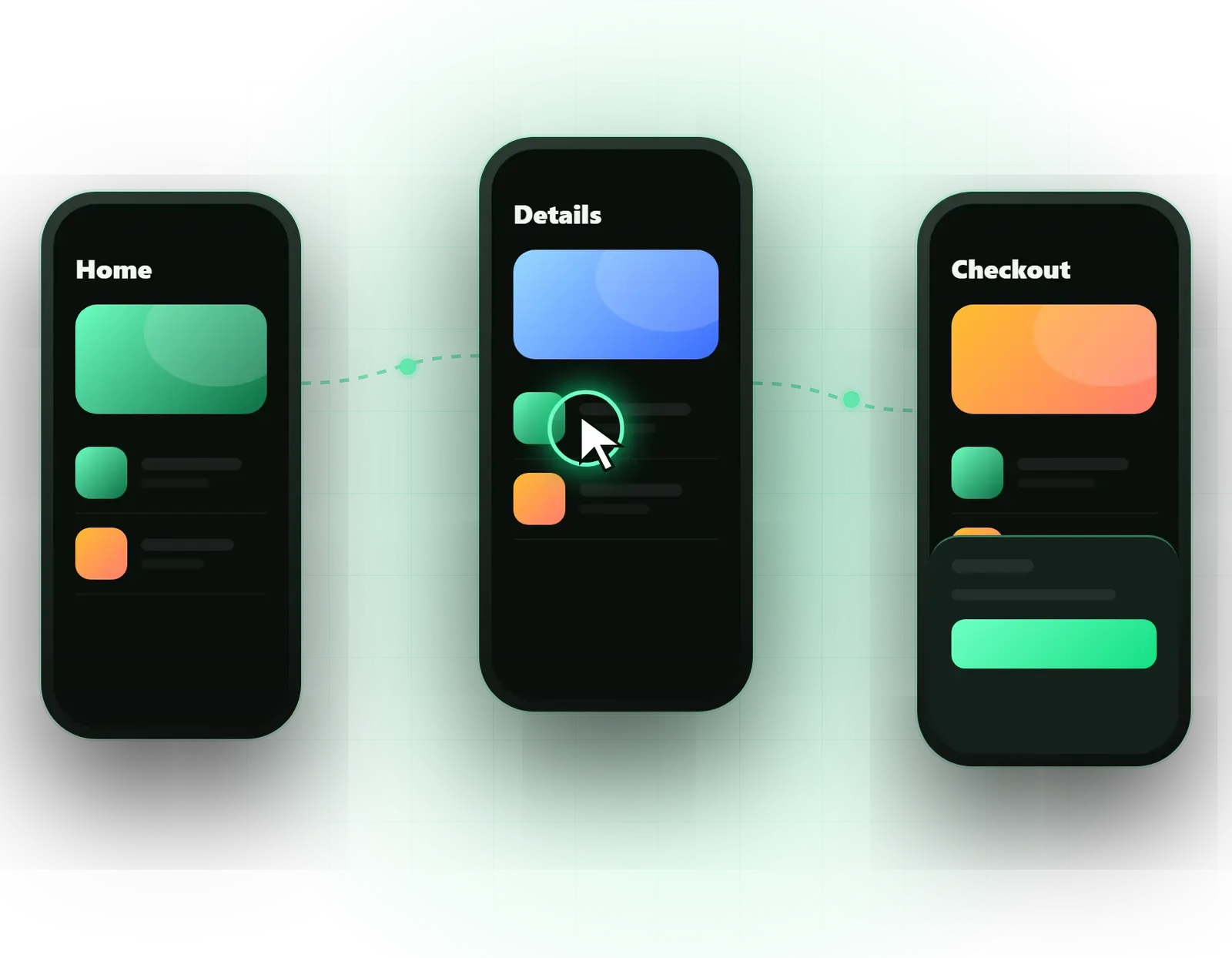
A realistic demo investors and early customers can tap through on their own phones.
Real user reactions to a new flow before developers spend sprints building it.
An unambiguous reference that shows exactly how each screen should behave.
Every screen the prototype needs, designed in your brand so testers react to the real experience.
Linked journeys such as sign-up, checkout or booking, with back navigation and dead ends removed.
Movement between screens and elements that shows how the finished product will feel.
Button presses, toggles, loading spinners, swipes and success messages that react like real controls.
Pop-ups, side panels, menus and forms that open, close and validate inputs using Figma variables and conditions.
Web and mobile links anyone can open, with a start point for each scenario you want to test.
Tasks for testers and a short summary of what worked and what confused them, where testing is in scope.
Ideas look convincing on a whiteboard. Problems usually appear only when someone tries to use the thing. Omebly’s Figma prototype design services turn your idea or existing designs into a clickable, high-fidelity prototype that looks and behaves like the real product, so you can test it, pitch it and correct it before paying for development.
A prototype is not a set of pretty pictures. Screens are linked into full journeys, buttons respond, menus slide open, forms show errors and transitions move the way the finished product will. Anyone can open it from a link, on a laptop or a phone. It is part of our wider UI/UX design service.
We build prototypes for three main reasons, and the purpose shapes everything else:
Designed screens. Testers react differently to grey boxes than to a finished-looking product, so we design the screens in your brand. If you already have designs, we fill in the gaps, which nearly always include missing error, empty and confirmation screens.
Each scenario, such as sign-up, search to purchase, or booking an appointment, is linked from start to finish. We remove dead ends, where a tester taps something and nothing happens, because they break the illusion and spoil the test.
Figma’s Smart Animate moves elements smoothly between screens: a card expanding into a detail page, a tab indicator sliding across. This shows developers the intended motion and makes demos feel finished.
Toggles switch, buttons show a pressed state, a spinner appears before results, and a tick confirms success. Where a richer animation is needed, such as an onboarding illustration, we can include a Lottie animation.
Using Figma variables and conditions, prototypes can remember choices, update a basket count, validate a form field or switch between user types. That makes testing far more realistic than a simple chain of screens.
Placeholder text hides problems. We fill the prototype with believable names, prices, dates and product details, including awkward cases such as long names and empty lists, so testers and investors see what the product will really look like day to day.
Each scenario gets its own starting point, so you can send one link for the sign-up flow and another for checkout. Viewers do not need a Figma account, and on a phone the prototype runs full screen in the free Figma app.
We start by agreeing the scenarios. A prototype that tries to show everything takes longer and usually tests nothing well. For a pitch, two polished journeys are often enough. For testing, we design around the tasks we want users to attempt.
Key trade-offs we discuss:
If you already have a live product and want to know why users struggle, a UX audit may be the better first step. If the prototype proves the idea, our MVP app development service turns it into working software.
We do not quote a standard timeline. The effort depends on:
A focused pitch prototype can move quickly; a full build reference with every state takes longer. Your fixed written quote lists the scenarios, the level of detail, any testing and the milestones.
Every project is led personally by our founder, Nazmul Hussain, who has 10+ years of experience building websites, apps and digital products. Because our team also develops apps, we prototype things that can actually be built, which avoids the awkward moment when a developer says the demo is impossible.
Send us your idea, sketches or existing designs on WhatsApp at +91 70444 33991, email info@omebly.com, or use our contact page. You will have a fixed quote within 48 hours.
We agree which journeys the prototype must show and who will use it: investors, testers or developers.
We design or refine the screens, then link them into complete journeys.
Transitions, micro-interactions and form or menu logic added, reviewed in weekly demos.
Optional sessions with real users, then changes based on what they struggled with.
From $2,500 one-time. Every project gets a fixed written quote after a free consultation, with milestone payments.
From $2,500
Fixed quote
Fixed quote
| Omebly | Static mockups | |
|---|---|---|
| How people review it | Tap or click through as if it were real | Scroll through flat images |
| User testing | Testers complete real tasks | Testers can only give opinions |
| Pitching | Investors hold the product in their hands | Slides of screens |
| Developer brief | Behaviour and transitions are shown | Behaviour is guessed or written up separately |
| Finding problems | Missing screens and dead ends show up quickly | Gaps often appear only during coding |
| Effort | More design time to link and animate | Quicker to produce |

A prototype tests whether people understand and want your product; an MVP tests whether they will use it for real. Here is how to decide which to build first.
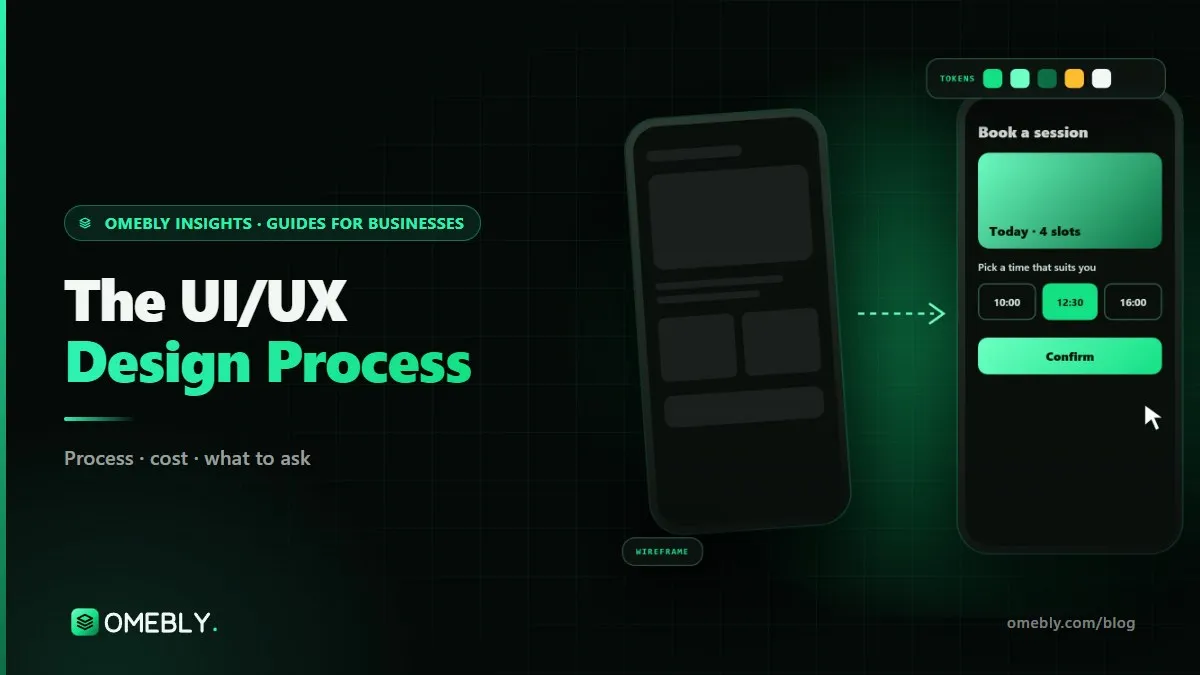
A practical walk through the UI/UX design process, from research and user flows to prototypes, testing and developer hand-off, and how each step affects sales.
A prototype looks and feels like the product but has no real backend: data is fixed, payments do not happen and nothing is saved. An MVP is working software real customers can use. A prototype costs far less and helps you decide what the MVP should include, so it is often the step before building one.
To a useful degree. With Figma variables and conditional logic, a prototype can remember a selection, show an error when a field is left empty, update a basket count or switch between logged-in and logged-out states. It cannot connect to a real database or process payments; those need development.
When the prototype needs to use phone hardware or complex sensor-based interactions, such as tilt, voice input, real text entry with the keyboard or detailed gesture physics. For most apps and websites, Figma's prototyping is enough and easier to keep up to date. We recommend ProtoPie only when the extra realism matters for testing or a pitch.
We write realistic tasks, such as book a table for four on Friday, and ask five or so people from your target audience to complete them while thinking aloud, on a video call or in person. We note where they hesitate or fail. Unmoderated tests through Maze are possible for larger groups.
Yes. If you already have screens in Figma, we tidy the file, fill in missing screens and states, link everything and add transitions. If your designs are in another tool or only as images, we rebuild them in Figma first, which the quote will show as a separate item.
Yes. We share a view-only link that opens in any web browser. On a phone, it can run full screen in the free Figma app, which feels much closer to a real app. We set a clear starting screen and can hide the Figma interface for a cleaner demo.
Tell us what you have in mind. You get a free consultation and a fixed quote within 48 hours.
Prefer email? info@omebly.com