Shaping Land in Dream City: Hills, Rivers and Ponds
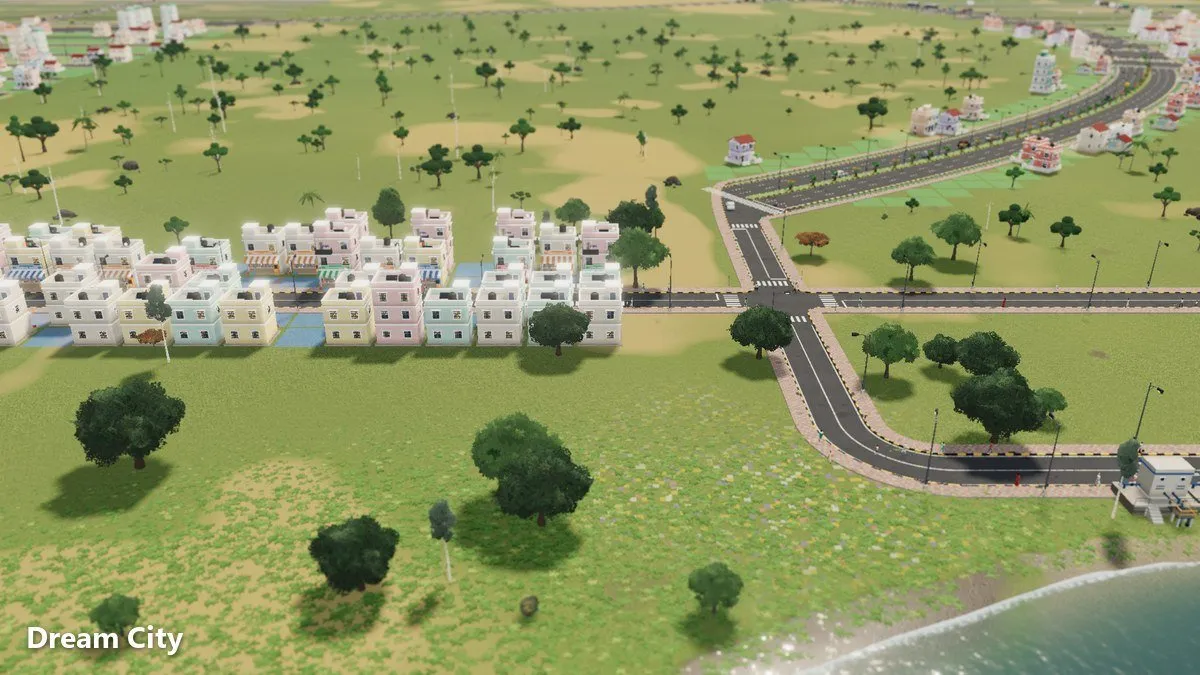
Dream City lets you reshape the ground itself. Raise hills, lower land until water fills it, and carve rivers and ponds that make your city unique. Here's how to shape land with a plan.
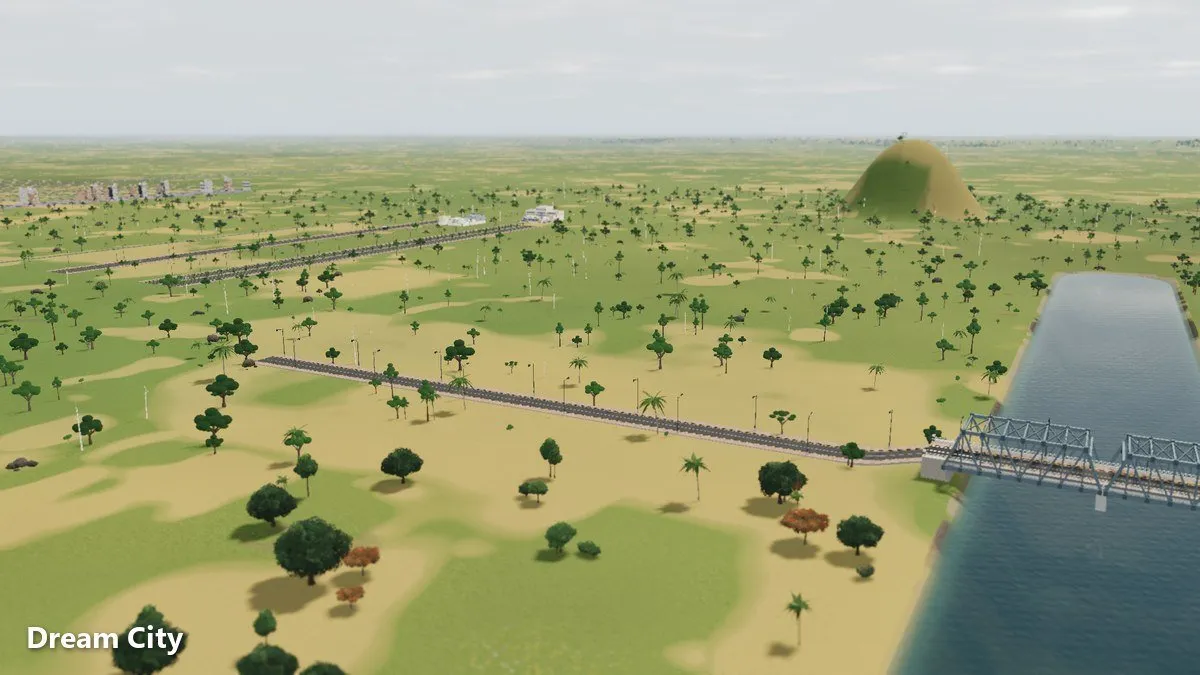
Most cities are built on the land they’re given. In Omebly Dream City, you get to change that land first. You can raise and lower the ground, and land lowered below the water fills, turning a dry field into a pond or a winding river. This Dream City terrain guide shows how to shape land that looks good and works for your city.
For a broader look at the game, read the main Dream City guide. Water features also matter for your water supply, which our water and sewage guide covers in detail.
Quick answer: Use the terrain tools to raise, lower, level and smooth land. Lower land below the water and it fills, which is how you make rivers and ponds. Shape the land before you build, keep flat ground for zones and roads, and dig a river or lake where you’ll want a water pump, since pumps need one. Bridges build automatically when roads cross rivers. The mountain ring is scenery outside the map and can’t be changed, so plan your landscape inside it.
What you can do with the land
Dream City’s terrain tools are simple:
- Raise land to make hills, ridges and higher ground.
- Lower land to make valleys and dips.
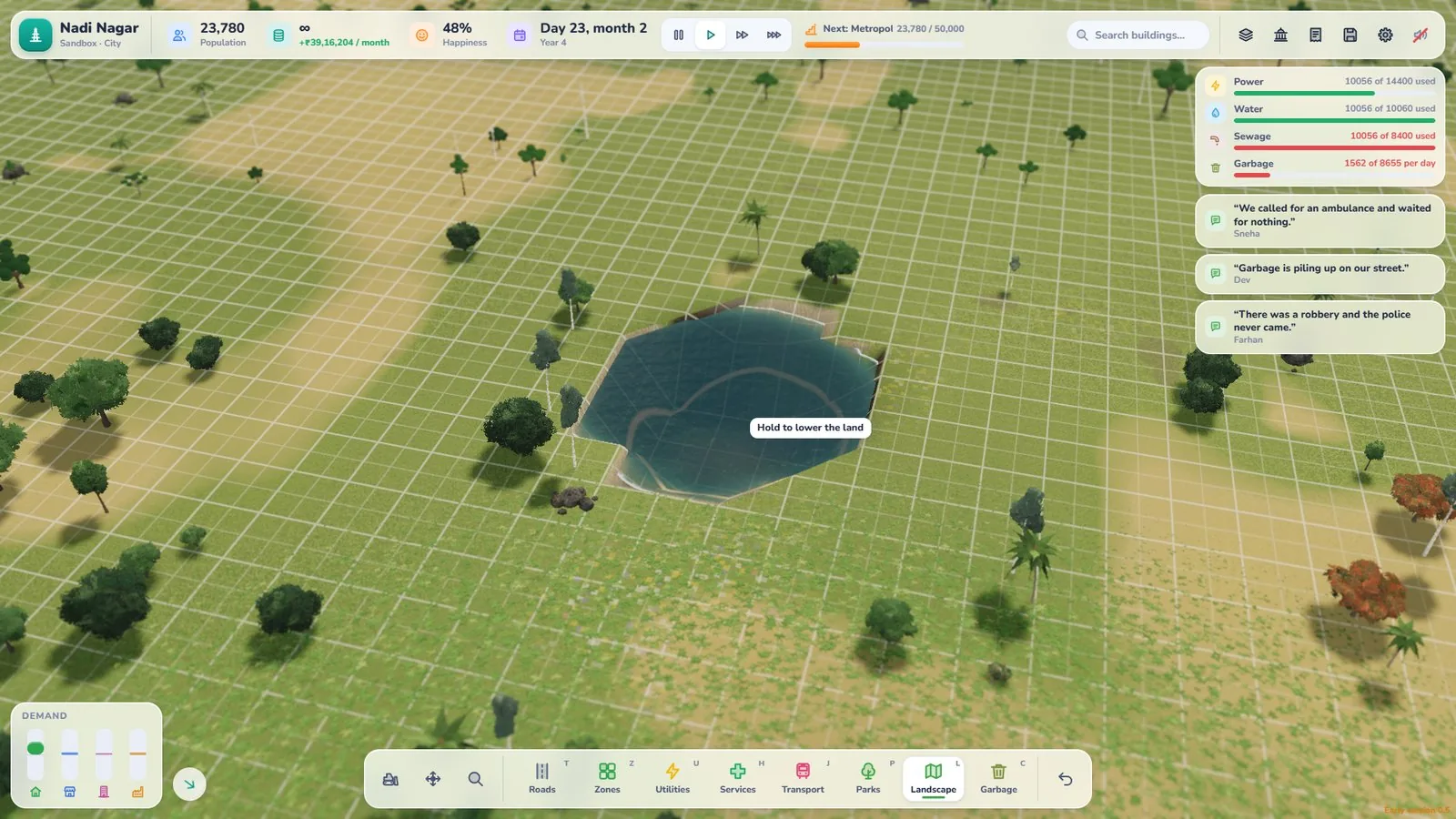
- Lower land below the water and it fills, creating ponds and rivers.
- Level land to make a flat area for building.
- Smooth land to soften rough slopes.
Around everything, a mountain ring surrounds the map. It’s scenery outside the map and can’t be changed, and it gives every city a natural backdrop and a clear edge.
Shape first, build second
The easiest time to shape land is before anything sits on it.
Why shape early
- Nothing in the way. The terrain tools skip tiles that already have roads or buildings, so shape land before you build on it.
- Better plans. A river or hill you decide on now becomes part of the city’s layout instead of something squeezed in.
- Cleaner roads. You can see where roads should run before you draw them.
A shaping routine for a new city
- Look at the whole map and the mountain ring around it.
- Find your free state highway at the map edge. Every city starts with one, and your first street will likely come off it.
- Decide where water goes. A river, a pond or both?
- Keep a large flat area for your first homes and work.
- Add hills at the edges where they frame the city without blocking it.
Making rivers
A river gives your city a spine and a sense of place.
How to dig a river
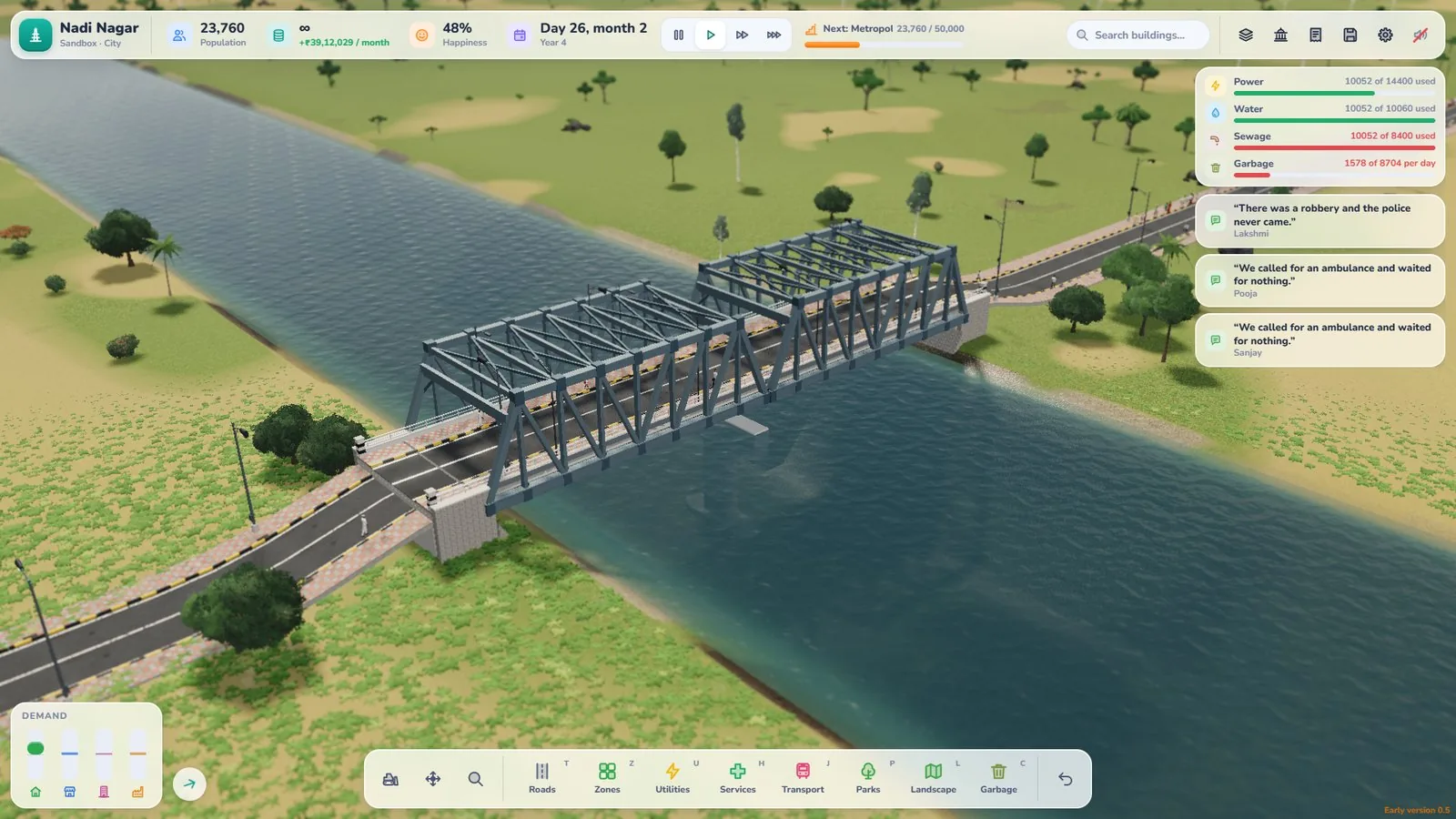
- Pick a route across the land, ideally a gentle curve rather than a sharp zig-zag.
- Lower the land along that route below the water so it fills.
- Keep the channel connected so it reads as one river, not a string of puddles.
- Leave flat land on both banks for roads and zones.
River tips
- Bridges build themselves. When a road crosses your river, a bridge builds automatically. You don’t need a separate tool.
- Don’t cut your town in half by accident. Every crossing means a bridge, so think about where people need to cross.
- Use curves. Curved roads alongside a curved river look natural.
Making ponds and lakes
Ponds are smaller and easier than rivers, and they’re great for filling an awkward corner.
How to make a pond
- Choose a spot that won’t block future roads.
- Lower the land below the water and let it fill.
- Shape the edges so it looks natural rather than square.
Where ponds work well
- Next to a park, for a calm neighbourhood centre.
- Near a place of worship, for a striking view.
- At the end of a street, as a view people walk towards.
Water you can use
Water isn’t just scenery. A water pump needs a river or lake, so a river you dig can become part of your water supply.
Planning for pumps
- Dig water near where your town will grow, so a pump can sit close to homes.
- Leave space on the bank for a pump and its road.
- Add a water tower to store water from your pump or well.
If you’d rather not shape water early, a village well is another way to get started, and you can add a pump once you have a river or lake.
Hills and high ground
Hills give a city shape and character.
Hill tips
- Keep hills at the edges of busy areas so they don’t block roads.
- Use gentle slopes near anything you plan to build on.
- Frame views. A hill behind a row of high-rises or a water tower makes a great skyline.
- Mind your roads. Roads that climb steep land can look awkward, so give main routes flatter ground.

Shaping land in Career vs Sandbox
Career
In Career mode you start small and buy more land as you earn, up to a 5×5 map. Shape each new plot as you open it up, before you build on it. Shaping costs money in Career, based on how much earth you move, and the cost is shown before you confirm. You can only shape land you own. Think about how its water and hills will connect to what you already have.
Sandbox
With unlimited money, Sandbox is the perfect place to experiment. Shaping is free in Sandbox. Try big rivers, island neighbourhoods or a lake in the middle of town before using the ideas in Career.
Make it beautiful
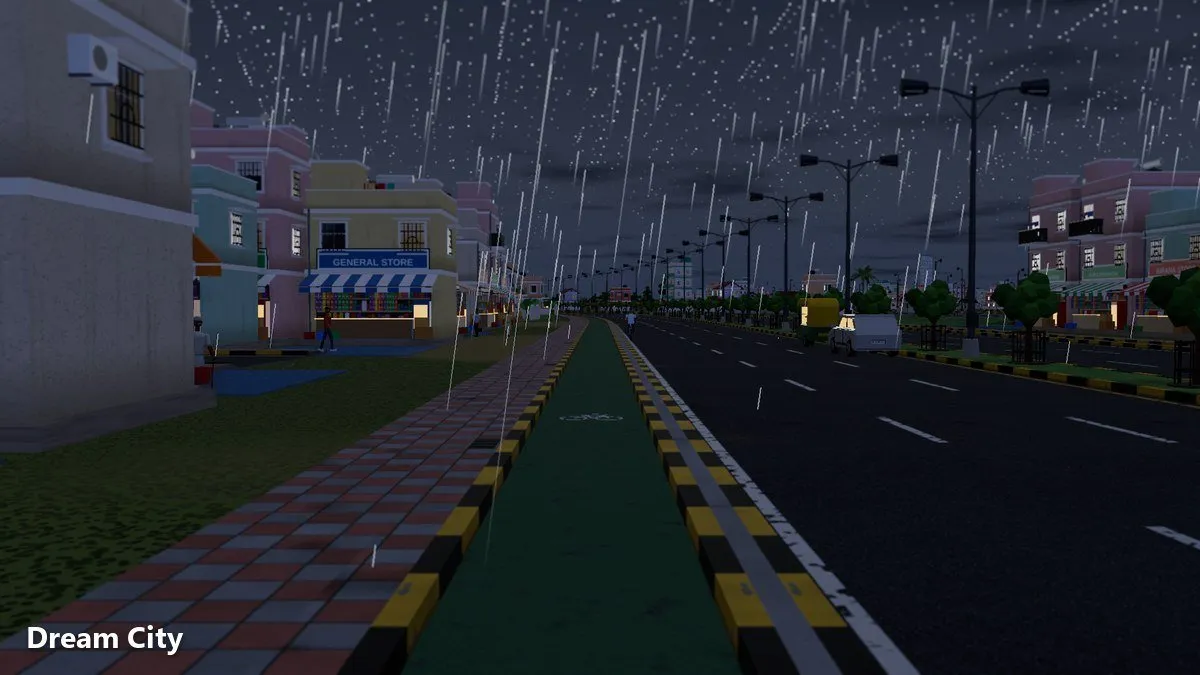
Shaped land comes alive with Dream City’s day and night and its rain. A river at night or a pond in the rain looks completely different from the same scene at noon.
- Drop to the street-level camera to see your landscape as residents do.
- Press F2 for photo mode when the light is right.
- Raise your graphics settings, up to 4K, for the best detail.
Common terrain mistakes
- Building first and shaping later
- Leaving no flat land for zones
- Digging a river that cuts off a neighbourhood
- Putting water far from where a pump would be useful
- Steep slopes under main roads
Your terrain checklist
- Map and mountain ring studied first
- Flat land kept for homes and work
- River or lake planned near future pumps
- Crossings chosen with bridges in mind
- Hills at the edges, framing the city
For ideas on lighting your new landscape, see our guide to night and rain in Dream City.
Open Dream City and shape the land your city deserves.
Frequently asked questions
Can you change the terrain in Dream City?
Yes. You can raise, lower, level and smooth land you own. Land lowered below the water fills up, which is how you make rivers and ponds.
How do I make a river or pond?
Lower the land below the water. It fills, creating a pond, and a long, connected channel becomes a river.
Do I need to build bridges over rivers?
Bridges build automatically when your roads cross a river, so you just draw the road.
Why would I want a river or lake?
Water pumps need a river or lake, and water makes a city look great, especially at night, in the rain or from the street-level camera.
Can I flatten the mountains around the map?
No. The mountain ring is scenery outside the map and can't be changed. It frames your city.

Written by
Nazmul Hussain, Managing Director & Technical Head, Omebly. 10+ years building websites and apps for clients in India, the Gulf, the UK and the US, and mentoring at Omebly Academy. LinkedIn · GitHub
Follow Omebly
New guides, work and launches on every channel.