



Marketing and content teams
Publish pages, posts and landing pages yourselves, with reusable blocks that keep every page on-brand.
Omebly PDF Tools
Edit PDFRotate PDFHeader and footerBates numberingResize PDFEdit metadataPDF bookmarksAdd page numbersAdd watermarkCrop PDFCreate PDF formFill PDF formsMerge PDFSplit PDFRemove pagesExtract pagesOrganise PDFPages per sheetScan to PDFBatch PDFCompress PDFGrayscale PDFOptimise for webRemove commentsRepair PDFOCR PDFJPG to PDFPNG to PDFText to PDFMarkdown to PDFEPUB to PDFWord to PDFPowerPoint to PDFExcel to PDFHTML to PDFPDF to JPGPDF to PNGPDF to TextExtract imagesPDF to EPUBPDF to WordPDF to PowerPointPDF to ExcelPDF to PDF/AUnlock PDFProtect PDFSign PDFFlatten PDFRedact PDFCompare PDFAI SummarizerTranslate PDFChat with PDFPDF to MarkdownA website your team can update in minutes, built on a CMS that fits how much content you publish and where it goes.
From $1,500 one-time
Publish pages, posts and landing pages yourselves, with reusable blocks that keep every page on-brand.
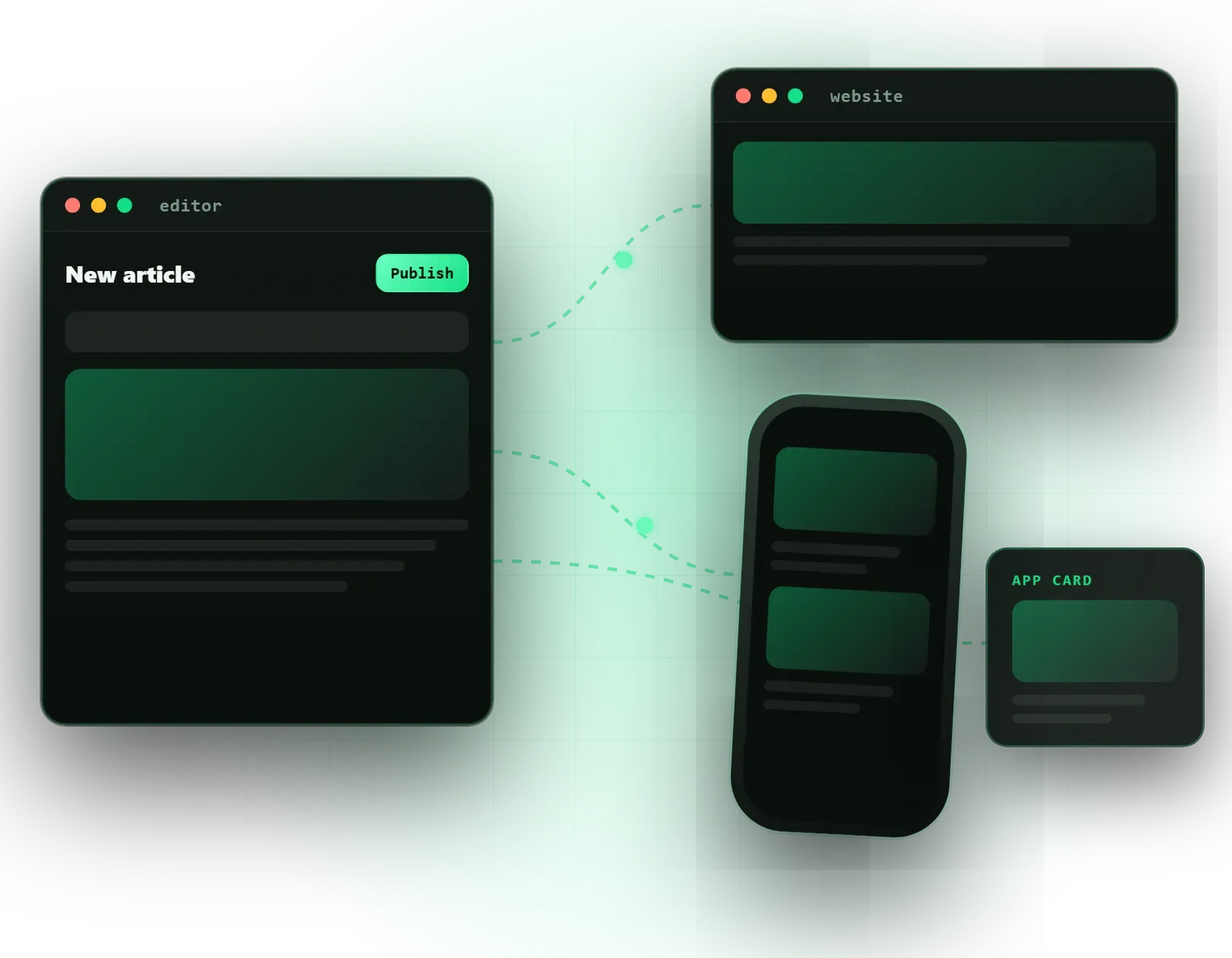
Write content once and send it to your website, mobile app and other screens from a single headless CMS.
A cleaner CMS setup that loads faster and is easier to edit, with your existing content moved across.
We recommend WordPress, Strapi or Sanity and define the content types, fields and relationships your team will edit.
Clear field names, help text and preview so editors know what each field does and how the page will look.
Sections such as heroes, feature grids, FAQs and calls to action that editors can arrange into new pages without breaking the design.
A custom Elementor Pro theme for WordPress, or a fast Next.js front end that reads from your headless CMS.
Editor, author and admin roles, drafts and scheduled publishing, so content is reviewed before it goes live.
For headless sites, publishing triggers an automatic rebuild so new content goes live without a developer.
Pages, posts, images and authors moved from your old CMS, with redirects for changed URLs.
A walkthrough and short written guide for the people who will publish content every week.
Bugs in code Omebly wrote are fixed free, as set out in our support policy.
A content management system, or CMS, is the part of your website your team touches every week. When it is set up well, adding a page or publishing a post takes minutes. When it is not, every update becomes a request to a developer or a risk of breaking the layout. Omebly’s CMS work covers both traditional WordPress builds and headless CMS development with Strapi and Sanity, chosen to match how much you publish and where that content needs to go.
This service is part of our web development service. It suits marketing teams, publishers, schools, multi-location businesses and any company whose content needs to reach a website and an app from one place.
The choice comes down to three questions: where your content needs to appear, who edits it and how much control you want over hosting and data.
WordPress with a custom Elementor Pro theme is the familiar option. Editors get a visual builder and see pages as they create them. We build a custom theme with a set of approved sections, rather than installing a heavy multipurpose theme, so pages stay fast and on-brand. It suits a single website with a team that already knows WordPress.
Strapi is an open-source headless CMS that runs on your own server. You control the database, the data and the hosting, which some businesses need for compliance or cost reasons.
Sanity is a hosted headless CMS with real-time collaborative editing and a highly customisable editing studio. It suits teams with several editors working at once.
With either headless option, the website front end is built separately, usually in Next.js, and fetches content through a REST or GraphQL API. The same content can then feed a mobile app or other screens.
Content modelling. Before any design, we list what you publish, such as services, team members, case studies, locations, articles and FAQs, and define the fields each one needs. A good content model is why editing feels simple later.
Heroes, feature grids, team profiles, FAQs, galleries and calls to action, designed in Figma and built once. Editors arrange these blocks to create new pages without touching code or breaking the design.
Clear field labels, help text, image size guidance, required fields where it matters and live preview, so editors are confident about what will appear on the page.
Author, editor and admin roles, drafts, review and scheduled publishing.
For headless sites we set up a Jamstack pipeline: when an editor publishes, the site rebuilds and the change goes live automatically.
Editable titles, descriptions and social images on every content type, with an automatic sitemap.
Content moves from your old CMS with redirects for changed URLs, and editors get a walkthrough and short written guide.
We design the editing experience as carefully as the website. A field called “body_2” helps nobody; a field called “Short summary (shown on the listing page, about 25 words)” does. We also limit choices on purpose. Editors get the colours, fonts and layouts that belong to your brand, not every option in the builder, which keeps pages consistent no matter who creates them.
We also think about the people who will maintain the site in two years. A content model that mirrors your business, with services, locations and people as their own types, survives a redesign: the front end can change while the content stays put. That is a quiet advantage of a headless setup, and one reason we spend time on modelling before design.
On migrations, we plan the switch so the live site stays up while the new one is built, filled and checked. If you are leaving a slow WordPress setup for a fully custom build, our WordPress to custom migration service covers that path. If your CMS needs to feed other systems, our API and backend development team can extend the content API.
Your fixed written quote sets out the timeline and milestones. The factors that move it most:
Hosting, domains and any CMS subscription, such as a Sanity plan, are paid by you directly and stay in your name.
Omebly is founder-led. Nazmul Hussain, MD and Technical Head, has 10+ years of his own experience building websites, apps and digital products, and shapes the architecture of each CMS project.
Tell us what you publish, who edits it and where it needs to appear. Message us on WhatsApp at +91 70444 33991, email info@omebly.com or use the contact form for a fixed written quote within 48 hours.
We look at what you publish, who edits it and where it needs to appear, then send a written quote with scope, milestones and price within 48 hours.
We list your content types, fields and page blocks, and agree the CMS, roles and publishing workflow.
Page templates and reusable blocks are designed in Figma, so every block an editor can use is approved upfront.
We set up the CMS, build the front end and deploy pipeline, and show progress in a weekly demo.
Content is migrated and checked, editors are trained, redirects go in, and the site switches over with the live site staying up.
From $1,500 one-time. Every project gets a fixed written quote after a free consultation, with milestone payments.
From $1,500
Fixed quote
Fixed quote
| Omebly | A ready-made WordPress theme | |
|---|---|---|
| Editing | Content fields and blocks shaped around your pages, with help text. | Generic options panels with many settings you never use. |
| Page speed | Only the code your pages need; headless front ends can be served as static pages. | Theme and page-builder code loads on every page whether used or not. |
| Design consistency | Editors arrange approved blocks, so pages stay on-brand. | Easy to drift off-brand as each editor styles pages differently. |
| Multiple channels | Headless setups send the same content to website, app and other screens. | Content is tied to the WordPress website only. |
| Set-up time | Needs content modelling, design and build first. | Install a theme and start the same day. |
| Fixes | Bugs in code Omebly wrote fixed free under the support policy. | Depends on the theme author's updates and support. |
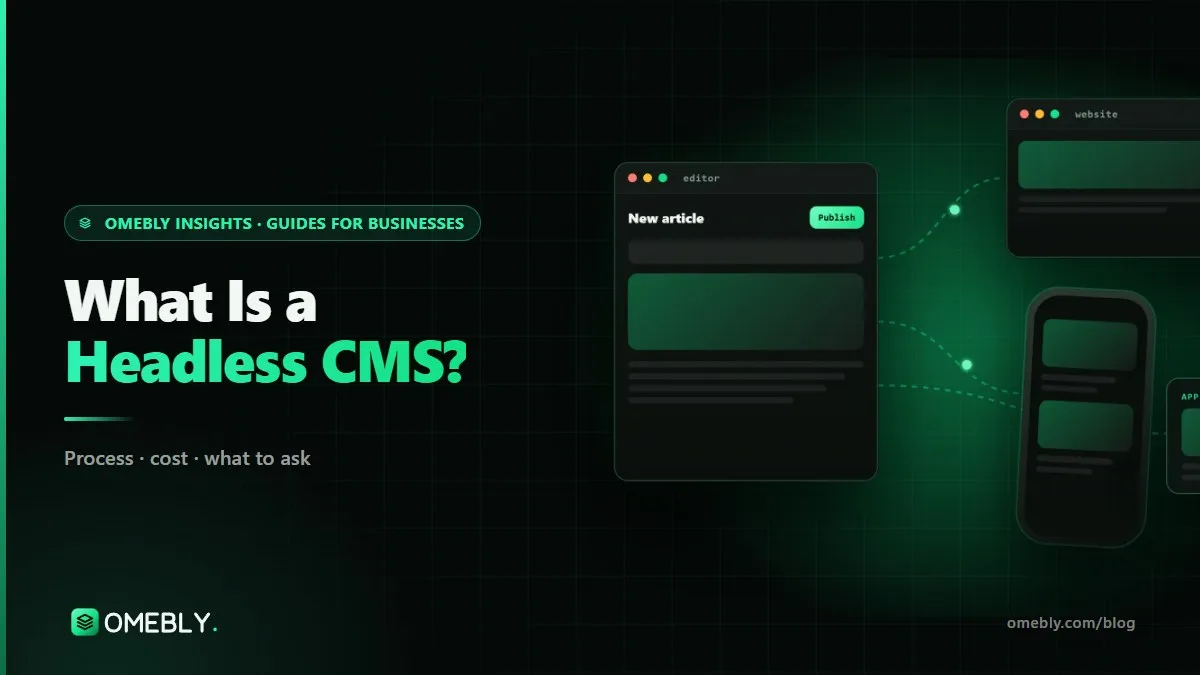
A headless CMS separates where you write content from where it's shown. Here's how it works, how it compares with WordPress, and the signs your business actually needs one.
Two Dubai website quotes can differ by ten times for the 'same' site. Here's what each budget level actually buys, and how to compare quotes fairly.

When a custom-built website is worth it for a small business, what it really costs, how the build works week by week, and how to avoid the usual mistakes.
A headless CMS stores and manages your content but does not decide how it looks. Your website, app or other screens fetch the content through an API and display it in their own design. Editors still get a friendly admin to write and publish. The benefit is that one piece of content can appear in several places, and the front end can be built for speed.
WordPress suits teams that want a familiar editor, a single website and a large pool of plugins and developers. A headless CMS suits you if content needs to reach a website and an app, if speed matters a great deal, or if you want a cleaner editing setup without theme clutter. We recommend one after looking at what you publish and who edits it.
Strapi is open source and self-hosted, so it runs on your own server and you control the database and data. Sanity is a hosted service with real-time collaborative editing and a flexible editing studio, billed on a plan from Sanity. We choose based on where you want your data, how many editors work at once and your running-cost preference.
Yes. With WordPress and Elementor Pro, editors see the page as they build it. With a headless setup, we add a preview mode so drafts show on the real front end before they go live. Combined with draft and scheduled publishing, this lets a reviewer check a page on desktop and mobile before anyone outside sees it.
Yes. We export pages, posts, images, categories and authors from your current system and import them into the new content model, cleaning formatting as we go. Changed URLs get redirects so links and search listings keep working. The switch-over is planned so your live site stays up while the new one is prepared and checked.
Yes, that is one of the main reasons to choose a headless CMS. Strapi and Sanity both deliver content through REST or GraphQL APIs, so your website and a Flutter, iOS or Android app can show the same articles, products or FAQs. Editors update content once and every channel reflects the change.
It can work very well, as long as pages are rendered on the server or pre-built, rather than assembled in the visitor's browser. We build headless front ends with Next.js so Google receives complete HTML, and we include editable SEO fields for titles, descriptions and social images on every content type, plus an automatic sitemap.
Tell us what you have in mind. You get a free consultation and a fixed quote within 48 hours.
Prefer email? info@omebly.com