

Growing businesses run on spreadsheets
One web app for the bookings, jobs or records that currently live in shared sheets and email threads, with fewer copy-paste errors.
Omebly PDF Tools
Edit PDFRotate PDFHeader and footerBates numberingResize PDFEdit metadataPDF bookmarksAdd page numbersAdd watermarkCrop PDFCreate PDF formFill PDF formsMerge PDFSplit PDFRemove pagesExtract pagesOrganise PDFPages per sheetScan to PDFBatch PDFCompress PDFGrayscale PDFOptimise for webRemove commentsRepair PDFOCR PDFJPG to PDFPNG to PDFText to PDFMarkdown to PDFEPUB to PDFWord to PDFPowerPoint to PDFExcel to PDFHTML to PDFPDF to JPGPDF to PNGPDF to TextExtract imagesPDF to EPUBPDF to WordPDF to PowerPointPDF to ExcelPDF to PDF/AUnlock PDFProtect PDFSign PDFFlatten PDFRedact PDFCompare PDFAI SummarizerTranslate PDFChat with PDFPDF to MarkdownA web app shaped around how your business actually works, so your team stops patching spreadsheets together.
From $12,000 MVP, one-time
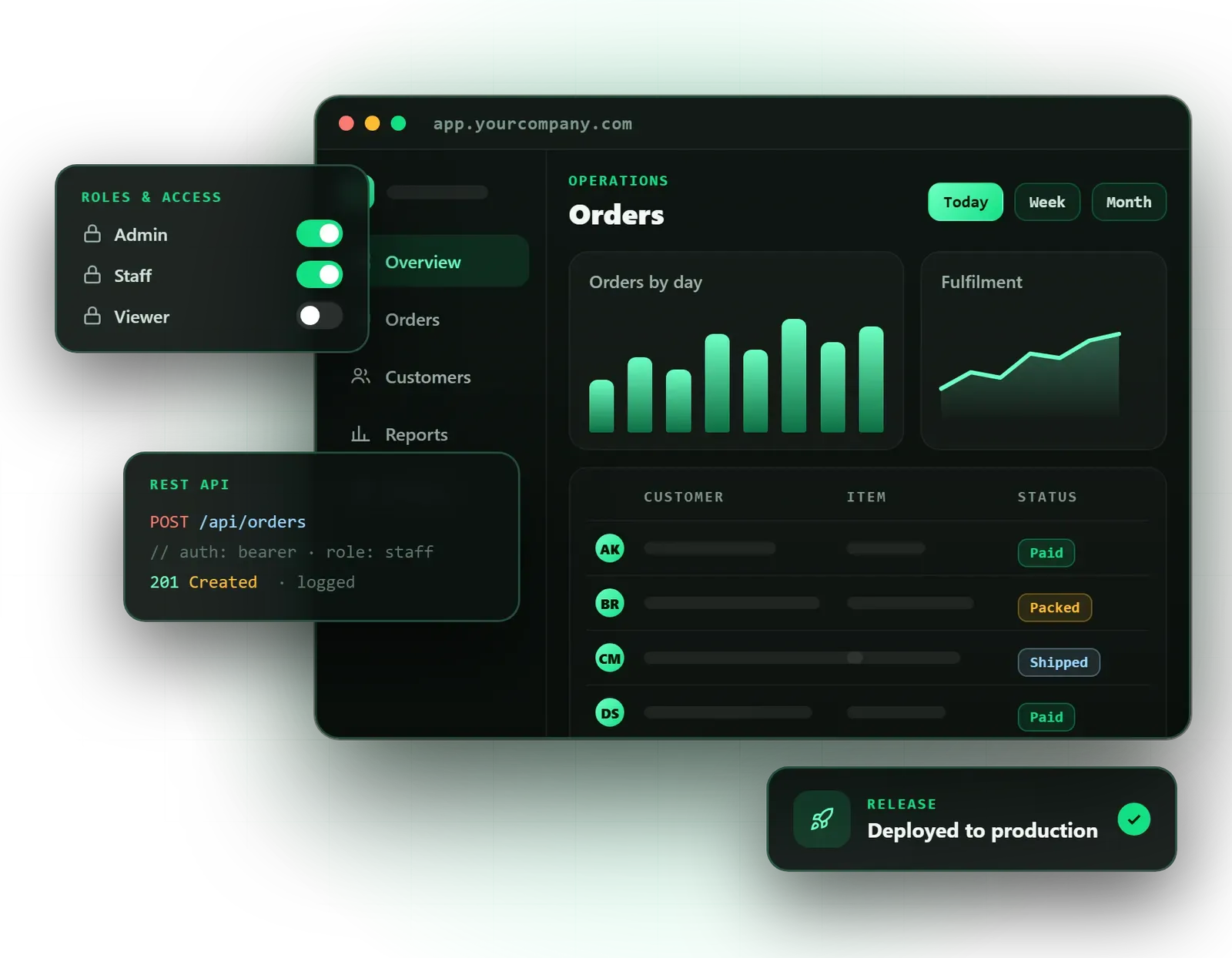
One web app for the bookings, jobs or records that currently live in shared sheets and email threads, with fewer copy-paste errors.
A secure client portal where customers log in to see their documents, project status or invoices instead of chasing your team.
A CRM, booking or operations tool that fits your process, rather than bending your process to fit someone else's product.
We map who uses the app, what each person needs to do and which features belong in the first release.
Key screens designed and linked in Figma, so you can try the main flows before development starts.
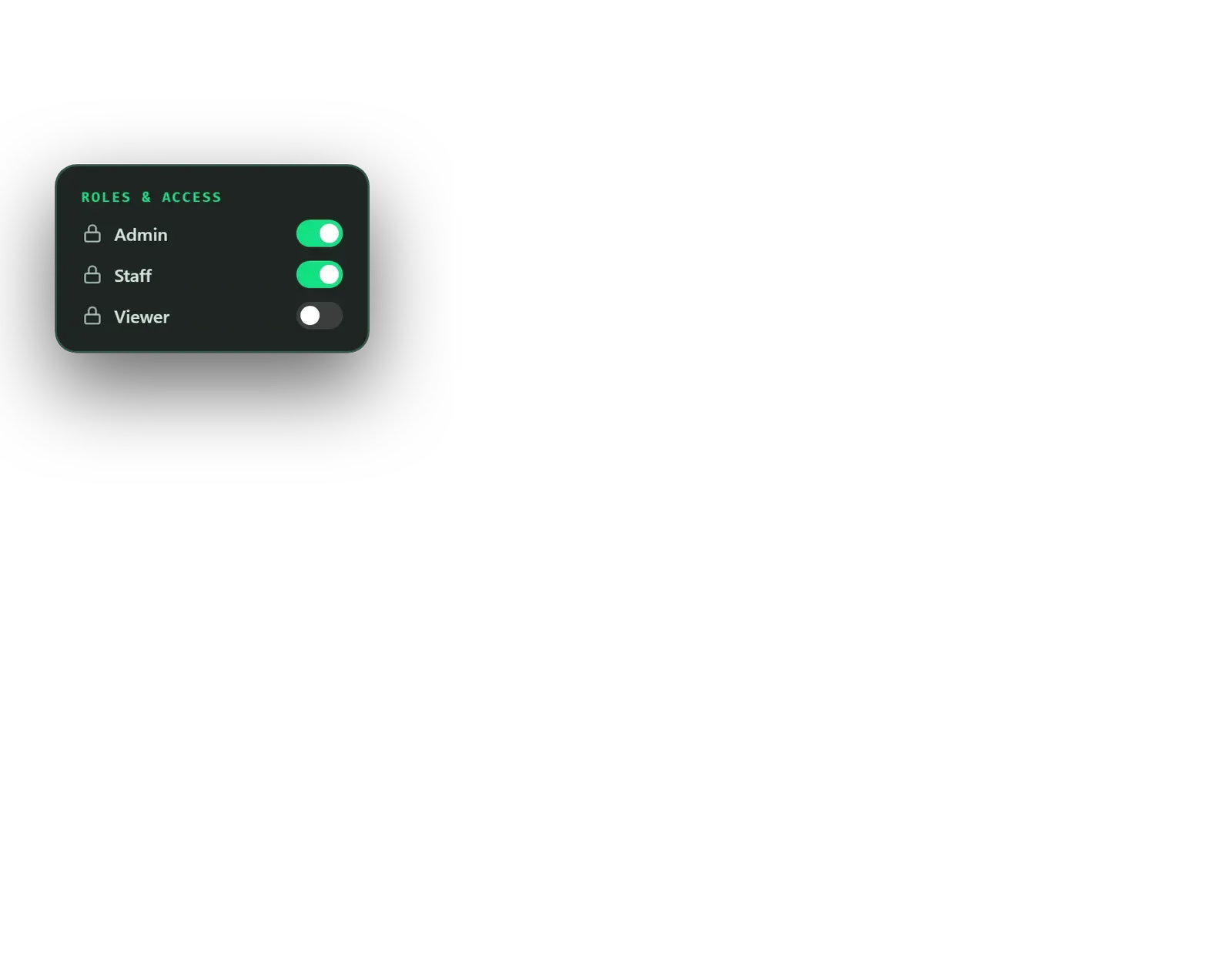
Logins with roles such as admin, staff and client, so each person sees and changes only what they should.
The workflows the app exists for, such as bookings, job tracking, approvals, records or client documents.
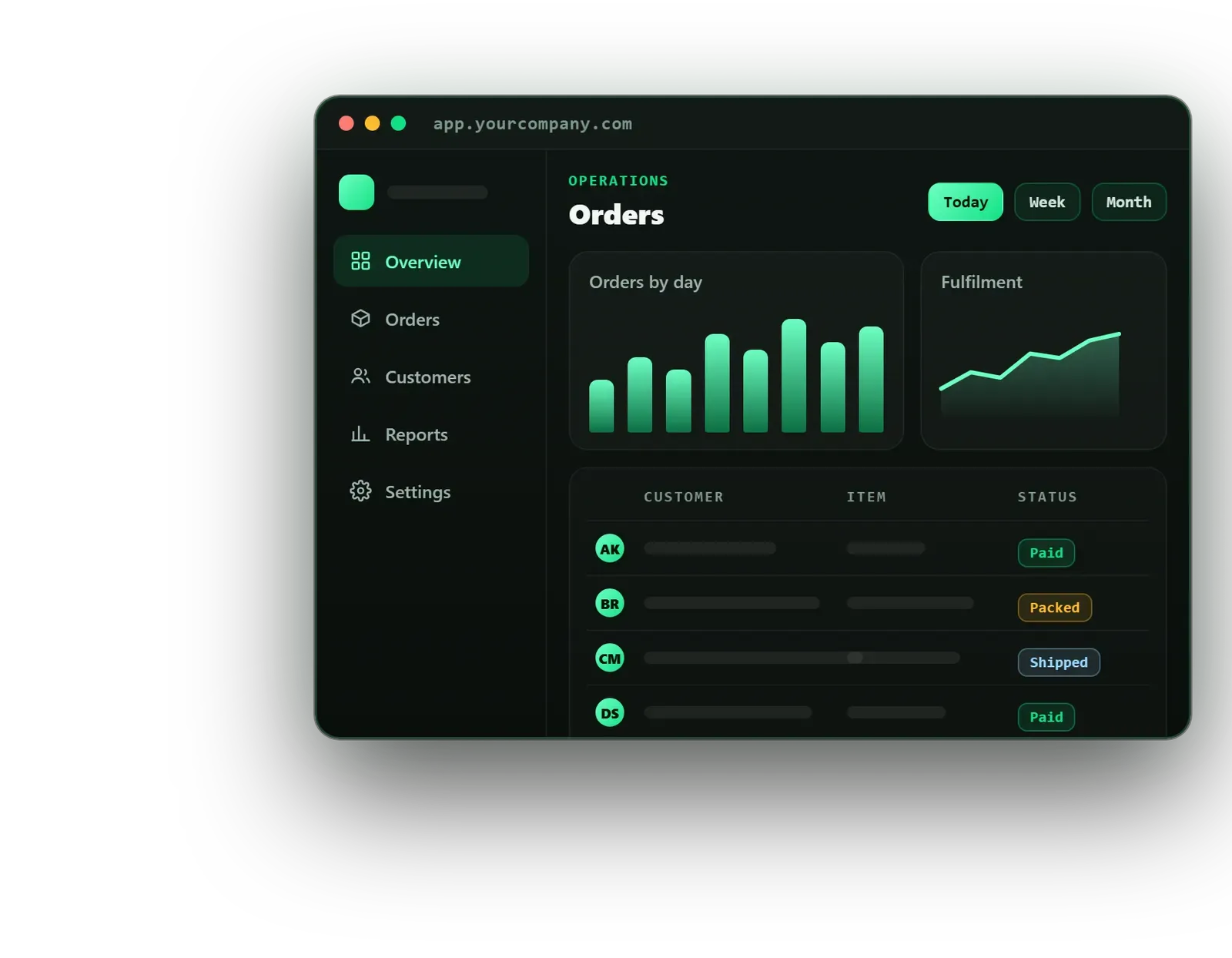
An admin area to manage users and data, with dashboards showing the numbers your team checks every week.
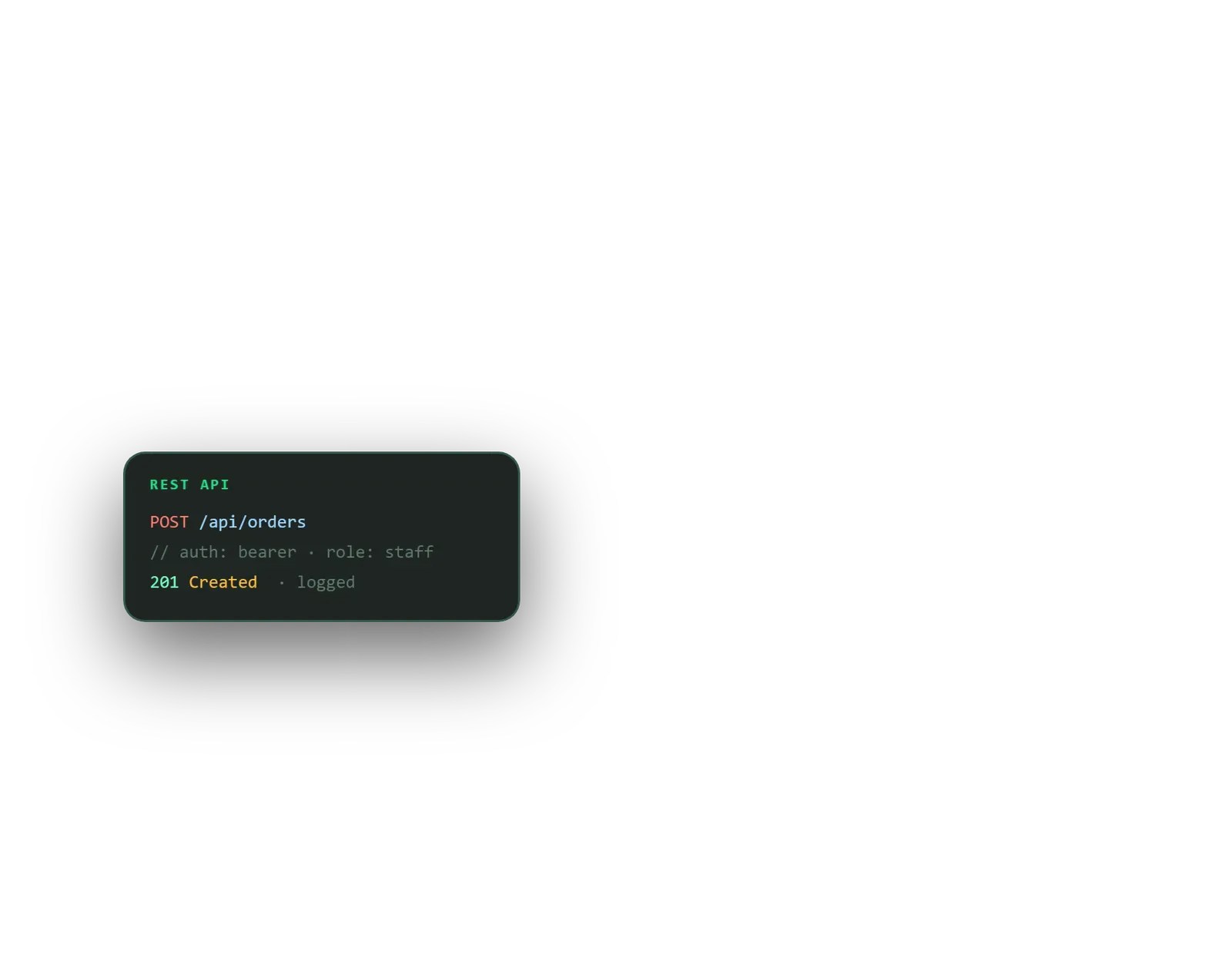
Connections to payments, email, calendars, accounting or ERP software through REST or GraphQL APIs and webhooks.
Hosting, SSL, backups and secure authentication set up in your name.
Source code, designs, accounts and notes on how the app is built, handed over once fully paid.
Bugs in code Omebly wrote are fixed free, as set out in our support policy.
Many growing businesses run on a patchwork: a shared spreadsheet for bookings, a second for jobs, email threads for client updates and a paid tool that does half of what you need. Custom web application development replaces that patchwork with one secure app in the browser, built around the way your team and clients actually work.
Typical projects include client portals, booking systems, admin and analytics dashboards, CRM tools and internal operations apps with role-based access. Staff log in to manage their work, managers see live numbers, and clients see only their own records. It all runs in a web browser, on a laptop or a phone, without installing anything.
This service is part of our web development service. If you plan to sell your software to many other businesses on subscription, look at our SaaS development service instead, which adds multi-tenant accounts and billing.
Every app is different, but most need the same foundations:
You receive the source code, designs and accounts once the project is fully paid, along with notes on how the app is put together so another developer could pick it up.
Start with the workflow, not the features. In the product workshop we follow a real task from start to finish: who starts it, who approves it, what information changes hands. Feature lists written without this step tend to miss the awkward cases, like a booking that is moved twice or an invoice that is part-paid.
The first release should handle the core workflow well. Reports, extra roles and nice-to-have screens can follow once your team has used the app and you know what they need. This keeps the first phase focused and gets value into your hands sooner.
Key screens are designed in Figma and linked into a clickable prototype. Ten minutes of a real staff member clicking through it often reveals more than a long meeting.
Roles are cheap to design and expensive to retrofit. We decide upfront who can view, edit, approve and delete each type of record, and build those rules into the database and the server, not just hide buttons on screen. That way a client portal stays private even if someone shares a link they should not.
Most apps start with years of records in spreadsheets or an old system. We look at that data in the workshop, agree what to import and how to clean it, so the app launches with useful history rather than an empty screen.
We typically build with React or Next.js on the front end, Node.js on the server and PostgreSQL for data, with Firebase where real-time updates or quick authentication make sense. These are widely used tools, so you are not tied to us for future work. Where the app needs to share data with other systems, our API and backend development work covers that in depth.
Your fixed written quote sets out the timeline in milestones, each ending with a working demo. What moves the timeline and price most:
Hosting, domains and third-party subscriptions are paid by you directly, so they stay in your name.
Omebly is founder-led. Nazmul Hussain, MD and Technical Head, brings 10+ years of his own experience building websites, apps and digital products, and he is involved in the architecture of each web app we take on.
Share the spreadsheets, tools or process you want to replace, and who will use the app. Message us on WhatsApp at +91 70444 33991, email info@omebly.com or use the contact form.
We learn how the work is done today, who will use the app and your budget, then send a written quote with scope, milestones and price within 48 hours.
We map users, roles and workflows, agree what goes into the first release and write it down so everyone builds towards the same thing.
Key screens and flows are designed in Figma and linked into a clickable prototype for you and a few real users to try.
The app is built feature by feature, with a working demo every week and each milestone paid only after you review it.
We test roles, permissions and data with real scenarios, launch on your hosting and hand over code, designs and accounts.
Bugs in code we wrote are fixed under the support policy; new features are planned and quoted as further milestones.
From $12,000 MVP, one-time. Every project gets a fixed written quote after a free consultation, with milestone payments.
From $12,000
Fixed quote
Fixed quote
| Omebly | Off-the-shelf software | |
|---|---|---|
| Fit to your process | Built around how your team and clients actually work. | You adapt your process to the product's features. |
| Cost over time | One-time build price, then your own hosting costs. | Monthly fees per user that rise as your team grows. |
| Ownership | You own the code, designs and data once fully paid. | You rent access; your data sits in the vendor's system. |
| Integrations | Connected to the tools you already use through APIs. | Limited to the integrations the vendor chooses to offer. |
| Speed to start | Needs a workshop, design and build before you can use it. | Sign up and start using it the same day. |
| Changes later | New features added when you need them, quoted as milestones. | Wait for the vendor's roadmap or work around gaps. |
A website tells people about your business; a web app lets them do work inside it. Here is how to tell which one you need, with examples, costs and a decision checklist.
What a mobile app really costs in 2026, how the build works from idea to store release, and how to choose between Flutter and native iOS and Android.
A practical checklist for picking a web developer in Kolkata: the questions to ask, the red flags to spot and what should be in writing before you pay.
A web app is usually built for one business: your staff, your clients, your process. A SaaS product is sold to many customers, each with their own account, data and subscription, so it needs multi-tenant architecture and billing. If you plan to sell the software to other businesses, our SaaS development service is the better starting point; if you are solving your own problem, a custom web app fits.
Buy if a well-known product already does what you need and your team can live with its limits. Build when you keep paying for several tools and still rely on spreadsheets to fill the gaps, when per-user fees keep rising, or when your process is what sets you apart. In the consultation we will tell you honestly if an existing tool would serve you better.
Yes. We design web apps to be responsive, so staff and clients can use them in a mobile browser without installing anything. That suits most portals, booking systems and dashboards. If you need offline use, camera features or push notifications, a mobile app may be worth adding later, and our app development team can build it on the same backend.
Usually, yes. We connect web apps to payment gateways, email services, calendars, accounting tools, CRMs and ERP systems through REST or GraphQL APIs and webhooks, so data moves without manual copying. The main condition is that the other software offers an API or export. We check each system during the workshop before it goes into your quote.
We use secure logins with OAuth 2.0 or Firebase Authentication, role-based access so people only see what they should, SSL encryption, and backups on your cloud hosting. Passwords are never stored in plain text, and admin actions can be logged. Hosting is set up in your name, so your data stays under your control rather than ours.
No. Most clients arrive with a problem, a few spreadsheets and some screenshots of tools they have tried. The product workshop turns that into a written list of users, roles and features for the first release. If you already have a specification, we review it and point out gaps or features that could wait until a later phase.
Yes, and we usually recommend it. A focused first release gets the core workflow into your team's hands sooner, and real use shows which features matter next. We plan the code and database so later additions fit cleanly. Each new phase is quoted as its own set of milestones, so you decide when and how much to invest.
Tell us what you have in mind. You get a free consultation and a fixed quote within 48 hours.
Prefer email? info@omebly.com