App teams polishing a product
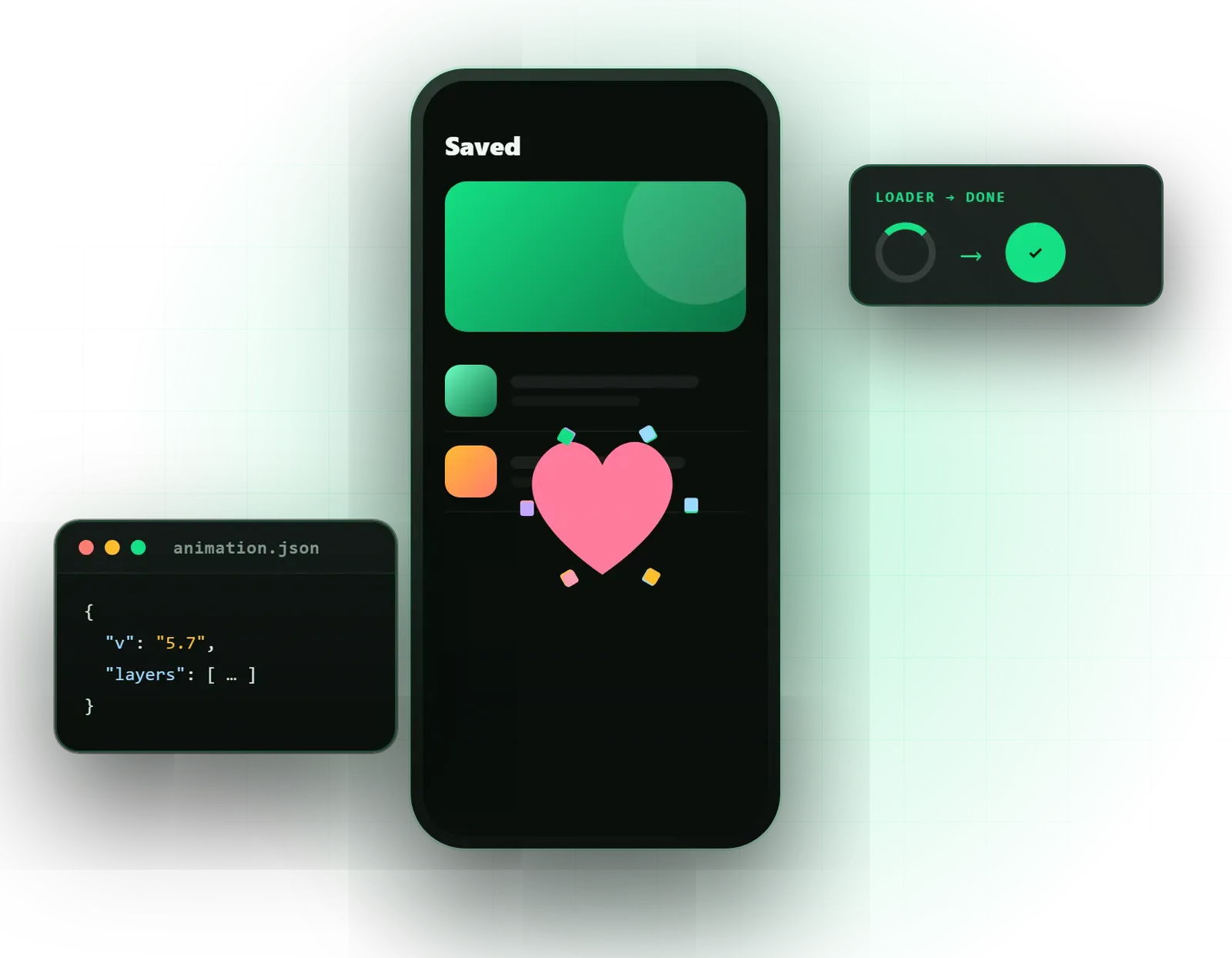
Feedback animations for taps, loading and success that make the app feel more responsive.
Omebly PDF Tools
Edit PDFRotate PDFHeader and footerBates numberingResize PDFEdit metadataPDF bookmarksAdd page numbersAdd watermarkCrop PDFCreate PDF formFill PDF formsMerge PDFSplit PDFRemove pagesExtract pagesOrganise PDFPages per sheetScan to PDFBatch PDFCompress PDFGrayscale PDFOptimise for webRemove commentsRepair PDFOCR PDFJPG to PDFPNG to PDFText to PDFMarkdown to PDFEPUB to PDFWord to PDFPowerPoint to PDFExcel to PDFHTML to PDFPDF to JPGPDF to PNGPDF to TextExtract imagesPDF to EPUBPDF to WordPDF to PowerPointPDF to ExcelPDF to PDF/AUnlock PDFProtect PDFSign PDFFlatten PDFRedact PDFCompare PDFAI SummarizerTranslate PDFChat with PDFPDF to MarkdownSmall, light animations that make your app or website feel responsive and finished, without slowing it down.
From $600 per animation set
Feedback animations for taps, loading and success that make the app feel more responsive.
Crisp animated illustrations and icons that stay sharp at any size and load quickly.
Friendly animated guides that help new users understand what to do next.
Press, like, favourite, toggle and add-to-cart animations that confirm an action instantly.
Branded loading, pull-to-refresh and progress animations that make waits feel shorter.
Animated illustrations for first-run screens that explain features in a few seconds each.
Small moments for payment success, failed uploads, no results and empty inboxes.
Navigation and feature icons with subtle motion, drawn to match your icon set.
Lightweight files exported via Bodymovin, tested on the platforms you use.
Trigger, loop, segment and timing notes so developers play each animation correctly.
Static images or first frames for reduced-motion settings and older devices.
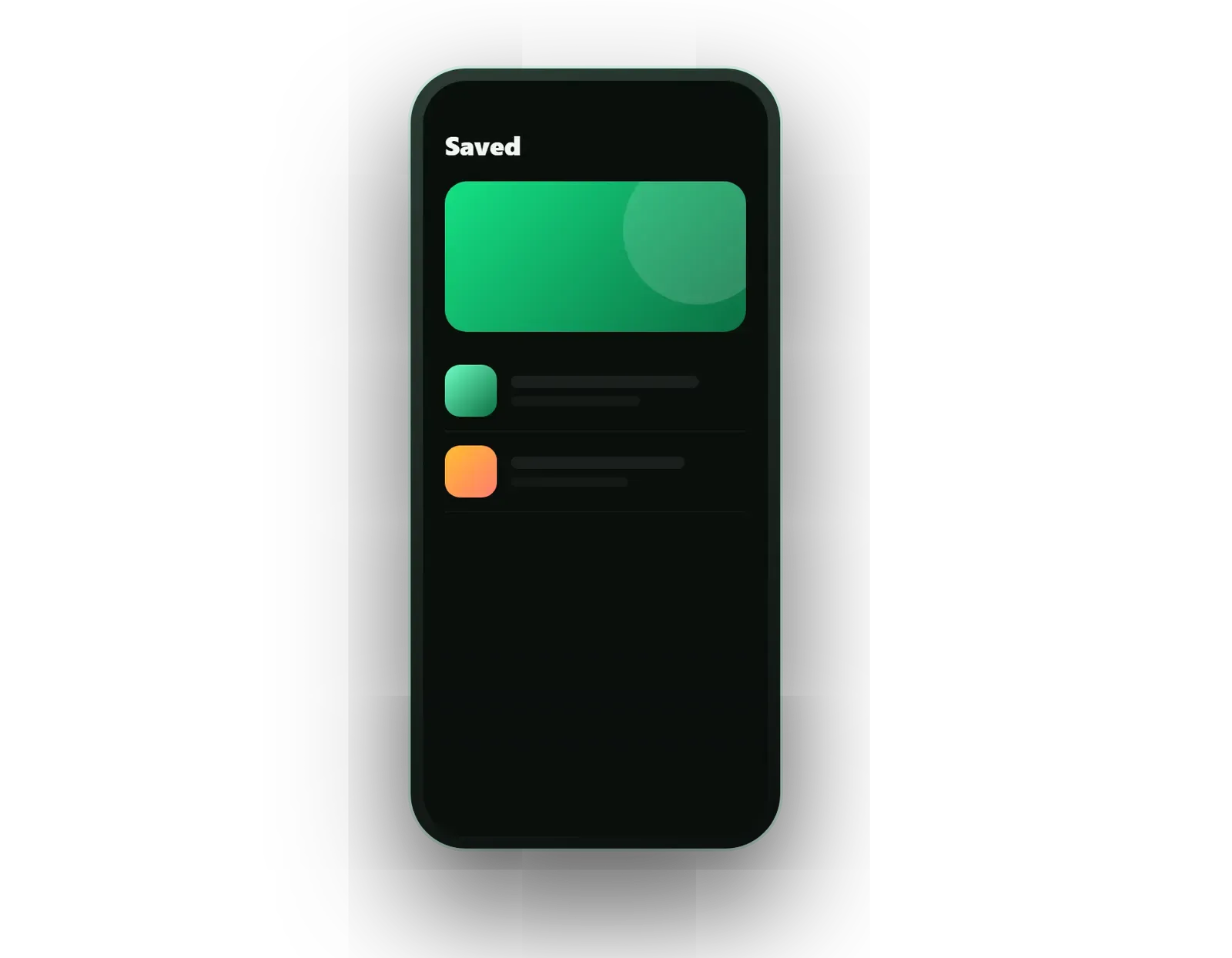
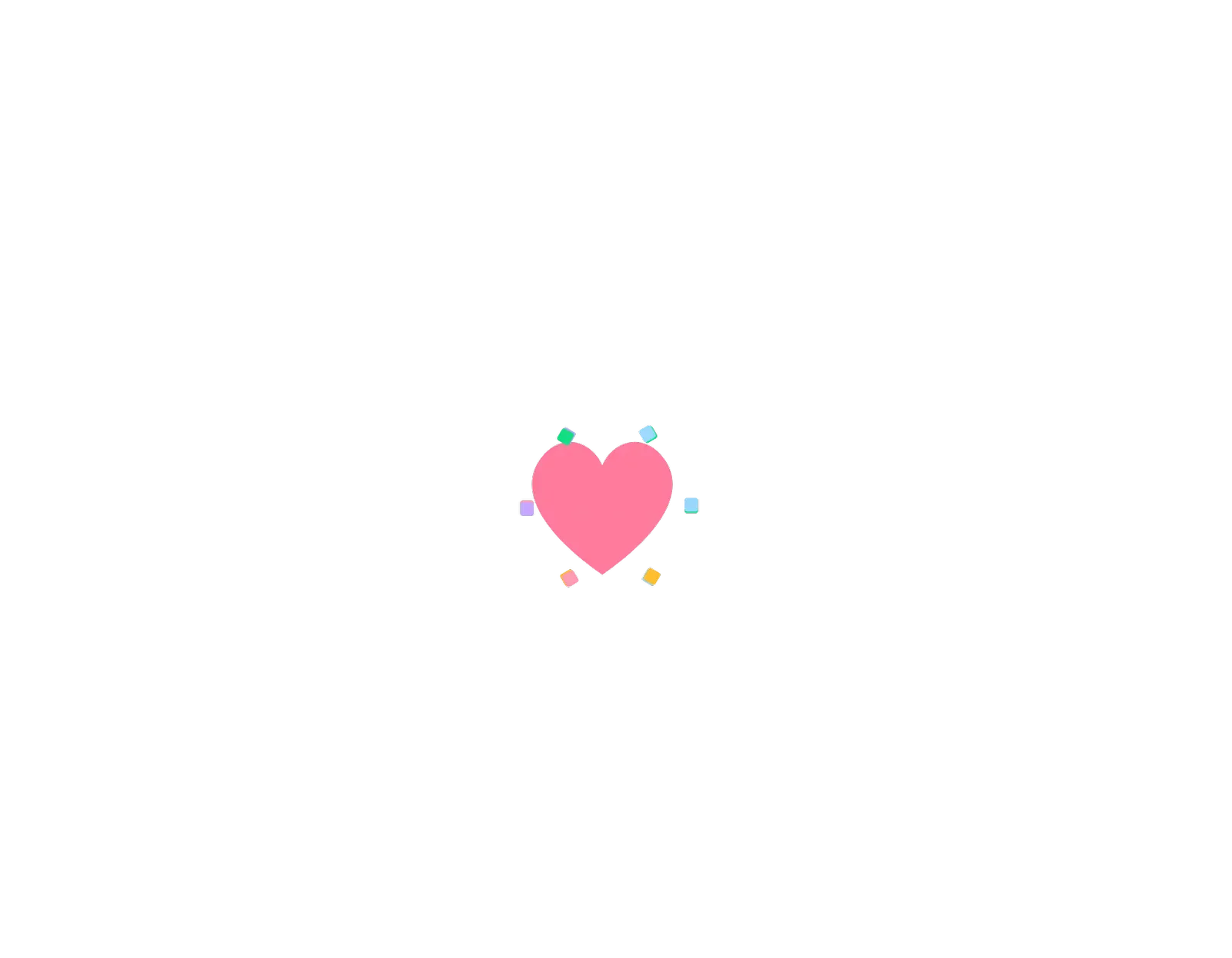
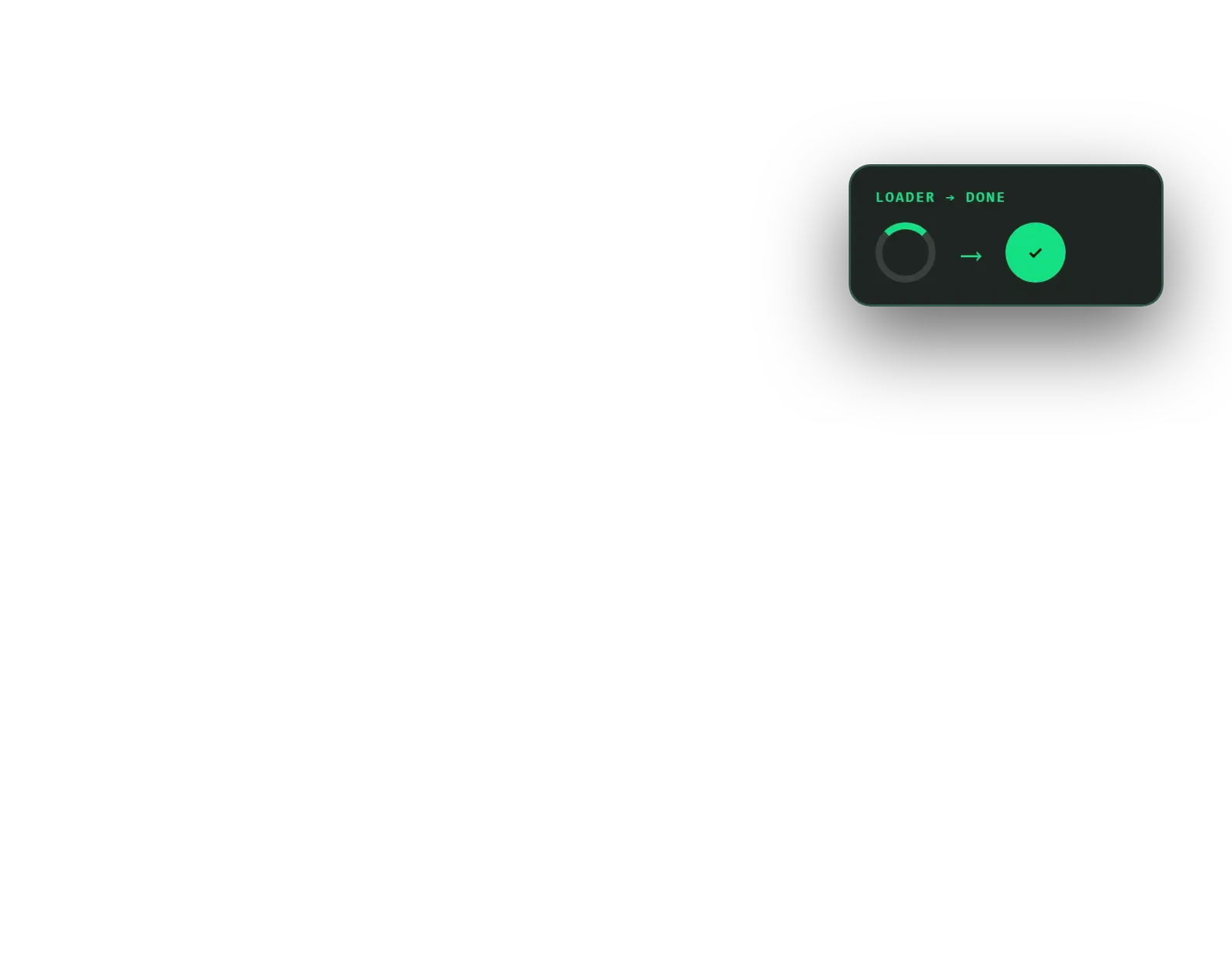
The difference between an app that feels polished and one that feels unfinished is often small: a heart that bursts when tapped, a loader that turns into a tick, a friendly illustration on an empty screen. Omebly’s Lottie animation services design those UI micro-animations and deliver them as lightweight Lottie files that play smoothly in apps and on websites.
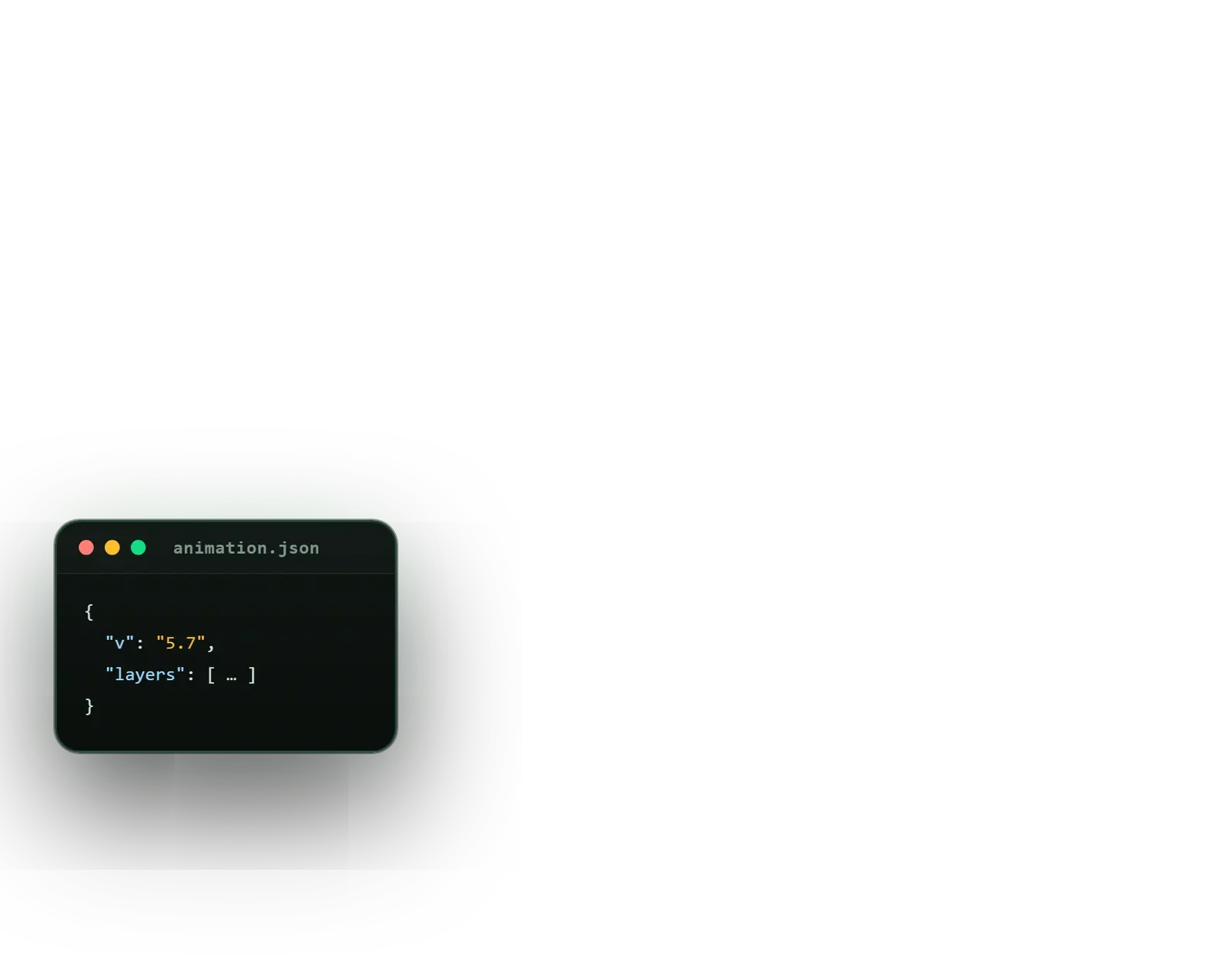
Lottie stores animation as JSON data rather than video frames, so files are small, stay sharp at any size and can be controlled in code. We design in After Effects, export through Bodymovin and test on real iOS, Android and web builds. This page covers in-product motion; for longer animated videos, see our main animation design service.
Lottie is not the only option, and we will say when it is the wrong one. Photographs, 3D renders and effects such as particles or heavy blur still belong in video. Interactive animations with many states that respond to live input can suit Rive, another real-time format. For flat vector motion inside an interface, though, Lottie is lightweight, well supported and easy for developers to use.
It suits app teams polishing a product before launch, websites that want motion without heavy video files, and products whose onboarding or empty screens feel flat.
Feedback for actions. When a user taps like, adds to basket, sends a message or switches a setting, a short animation confirms it happened. These animations are tiny, often well under a second, but they make an interface feel responsive.
A branded loader or pull-to-refresh animation makes a wait feel shorter and more intentional than a default spinner. For longer processes, such as uploads or payments, progress animations can be tied to the real percentage complete.
First-run screens explain your app’s main features. Animated illustrations communicate each one in a few seconds and give the app personality from the first minute.
Success after payment, an error when an upload fails, an empty inbox or no search results. These moments are easy to overlook, but they shape how users feel about your product when things go wrong or there is nothing to show.
Navigation and feature icons with subtle motion, such as a bell that rings when there is a notification, drawn to match your existing icon set.
Each animation is delivered as Lottie JSON and, where useful, dotLottie, with notes on triggers, loops, frame segments and timing. We also provide static fallbacks for users who choose reduced motion in their device settings.
Motion in an interface has a job: confirming an action, showing where something went, or explaining a change. Decoration that gets in the way is worse than none. We follow a few principles:
We work closely with your designers and developers. Animations are matched to the screens they live in; if you are designing the app itself, our mobile app UI/UX design team can plan motion from the start. For brand moments such as a splash-screen logo, our logo animation service creates the reveal and supplies it as Lottie too.
We do not quote a standard turnaround. The effort depends on:
Your fixed written quote lists each animation, the formats, the platforms tested and the revision rounds.
Every project is led personally by our founder, Nazmul Hussain, who has 10+ years of experience building websites, apps and digital products. Because Omebly builds Flutter, Android, iOS and web products, we design animations knowing how developers will load, trigger and test them.
Send us your app or website and the moments you would like to animate on WhatsApp at +91 70444 33991, email info@omebly.com, or use our contact page. We will reply with a fixed quote within 48 hours.
We review your screens and list the moments that need motion, ranked by how often users see them.
Motion style agreed on two or three sample animations before the full set.
Each animation built in After Effects with Lottie-supported features, reviewed in weekly demos.
Files exported, size-checked and played on real iOS, Android and web builds.
Files, specs and playback notes delivered, with help during integration if needed.
From $600 per animation set. Every project gets a fixed written quote after a free consultation, with milestone payments.
From $600
Fixed quote
Fixed quote
| Omebly | GIF or MP4 animations | |
|---|---|---|
| File size | Usually small JSON files | Often much larger, especially at high resolution |
| Sharpness | Vector, crisp on any screen size | Pixelated when scaled up |
| Control | Play, pause, loop segments or react to taps and scroll | Plays start to finish |
| Transparency | Clean transparent backgrounds | GIF edges look rough; video transparency is limited |
| Colour changes | Colours can change in code for themes | Needs a new export |
| Limits | Not for photos, 3D renders or complex effects | Shows anything a video can |
A Lottie file is an animation saved as JSON data, describing shapes, colours and movement rather than pixels. A small player library reads it and draws the animation live in your app or website. Animations are designed in After Effects and exported with the Bodymovin plugin. The newer dotLottie format compresses the same data further.
Official and community players exist for the web, iOS, Android, Flutter and React Native, among others. On the web, lottie-web or the dotLottie player is added to the page. In Flutter, the lottie package plays the same file. We test each animation on the platforms your product uses, because support for some effects varies.
Lottie handles vector shapes, paths, masks, trims and most transforms well. It does not support many After Effects effects, such as blurs on some players, particle systems, 3D layers or expressions-heavy rigs. Photographic or 3D content needs a video instead. We design within these limits from the start, so nothing breaks on export.
Yes. Developers can play a specific segment, for example the off-to-on part of a toggle, link progress to scrolling or a download, change colours for dark mode, or pause on the final frame. We mark the frame numbers for each state in the hand-off so your developers know exactly which section to play.
Not if they are designed carefully. We keep shapes and layers to a minimum, avoid unsupported effects, check file sizes before hand-off and test on mid-range phones, not only the latest models. We also avoid running many large animations on one screen at the same time, which is the usual cause of jank.
Usually we rebuild rather than convert. Lottie needs vector layers, so a GIF or MP4 cannot simply be turned into one. If you have the original After Effects or Illustrator files, the work is faster. Otherwise we redraw the animation in vector form, often improving it while matching the original idea.
Tell us what you have in mind. You get a free consultation and a fixed quote within 48 hours.
Prefer email? info@omebly.com