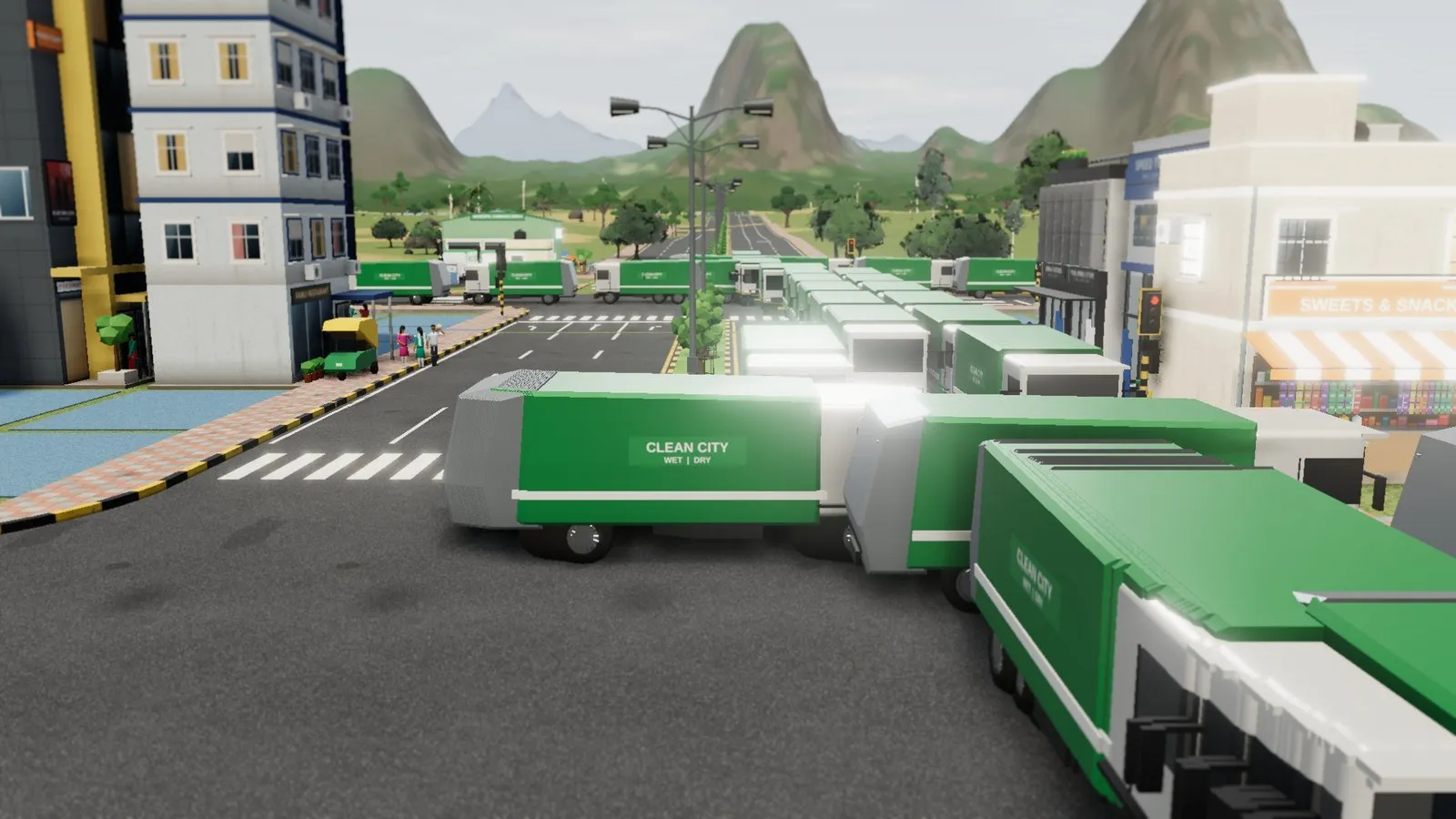
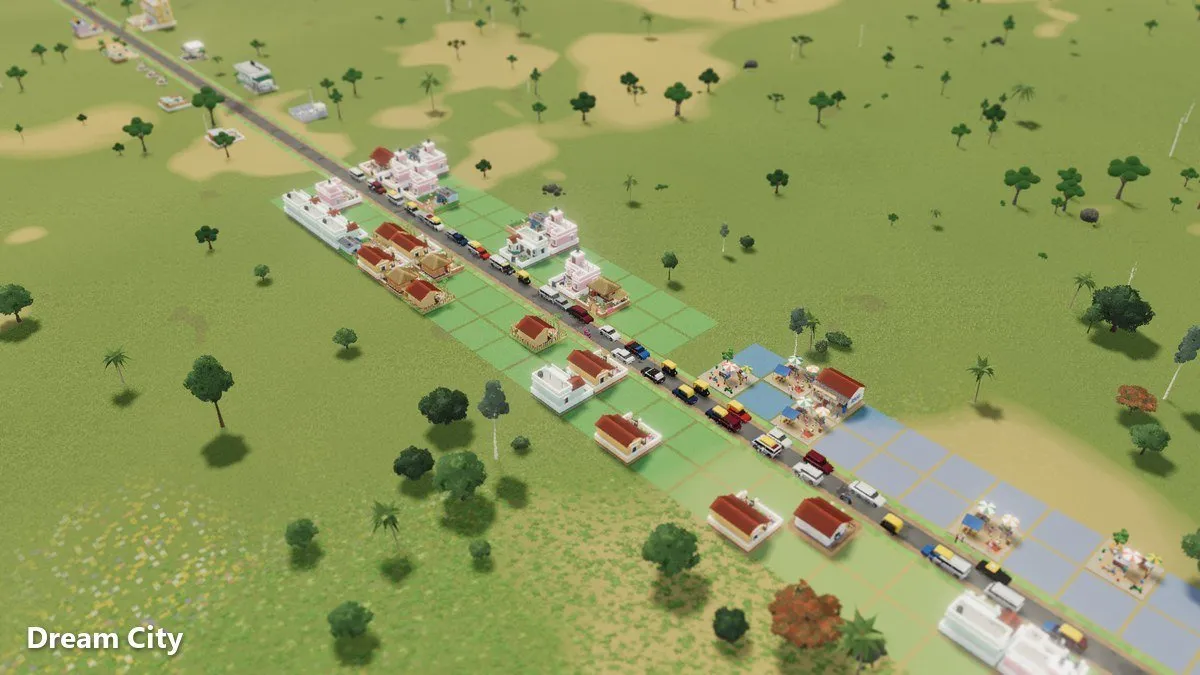
Dream City Road Guide: Lanes, Avenues, Highways and Roundabouts
Roads are the backbone of every Dream City. This guide explains each road type, from dirt paths to highways, and how to use roundabouts, signals, crossings and bridges to keep traffic and people moving.
Every city in Omebly Dream City starts with a single road, and the roads you draw decide how well everything else works. Homes, jobs, buses, ambulances and even your residents’ happiness depend on people getting where they need to go. This Dream City road guide explains each road type and junction tool, and how to combine them into a network that flows.
Our main Dream City guide gives a quick overview of roads. Here we go much deeper.
Quick answer: Use a road hierarchy. Small roads (gravel roads, village lanes and streets) serve homes. Avenues and boulevards carry traffic across town. Highways link the far ends of the map. Put roundabouts or traffic signals at busy junctions, add zebra crossings, foot overbridges or subways where people cross, and let bridges build themselves over rivers. Build only what today’s traffic needs, and upgrade as your city grows.
Every road type, explained
Dream City gives you a full range of roads, from a footpath to a highway.
| Road | Best used for |
|---|---|
| Dirt path | Walking only: footpaths and shortcuts |
| Gravel road | A young settlement’s first roads |
| Village lane | Small residential streets in early stages |
| Street | Everyday neighbourhood roads |
| Tree-lined street | Pleasant residential and shopping streets |
| One-way | Tight spaces and simple traffic loops |
| 4-lane avenue | Busy main roads linking neighbourhoods |
| 6-lane boulevard | Major arteries in a big city |
| Boulevard with cycle tracks | Grand main roads with room for cycles |
| Highway | Connecting the far ends of the map (unlocks at City) |
Small roads: where people live
Dirt paths are footpaths for people walking between homes; vehicles start with gravel roads. Gravel roads and village lanes suit a young settlement. Streets and tree-lined streets are the everyday roads of a growing town.
Medium roads: moving across town
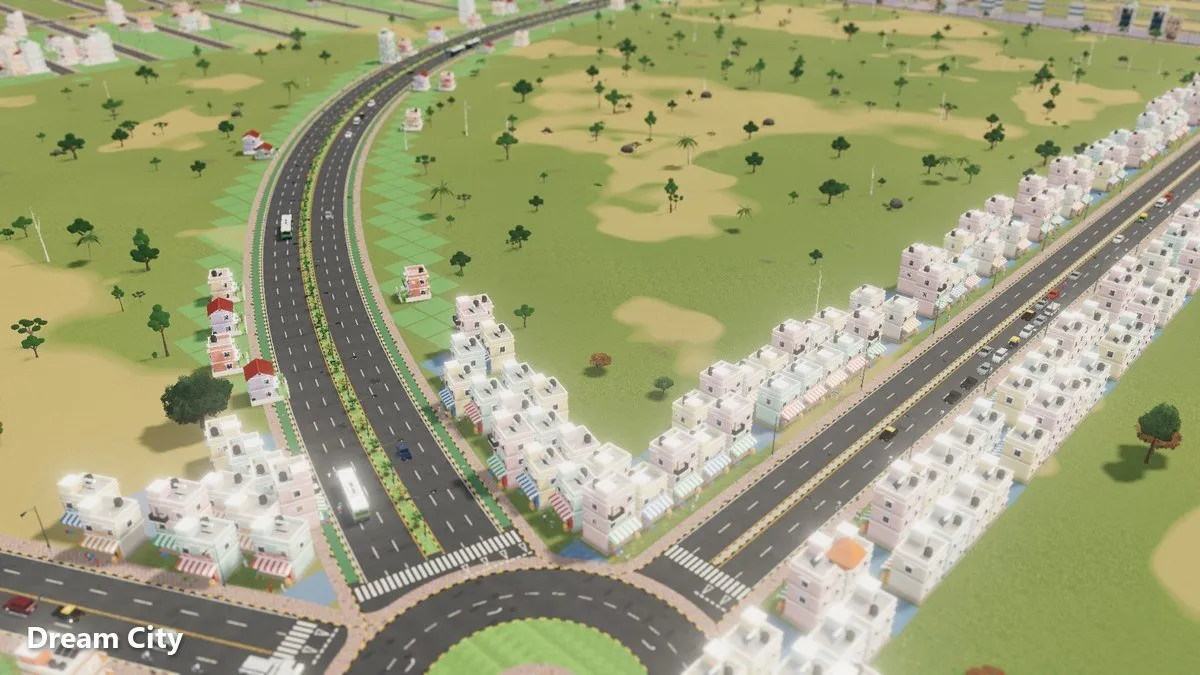
Avenues have 4 lanes, with or without a median; boulevards have 6. Use them to join neighbourhoods together and carry traffic to jobs and services. One-ways help in tight spaces and can turn two parallel streets into a simple loop.
Big roads: the city’s arteries
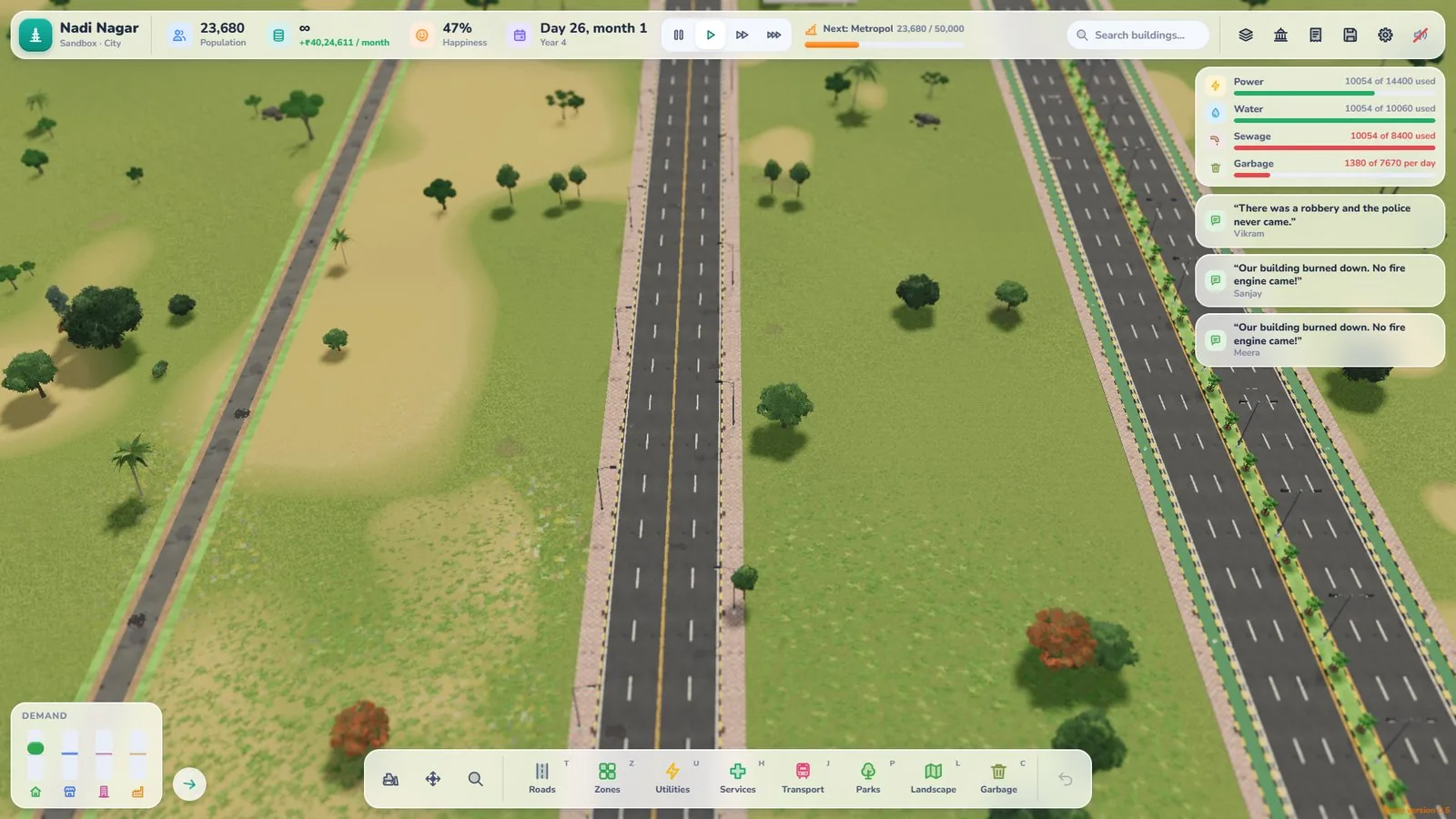
Boulevards with cycle tracks make impressive main roads and give cycles their own space. Highways unlock once your town becomes a City (10,000 people) and connect the far ends of your map, which matters more as you buy land and the city spreads out. Every city also starts with a free state highway at the map edge to connect your first road to.
Build a road hierarchy
The most common road mistake is using one road type everywhere. A good city works like a tree:
- Highways link distant districts.
- Avenues and boulevards carry traffic across the city.
- Streets and lanes branch off to reach homes and shops.
Local traffic stays on small roads, and through traffic uses the big ones. That keeps quiet neighbourhoods quiet and stops your main roads clogging with short trips.
Grow roads with your city
Don’t lay a 6-lane boulevard for a hamlet. Early on, gravel roads and village lanes are enough. As population climbs from Village to Town to City, widen the routes that get busy.
Curves and the grid tool
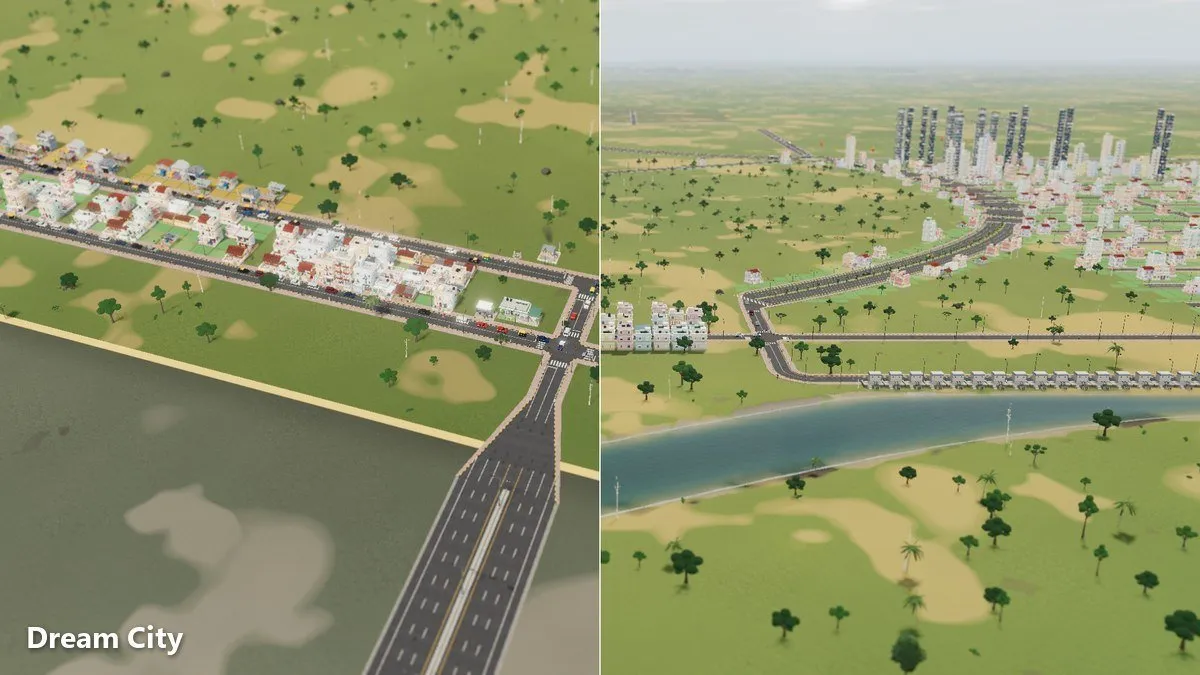
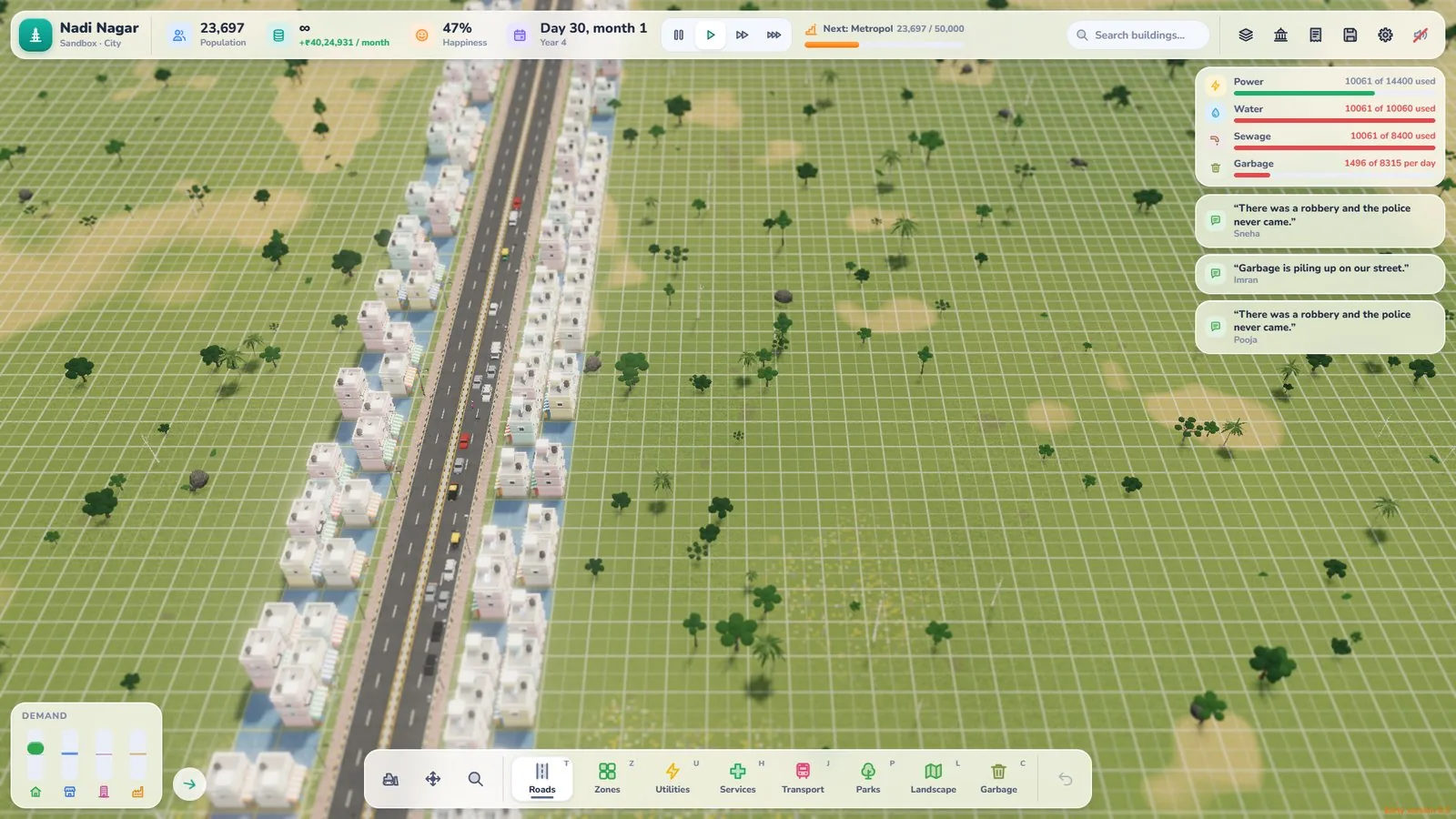
Roads in Dream City can curve. Use curves to follow rivers, wrap around hills, and give your town a natural feel. There’s also a grid tool for neat, straight blocks.
When to curve
- Along riverbanks and around ponds
- Around hills you’ve raised or kept
- For a grand boulevard that sweeps through the centre
When to use the grid
- For dense residential blocks
- For a central business area
- When you want efficient, easy-to-read streets
Many of the best cities mix both: a curved main road with tidy grid blocks off each side.
Junctions: roundabouts and traffic signals
Where roads meet, traffic slows. Dream City gives you two main tools.
Roundabouts
Roundabouts keep traffic moving without stopping. They work well where several roads meet, and they look great on a boulevard or avenue.
Traffic signals
Traffic signals take turns letting each direction through. They’re useful at busy crossings where a roundabout won’t fit.
Junction tips
- Don’t put junctions too close together. Give traffic room between them.
- Fewer junctions on main roads. Let side streets join at sensible intervals rather than every few metres.
- Watch the traffic. Vehicles move around your city live, so you can see how they handle each junction and adjust it.
Keeping pedestrians safe
People walk in Dream City, and they need to cross roads. You have four tools:
- Zebra crossings for streets and quieter roads
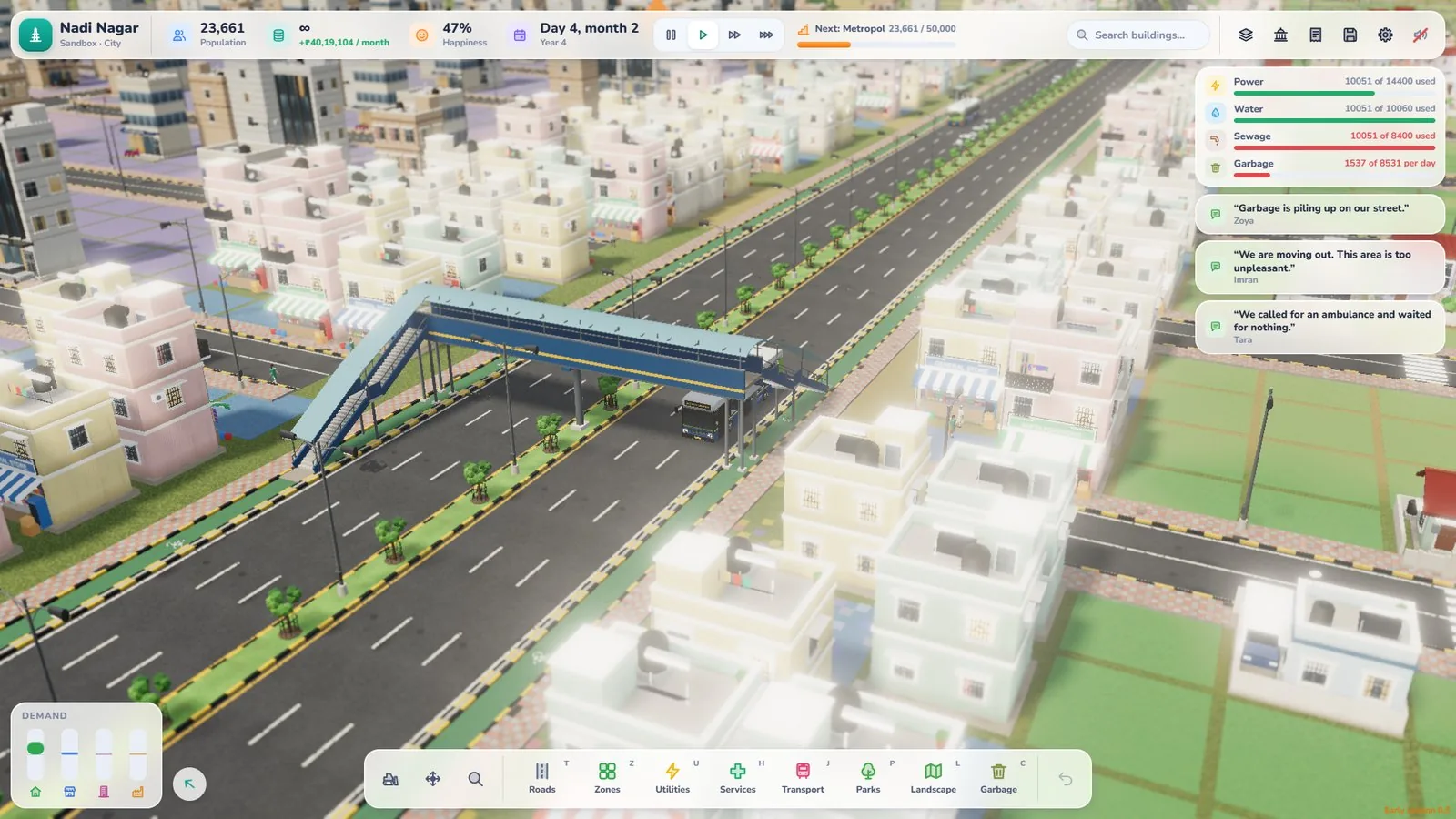
- Foot overbridges to carry people over busy roads
- Subways to take people under them
- Speed breakers to slow traffic near homes, schools and markets
Accidents bring ambulances, so safe crossings aren’t just decoration. Put an overbridge or subway where a busy avenue separates homes from a school, market or bus stand.
Rivers and bridges
Rivers make a city beautiful but can split it in two. Good news: when a road crosses a river, the bridge builds automatically. You just draw the road.
River tips
- Cross at a few well-chosen points rather than everywhere.
- Connect each bridge to a main road so traffic can reach it easily.
- Leave space along the bank for parks and pleasant streets.
Roads and buses
Bus stops, bus stands, a depot and bus lines all rely on your roads. Place stops on roads people can reach on foot, and connect bus stands to main roads. Good roads make good bus routes, and good routes mean shorter commutes. Add parking where people drive, and expect cycles, which a boulevard’s cycle tracks are made for.
Common road mistakes
- Over-building early. Every road costs money in Career mode.
- Dead ends everywhere. Give traffic more than one way out.
- No pedestrian crossings. People will still cross, just less safely.
- Main roads lined with junctions. Traffic stops and starts constantly.
- Ignoring the land. Fighting hills with straight roads looks odd and wastes space.
Your road checklist
- A clear hierarchy: highways, avenues, streets
- Roundabouts or signals at busy junctions
- Safe crossings near schools, markets and stops
- A few strong river crossings
- Roads widened only when traffic needs it
If you’re just starting out, our beginner’s guide shows how to lay your very first spine road, and the main Dream City guide covers everything else your city needs.
Open Dream City and draw your best road network yet.
Frequently asked questions
What road types are in Dream City?
Dirt paths, gravel roads, village lanes, streets, tree-lined streets, one-ways, 4-lane avenues (with or without a median or cycle tracks), 6-lane boulevards (with or without cycle tracks), and highways.
Which road should I start with?
Gravel roads suit a young settlement; dirt paths are for people on foot. Widen busy routes as your population grows.
Can I build curved roads?
Yes. Roads can curve, and there's also a grid tool for laying out neat, straight blocks.
How do I build a bridge?
You don't need to do anything special. When a road crosses a river, the bridge builds automatically.
How do I keep pedestrians safe?
Add zebra crossings, foot overbridges, subways and speed breakers where people cross busy roads.

Written by
Nazmul Hussain, Managing Director & Technical Head, Omebly. 10+ years building websites and apps for clients in India, the Gulf, the UK and the US, and mentoring at Omebly Academy. LinkedIn · GitHub
Follow Omebly
New guides, work and launches on every channel.