


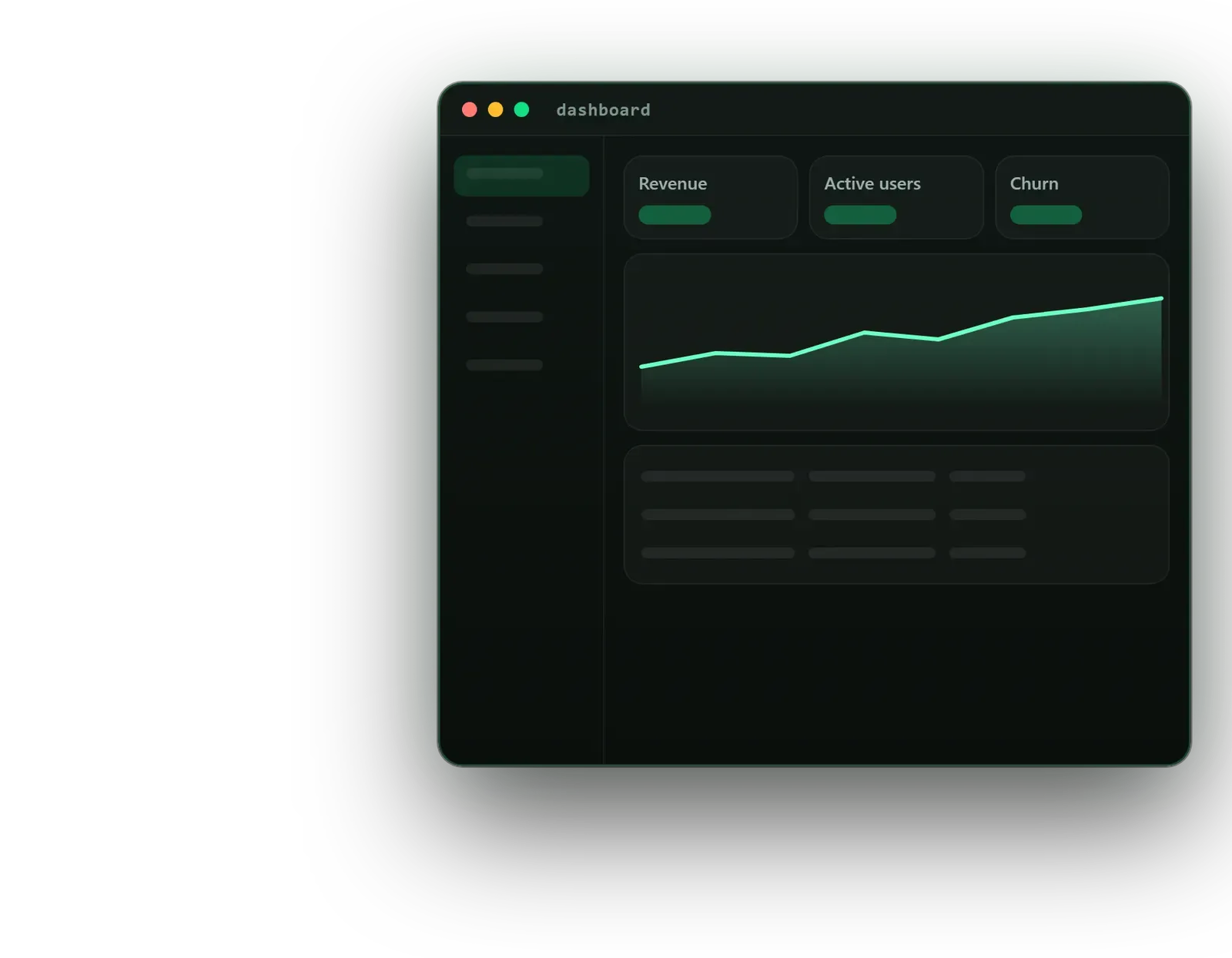


SaaS founders
A product interface that makes a complex service feel simple in demos and trials.
Omebly PDF Tools
Edit PDFRotate PDFHeader and footerBates numberingResize PDFEdit metadataPDF bookmarksAdd page numbersAdd watermarkCrop PDFCreate PDF formFill PDF formsMerge PDFSplit PDFRemove pagesExtract pagesOrganise PDFPages per sheetScan to PDFBatch PDFCompress PDFGrayscale PDFOptimise for webRemove commentsRepair PDFOCR PDFJPG to PDFPNG to PDFText to PDFMarkdown to PDFEPUB to PDFWord to PDFPowerPoint to PDFExcel to PDFHTML to PDFPDF to JPGPDF to PNGPDF to TextExtract imagesPDF to EPUBPDF to WordPDF to PowerPointPDF to ExcelPDF to PDF/AUnlock PDFProtect PDFSign PDFFlatten PDFRedact PDFCompare PDFAI SummarizerTranslate PDFChat with PDFPDF to MarkdownDashboards and admin panels where busy users find the number or record they need without hunting.
From $6,000 full product design, one-time
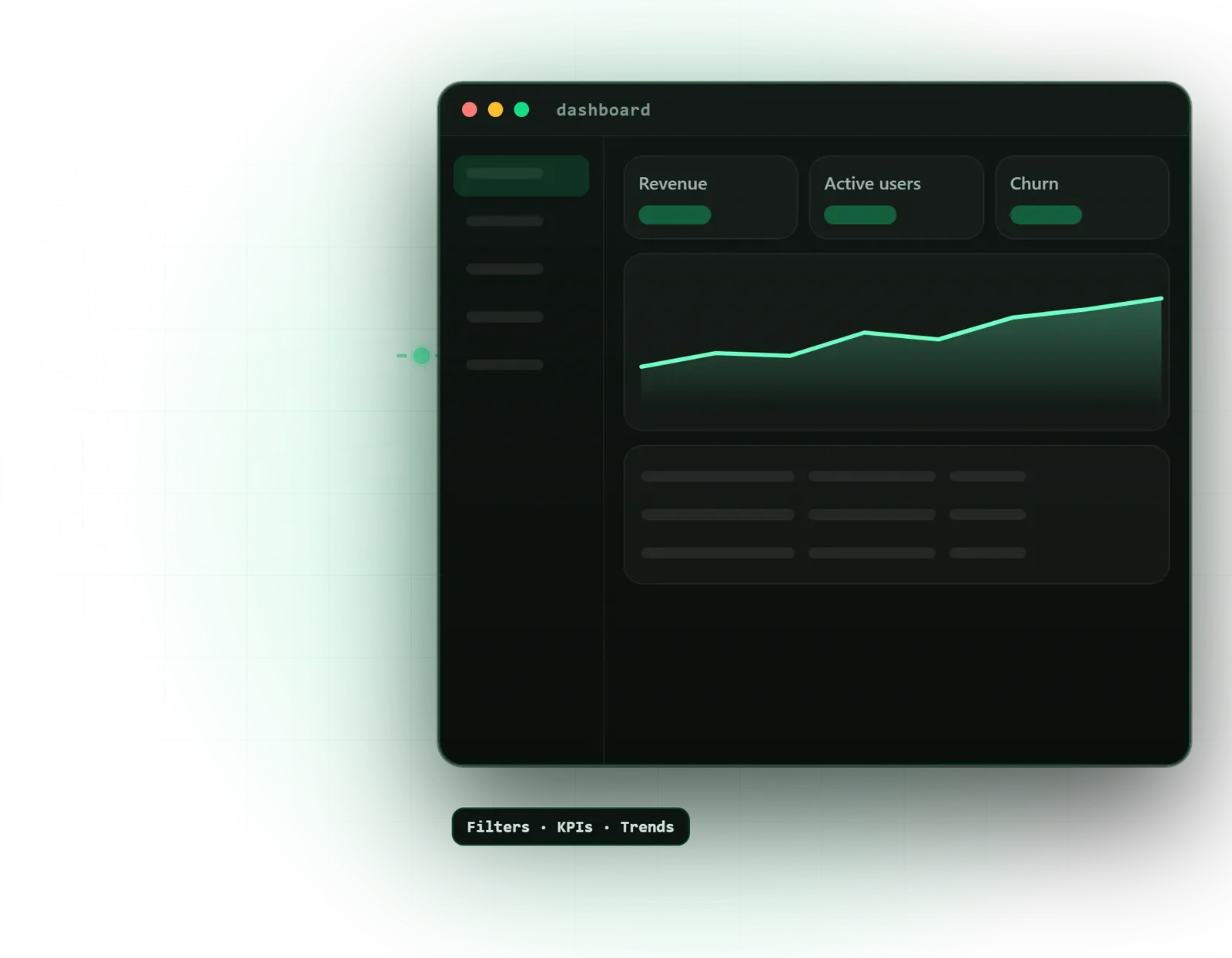
A product interface that makes a complex service feel simple in demos and trials.
Admin panels and back-office tools staff can learn quickly and use all day without strain.
Charts and reports that answer real questions instead of showing every metric the database holds.
A map of every section, object and permission, so navigation matches how your users think about their work.
The first screen users see, built around the few numbers they check every day.
Sorting, filtering, bulk actions, saved views and column settings designed for large data sets.
Consistent chart types, colours, legends and empty states for analytics across the product.
Layouts for admins, managers and standard users, showing each only what they need and are allowed to see.
Long forms, multi-step set-up, billing and account settings designed to reduce errors.
Empty, loading, error, no-permission and first-run states for every key screen.
Components, responsive rules and interaction notes ready for your front-end framework.
A SaaS product lives or dies on its interface. Buyers judge it in a sales demo, and once they sign up, their staff spend hours a day in it. Omebly’s SaaS dashboard design service covers the parts of a product that are hardest to get right: dense information, large tables, charts, long forms and different views for different roles.
We design analytics dashboards, admin panels, customer portals and internal tools in Figma, and hand them over in a way your front-end developers can build from quickly. This page focuses on data-heavy, logged-in software. For marketing websites and mobile apps, see the main UI/UX design service.
It suits SaaS founders preparing a product for launch or a funding round, companies whose internal portal has grown messy, and product teams adding reporting and analytics to an existing tool.
Information architecture. Before designing screens, we map the things your product manages, such as customers, orders, projects or devices, and how users move between them. A clear structure here prevents the common problem of a sidebar that grows by one item every sprint until nobody can find anything.
We work out the few numbers each type of user checks daily, and the actions they take as a result. The home screen shows those, with a comparison to the previous period and a list of items needing attention. Everything else moves into reports.
In most business software, the table is where the work happens. We design sorting, quick filters, advanced filters, saved views, column settings, inline editing, bulk actions and export, and we test with real sample data, because a design that looks tidy with five neat rows often breaks with five thousand messy ones.
We pick a chart type for each question: lines for trends over time, bars for comparing categories, and plain numbers when a chart adds nothing. Colours, legends, tooltips and empty states are consistent across the product.
Admins, managers and standard users often need different navigation and actions. We also design onboarding, multi-step set-up, billing and account settings, plus every empty, loading, error and no-permission state.
Dashboards involve trade-offs that a marketing site does not. We talk them through with you:
Because dashboards keep growing, we build the design as a set of reusable components with Figma variables for colour, spacing and type. If you expect several products or a large team, a full design system is the natural next step. For an existing product with known complaints, a UX audit helps decide what to fix first.
We do not quote a standard timeline for dashboard work. The effort depends on:
Sharing sample data, screen recordings of the current product and a list of known complaints early helps us scope accurately. Your fixed written quote then lists the workflows, roles, revision rounds and milestones, so you know what each payment covers.
Omebly also builds SaaS products, so our designs are made with the database, the API and the front end in mind. Every project is led personally by our founder, Nazmul Hussain, who has 10+ years of experience building websites, apps and digital products, including the admin panels behind them.
Send a screen recording or a login to a test account on WhatsApp at +91 70444 33991, email info@omebly.com or use our contact page. We will come back with a fixed quote within 48 hours.
We learn your users' daily tasks, the data you hold and the decisions the dashboard must support.
Navigation, object structure and role permissions mapped and agreed before screens.
Grey-box screens for the busiest tasks, tested against real sample data.
Tables, charts, forms and navigation designed as a reusable set, reviewed in weekly demos.
A clickable prototype, developer files and design checks while the front end is built.
From $6,000 full product design, one-time. Every project gets a fixed written quote after a free consultation, with milestone payments.
From $6,000
Fixed quote
Fixed quote
| Omebly | Developer-built UI from an admin template | |
|---|---|---|
| Navigation | Planned around your users' tasks | Follows the template's menu, adding items as features arrive |
| Tables and filters | Designed for the real size and shape of your data | Default grid behaviour, often slow to scan |
| Charts | Chosen to answer specific questions | Whatever the chart library shows by default |
| User roles | Separate views and permission states designed | One screen with items hidden or disabled |
| Sales demos | A product that looks considered to buyers | Recognisably generic |
| Speed to start | Needs design time before build | Developers can start coding at once |
Every chart on a dashboard should answer one question. Here is how to choose dashboard charts that people read correctly, and when a plain number or table is better.

Design Durga Puja posts that look festive without looking like everyone else's: the right sizes, colours, Bengali fonts and motifs, plus step-by-step layouts in Photoshop and Canva.
A practical roadmap to becoming a UI/UX designer in 2026: the skills to learn in order, the tools that matter, a month-by-month plan and the portfolio that gets you noticed.
Only what users act on most often. For most products that means three to six key numbers with a comparison to the previous period, one main trend chart, and a short list of items needing attention, such as overdue tasks or failed payments. Detailed reports live one click away. Everything else on a home screen competes for attention.
We design for scanning and narrowing down. That means a sticky header, sensible default sorting, quick filters for common questions, saved views, adjustable density and column visibility, and pagination or infinite scroll chosen to suit the task. Bulk actions appear only when rows are selected. We test layouts with your real data, including long names and empty values.
Yes. If your developers use a library such as Material UI, Ant Design or shadcn/ui, we design with its components and only create custom ones where the product really needs them. That keeps development fast. We note in the hand-off which library component each design element maps to.
We list every role and what each can view, edit and approve, then design each screen for those roles. Some users see a simpler navigation, some see extra admin actions, and blocked actions get a clear explanation rather than a mystery error. This also gives your developers a permission map to build against.
Yes. For products sold to several companies, we design the account switcher, organisation settings and invitation flows. For white-label products, we define which colours, logos and labels each client can change, and test that the interface still works with a customer's own brand colours, including poor-contrast choices.
Often, yes. We start by finding the screens that cause the most support tickets or slow down the most users, and redesign those first using your existing components. Changes ship in stages, so customers are not hit with a completely new interface overnight. A UX audit first helps decide where to start.
Tell us what you have in mind. You get a free consultation and a fixed quote within 48 hours.
Prefer email? info@omebly.com