
Chat with your PDF
Ask questions about a contract, report, manual or paper and get short answers from the document itself, with the pages they come from.
- Processed on your device, never uploaded
- Free, no sign-up, no watermark
Done
This PDF is protected. Enter its password to open it.
About Chat with PDF
Chat with PDF lets you ask questions about a document and get short answers drawn from the document itself. Each answer lists the pages it came from, so you can check it. Follow-up questions keep the context of what you asked before. It is free, with no sign-up and no question limit.
It helps when you need one fact from a long file: a contract, a report, a manual or a research paper. For example, a renter can upload a lease and ask "What are the key dates and deadlines?", then open the cited pages to confirm the notice period. You can ask in plain language, in English, Hindi or other languages.
The tool splits your PDF into short passages and sends the closest matches for each question to an AI model (Qwen3) that runs in your browser. Only the model is downloaded, once, from Hugging Face. Your PDF and questions stay on your device. AI can misread, so check important answers, especially figures, dates and legal wording.
How to use Chat with PDF
- Click Choose file or drop your PDF on the page.
- Type a question in plain language, or pick a starter like "What is this document about?"
- Read the answer and open the cited pages to check it.
- Ask follow-up questions. The chat remembers what you asked before.
Private by design
The AI model runs in your browser. Your PDF and your questions never leave your device.
Answers with pages
Every answer shows which pages it comes from, so you can check it.
Open AI model
Uses Qwen3 (Apache 2.0), the same model as our AI Summarizer, downloaded once.
Free, no limits
No sign-up and no question limit.
Example
Input: a 30-page service contract.
You ask: "What are the costs or amounts mentioned?"
Result: a short list of amounts with the page numbers they appear on. You open those pages to confirm each figure.
Chat with PDF: questions people ask
Is it safe to chat with a private PDF?
The AI model runs in your browser, and your PDF and questions never leave your device.
Can the answers be wrong?
Yes. AI can misread, so results can contain mistakes. Use the page numbers to check anything important.
Does it work on phone?
Yes, but the first model download is large and answers are slower. A computer with a recent browser is quickest.
Can I chat with a scanned PDF?
Scanned PDFs have no readable text. Run OCR PDF first. There's no set file size limit.
Guides on this topic
All posts →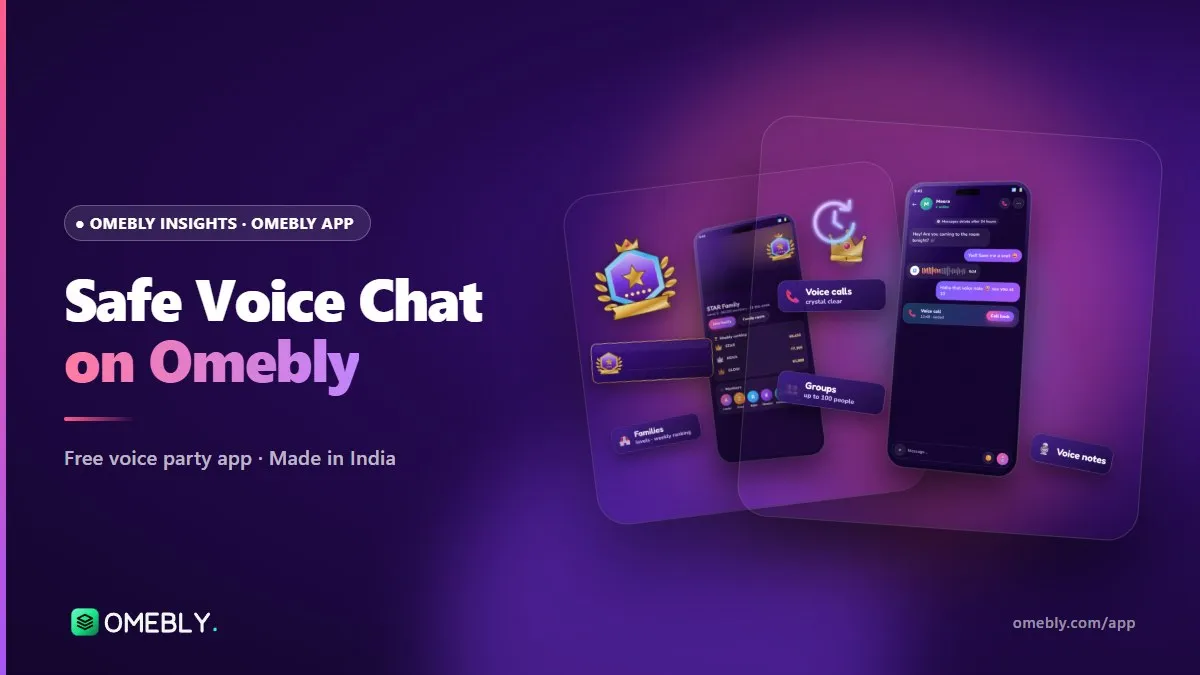
Safe Voice Chat: How Omebly Keeps Its Community Safe
What makes Omebly a safe voice chat app: age rules, reporting and blocking, room owner controls, a safety team and a fair appeal process, plus tips to stay safe.
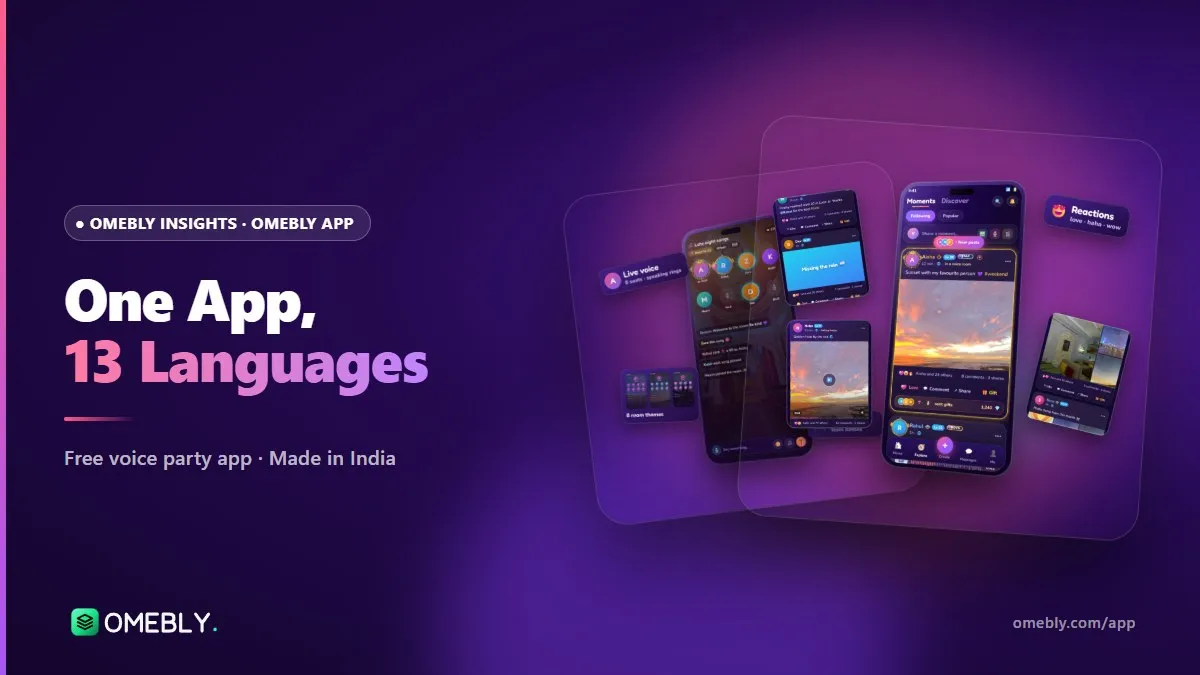
An Indian Social App in 13 Languages: Talk in Hindi, Bengali, Tamil and More
Omebly is an Indian social app built in Kolkata for 13 languages. Here is how to set your language and find voice rooms where people talk the way you do.
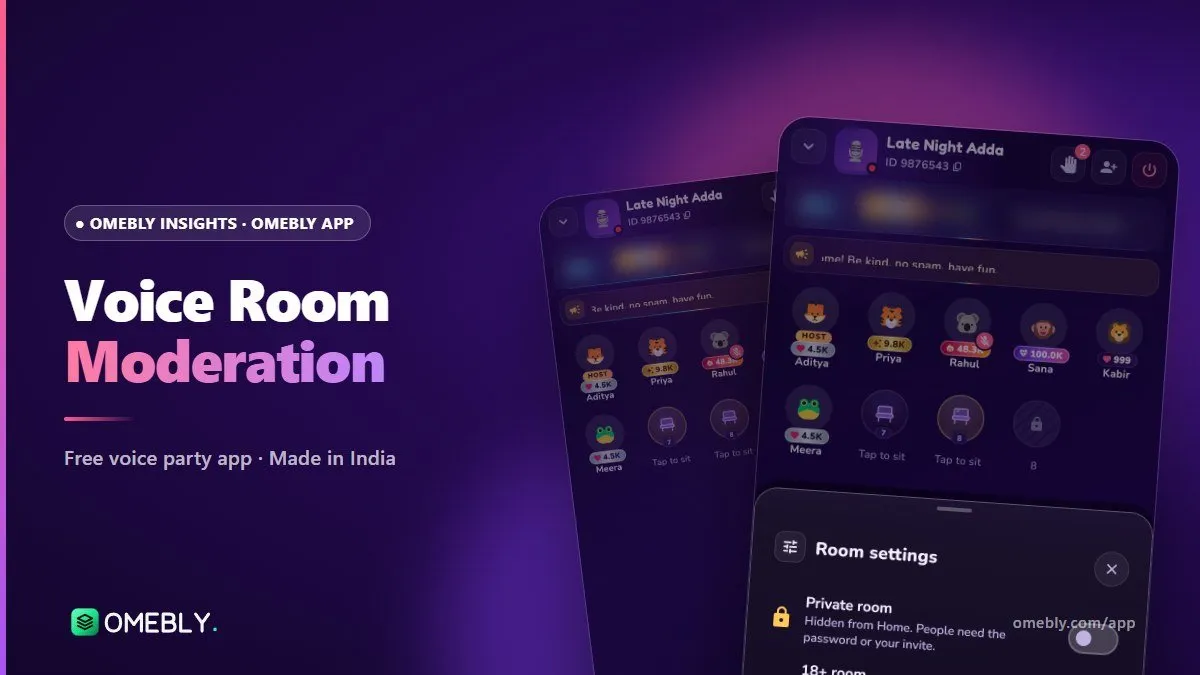
Voice Room Moderation: How Owners and Admins Keep a Room Friendly
Good rooms don't stay friendly by luck. Here's how Omebly room owners and admins set rules, share the work and handle trouble fairly.