

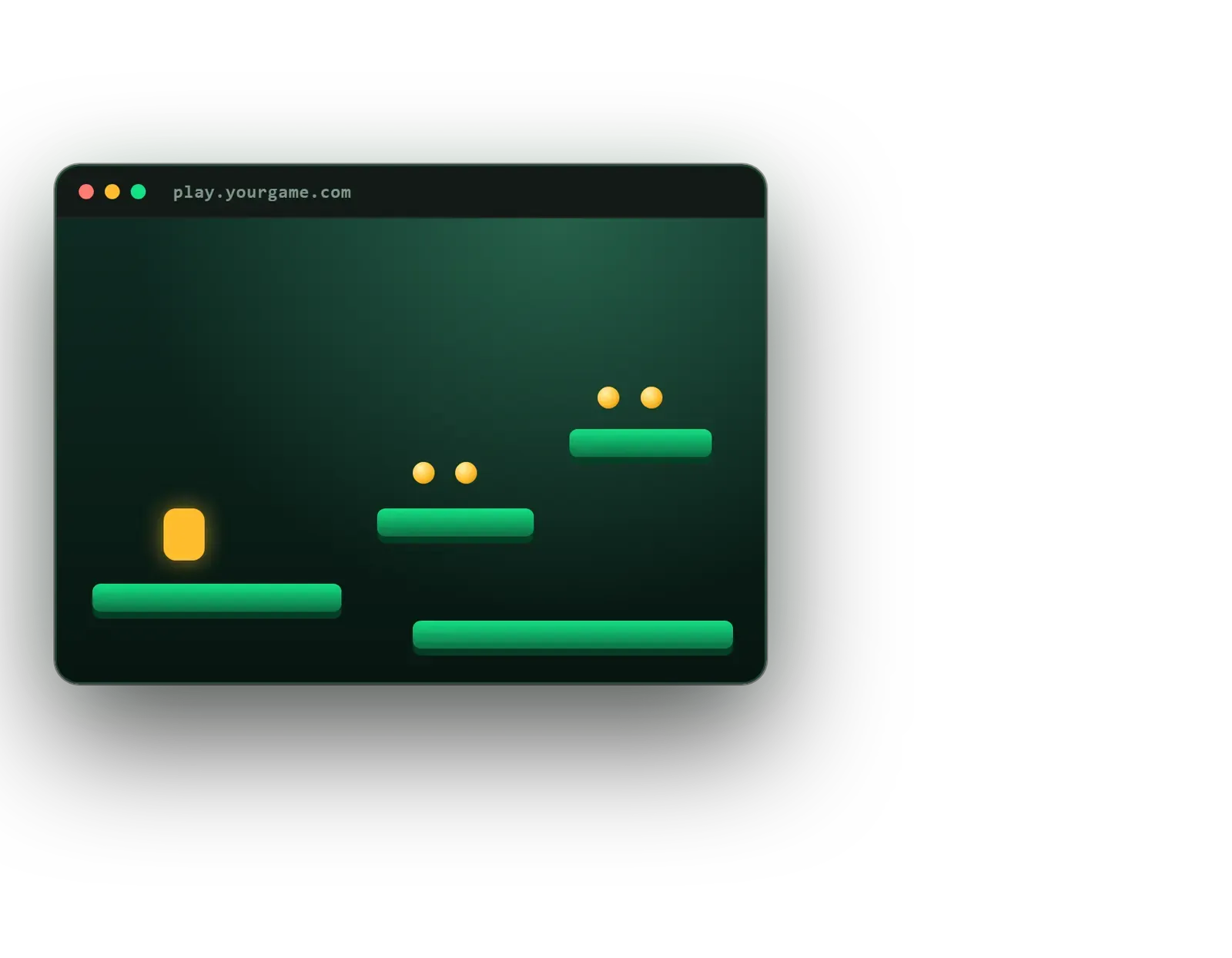
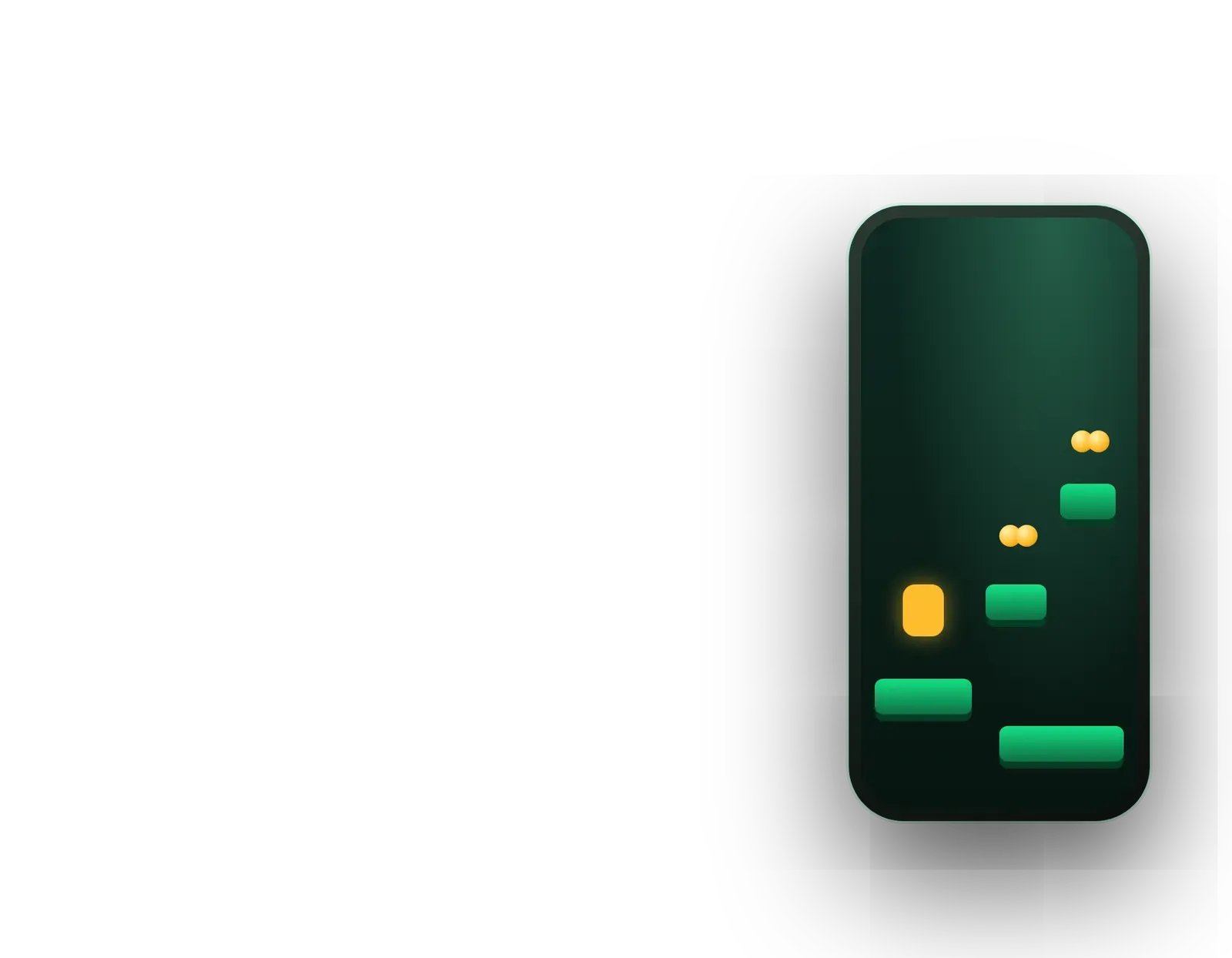
Brands running campaigns
A short playable launch or brand quest that people open straight from an ad, QR code or message.
Omebly PDF Tools
Edit PDFRotate PDFHeader and footerBates numberingResize PDFEdit metadataPDF bookmarksAdd page numbersAdd watermarkCrop PDFCreate PDF formFill PDF formsMerge PDFSplit PDFRemove pagesExtract pagesOrganise PDFPages per sheetScan to PDFBatch PDFCompress PDFGrayscale PDFOptimise for webRemove commentsRepair PDFOCR PDFJPG to PDFPNG to PDFText to PDFMarkdown to PDFEPUB to PDFWord to PDFPowerPoint to PDFExcel to PDFHTML to PDFPDF to JPGPDF to PNGPDF to TextExtract imagesPDF to EPUBPDF to WordPDF to PowerPointPDF to ExcelPDF to PDF/AUnlock PDFProtect PDFSign PDFFlatten PDFRedact PDFCompare PDFAI SummarizerTranslate PDFChat with PDFPDF to MarkdownA browser game that opens from a link in seconds, with no install, on phones and desktops.
From $10,000 one-time
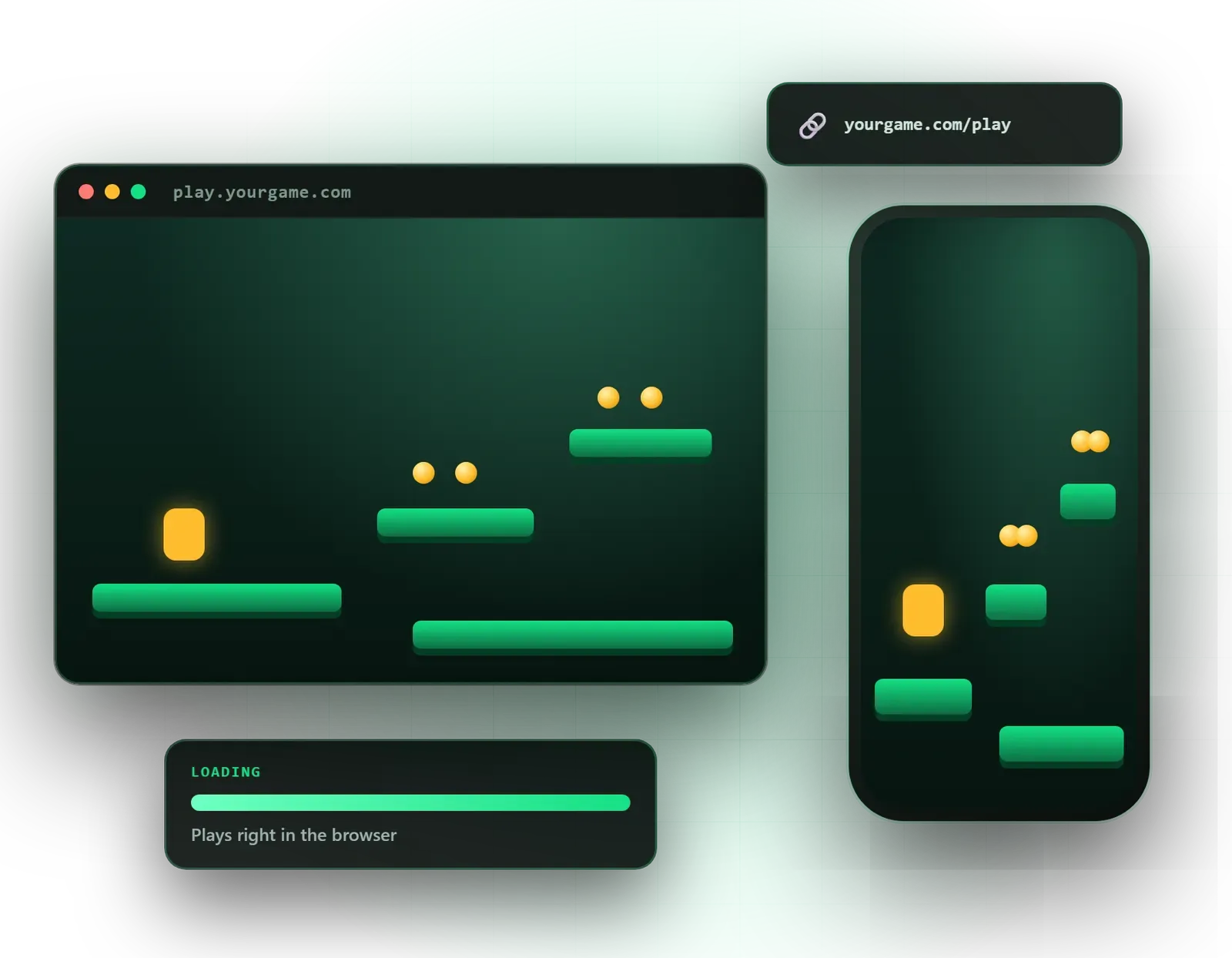
A short playable launch or brand quest that people open straight from an ad, QR code or message.
Lightweight games that load fast inside your site or app without a store download.
Interactive learning games that run on school and office computers without installing anything.
Three.js, PlayCanvas or Unity WebGL, chosen for your game type, file size and devices.
Compressed textures, trimmed code and assets loaded in stages so the game starts quickly.
Touch, mouse and keyboard input that adapts to the device and screen orientation.
Checks in Chrome, Safari, Edge and Firefox on Android, iPhone and desktop.
A game that runs on its own page, inside your website or inside an iframe, with share links.
Play starts, completion and drop-off points tracked in your analytics tool.
Deployment to your hosting or CDN with the compression and caching headers WebGL needs.
A browser game skips the hardest step in mobile gaming: getting someone to install an app. With HTML5 game development, a player taps a link in an ad, a QR code on packaging or a message from a friend, and the game is running in seconds on their phone or computer. Omebly builds these games with Three.js, PlayCanvas and Unity WebGL, and keeps them small enough to load quickly on mobile data.
Browser games work well for brand campaigns and gamified product launches, for publishers who want games inside their own site, and for training and education where installing software is not an option. They are part of our wider game development service, with one very specific focus: speed to first play.
The right engine for the web. Not every engine produces a light browser build. We choose between three options. Three.js is a JavaScript library for custom 3D scenes and gives very fine control. PlayCanvas is a browser-first game engine with a visual editor and small builds. Unity WebGL lets us share one project between web and mobile, at the cost of a larger download.
Loading time is the biggest reason people abandon browser games. We compress textures, use Brotli compression for code, trim unused engine features and load assets in stages. The aim is to put something playable on the screen while the rest of the game arrives in the background.
The same link might be opened on a phone, a tablet or a laptop. We detect the input method and switch between touch controls, mouse and keyboard. We also handle screen rotation and the browser’s address bar, which can cover part of the game on mobile.
Most people will not sign up just to play a browser game. For longer games we save progress in the browser so players can come back later on the same device, and add optional cloud save only when the game needs it across devices. For short campaign games, we keep sessions brief enough that saving is not needed at all.
Clear contrast, readable text sizes, captions for spoken audio and controls that do not rely on fast reactions alone help more people finish the game.
The game can live on its own page, inside your website or in an iframe on a partner site. We set up hosting with the right caching and compression, and add analytics events for starts, completions and where players drop off, so you can judge the campaign properly.
Browsers have memory limits. Mobile browsers, especially Safari on iPhone, give a web page far less memory than a native app gets. Large textures or long audio files can make the page reload. We set memory and file-size budgets at the start and test on real iPhones and Android phones every week.
Unity’s WebGL builds compile C# into WebAssembly, which runs much faster than plain JavaScript. It is the reason full game engines now work in browsers, but it also means the first download includes part of the engine. For very short campaign games, a lighter Three.js or PlayCanvas build usually loads faster.
Browsers block sound until the player interacts with the page. We design a start screen that unlocks audio naturally, so the game is never silent by mistake.
Going live does not depend on a store approval, and updates appear as soon as we redeploy. The trade-off is testing across Chrome, Safari, Edge and Firefox on different devices.
Campaign games often end with a sign-up or a link to a product. We keep them skill-based and clear, with no games of chance, betting or paid entries.
If you already have a Unity game and want a browser version, we can port it, reworking input, memory settings and file size. Mobile-first projects may suit our 2D mobile game page better, and existing slow builds can go through game optimisation.
We confirm timelines in your written quote after the free consultation. The main factors are:
The starting price for games is shown on the parent service page, and your final figure is fixed in writing before work starts.
Each project is led by our founder, Nazmul Hussain, who has 10+ years building websites, apps and digital products, so web hosting and game development sit with one team. You receive a fixed written quote within 48 hours, a fresh test link every week and milestone payments released only after you review each stage. Once fully paid, you own the source code, art and hosting accounts we set up, and an NDA is available on request. Bugs in code Omebly wrote are fixed free under our support policy.
Want a game people can play from a link? Message us on WhatsApp at +91 70444 33991 or contact us.
Where people will open the game, on which devices, and what you want them to do afterwards.
Game concept, engine choice and a target file size agreed in writing.
A browser link you can open on your own phone to test the mechanic and loading time.
Art, sound, UI and analytics added, with a fresh test link each week.
Device and browser testing, hosting set-up and go-live.
From $10,000 one-time. Every project gets a fixed written quote after a free consultation, with milestone payments.
From $10,000
Fixed quote
Fixed quote
| Omebly | A native app game | |
|---|---|---|
| Getting started | Open a link and play | Find the store, download, install, then play |
| Store review | No store approval needed to go live | Each release goes through store review |
| Sharing | Works from ads, QR codes, emails and messages | Links send people to a store page first |
| Updates | Live as soon as you redeploy | Players must update the app |
| Heavy 3D and device features | Limited by browser memory and APIs | Full access to the phone's power |
| In-app purchases | Handled through web payments where needed | Built-in store billing |

A short game that opens from an ad, a QR code or a message can do what a banner cannot: hold attention for a few minutes. Here is when it is worth it.
Unity had a rocky couple of years, but it still powers a large share of mobile games. Here is an honest look at when it is the right engine for yours.

Omebly's new PDF editor lets you click any word and change it in the same font, size and colour, free, with no sign-up, no watermark and no upload.
HTML5 is the umbrella term for games that run in a browser without plugins. WebGL is the browser technology that draws 2D and 3D graphics using the graphics chip. WebAssembly lets code compiled from languages such as C# or C++ run in the browser at near-native speed, which is how Unity WebGL builds work.
Three.js suits custom 3D scenes and product-style experiences built by web developers. PlayCanvas is a game engine made for the browser and produces small, fast builds. Unity WebGL suits teams that also want mobile versions from the same project, though its builds are larger. We recommend one after hearing your idea, devices and file-size target.
It depends on the art and engine. A simple 2D campaign game can often be kept very small, while a Unity 3D game will be larger. We set a file-size target at the start and use compressed textures, Brotli compression and staged loading, so players see something on screen quickly and the rest loads while they start playing.
Yes, through Safari, but iPhones have tighter memory limits for web pages and handle audio, full-screen mode and orientation differently from Android. We test on real iPhones throughout the build, not only at the end, and design the game to stay within those limits so it does not reload or crash mid-play.
Yes. We can deliver it as its own page, a section of your existing site, or an embed that sits in an iframe. We set up the hosting with the correct compression and caching so it loads quickly, and the game files are yours to host wherever you like once the project is fully paid.
Yes. The game can end with a call to action, link to a product page or show a short form connected to your email or CRM tool. We keep any data collection clear and consent-based, and we follow your privacy policy. We do not build gambling-style mechanics, paid entries or games of chance.
Tell us what you have in mind. You get a free consultation and a fixed quote within 48 hours.
Prefer email? info@omebly.com