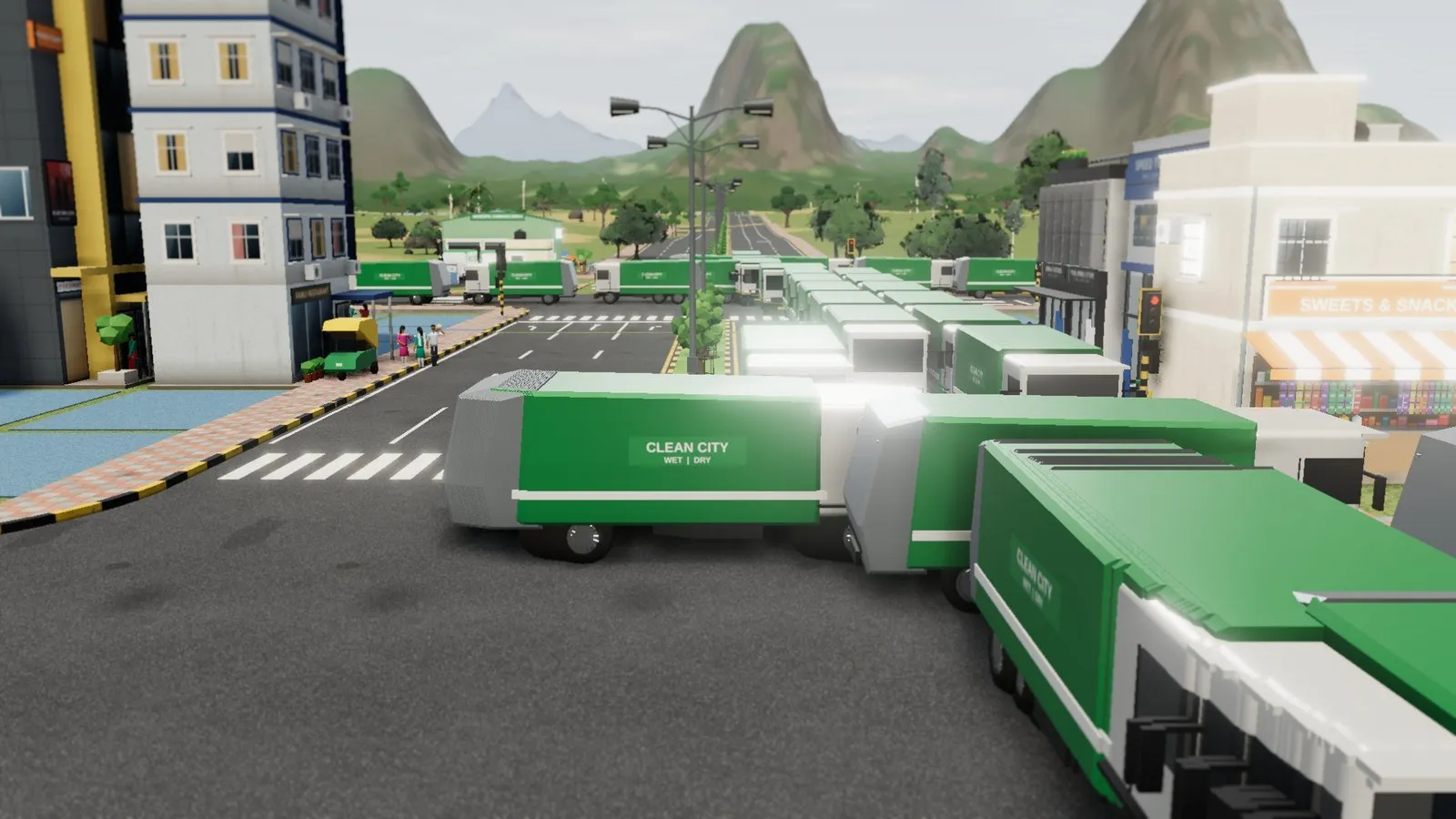
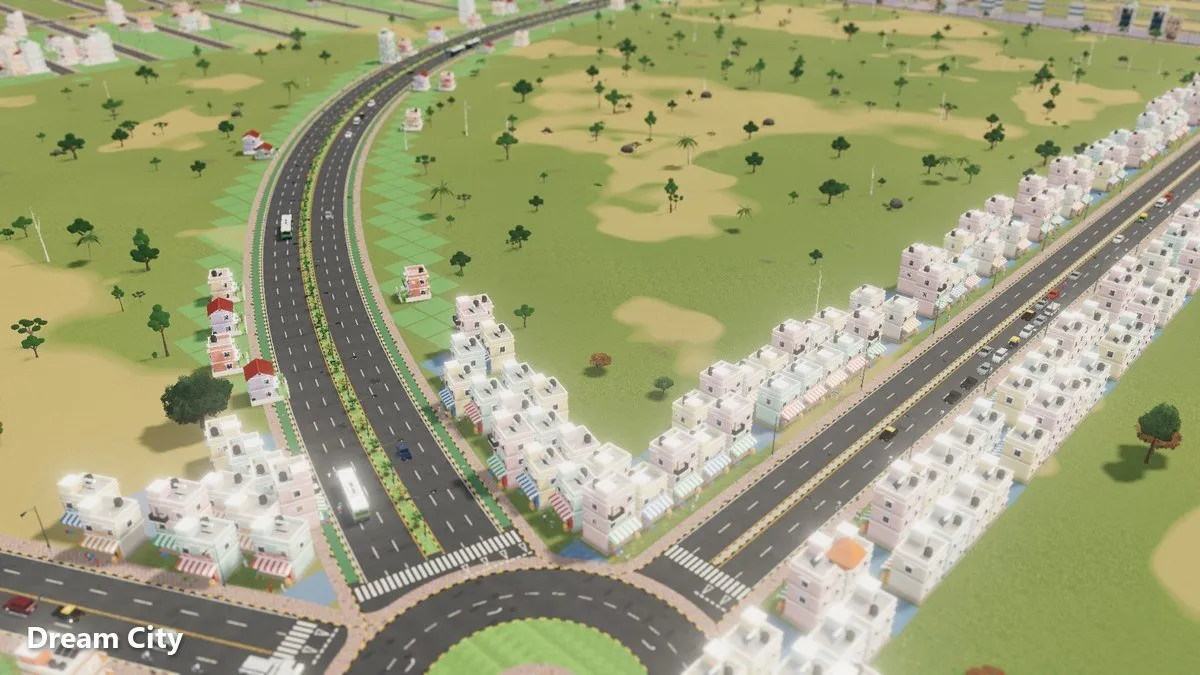
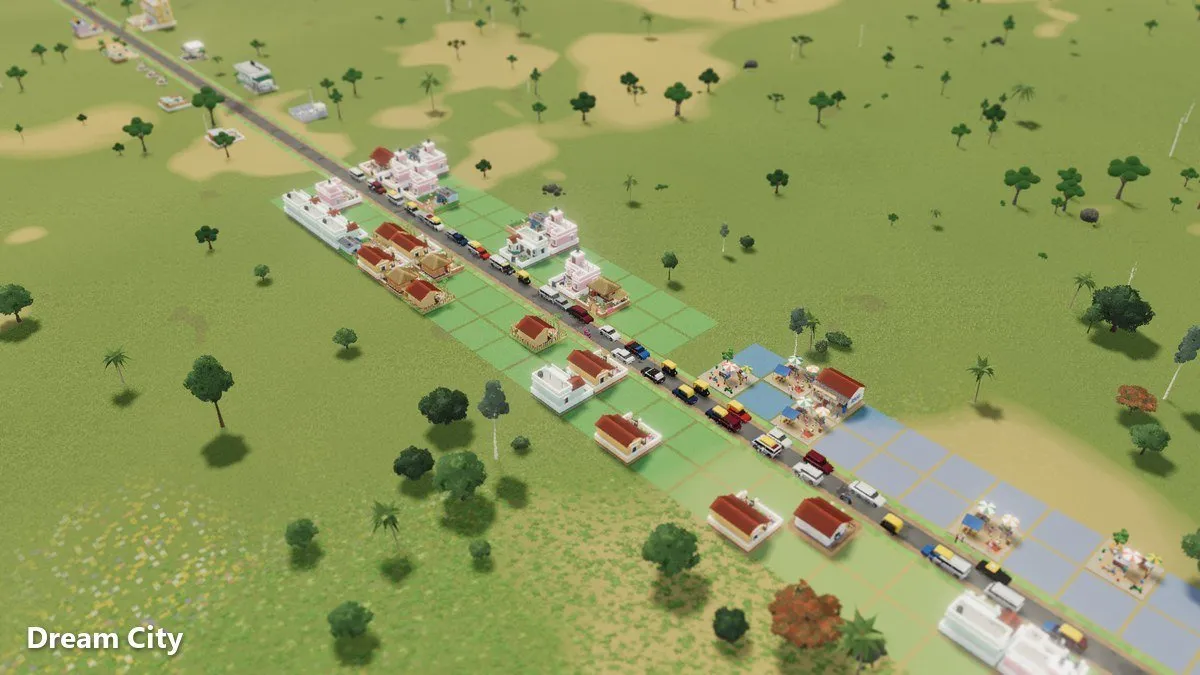
Night and Rain in Dream City: How Day and Night Work
Dream City has day and night, and rain that comes and goes. Here's how they change the look of your city, and how to use the street-level camera and photo mode to capture it.
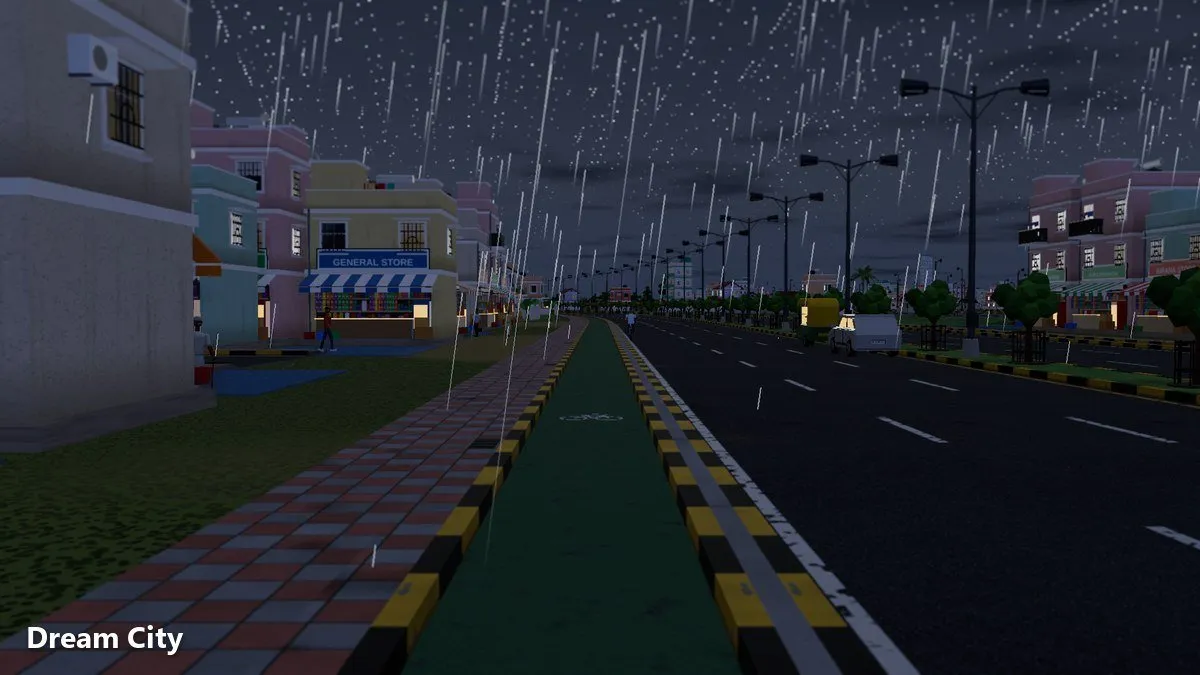
A city builder can be all spreadsheets and road plans, or it can feel like a place. Omebly Dream City leans towards the second. Days turn into nights, rain comes and goes, and the streets you drew in the afternoon look completely different after dark. This guide covers how Dream City day and night and rain change your city, and how to capture those moments in great screenshots.
Our main Dream City guide touches on day, night and rain briefly. Here we focus on atmosphere and photography.
Quick answer: Dream City has day and night, and rain that comes and goes, so your city’s mood keeps changing. To capture it, raise your graphics settings (up to 4K), drop the camera to street level to see the city as residents do, and press F2 to open photo mode for clean shots. Plan the scenes you want, then wait for night or rain to arrive.
Why day, night and rain matter
You won’t find a list of numbers about weather in this guide, because the point isn’t stats. Day, night and rain are about how your city feels.
Your city becomes a place
In daylight you see the layout: roads, zones, rivers and hills. At night, the same city takes on a different character. Rain softens everything again. Checking in at different moments makes your city feel alive rather than static.
It rewards good planning
A well-planned tree-lined street, a sweeping boulevard along a river, or a busy roundabout looks good at noon. Seen at night or in the rain, it can look stunning. Day and night give you a reason to build streets you’re proud of.
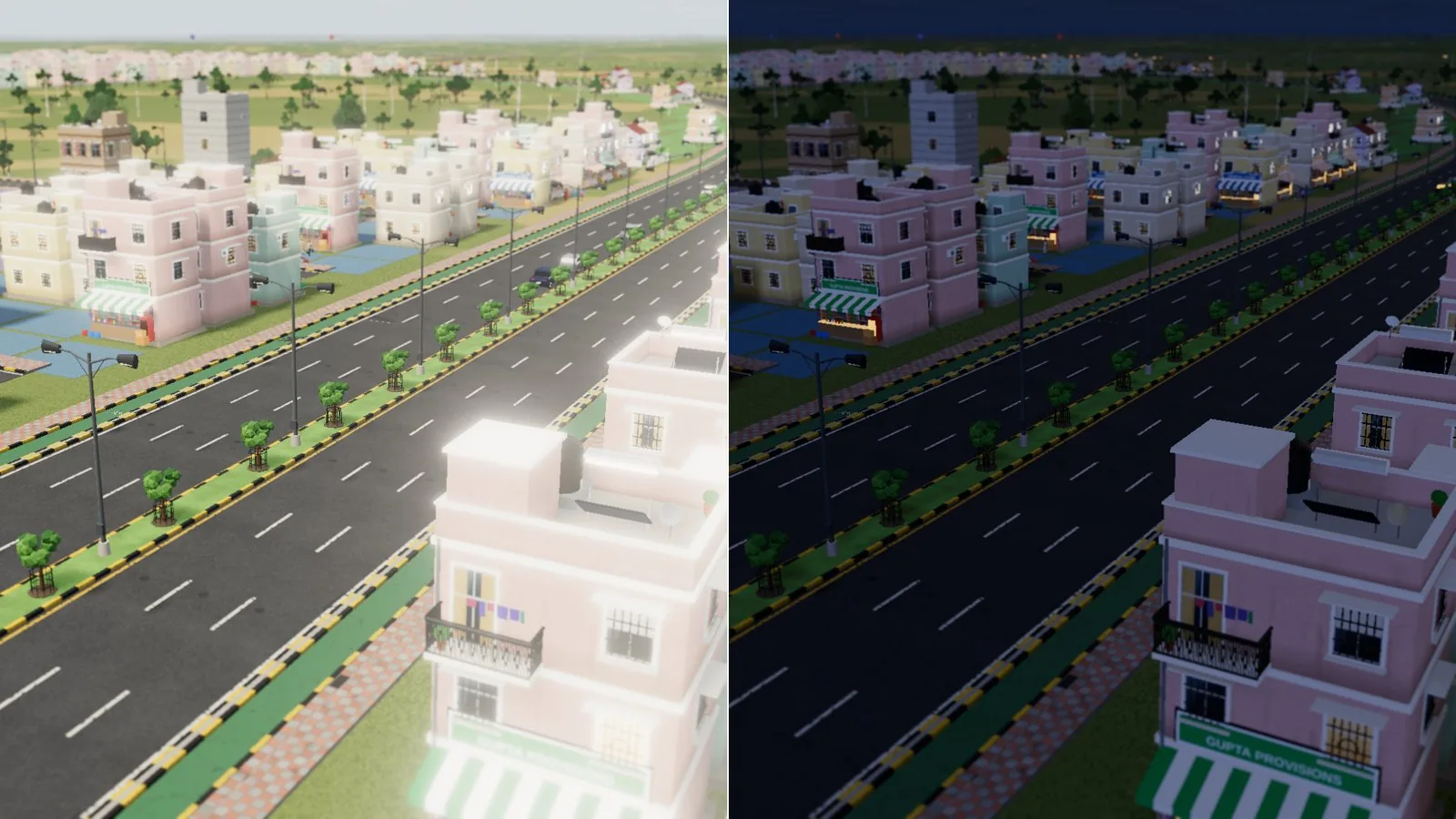
Living streets, day and night
Dream City is a living city. People and vehicles move around, buses run the lines you draw, and planes fly overhead. You can follow a resident’s day, and residents speak their mind.
Follow someone through their day
Following a resident is a lovely way to experience the passing of time. Watch where they go and how the city around them changes as the hours pass.
Look up
Planes flying overhead add a sense of scale, especially in wide shots of a growing city.
The street-level camera
Most of the time you’ll plan your city from above. But Dream City also has a street-level camera, which shows your city the way the people living in it see it.
What looks good at street level
- Tree-lined streets and boulevards with cycle tracks. They frame the shot naturally.
- Foot overbridges and zebra crossings. They give a sense of daily life.
- Bus stands and markets. Places where people gather feel busy and real.
- River crossings. Bridges build automatically over rivers, and they make strong focal points.
Street-level tips
- Pick a spot where something interesting sits in the distance, such as a high-rise, a hill or the mountain ring around the map.
- Use roads as leading lines that draw the eye into the picture.
- Wait for vehicles or people to pass through the frame.
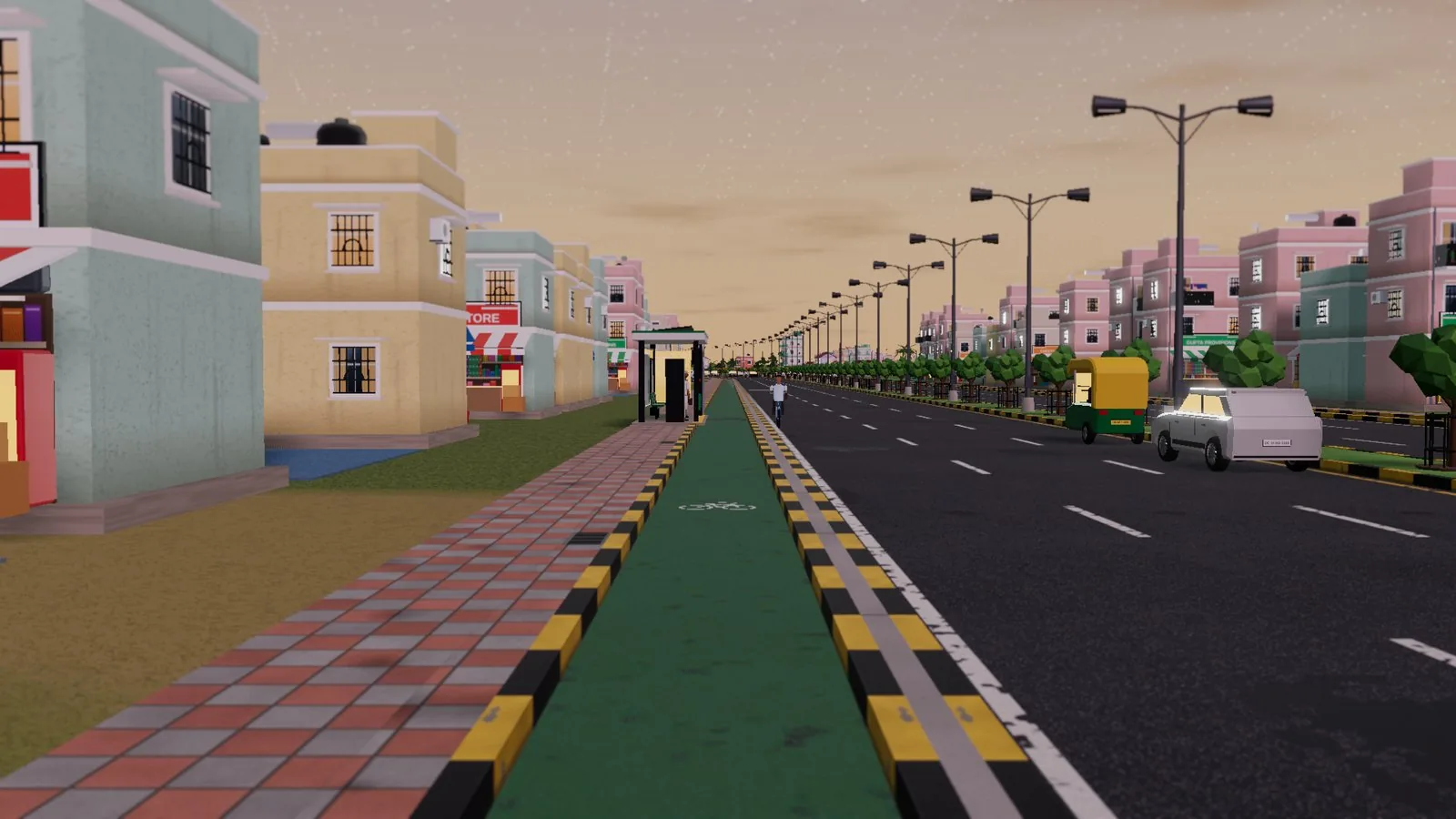
Photo mode: press F2
Press F2 to open photo mode. It’s built for taking clean screenshots worth sharing. F2 needs a keyboard, so photo mode is easiest on a PC.
Photo mode tips
- Decide on your subject first. A roundabout, a skyline, a river bridge or a quiet lane.
- Think about the time of day. Some scenes suit daylight, others look best at night.
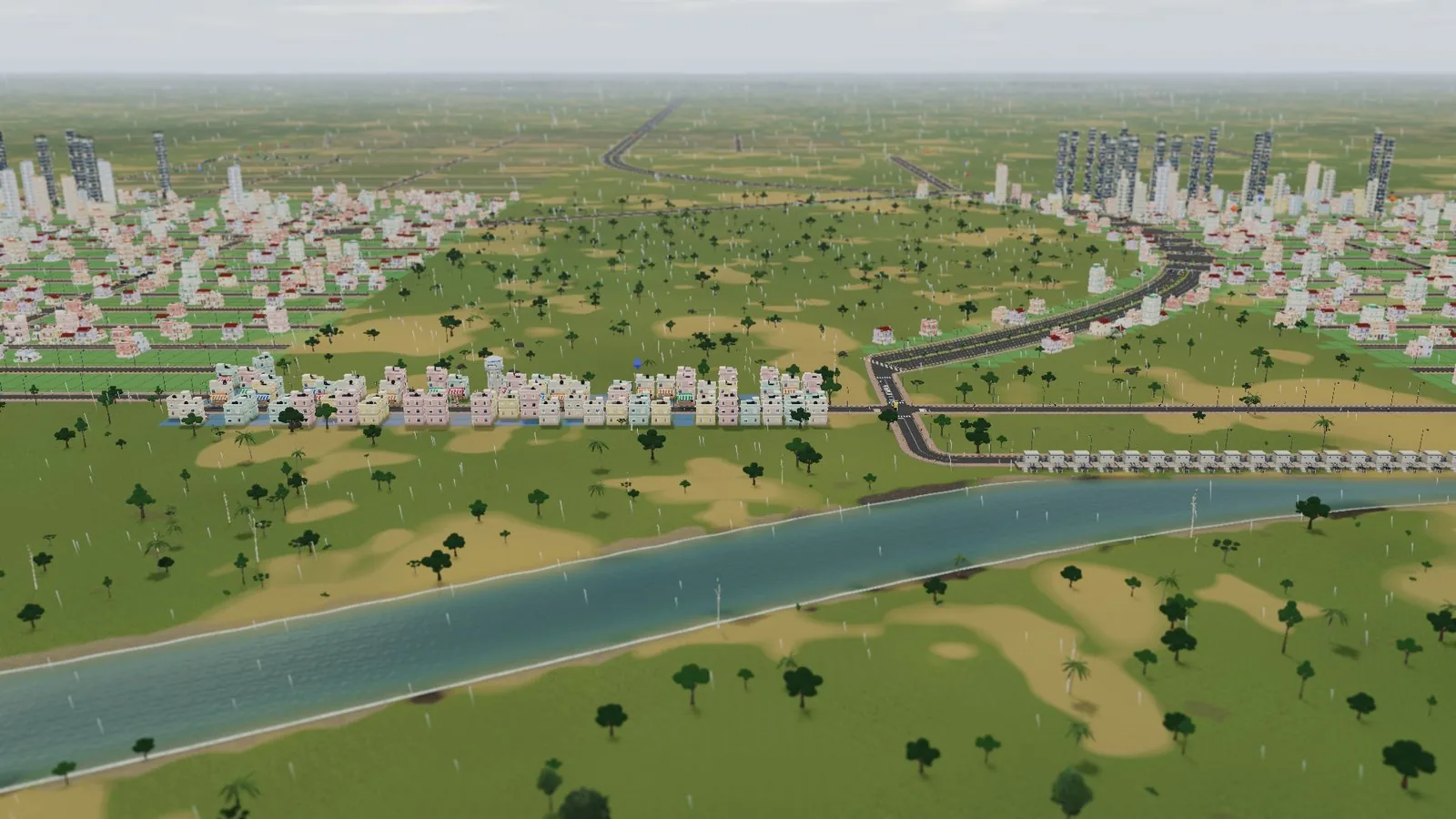
- Use the weather. If rain arrives, it’s a chance for a moodier shot.
- Keep it simple. One clear subject usually beats a crowded frame.
- Take several shots. Small changes in angle make a big difference.
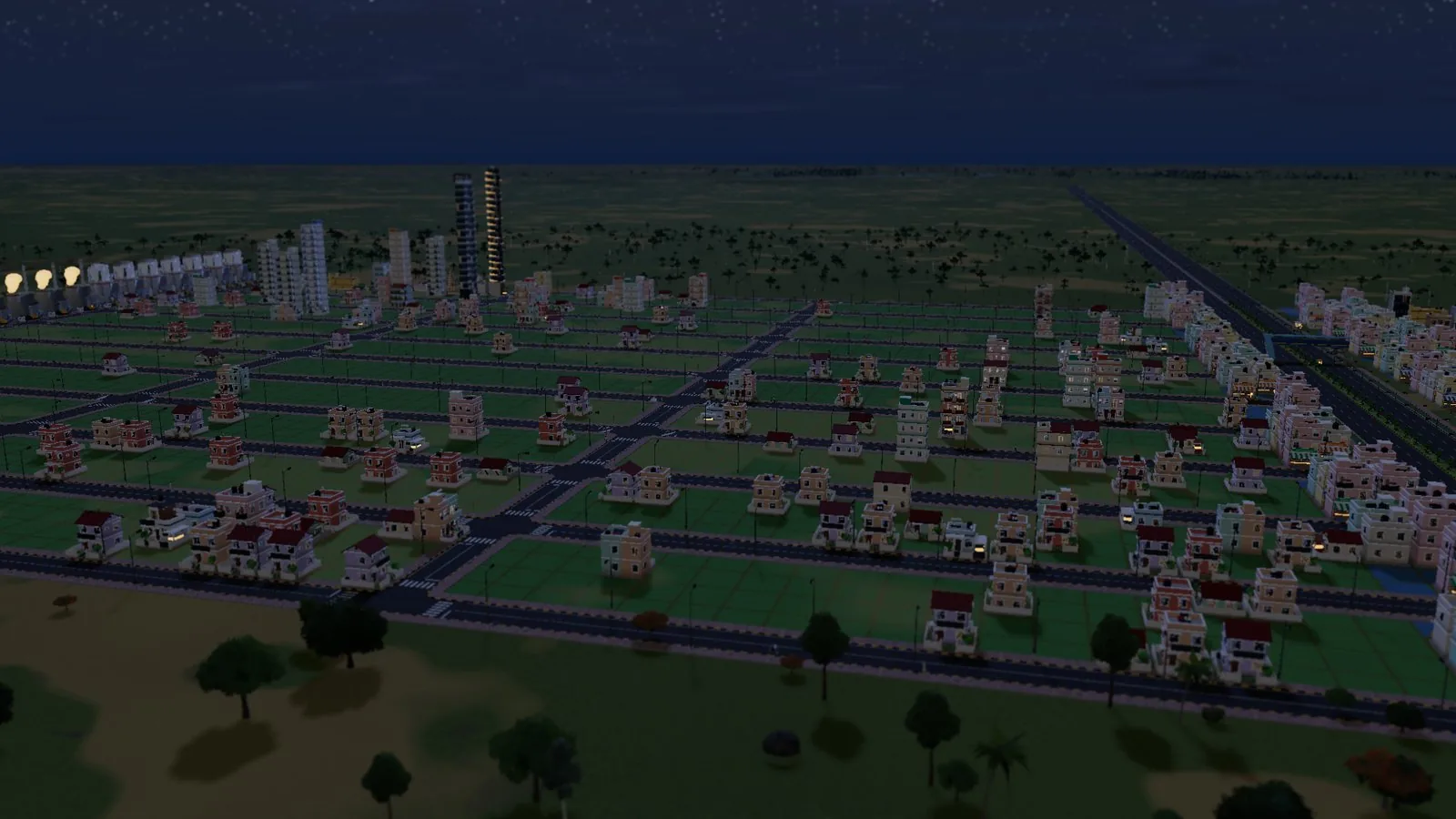
Graphics settings for better shots
Dream City runs in your browser, but it can look sharp.
Go up to 4K
Graphics settings go up to 4K. If your device can handle it, raise the settings before a photo session for crisper results.
Use the FPS limit
There’s an option to limit the frame rate. For photos, the frame rate matters less than the image quality, so you can play with both until it feels right.
Building scenes for night and rain
If you enjoy screenshots, it’s worth building with atmosphere in mind.
Ideas worth trying
- A riverside promenade. Run a tree-lined street or boulevard along a river.
- A grand roundabout. Place one at the meeting of several avenues as a centrepiece.
- A hilltop view. Raise land near the centre and look down over the city.
- A pond in a park. Dig a pond, surround it with a park and frame it with homes.
- A busy bus stand. Buses arriving and leaving bring movement to the frame.
Use the terrain
You can raise and lower land, build hills and dig rivers and ponds. Terrain gives your shots depth, and the mountain ring around the map makes a natural backdrop.
Taking shots on a phone
Dream City runs on PC and phone. On a phone, the street-level camera is a great way to frame a scene, and you can capture it with your phone’s usual screenshot method. For the cleanest shots using photo mode, a PC with a keyboard is easiest.
A simple screenshot routine
- Raise graphics settings, up to 4K if your device copes.
- Choose a subject and a viewpoint.
- Drop to street level, or frame from above.
- Wait for the right moment: night, rain, or a passing bus.
- Press F2 for photo mode on PC.
- Take several shots and keep the best.
Make your city worth photographing
The best screenshots come from cities that work well. Good roads, clear neighbourhoods and lively streets look better than a jumble. Our Dream City road guide helps you build streets that look and work great, and our beginner’s guide gets a new city off to the right start.
Dream City is free, with no download, no account and no ads, and it’s an early version that’s updated often. Saves stay in your browser on your device, so your city is there when you return.
Open Dream City, wait for nightfall and take your best shot.
Frequently asked questions
Does Dream City have day and night?
Yes. Days turn into nights in Dream City, so your city looks different depending on when you check on it.
Does it rain in Dream City?
Yes. Rain comes and goes, which changes the mood of your city.
How do I open photo mode?
Press F2 to open photo mode and take clean screenshots.
Can I see my city from the ground?
Yes. There's a street-level camera that shows your city the way its residents see it.
How do I make my screenshots look sharper?
Graphics go up to 4K. If your device can handle it, raise the graphics settings before you take your shots. There's also an option to limit the frame rate.

Written by
Nazmul Hussain, Managing Director & Technical Head, Omebly. 10+ years building websites and apps for clients in India, the Gulf, the UK and the US, and mentoring at Omebly Academy. LinkedIn · GitHub
Follow Omebly
New guides, work and launches on every channel.