Safe Voice Chat: How Omebly Keeps Its Community Safe
What makes Omebly a safe voice chat app: age rules, reporting and blocking, room owner controls, a safety team and a fair appeal process, plus tips to stay safe.
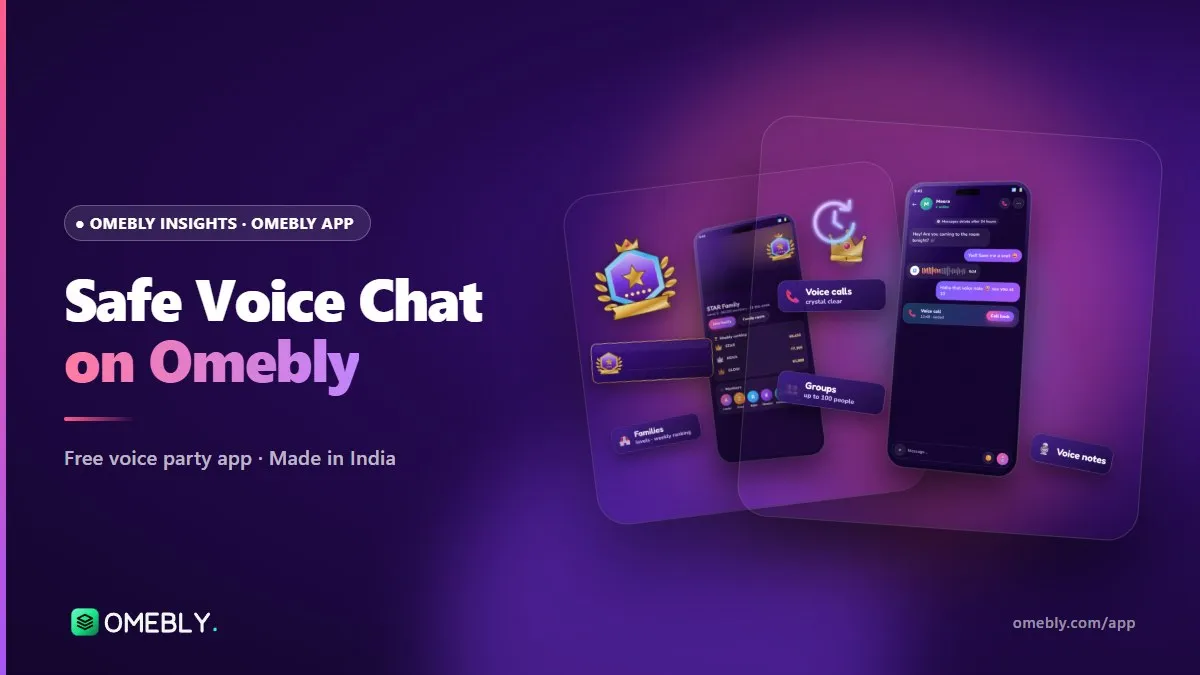
Live voice is one of the warmest ways to meet people online. It’s also personal: you hear real voices, in real time, often late in the evening. So the question parents, students and first-time users ask most is simple: is it safe? This guide explains what makes Omebly a safe voice chat app, the tools you can use yourself, and the habits that keep your time online enjoyable.
Quick answer: Omebly is built with safety in mind. It’s for ages 16 and over, with extra protections for 16 and 17-year-olds and 18+ rules for couple and crush relationships. You can report and block any user or group, room owners control their rooms, a dedicated safety team reviews reports, and there’s an in-app ban appeal. The app is in testing on Android at omebly.com/app/.
What makes a safe voice chat app?
No app can promise that nothing bad will ever happen. What a responsible app can do is make good behaviour normal and bad behaviour quick to deal with. In practice that means:
- Clear age rules and age-appropriate features
- Easy reporting and blocking that anyone can use in seconds
- Hosts with real controls over their own rooms
- People who review reports, not just automated filters
- Fair decisions, including a way to appeal
- Published rules so everyone knows what’s expected
Here’s how Omebly handles each one.
Age rules: 16+ with extra care for younger users
Omebly is 16+ only. You enter your date of birth when you join, and under-16s can’t sign up.
Extra protections for 16 and 17-year-olds
Users aged 16 and 17 get added protections in chats, groups, comments and rooms. Some features are for adults only:
| Feature | Who can use it |
|---|---|
| Voice rooms, messages, Moments, games | 16+ |
| Best friend, close friend and sibling relationships | 16+ |
| Couple and crush relationships | 18+ only |
| Adults-only rooms | 18+ only |
| Live cameras | 18+ only |
If you see someone who appears to be under 16, report their profile so the safety team can check.
Tools you control: report and block
How to report a user or group (step by step)
- Tap the person on their room seat, in a chat, or open their profile.
- Choose Report.
- Pick a reason that best fits what happened.
- Add details if you can. A short note about what was said and when helps the team.
- Submit. The safety team reviews it.
You can also report groups, not just individuals, if a whole group chat is being used to harass or spam people.
How to block someone
- Open the person’s profile or tap them in a chat or room.
- Choose Block and confirm.
Blocking is instant and you never need to explain it. If someone makes you uncomfortable, block first and think later.
Room owner controls
Every room has an owner, and owners have the tools to keep it friendly:
- Manage seats, inviting people up to speak and locking seats.
- Mute the room chat when it gets heated, then open it again.
- Mute, remove or ban people who break the room rules.
- Add admins to help, and see and remove admins at any time.
- Make a room private with a password for invited friends only.
Omebly’s guidelines ask hosts and admins to use these powers fairly. If you’re starting your own room, our guide on how to host a voice party room covers moderation in more detail.
A dedicated safety team and fair appeals
People who review reports
Reports go to a dedicated safety team. The team can warn users, remove content, close rooms and ban accounts that break the rules. Text filters also help catch abusive words in English, Hindi and Hinglish.
In-app ban appeal
Mistakes happen. If your account is banned and you believe it was wrong, you can submit a ban appeal inside the app. The team looks at the appeal and the history before deciding.
Published rules
Omebly’s community guidelines set out the basics: be kind, keep it safe, be real. No bullying, hate, threats or unwanted sexual content; no scams, fake giveaways or requests for money; and no impersonating others. The terms of use and privacy policy are linked from omebly.com/app/.
Games without betting
Ludo and chess in Omebly voice rooms are free to play with no betting. There’s no money on the table, which removes a common source of pressure and scams in online gaming. Read more in Ludo and chess with voice chat.
Staying safe: tips for every user
Protect your personal details
- Don’t share your phone number, address, school or workplace in rooms.
- Be careful with photos in Moments; think about who can see them.
- Never send money to someone you’ve met online, whatever the story.
Trust your instincts
- If a conversation feels wrong, leave the room. You can always come back.
- Block and report anyone who pressures you, asks for private photos or threatens you.
- Don’t move a chat to another app just because someone asks.
Common mistakes to avoid
- Thinking “it’s just voice, so it’s safe”. Voices can be recorded elsewhere, so speak as if strangers can hear.
- Not reporting because “someone else will”. Every report helps the team act faster.
- Arguing with a troll. Mute, block, report and move on.
- Keeping quiet about a bad experience. Tell a friend, a family member or the safety team. Talking about it helps, and it helps us spot patterns.
- Reusing the same password everywhere. Your Google sign-in protects your Omebly account, so keep that account secure too.
A note for parents of 16 and 17-year-olds
If your teenager uses Omebly, talk with them about it rather than only setting rules. Ask which rooms they enjoy and who they talk to, the same way you’d ask about friends at college. Show them where Report and Block are, and agree that they can come to you if anything feels wrong without losing the app. Remind them that the 18+ features are not open to them, and that anyone asking them to break that rule should be reported. Open conversations at home do more for online safety than any single setting.
Where to get help urgently
If you or someone else is in immediate danger, contact local emergency services (112 in India). Online fraud and cybercrime in India can be reported at the government’s National Cyber Crime Reporting Portal.
How Omebly can help
Omebly is built in-house in Kolkata, and safety is part of the design rather than an add-on. If you have a safety question or concern, email help@omebly.com or reach us through our contact page. To try the app, which is free, 16+ and in testing on Android, visit the Omebly App page. New here? Start with our guide to the Omebly voice chat room app.
Safety checklist
- You (and anyone you invite) are 16 or older
- You know where Report and Block are
- Personal details stay private
- Room rules are in your announcement if you host
- You’ve read the community guidelines
Talk freely and stay safe: get the Omebly App, a safe voice chat app built for friendly rooms, at omebly.com/app/.
Frequently asked questions
Is Omebly safe for teenagers?
Omebly is for users aged 16 and over, and under-16s cannot sign up. Users aged 16 and 17 get extra protections, and couple and crush relationships, adults-only rooms and live cameras are for users aged 18 and over.
How do I report someone on Omebly?
Open the person's profile, or tap them in a chat or on a room seat, and choose Report. You can report groups too. Omebly's safety team reviews every report.
What happens when I block someone?
Blocking stops that person from contacting you. You can block anyone, at any time, and you do not need to give a reason.
What can room owners do to keep a room safe?
Room owners and their admins can manage seats, mute the room chat, and mute, remove or ban people from the room. Owners can also see their admins and remove them.
I was banned by mistake. What can I do?
You can submit a ban appeal from inside the app. The safety team reviews the appeal and your account history before making a decision.
Where can I read Omebly's rules?
Omebly's community guidelines, terms of use and privacy policy are linked from omebly.com/app/. Questions can also go to help@omebly.com.

Written by
Nazmul Hussain, Managing Director & Technical Head, Omebly. 10+ years building websites and apps for clients in India, the Gulf, the UK and the US, and mentoring at Omebly Academy. LinkedIn · GitHub
Follow Omebly
New guides, work and launches on every channel.