AI for Business Owners: 10 Tasks to Hand to AI This Week
Ten practical tasks business owners can hand to AI tools this week, with example prompts, what to check, and how to keep customer data safe.
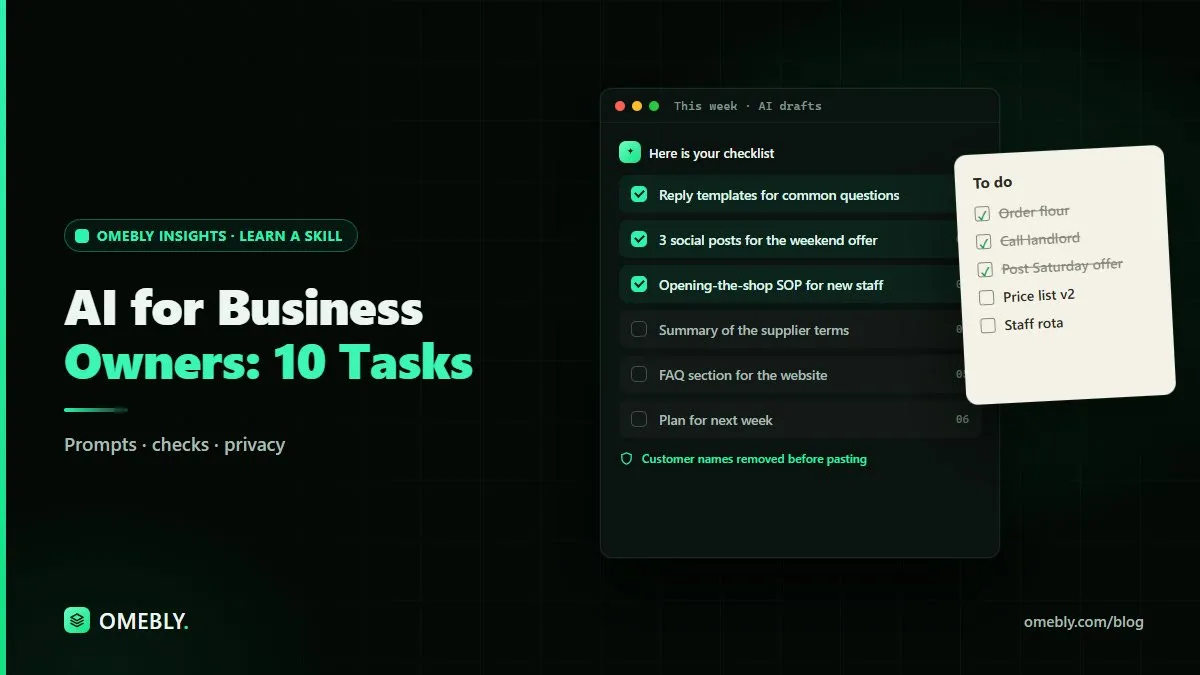
As a business owner, you probably spend hours each week on writing, admin and planning that keeps the business running but doesn’t grow it. AI for business owners isn’t about replacing people or rebuilding your company around new technology. It’s about handing the repetitive first drafts to a tool so you can spend more time with customers and on decisions only you can make.
This post gives you ten specific tasks you can try with AI tools this week, each with an example prompt and a note on what to check. We’ll finish with simple rules for keeping your business and customer data safe.
Quick answer: Business owners can hand AI tools first drafts of emails, social posts, product descriptions, SOPs, proposals, FAQs and job ads, plus summaries of documents and customer feedback. Start with one or two repetitive tasks, give the AI clear context, and always review the output for facts, tone and privacy before using it.
Before you start: how to brief an AI tool
AI tools like Claude respond to plain-language instructions. The better your brief, the better the draft. A useful brief has four parts:
- Context: what your business does and who the customer is.
- Task: exactly what you want written or done.
- Constraints: length, tone, things to include or avoid.
- Format: bullet points, a table, an email, a script.
For example, instead of “write a post about our sale”, try: “We run a family-owned bakery. Write a friendly Instagram caption announcing 15% off cakes this Saturday only. Under 60 words, include one emoji and a call to visit the shop.”
Keep a document of prompts that work. That becomes your business’s own AI playbook.
10 tasks to hand to AI this week
1. Reply to common customer enquiries
Most businesses answer the same questions again and again: opening hours, delivery times, return rules. Ask AI to draft clear reply templates.
Prompt: “Here are our delivery and returns rules: [paste]. Write five short, friendly reply templates for the most common customer questions about them.”
Check: that every detail matches your actual policy.
2. Draft social media posts
AI is good at producing several versions of a post quickly, so you can pick the best one.
Prompt: “Write three versions of a Facebook post announcing our new weekend opening hours. One formal, one friendly, one playful.”
Check: your brand voice, and that offers and dates are correct. For a wider plan, our digital marketing guide for small businesses covers the channels to focus on.
3. Write product or service descriptions
Prompt: “Write a 100-word product description for [product]. Key features: [list]. Our customers are [describe]. Focus on benefits, not just features.”
Check: no exaggerated claims, and every feature listed is real.
4. Create standard operating procedures (SOPs)
Many small businesses run on knowledge in the owner’s head. AI can turn a rough description into a clear, step-by-step procedure.
Prompt: “Turn these notes on how we open the shop each morning into a numbered SOP a new staff member can follow: [paste notes].”
Check: that steps are in the right order and nothing important is missing. Walk through it once yourself.
5. Summarise long documents
Contracts, supplier terms, reports and long email threads take time to read. AI can pull out the key points.
Prompt: “Summarise this document in plain English. List the main points, any deadlines and anything I need to act on.”
Check: read the original for anything legal or financial. A summary is a guide, not a substitute for the full text. For PDFs, our free chat with PDF tool lets you ask questions about a document and find the relevant passages.
6. Outline proposals and quotes
Prompt: “Create an outline for a proposal to [type of client] for [service]. Include sections for their problem, our approach, timeline, what’s included and next steps.”
Check: pricing, scope and timelines must come from you, not the AI.
7. Write job descriptions
Prompt: “Write a job description for a part-time shop assistant. Duties: [list]. Hours: [hours]. Keep it clear and welcoming.”
Check: that requirements are fair and non-discriminatory, and that pay and conditions are accurate and lawful in your location.
8. Analyse customer feedback
If you have reviews or survey responses, AI can group them into themes.
Prompt: “Here are 40 customer comments with names removed. Group them into themes, note which come up most, and suggest three improvements.”
Check: remove names and contact details first. Read a sample of the raw comments yourself so you don’t miss nuance.
9. Build an FAQ page
Prompt: “Based on these common customer questions and our answers [paste], write a clear FAQ section for our website.”
Check: accuracy and consistency with your other pages.
10. Plan your week
Prompt: “Here are my tasks and deadlines for this week: [list]. Suggest a daily plan, putting the most important and time-sensitive work first.”
Check: it’s a suggestion. You know which client calls can’t move.
Which tasks should you not hand to AI?
Some work needs a human every time:
- Final pricing and financial decisions. AI doesn’t know your costs and margins unless you tell it, and even then it can make mistakes.
- Legal and tax wording. Use AI to understand a document, but get professional advice before acting.
- Sensitive staff matters. Performance issues, disputes and personal situations need human care.
- Anything sent without review. Never let AI-generated text go to a customer unchecked.
Keep your business data safe
Responsible use matters as much as speed.
Remove personal information
Before pasting customer messages, reviews or records into an AI tool, strip out names, phone numbers, emails, addresses and payment details.
Check the tool’s settings
Look at how the tool stores and uses what you type. Many AI tools offer business plans or settings that change how data is handled. Choose what fits your needs and any data protection rules that apply to you.
Verify facts and figures
AI can confidently produce wrong numbers, dates or claims. Check anything factual before it goes out.
Set simple rules for your team
If staff use AI, agree a short policy: what can be pasted, which tools are allowed, and that everything is reviewed before it’s sent.
A one-week plan to get started
| Day | Task to try |
|---|---|
| Monday | Customer reply templates (task 1) |
| Tuesday | Three social posts (task 2) |
| Wednesday | One SOP (task 4) |
| Thursday | Summarise a long document (task 5) |
| Friday | Plan next week (task 10) and review what worked |
By Friday, you’ll know which tasks save you real time and which need more work on the prompts.
Measure what matters
Don’t measure success by how much AI you use. Measure it by time saved and quality kept. If a task takes longer to fix than to write yourself, drop it and try another.
Pair AI with your existing tools
AI works best alongside the tools you already use. Reports and price lists often still live in spreadsheets, so strong Excel skills remain valuable. And keep your source documents organised, so the AI always works from the latest version of your policies, prices and terms.
How Omebly can help
If you want to build these habits with guidance, Omebly Academy’s AI for Business Owners course covers practical, responsible uses of AI in a small business. It runs for 8 weeks with 16 live classes and costs USD 280. Classes are taught live by Nazmul Hussain’s team; Nazmul Hussain is Omebly’s Managing Director and Technical Head, with 10+ years of experience building digital products.
If your focus is customer conversations, the AI for Sales course is worth a look. You can see all options on the Omebly Academy training page.
Want a structured way to put AI to work in your business? See the AI for Business Owners course.
Frequently asked questions
What tasks can AI do for a small business?
AI tools can draft emails, write first versions of social posts, summarise documents, create standard operating procedures, outline proposals, prepare FAQs, analyse customer feedback and help plan your week. A person should still review everything before it is used.
Will AI replace my staff?
For most small businesses, AI works best as an assistant that handles first drafts and repetitive writing, freeing people for customer work and decisions. It still needs a person to check accuracy, tone and judgement.
Is it safe to put customer information into AI tools?
Be careful. Remove names, phone numbers, emails and payment details before pasting text into an AI tool, and check the tool's data and privacy settings. Follow any data protection rules that apply to your business.
Do I need technical skills to use AI in my business?
No. Most AI tools work through a chat box in plain language. Clear instructions matter more than technical knowledge.
How should I start using AI in my business?
Pick one or two repetitive tasks, such as replying to common enquiries or drafting social posts, and try AI on those for a week. Keep the prompts that work and build from there.

Written by
Nazmul Hussain, Managing Director & Technical Head, Omebly. 10+ years building websites and apps for clients in India, the Gulf, the UK and the US, and mentoring at Omebly Academy. LinkedIn · GitHub
Follow Omebly
New guides, work and launches on every channel.