Omebly Academy // AI courses

Build real websites with AI as your coding partner.

Go from idea to a live website and a small web app in 8 weeks, using AI tools that write, explain and fix code with you.

$280 · full course8 weeks · 16 live classesBeginner, no coding needed
About this course

What you'll learn, in plain words.

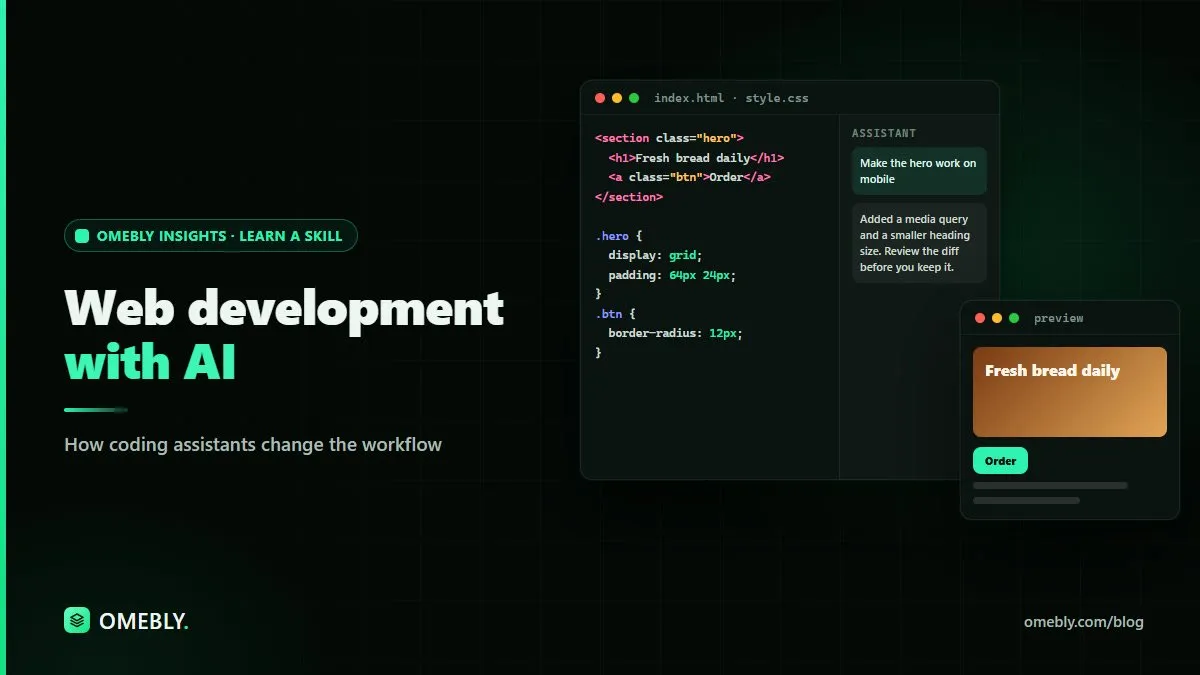
Web development is building the websites and web apps people use in a browser. Until recently it took months of study before you could build anything useful. Today, AI coding assistants like Cursor, GitHub Copilot and Claude can write code from plain-English instructions, explain every line and help you fix mistakes.

This course teaches you how the web works, just enough HTML, CSS and JavaScript to understand what the AI writes, and a clear process for building with AI: plan, prompt, check, test and launch. You will build and put online a business website, a portfolio and a small web app with a login and a database, and you will know how to keep them safe and working.

Who it's for

Who this course is made for.

Beginners who want to build websites but found coding too hard to start

Designers, marketers and founders who want to turn ideas into working sites

Students who want a practical, job-ready web skill

Freelancers who want to build client websites faster

By the end

What you'll be able to do.

Every skill is practised in class and in a weekly task your mentor reviews.

  • Explain how websites work: browsers, servers, domains and hosting
  • Read and edit HTML, CSS and JavaScript that AI writes for you
  • Use AI coding assistants to build pages and features from plain-English instructions
  • Build responsive websites that look good on phones and computers
  • Create a small web app with user login and a database
  • Find and fix bugs with AI help instead of getting stuck
  • Put your websites online with your own domain and keep them secure
Course modules

8 weeks, step by step.

One module a week, two live classes each. Every week ends with a hands-on task.

  1. WEEK 1

    How the web works and your AI setup

    Understand what happens when you open a website, and set up the tools you will build with.

    • Browsers, servers, domains and hosting explained simply
    • What AI coding assistants can and can't do
    • Installing VS Code or Cursor, and your first AI-made page
    • Folders, files and saving your work with Git and GitHub

    HANDS-ON Ask AI to build a one-page personal profile and open it in your browser.

  2. WEEK 2

    HTML and CSS with AI

    Learn the building blocks of every web page, with AI explaining each line.

    • HTML: headings, text, images, links and forms
    • CSS: colours, fonts, spacing and layouts
    • Responsive design so pages work on phones
    • Prompting AI to match a design or a screenshot

    HANDS-ON Build a responsive landing page for a local business from a written brief.

  3. WEEK 3

    JavaScript basics and interactive pages

    Make pages respond to clicks and typing, and understand the code AI writes.

    • Variables, functions and events in plain words
    • Menus, tabs, sliders and form checks
    • Asking AI to explain, improve and comment code
    • Using the browser's developer tools to see what is happening

    HANDS-ON Add a working menu, an image gallery and a contact form check to your landing page.

  4. WEEK 4

    Building a full website with an AI workflow

    Learn a repeatable process for building bigger sites with AI without losing control.

    • Planning pages and features before you prompt
    • Breaking work into small steps the AI can do well
    • Reviewing AI changes before you accept them
    • Speed, images and basic SEO for a business site

    HANDS-ON Build a 5-page business website with a home, about, services, blog and contact page.

  5. WEEK 5

    Modern tools: React and AI app builders

    Meet the tools professionals use, and the AI builders that create apps from a description.

    • What React and Next.js are, and why companies use them
    • Components and pages, built with AI help
    • AI app builders like v0, Bolt and Lovable: when to use them
    • Turning a builder's output into code you understand

    HANDS-ON Rebuild your portfolio in React with AI and compare it with the plain HTML version.

  6. WEEK 6

    Web apps with logins and a database

    Go from websites to web apps that save information for each user.

    • What a database and an API are, in plain words
    • User sign-up and login with Supabase or Firebase
    • Saving, showing and editing data
    • Keeping secrets like passwords and API keys out of your code

    HANDS-ON Build a small to-do or booking app where each user sees only their own data.

  7. WEEK 7

    Testing, debugging and security

    Make your work reliable and safe, with AI as your second pair of eyes.

    • Reading error messages and fixing bugs with AI
    • Testing on different phones and browsers
    • Common security mistakes and how to avoid them
    • Asking AI to review your code before launch

    HANDS-ON Run an AI-assisted review of your web app and fix every issue it finds.

  8. WEEK 8

    Launch, domain and final project

    Put your work online for the world to see and present your final project.

    • Publishing with Vercel or Netlify
    • Connecting your own domain and HTTPS
    • Updating a live site safely
    • Final project presentations and mentor feedback

    HANDS-ON Launch your final project on its own domain and present it to the class.

Tools you'll use

Real AI tools, hands on.

  • Cursor
  • VS Code
  • GitHub Copilot
  • Claude
  • ChatGPT
  • v0
  • Supabase
  • Vercel

The tools' free plans, on your own accounts, are enough for the whole course. AI subscriptions are not included in the course fee.

Projects

Work you can show.

  1. A 5-page responsive business website
  2. Your personal portfolio built in React
  3. A web app with login and a database, live on your own domain
Price (USD)

One price, everything included.

No hidden fees. You don't need to buy any AI subscription: you use your own accounts on the tools' free plans. Book a free call first to check the course fits you.

What you need

  • A laptop or desktop computer (Windows, Mac or Linux) with internet
  • Your own accounts on GitHub and on the AI tools' free plans (we show you how to sign up in week 1; AI subscriptions are not included)
  • No coding experience needed; a domain name for the final project is optional
FULL COURSE

Web Development with AI

$280 8 weeks

  • 16 live online classes with a mentor (2 a week, 90 minutes each)
  • Recordings of every class to revise at your own pace
  • A hands-on task every week, reviewed by your mentor
  • A final project you can show at work or in your portfolio
  • Ready-to-use prompt library and templates to keep
  • Omebly certificate of completion
Book a free call Download the course brochure (PDF)
FAQ

Web Development with AI: questions people ask

Do I need to know coding or maths?

No. Every course starts from zero and explains each idea in plain language. Where code appears, we explain it line by line, and the AI writes most of it for you.

Which AI tools do I need to buy?

None. The course fee does not include any AI tool subscription, and Omebly does not provide one. You use your own accounts on the free plans that tools like ChatGPT, Claude, Gemini and Copilot offer, and those are enough for the whole course. If you ever choose a paid plan, you buy it yourself from the tool's maker.

Are classes live or recorded?

Live online classes with a mentor, so you can ask questions as you go. Every class is also recorded, so you can catch up or revise.

How much time do I need each week?

About 5 to 6 hours: two 90-minute classes plus 2 to 3 hours for the weekly task.

What if AI tools change during the course?

They will, and that is part of the plan. We teach the skills behind the tools (clear instructions, checking answers, building workflows), so you can switch to any new tool with confidence.

Do I get a certificate?

Yes, an Omebly certificate of completion that lists the projects you built.

Is my data safe when I use AI tools?

We teach you what not to paste into AI tools, how to turn off training on your chats where possible, and how to follow your company's rules.

When does the next batch start?

We run small batches so everyone gets attention. Message us on WhatsApp and we'll tell you the next start date and check that the course fits you.

Join the next batch

Start with a free call.

Tell us where you are today. We'll check the course fits your goal, no pressure.

Prefer email? info@omebly.com