Omebly Academy // AI courses

Analyse data faster and smarter with AI.

Turn spreadsheets and databases into clear answers and dashboards, with AI writing the formulas, code and queries alongside you.

$280 · full course8 weeks · 16 live classesBeginner, no coding needed
About this course

What you'll learn, in plain words.

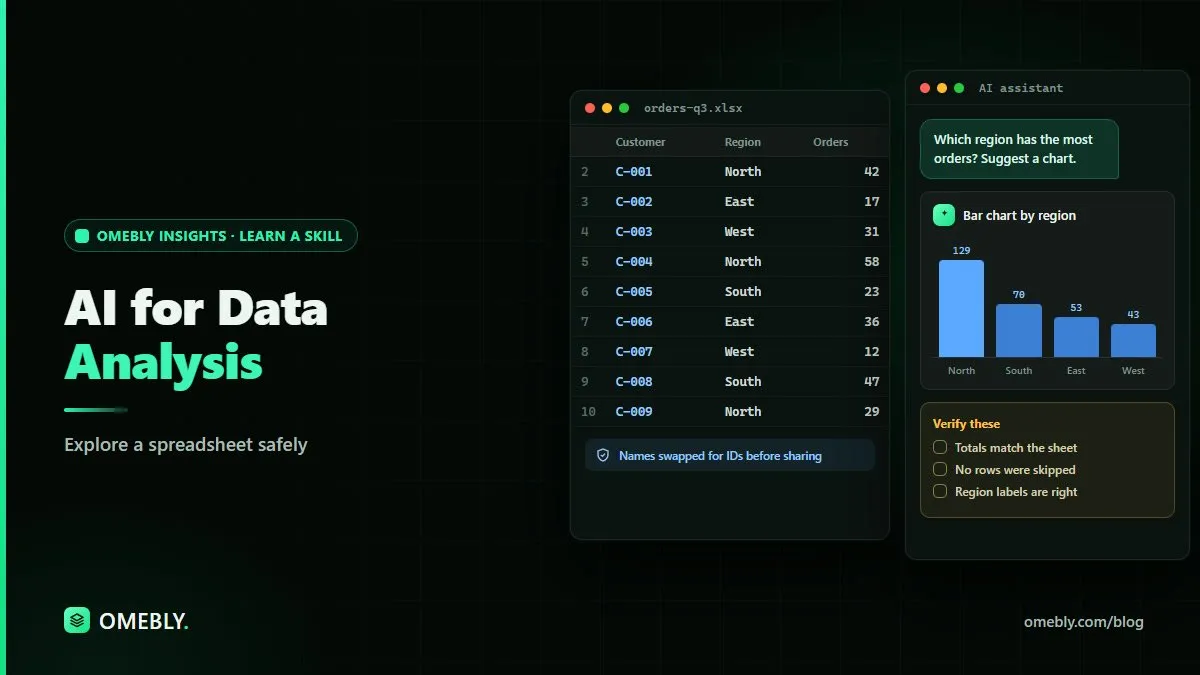
Data analysis is finding answers in numbers: which products sell best, why customers leave, where money is spent. It used to need years of practice with formulas, coding and statistics. Now AI can write Excel formulas, Python code and SQL queries from plain-English questions, and explain the results.

In this course you learn how to ask good questions of data, clean messy files, analyse them with AI in Excel, Python and SQL, build charts and Power BI dashboards, and present findings people understand. Just as important, you learn how to check AI's work, so your numbers are right. You finish with three portfolio projects on real-world datasets.

Who it's for

Who this course is made for.

Beginners who want to start a career in data

Excel users who want to do much more, much faster

Managers and professionals who work with reports and numbers

Students who want a job-ready analytics skill

By the end

What you'll be able to do.

Every skill is practised in class and in a weekly task your mentor reviews.

  • Turn a business question into a clear analysis plan
  • Clean and prepare messy data with AI help
  • Use AI to write and explain Excel formulas and pivot tables
  • Analyse data with Python in the browser, with AI writing the code
  • Write SQL queries with AI to get answers from databases
  • Build clear charts and an interactive Power BI dashboard
  • Check AI's work and present findings people trust
Course modules

8 weeks, step by step.

One module a week, two live classes each. Every week ends with a hands-on task.

  1. WEEK 1

    Data and AI basics

    Learn how analysts think and where AI fits in.

    • What data analysis is, with real business examples
    • Types of data and common data problems
    • Asking good questions of data
    • Uploading files to ChatGPT, Claude and Gemini safely

    HANDS-ON Analyse a sales file with an AI chatbot and list the top 5 findings.

  2. WEEK 2

    Excel and Google Sheets with AI

    Get much more out of spreadsheets with AI as your formula expert.

    • AI-written formulas: lookups, IFs and text functions
    • Pivot tables and summaries
    • Copilot in Excel and Gemini in Sheets
    • Checking formulas so you trust the results

    HANDS-ON Build a sales summary workbook with AI-written formulas and pivot tables.

  3. WEEK 3

    Cleaning and preparing data

    Fix messy data, the job that takes most of an analyst's time.

    • Duplicates, blanks, wrong formats and typos
    • Power Query basics with AI help
    • Combining data from several files
    • Documenting your cleaning steps

    HANDS-ON Clean and combine three messy files into one analysis-ready table.

  4. WEEK 4

    Python analysis with AI (no coding background)

    Use Python for bigger data, with AI writing and explaining the code.

    • Google Colab and Python in plain words
    • pandas for loading, filtering and grouping data, written with AI
    • Charts with Python
    • Reading and fixing errors with AI

    HANDS-ON Analyse a 100,000-row dataset in Colab with AI-written Python.

  5. WEEK 5

    SQL with AI

    Get answers straight from databases using plain-English questions.

    • What databases and SQL are
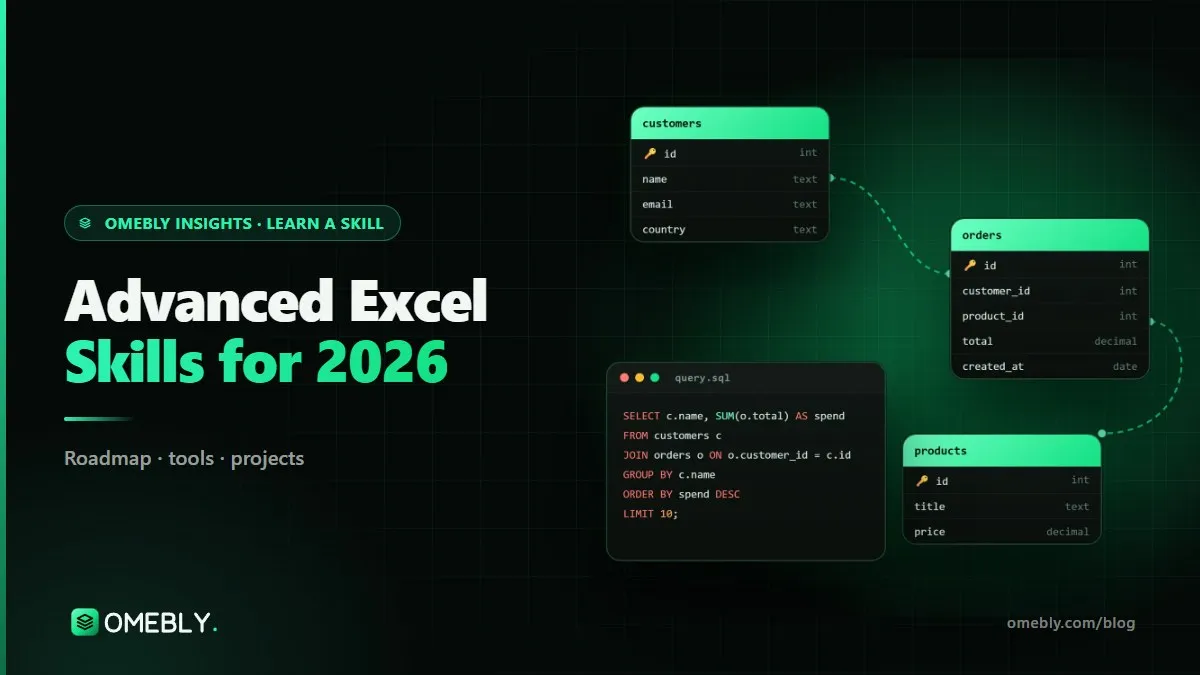
    • SELECT, WHERE, GROUP BY and JOIN, explained with AI
    • Turning business questions into queries
    • Checking that a query really answers the question

    HANDS-ON Answer 10 business questions from a sample company database with SQL.

  6. WEEK 6

    Statistics and insight, simply

    Know what the numbers really mean, and avoid common traps.

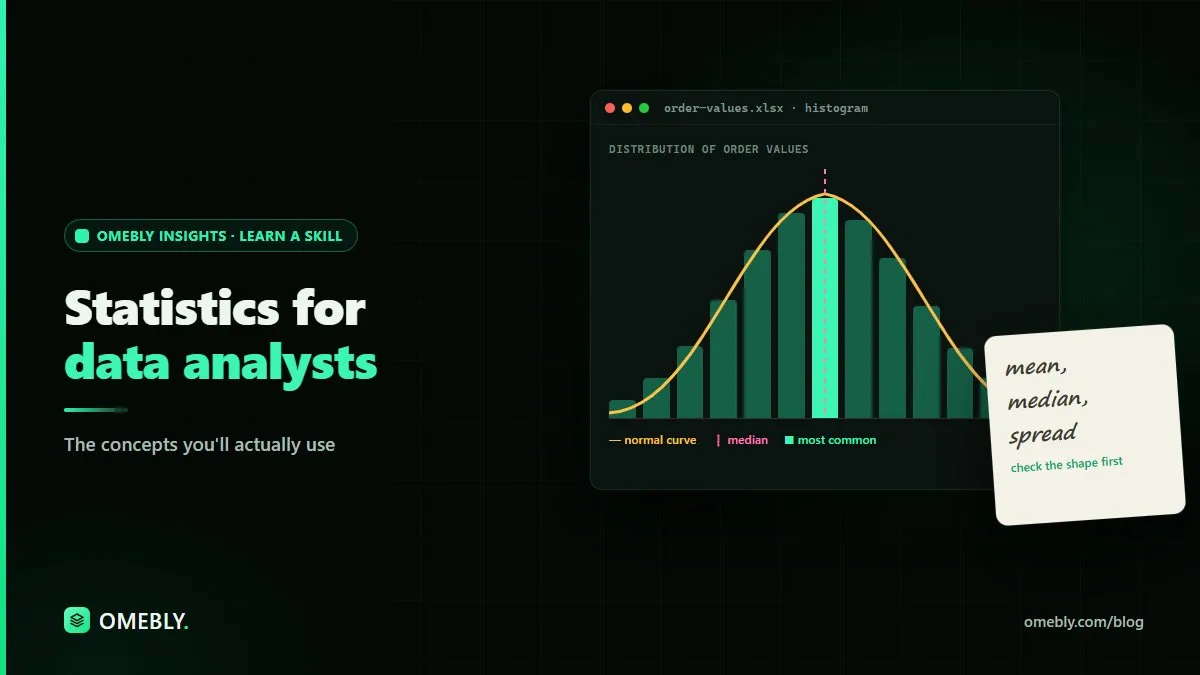
    • Averages, spread, trends and seasonality
    • Correlation vs cause
    • Simple forecasts with AI
    • Spotting when AI gets the maths wrong

    HANDS-ON Write a short insight report with a simple forecast and its limits.

  7. WEEK 7

    Dashboards with Power BI

    Build interactive dashboards managers can use every day.

    • Power BI Desktop basics
    • Data models and simple measures with AI help
    • Designing clear charts and dashboards
    • Copilot in Power BI and publishing reports

    HANDS-ON Build an interactive sales dashboard in Power BI.

  8. WEEK 8

    Data storytelling and final project

    Present your findings so people act on them.

    • Turning analysis into a clear story
    • Choosing the right chart for the message
    • Presenting to non-technical people
    • Final project presentations and mentor feedback

    HANDS-ON Present a full analysis project from raw data to dashboard and recommendations.

Tools you'll use

Real AI tools, hands on.

  • ChatGPT
  • Claude
  • Microsoft Excel and Copilot
  • Google Sheets and Gemini
  • Power Query
  • Python in Google Colab
  • SQL
  • Power BI

The tools' free plans, on your own accounts, are enough for the whole course. AI subscriptions are not included in the course fee.

Projects

Work you can show.

  1. A sales analysis workbook built with AI-written formulas
  2. A Python analysis of a large real-world dataset
  3. An interactive Power BI dashboard with a written insight report
Price (USD)

One price, everything included.

No hidden fees. You don't need to buy any AI subscription: you use your own accounts on the tools' free plans. Book a free call first to check the course fits you.

What you need

  • A laptop or desktop computer; Windows is needed for Power BI Desktop (Mac users can use the web version)
  • Excel or free Google Sheets
  • No coding or statistics background needed
FULL COURSE

AI for Data Analysis

$280 8 weeks

  • 16 live online classes with a mentor (2 a week, 90 minutes each)
  • Recordings of every class to revise at your own pace
  • A hands-on task every week, reviewed by your mentor
  • A final project you can show at work or in your portfolio
  • Ready-to-use prompt library and templates to keep
  • Omebly certificate of completion
Book a free call Download the course brochure (PDF)
FAQ

AI for Data Analysis: questions people ask

Do I need to know coding or maths?

No. Every course starts from zero and explains each idea in plain language. Where code appears, we explain it line by line, and the AI writes most of it for you.

Which AI tools do I need to buy?

None. The course fee does not include any AI tool subscription, and Omebly does not provide one. You use your own accounts on the free plans that tools like ChatGPT, Claude, Gemini and Copilot offer, and those are enough for the whole course. If you ever choose a paid plan, you buy it yourself from the tool's maker.

Are classes live or recorded?

Live online classes with a mentor, so you can ask questions as you go. Every class is also recorded, so you can catch up or revise.

How much time do I need each week?

About 5 to 6 hours: two 90-minute classes plus 2 to 3 hours for the weekly task.

What if AI tools change during the course?

They will, and that is part of the plan. We teach the skills behind the tools (clear instructions, checking answers, building workflows), so you can switch to any new tool with confidence.

Do I get a certificate?

Yes, an Omebly certificate of completion that lists the projects you built.

Is my data safe when I use AI tools?

We teach you what not to paste into AI tools, how to turn off training on your chats where possible, and how to follow your company's rules.

When does the next batch start?

We run small batches so everyone gets attention. Message us on WhatsApp and we'll tell you the next start date and check that the course fits you.

Join the next batch

Start with a free call.

Tell us where you are today. We'll check the course fits your goal, no pressure.

Prefer email? info@omebly.com