Omebly: A Free Voice Chat Room App to Talk, Play and Make Friends
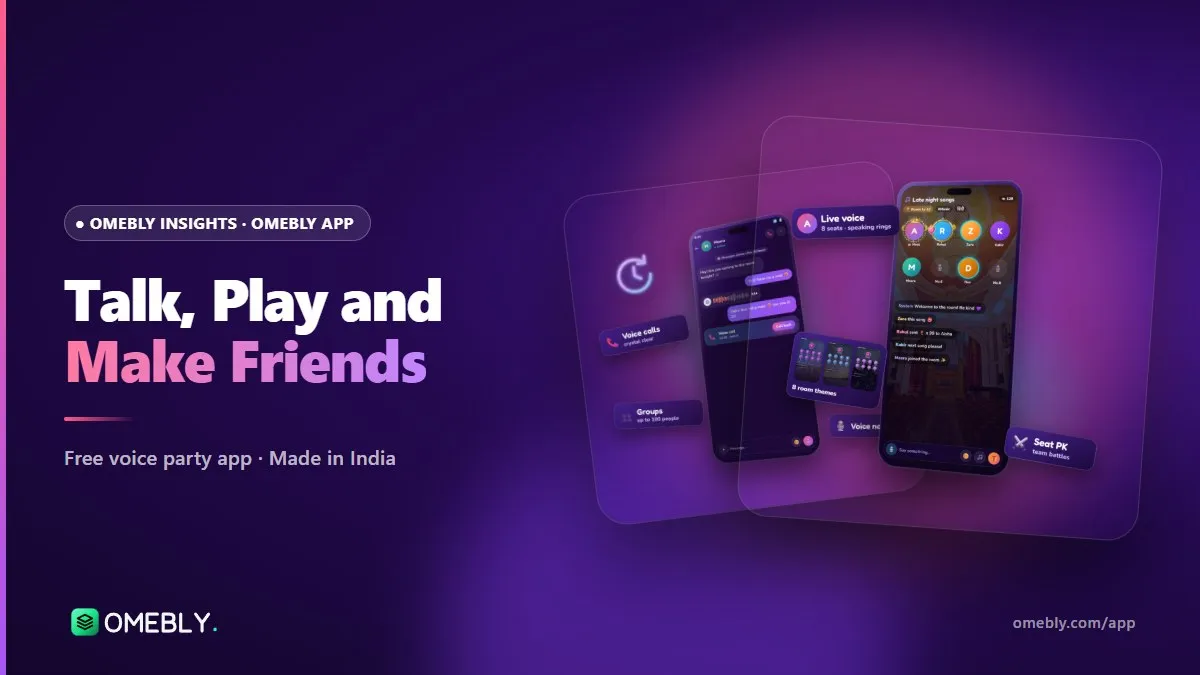
Omebly is a free voice chat room app where you can talk in live rooms, play Ludo and chess, watch videos together and make friends. Here is what it does and how to start.
Some evenings you don’t want to scroll. You want to talk: a proper conversation with real voices, a game with friends, maybe a film everyone can laugh at together. That is the idea behind Omebly, a free voice chat room app built in Kolkata for people who would rather hang out than just post.
In this guide you’ll learn what Omebly is, what you can do inside a voice room, how to join your first room, and how the app keeps things friendly. If you’ve used other voice party apps before, you’ll also see where Omebly does things a little differently.
Quick answer: Omebly is a free live voice chat room app for people aged 16 and over. You can join or host voice rooms with up to 24 seats, play Ludo and chess without leaving the room, watch videos together, message friends and share Moments. It’s currently in testing on Android, and you can get it from omebly.com/app/.
What is Omebly?
Omebly is a social app built around live voice. Instead of a feed of photos as the main screen, the heart of the app is the voice room: a shared space where people take a seat, talk, listen and react in real time.
Around that core, Omebly adds the things that make a hangout feel complete:
- Games (Ludo and chess) played on a full board inside the room
- Movie night, where the room owner plays videos for everyone
- Messages and group chats for keeping in touch after the room closes
- Moments, a feed for photos, voice notes and short videos
- Families and Relationships, so your friendships show up on your profile
Everything is free. There is no betting in the games and no catch to joining.
Who is it for?
Omebly is for anyone aged 16 or over who enjoys talking: college friends planning a late-night chat, cousins in different cities, gamers who want a Ludo table with banter, or someone who simply wants to meet friendly people who speak their language.
What you can do in an Omebly voice chat room app session
A voice room is where most of the fun happens. Here’s what’s inside.
Seats, themes and room styles
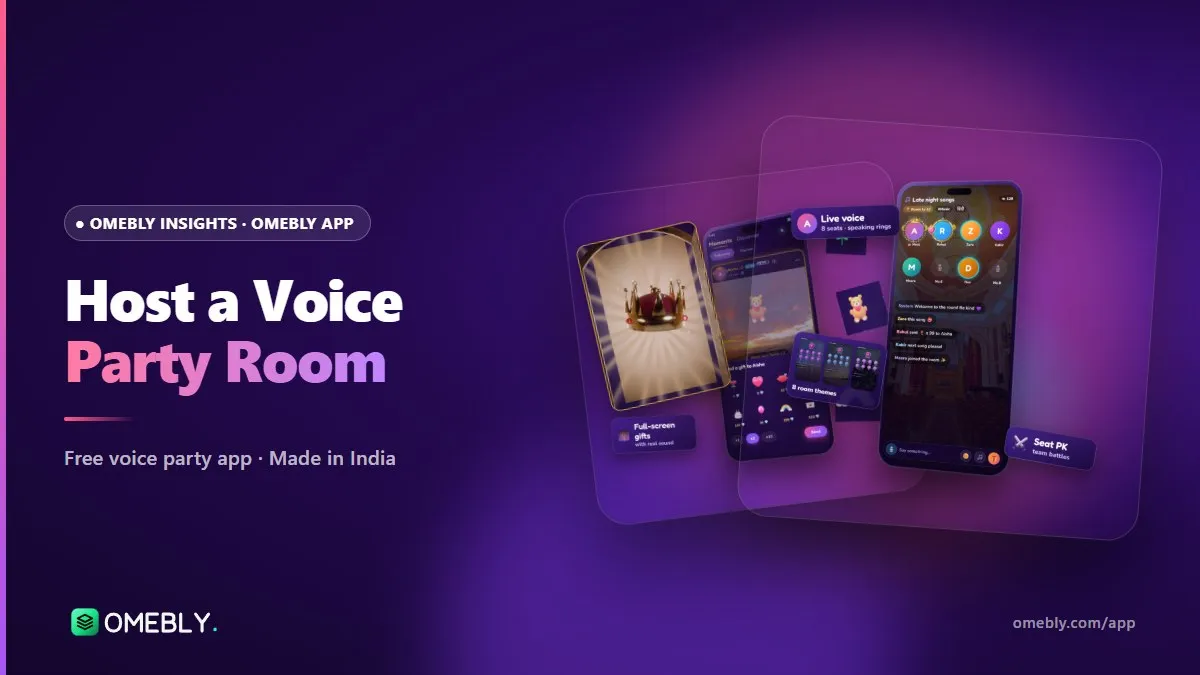
Hosts choose a layout with 8, 10, 15 or 24 seats. Smaller rooms suit close friends; 24 seats work for a big group discussion or a music night. There are 8 room themes to set the mood, and rooms can be private with a password if you only want invited friends.
Play games without leaving
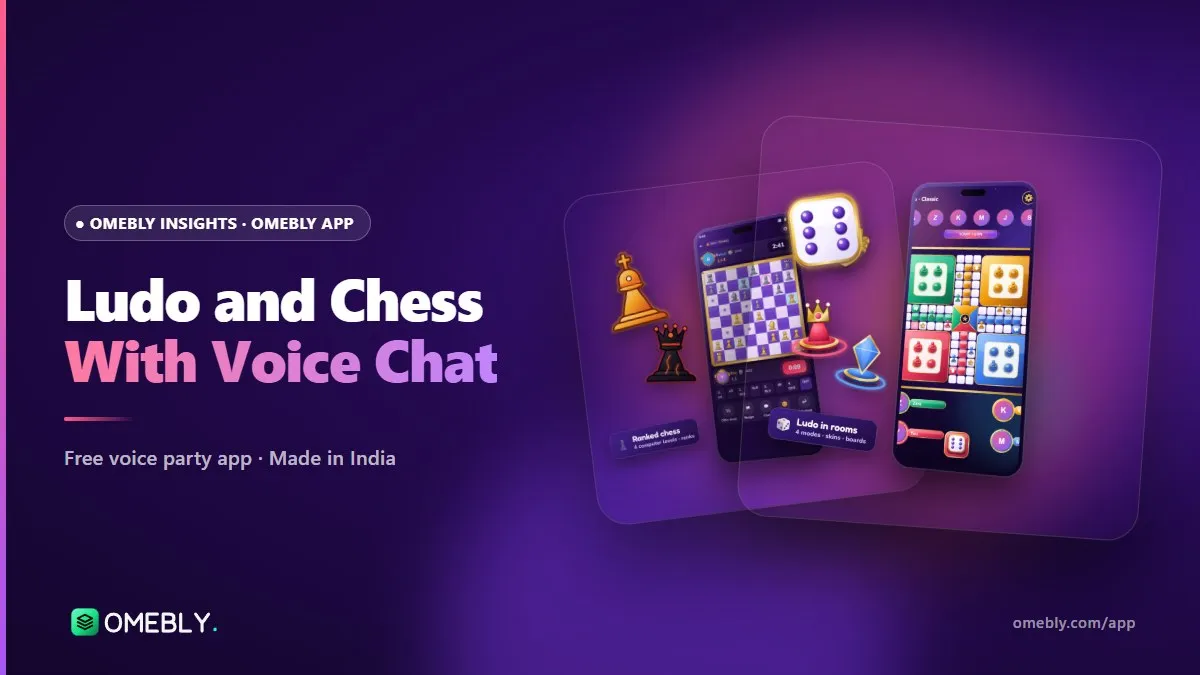
Tap the games button and a Ludo or chess board opens full width, with the room chat still visible. You keep talking while you play, which is the whole point. Read more in our guide to playing Ludo and chess with voice chat.
Movie night
Room owners can play videos for the whole room, so everyone can watch, talk and react together. It’s an easy way to turn a quiet room into a shared evening.
Scheduled rooms and rooms near you
Planning something for Saturday? Hosts can schedule a room and people get a reminder when it starts. The rooms near you section helps you find conversations close to home, and you can share a room to WhatsApp with a preview card so friends can jump straight in.
Beyond the room: messages, Moments and friends
Good conversations don’t end when the room closes. Omebly keeps the connection going.
| Feature | What it does |
|---|---|
| Messages and group chats | Private chats with friends and groups for your circle |
| Video calls | Call friends face to face when voice isn’t enough |
| Mood status | Let friends know how you’re feeling today |
| Moments | Share photos, voice notes and short videos, with reactions and comments |
| Families | Join a named group with its own chat and room |
| Relationships | Show a best friend, close friend or sibling bond on your profile |
Relationships and bond rings
You can link with friends as best friend, close friend or sibling, and the bond appears as an animated ring on both profiles. Couple and crush links are available only to users aged 18 and over.
Make your profile feel like you
Profile cards, avatar frames, vehicle entrances (a little animation when you walk into a room) and VIP looks let you personalise how you appear. The whole app uses a soft, frosted-glass design that’s easy on the eyes at night.
Talk in your own language
Omebly is being built for 13 languages: English, Hindi, Bengali, Tamil, Telugu, Marathi, Kannada, Malayalam, Gujarati, Punjabi, Arabic, Russian and Spanish. That matters, because talking feels most natural in the language you think in. Our post on an Indian social app in 13 languages explains more.
How to join your first voice room (step by step)
Omebly is in testing on Android, so you install it directly from our website.
- Open omebly.com/app/ on your Android phone and download the test app.
- Allow the install if Android asks for permission to install from your browser or Files app, then tap Install.
- Sign in with Google and add your date of birth, name and a profile photo. You must be 16 or older.
- Pick your language so menus and room lists feel familiar.
- Browse rooms on the home screen, or open rooms near you.
- Tap a room to listen in, then tap an empty seat (or ask the host for one) to speak.
- Say hello in the chat if you’re shy. Plenty of people listen first and talk later.
Tips for a great first room
- Use headphones to avoid echo when you’re on a seat.
- Mute yourself when you’re not speaking, especially in big rooms.
- Read the room title and announcement so you know what the chat is about.
- If you like a room, look out for the host’s next scheduled room and set a reminder.
Safety and friendly rooms
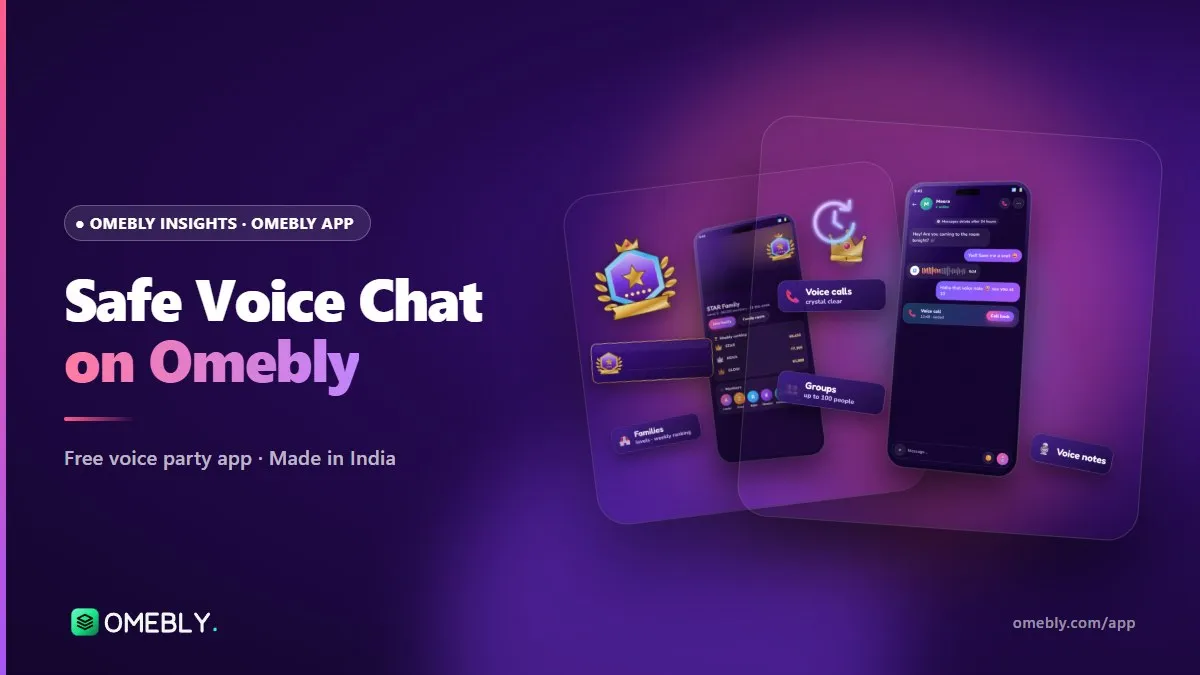
A voice app only works if people feel comfortable. Omebly is 16+ only, and you can report or block any user or group in a couple of taps. Room owners control their rooms: they can manage seats, mute chat and remove people who break the rules. A dedicated safety team reviews reports, and there’s an in-app ban appeal if you think a decision was wrong.
For the full picture, read how Omebly keeps its community safe.
Common mistakes new users make
- Jumping on a seat without listening first. Every room has its own vibe.
- Sharing personal details too soon. Keep your phone number and address private.
- Ignoring the host. Hosts set the rules for their room, so follow them.
- Forgetting the block button. If someone makes you uncomfortable, block and report them. You don’t owe anyone an explanation.
Built in-house in Kolkata
Omebly is designed and built in-house by Omebly in Kolkata, India. The app is made with Flutter, Google’s toolkit for building apps from a single codebase, and runs on real-time servers so voices stay in sync. Because the same team designs, builds and tests the app, feedback from testers goes straight to the people making it. You can learn more about Omebly.
How Omebly can help
If you want a friendly place to talk, play and watch together, the test app is open now on Android. Download it from the Omebly App page, join a room, and tell us what you think using the feedback option in the app. If you have a question, you can also reach us through our contact page.
Your first-day checklist
- Install the Android test app from omebly.com/app/
- Set your language and profile photo
- Join one room and just listen for a few minutes
- Try a game of Ludo or chess with someone new
- Add a friend and send your first message
Ready to talk? Get the free Omebly App at omebly.com/app/ and join a voice room tonight.
Frequently asked questions
Is Omebly free to use?
Yes. Omebly is free to join and free to use. Voice rooms, messages, Moments, Ludo and chess are all free, and the games have no betting.
Is Omebly available on iPhone?
Not yet. Omebly is currently in testing on Android, and you can get the test app from omebly.com/app/. An iPhone version is planned for later.
How old do I need to be to use Omebly?
You must be 16 or older. You enter your date of birth when you sign up. Couple and crush relationships, and adults-only rooms, are for users aged 18 and over.
How many people can join one voice room?
A room can have 8, 10, 15 or 24 seats for speakers, depending on the layout the host picks. Other people can join to listen and chat in the room.
Can I use Omebly in my own language?
Omebly is being built for 13 languages, including English, Hindi, Bengali, Tamil, Telugu, Marathi, Kannada, Malayalam, Gujarati, Punjabi, Arabic, Russian and Spanish.
Who makes the Omebly app?
Omebly builds the app in-house in Kolkata, India, using Flutter for the app and real-time servers for live voice.

Written by
Nazmul Hussain, Managing Director & Technical Head, Omebly. 10+ years building websites and apps for clients in India, the Gulf, the UK and the US, and mentoring at Omebly Academy. LinkedIn · GitHub
Follow Omebly
New guides, work and launches on every channel.