App Development With AI: Build Faster Without Losing Quality
AI coding assistants can speed up every stage of building a mobile app. Here's how to use them from planning to release without trading away quality.
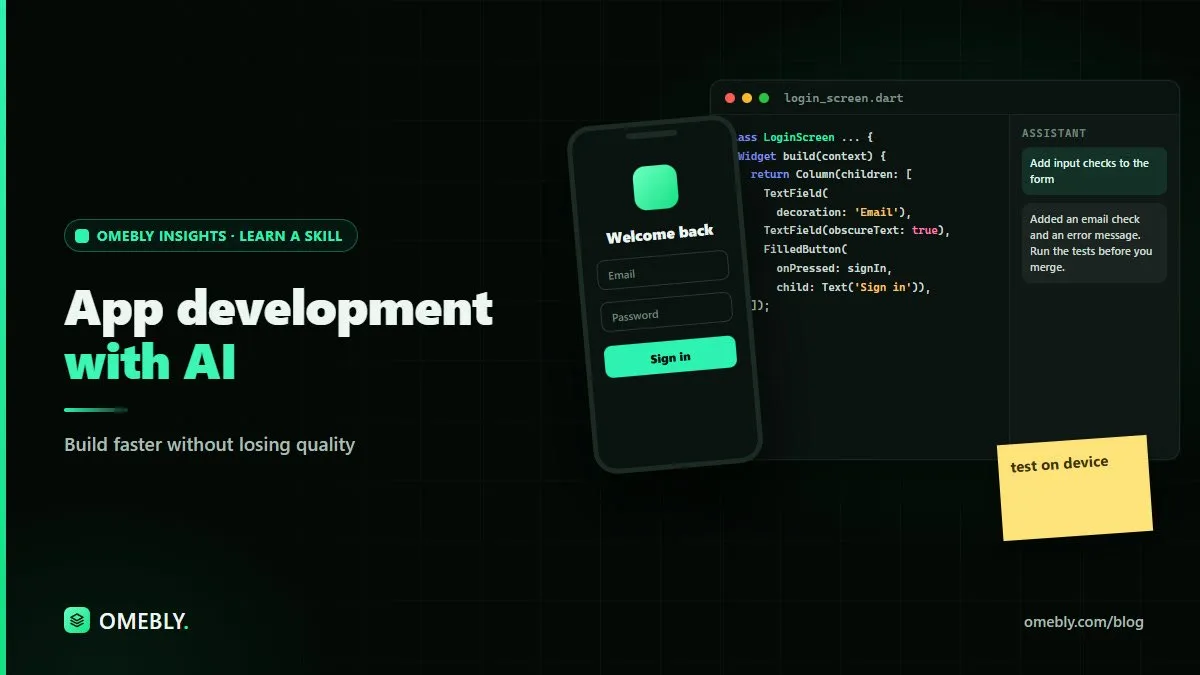
Building a mobile app used to mean weeks of setup before you saw anything useful on screen. Now AI coding assistants can draft screens, explain errors and suggest tests in seconds. The opportunity is real, but so is the risk: code that appears quickly can also break quickly.
This guide explains app development with AI stage by stage, showing where AI saves time and where you need to slow down to protect quality.
Quick answer: In app development with AI, assistants speed up boilerplate, screen layouts, error fixing, test drafting and documentation. Quality comes from what you do around them: a clear plan, small reviewed changes, testing on real devices, security checks and a careful release process. AI writes drafts; developers stay responsible for the app.
What changes when you build apps with AI
AI coding assistants, including AI tools like Claude, can generate code, explain unfamiliar code, suggest fixes and answer framework questions. In mobile development, that means:
- Faster starts: project setup, navigation and basic screens take less time.
- Faster learning: you can ask for an explanation of any widget, API or error.
- More drafts, more review: the bottleneck moves from writing code to checking it.
What doesn’t change: users still need an app that’s fast, secure, accessible and reliable on many devices and network conditions.
Stage 1: Plan the app before writing code
AI can’t decide what your app should do. Start with a short written plan:
- Problem and users: who is it for and what problem does it solve?
- Core features: the smallest set that delivers value.
- Screens and flows: what users see and how they move between screens.
- Data: what you store, where, and who can access it.
Once you have a draft, ask the assistant to challenge it: “What edge cases or missing screens do you see in this plan?” It’s good at spotting gaps you overlooked.
Keep the first version small. Our MVP app development guide explains how to decide what goes into version one, and our guide on how to plan app screens helps you map the flows.
Stage 2: Design screens and structure
Before building, sketch each screen and decide how the code will be organised: folders, state management approach and naming conventions.
AI can help by:
- Suggesting a folder structure for your chosen framework
- Turning a screen description into a first layout
- Listing the states each screen needs: loading, empty, error, success
Write down your conventions in a short project notes file. Share it with the assistant in each session so its suggestions stay consistent with your codebase.
Stage 3: Build in small, reviewable steps
Large prompts produce large, risky changes. Ask for one piece at a time:
- “Create a login screen with email and password fields, validation messages and a disabled button until both fields are valid. Follow our existing theme.”
- “Connect the login button to our auth service and show an error banner on failure.”
- “Add a loading state while the request is running.”
After each step:
- Read the code. Can you explain every line?
- Run it on a device or emulator.
- Commit the working version before moving on.
Watch for common AI mistakes
- Packages that are outdated, unmaintained or don’t exist
- Missing error handling for failed network calls
- Hard-coded strings, colours or keys
- Logic placed in the interface layer that belongs elsewhere
- Code that works for the happy path but crashes on empty or unexpected data
Stage 4: Debug with AI, but find the real cause
Paste the error, the relevant code and what you expected. Ask the assistant to explain the cause before suggesting a fix.
If the first fix doesn’t work, don’t keep asking for more patches. Add logging, reproduce the bug in a smaller example, and read the official documentation. Long platform guides and API specifications are often PDFs, and our free chat with PDF tool lets you ask questions about them directly. Always confirm the answer against the source.
Stage 5: Test like your users will use it
Testing is where quality is won or lost, and AI can help you do more of it.
Use AI to:
- Draft unit tests for functions and data models
- List edge cases for forms and flows
- Write widget or UI test outlines
Then check yourself:
- Do the tests fail when the code is broken?
- Have you tested on both a small, older phone and a newer one?
- What happens with slow or no internet?
- Does the app handle rotation, large text sizes and dark mode?
- Can someone using a screen reader complete the main tasks?
No assistant can hold your phone and try your app. Manual testing on real devices still matters.
Stage 6: Security and privacy checks
Mobile apps often handle personal data, so review carefully:
- Secrets: no API keys or credentials in the app code or repository history.
- Authentication: check that every protected action is also verified on the server.
- Data storage: store sensitive data securely and only what you need.
- Permissions: request only the permissions the app genuinely uses, and explain why.
- Dependencies: review third-party packages before adding them.
AI assistants often miss project-specific rules, such as which users can see which data. Review permission logic line by line.
Stage 7: Prepare for release
Before submitting to app stores:
- Write a clear privacy policy that matches what the app really does.
- Prepare store listings, screenshots and descriptions. AI can draft listing text, but check every claim is accurate.
- Test the release build, not just the debug version.
- Review store guidelines carefully to avoid avoidable rejections.
Where AI helps less than you’d expect
AI assistants are impressive, but some parts of app development still depend almost entirely on you:
- Product decisions. Which feature matters most to users, and which can wait, is a judgement call based on your users and goals.
- Platform-specific behaviour. Background tasks, notifications and permissions behave differently across operating systems and versions. Assistants often give generic answers here, so check the official platform documentation.
- Performance on real hardware. An assistant can suggest optimisations, but only profiling on actual devices shows where your app slows down.
- Architecture over time. Generated code solves the request in front of it. Keeping a growing codebase consistent and easy to change needs someone looking at the whole picture.
- Users’ feelings. Whether an onboarding flow feels welcoming or confusing comes from watching real people use it.
Knowing these limits helps you decide when to ask the assistant and when to step back, test and think.
Using AI responsibly in app development
- Protect data. Never paste user data, signing keys, passwords or environment files into AI tools.
- Follow policies. Check your organisation’s or client’s rules on AI use and code sharing.
- Verify facts. Confirm package names, APIs and platform rules against official documentation.
- Respect licences. Be cautious with generated code that closely copies a specific project.
- Stay accountable. The app’s behaviour is your responsibility, whoever drafted the code.
A simple quality checklist
Use this before every release:
- Every screen has loading, empty and error states
- Tested on at least two real devices
- No secrets in code or commits
- Permission requests are justified
- Key flows have automated tests
- Accessibility basics checked
- Release build tested end to end
Learn app development with AI, guided live
AI assistants are most useful when you already understand what good code looks like. Omebly Academy’s App Development With AI course teaches mobile app fundamentals alongside an AI-assisted workflow, with review and testing built in. It runs for 8 weeks with 16 live classes, costs USD 280, and is taught live by Nazmul Hussain’s team. Nazmul Hussain is Omebly’s Managing Director and Technical Head, with 10+ years of experience building digital products.
You can compare every option on the Omebly Academy training page.
Ready to build faster without cutting corners? See the App Development With AI course.
Frequently asked questions
Can AI build a complete mobile app?
AI coding assistants can generate a large share of the code for common features, but a complete, reliable app still needs a person to plan it, review the code, test on real devices, handle security and prepare it for the app stores.
Which stage of app development benefits most from AI?
AI helps across the process, but it tends to save the most time on boilerplate code, explaining errors, drafting tests and writing documentation. Planning and final review still depend on human judgement.
Does AI-generated code cause quality problems?
It can if it isn't reviewed. Common issues include outdated packages, missing error handling, weak security checks and code that works in simple cases but fails on real data. Regular review and testing prevent most of these.
Do I need coding knowledge to develop apps with AI?
Yes, at least the fundamentals. You need to read and understand the code to catch mistakes, fix bugs and make decisions the AI can't make for you.
Is it safe to share app code with an AI tool?
Follow your organisation's or client's rules first. Never share API keys, signing credentials, passwords or user data, and check the tool's data settings before using it on private projects.
Written by
Nazmul Hussain, Managing Director & Technical Head, Omebly. 10+ years building websites and apps for clients in India, the Gulf, the UK and the US, and mentoring at Omebly Academy. LinkedIn · GitHub
Follow Omebly
New guides, work and launches on every channel.