What Pages Should a Small Business Website Have?
The pages every small business website needs, what to put on each one, which extras suit your type of business, and a sitemap checklist to use before you brief a designer.
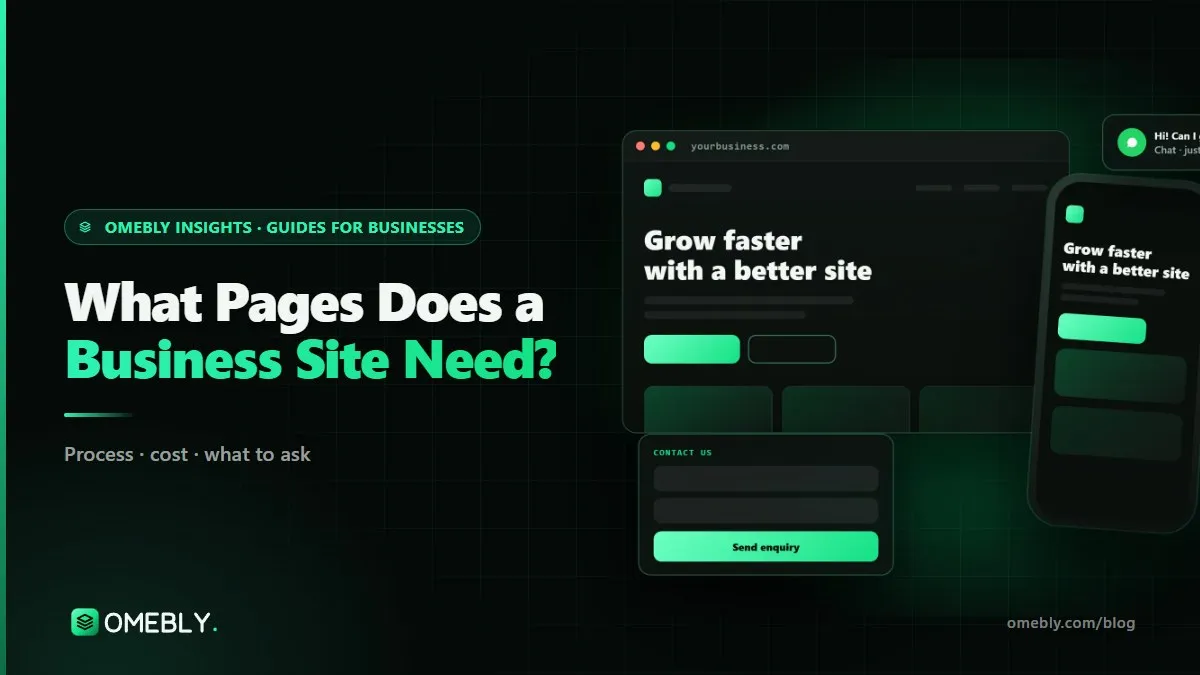
Before a designer opens Figma, someone has to decide which pages the site will have. It sounds like an admin step, but it shapes everything: what Google can rank you for, how quickly visitors find answers and how many of them get in touch. So what pages should a business website have? Fewer than many owners fear, but more than one long scrolling page.
This guide gives you the core pages, what belongs on each, the extras that suit different kinds of business and a checklist to settle your sitemap before you brief anyone. If you’d rather hand the planning to a team, our business website design service starts every project with exactly this sitemap step.
Quick answer: Most small business websites need a homepage, an about page, one page for each main service, a contact page, a privacy policy and, usually, a blog. Add proof pages (projects, FAQs, locations, team) only when you have real content for them. Five to ten well-planned pages beat thirty thin ones.
What pages should a business website have? The core set
Think of the core pages as the questions every new visitor asks, in roughly this order: what do you do, can I trust you, do you do my exact thing, and how do I reach you?
| Page | The visitor’s question | Must include |
|---|---|---|
| Home | “Am I in the right place?” | What you do, for whom, where; one main call to action |
| About | “Can I trust these people?” | Who is behind the business, experience, how you work |
| Service pages (one each) | “Do they do exactly what I need?” | Who it suits, what’s included, process, next step |
| Contact | “How do I reach them?” | Form, phone/WhatsApp, email, area served, hours |
| Privacy policy | “What happens to my data?” | What you collect, why, how to contact you about it |
| Blog or guides | “Do they know their stuff?” | Useful answers to real customer questions |
Homepage
The homepage is a signpost, not a brochure. In the first screen on a phone, a visitor should see what you do, who it’s for and the one action you want them to take. Below that, give a short summary of each service with a link to its own page, a little proof (qualifications, the kinds of clients you serve, photos of real work or premises) and the call to action again. Its job is to send people to the right page.
About page
People buy from people, especially in services. Say who runs the business, what experience they bring, where you work and how you like to work with clients. A real photo of the founder or team does more than a stock image of a handshake. Avoid claims you can’t back up, such as “leading” or “best”; specific, checkable details build more trust.
One page per main service
This is the page type small businesses most often skip, and it costs them. A physiotherapy and dental clinic needs two pages, because people search for those things separately and want specific answers. One “Services” page listing everything in bullets gives Google little to rank and gives visitors little to act on.
A strong service page covers:
- Who the service is for and the problem it solves
- What’s included, and what isn’t
- How the process works, step by step
- Typical timelines and what affects cost
- Answers to common questions
- One clear next step: call, WhatsApp, form or booking
If you offer many small services, group them. A cleaning company might have pages for home cleaning, office cleaning and deep cleaning, not one for every room.
Contact page
Make it easy. A short form (name, phone or email, a message box and perhaps a “what do you need?” drop-down), your phone and WhatsApp number, email, the area or cities you serve and when you reply. If customers visit you, add the address and a map. Every extra form field loses some enquiries, so ask only for what you need to reply well.
Privacy policy and terms
If you have a contact form or analytics, you are collecting personal data, and you should explain what you collect and why. Terms of service matter more if you take bookings or payments online. These pages rarely get visited, but their absence is noticed by careful buyers, and legal requirements vary by country, so have a professional check them.
Blog or guides section
A blog is optional at launch but valuable over time. Each article that answers a real customer question, such as “how long does it take” or “what does it cost”, can bring in searches that your service pages don’t cover, then link readers to the right service. Keep it on your own domain.
Optional pages, by type of business
Add these when you have genuine content for them. An empty “Testimonials” page or a portfolio with two items does more harm than good.
Proof pages
- Projects or portfolio: best for designers, builders, architects and agencies. Show the brief, what you did and photos. Only publish work you have permission to show.
- Reviews: link to or embed genuine reviews from a public platform such as your Google Business Profile, rather than typing them in yourself.
- FAQs: a central FAQ page helps if the same questions come up across services. Otherwise, put FAQs on each service page where they’re more useful.
Pages for local and multi-location businesses
If you serve several cities or have branches, a page per location (with the address, area served, hours and services available there) helps both visitors and local search. Each location page should have genuinely local detail, not the same text with the city name swapped. Make sure each location page matches the details on your Google Business Profile for that branch, so customers and Google see the same address, phone and hours everywhere.
Pages for specific business types
| Business type | Useful extra pages |
|---|---|
| Clinics | Doctors or practitioners, treatments, insurance or payment info, booking |
| Schools and training centres | Courses, admissions, fees, faculty, events |
| Restaurants | Menu (as HTML, not only a PDF), reservations, events |
| Consultants and agencies | Case studies, process, industries served |
| Trades (plumbers, electricians) | Service areas, emergency call-outs, warranty terms |
| B2B suppliers | Product ranges, catalogues or spec sheets, trade enquiry form |
Pages you can usually skip
- A “Mission and vision” page separate from About
- A “News” section you won’t update
- Separate pages for every tiny service variation
How to plan your sitemap in five steps
- List what you sell. Write down every service or product line. Group them into the three to eight things people actually search for.
- List your customers’ questions. Ask your team what callers ask most. Each recurring question is either an FAQ, a section on a service page or a future blog post.
- Draft the menu. Keep the main navigation to five or six items, for example Home, Services (with a drop-down), About, Blog, Contact. Put the privacy policy in the footer.
- Give every page one job. Write one sentence per page: “This page helps a parent decide whether our summer course suits their child, then book a call.” If you can’t write the sentence, the page probably isn’t needed.
- Gather content before design. Text and photos are the most common cause of delay. Collect them page by page against your sitemap.
Google’s own SEO Starter Guide makes the same point in its own words: organise your site so that people (and search engines) can understand how pages relate to each other, and write content that’s useful to readers.
What every page needs, whatever its type
- A clear page title and meta description that describe that page, not the whole business
- One H1 heading that says what the page is about
- A call to action near the top and again at the end
- Fast loading on a mid-range phone, with images sized for mobile
- Internal links to related pages, so nobody hits a dead end
- Contact details in the footer, including WhatsApp if that’s how your customers like to talk
Behind the scenes, structured data helps Google read your business details. Google documents LocalBusiness structured data for name, address, phone and opening hours, which most local businesses should have on the homepage or contact page.
Mistakes to avoid
- One page for all services. It’s the most common reason small sites don’t show up for specific searches.
- Copying a competitor’s sitemap. Their pages fit their business, not yours.
- Launching empty sections. “Coming soon” pages and blogs with one post from three years ago look abandoned.
- Hiding the contact details. If someone has to hunt for your number, many won’t.
- Writing pages around yourself. “We are passionate about excellence” says nothing. Write about the customer’s problem and how you solve it.
- Forgetting redirects on a redesign. If you rename or remove pages that already rank, redirect the old addresses to the closest new page.
Sitemap checklist
- Homepage that says what you do, for whom and where, in one screen on a phone
- About page with real people and real details
- One page for each main service or product line
- Contact page with a short form, phone, WhatsApp and area served
- Privacy policy (and terms, if you take bookings or payments)
- Blog or guides section, if you’ll add to it regularly
- Proof pages only where you have genuine content
- Location pages only if you truly serve each area
- Each page has one written job and one call to action
- Content for each page gathered before design starts
For a fuller picture of how a custom site is planned, built and launched, read our custom website development guide.
How Omebly can help
Omebly plans and builds business websites for consultants, clinics, schools, agencies and other service businesses, working remotely from Kolkata, India and Downtown Dubai with calls in your time zone. Every project starts with a free consultation where we agree the sitemap and the job of each page, before any design work.
Our business website design work covers a custom design of up to 10 pages, a fast mobile-first build, SEO setup, a contact form and WhatsApp chat, Google Analytics 4 and Search Console, and simple editing so your team can add pages later. Business websites start from $1,500, and you get a fixed written quote within 48 hours of the consultation. If you plan to sell online later, our e-commerce website team can grow the store out of the same site, and if your content needs are bigger, see our CMS development options. Both sit under our wider web development service.
Have a rough page list already? Send it to us and we’ll tell you what’s missing and what you can drop.
Frequently asked questions
Is a one-page website enough for a small business?
It can work for a very new business with a single offer, but it limits you. One page can only target one main search, so a business with several services struggles to show up for each of them. Most businesses outgrow a one-page site quickly; starting with five to eight pages is usually safer.
Should prices go on my website?
If your prices are fixed or start from a known figure, showing them saves time for you and the customer and filters out poor-fit enquiries. If every job is quoted, explain what affects the price and how quoting works instead. Either way, say clearly what happens after someone gets in touch.
Do I need a privacy policy if I only have a contact form?
Yes, in most cases. A contact form collects personal data such as names, emails and phone numbers, and analytics tools collect data about visitors. Data protection laws in India, the UAE, the UK and the EU expect you to explain this. Ask a legal adviser to confirm what your policy must cover.
How long should each page be?
Long enough to answer the questions a visitor has on that page, and no longer. A contact page can be short. A service page usually needs several hundred words to explain the service, who it suits, how it works and what happens next. Write for the reader first; length follows.
Should my blog live on the same website?
Yes. Keeping the blog on your own domain, for example yoursite.com/blog/, means every useful article strengthens your main site and can link visitors to your service pages. A blog on a separate platform or subdomain does less for the business website.
Can I add pages after the website launches?
You should be able to. Ask for editing that lets your team add a new service or location page using an existing layout, without a developer. Plan the menu so new pages have an obvious home, and remember to link each new page from related pages.

Written by
Nazmul Hussain, Managing Director & Technical Head, Omebly. 10+ years building websites and apps for clients in India, the Gulf, the UK and the US, and mentoring at Omebly Academy. LinkedIn · GitHub
Follow Omebly
New guides, work and launches on every channel.