Swift or Flutter for an iPhone App: Which Should You Choose?
Swift gives the deepest Apple integration; Flutter gives you Android too. Here is how to decide which suits your iPhone app.
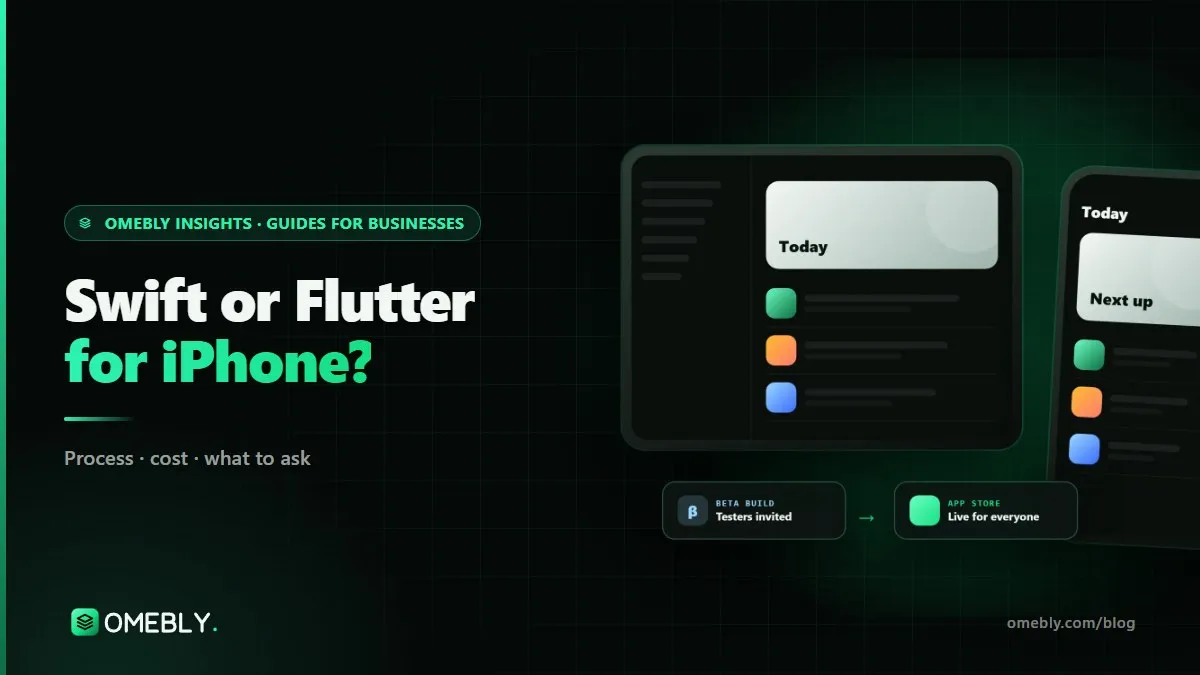
You want an iPhone app. One developer says build it natively in Swift; another says Flutter, so you get Android “for free”. Both are right in some situations and wrong in others. This guide compares Swift vs Flutter for iOS in the terms that matter to a business owner: how the app will feel, which Apple features you need, what it costs to build and keep updated, and who can maintain it later. If you are ready to talk about your project, see our iOS app development company service.
Quick answer: Choose Swift (SwiftUI) if the app is iPhone-only or depends on Apple-specific features such as widgets, Live Activities, Apple Watch, HealthKit or CarPlay as a core part of the product. Choose Flutter if you need Android within the next year and your features are standard business ones, because one codebase serves both. If you need both stores plus one or two Apple-only features, Flutter with small Swift modules is often the most cost-effective route.
What you are actually choosing between
Swift is Apple’s own programming language, and SwiftUI is Apple’s modern framework for building screens with it. An app built this way uses Apple’s own components, so it inherits iOS behaviour automatically and can use new Apple features as soon as they are released.
Flutter is Google’s open-source toolkit. You write the app once in Dart, and it compiles to native code for iOS and Android. Flutter draws its own interface rather than using Apple’s components, which gives you the same design on every phone, but means a good team must deliberately match iOS details such as navigation gestures, sheet behaviour and haptics.
Neither choice changes the Apple side of the process. Both need Xcode on a Mac, an Apple Developer Program account in your name, TestFlight for beta testing and App Store review.
Swift vs Flutter for iOS: side-by-side comparison
| Factor | Swift / SwiftUI | Flutter |
|---|---|---|
| Platforms from one codebase | iPhone, iPad, Watch, Mac (Apple only) | iOS and Android (plus web and desktop with extra work) |
| iOS look and feel | Native by default | Very close, with deliberate tuning |
| New Apple features | Available as soon as Apple ships them | Often needs a plugin or a Swift module |
| Widgets, Live Activities, Watch | Built directly | Need native Swift parts |
| Cost if you also need Android | Second app in Kotlin | Mostly included |
| Cost if iPhone-only | Usually the lowest | Similar or slightly higher |
| Long-term maintenance | One codebase per platform | One codebase for both |
| Team you need later | Swift developers (plus Kotlin for Android) | Flutter developers |
When Swift is the better choice
The app is only for Apple devices
Some products have no Android plan: an iPad app for a company’s sales team, a premium service whose customers all carry iPhones, or a tool tied to Apple hardware. Here Flutter’s main advantage, one codebase for two platforms, does not apply.
Apple features are the product
If your value depends on home-screen widgets, Live Activities on the Lock Screen, Apple Watch, HealthKit, CarPlay or Siri integration, Swift is the natural fit. Apple’s WidgetKit widgets, for example, are built with SwiftUI, so even a Flutter app needs Swift code for them.
You need day-one support for each new iOS
Apple releases a major iOS version every year, usually in September, with new APIs. Native apps can adopt them immediately. Flutter apps can too, but often through a plugin that arrives later or a native module you build yourself.
Heavy on-device processing
Apps doing intensive camera work, augmented reality, audio processing or on-device machine learning often benefit from working directly with Apple’s frameworks.
When Flutter is the better choice
Android is on your roadmap
This is the deciding factor for most businesses. If you will need an Android version within a year, building two native apps roughly doubles the work on most features, testing and every future change. Our guide on whether to use Flutter for your app runs through this in more detail.
Your features are standard business features
Sign-in (including Sign in with Apple), profiles, bookings, orders, payments, Apple Pay, push notifications, chat, maps and media are all well supported in Flutter.
A strong, consistent brand matters
Because Flutter draws its own interface, branded designs and custom animations look identical on iPhone and Android without two teams trying to keep in step.
A small team will maintain it
One codebase means one set of bugs to fix, one release to test and one developer skill set to hire for.
The middle path: Flutter with Swift modules
You do not have to choose purely one or the other. A Flutter app can include native Swift code through platform channels for the features that need it. A common pattern looks like this:
- Build the main app, from onboarding to checkout, in Flutter.
- Add a home-screen widget or Live Activity in SwiftUI, sharing data with the Flutter app.
- Add an equivalent Android widget in Kotlin if needed.
This keeps most of the cost savings of Flutter while still giving iPhone users the Apple features they expect. The key is to list those features before the quote, so the native work is planned rather than discovered mid-build.
Factors owners often overlook
Yearly Apple requirements
Apple regularly raises the minimum tools for uploads. According to Apple’s upcoming requirements page, apps uploaded from 28 April 2026 must be built with Xcode 26 or later using the iOS 26 SDK. Both Swift and Flutter apps have to keep up; a Flutter app also needs a Flutter version that supports the new tools.
iPad support
Neither framework gives you a good iPad layout automatically. An iPhone app stretched onto an iPad rarely feels right. Decide early whether iPad matters, because it adds design and testing time either way.
Privacy details and payments
Privacy labels in App Store Connect must match what the app and every SDK collect, and digital content sold inside the app generally has to use Apple’s in-app purchase system. These rules apply equally to Swift and Flutter apps, so they should not drive the technology choice, but they do affect scope and timeline.
Who owns the code later
Whichever you choose, make sure the code, Apple Developer account and signing certificates are in your name, with hand-over notes another developer can follow.
How the choice affects cost and timeline
The technology decision shows up in your budget in a few predictable ways.
iPhone only, no Android plans
Costs for Swift and Flutter are broadly similar for a single platform. Swift may be slightly quicker for apps that use many Apple components and features; Flutter may be slightly quicker for heavily branded, custom-designed screens. Either way, the scope (screens, roles, integrations) matters far more than the framework.
iPhone now, Android within a year
This is where the difference becomes significant. With Swift, the Android version is a second build in Kotlin: most screens, logic and tests are written again, and every future feature is built twice. With Flutter, the Android version is mostly testing, Android-specific polish and store setup. Over two or three years of updates, that gap tends to grow rather than shrink.
Timeline to the first release
The Apple steps are the same for both: a design and prototype phase, build sprints with TestFlight demos, then App Store review. Leave a few spare days for review before any date that matters, because the timing sits with Apple, not your developers.
Ongoing upkeep
Budget each year for iOS and Xcode updates whichever route you take. A Flutter app also needs Flutter and package upgrades, while a two-app native setup needs both the Swift and Kotlin apps updated separately.
Mistakes to avoid
- Choosing native “for quality” when Android is planned within months. You will pay for a second app soon after.
- Choosing Flutter for a widget-first or Watch-first product. Most of the valuable code will be Swift anyway.
- Ignoring iOS details in a Flutter build. Swipe-back gestures, sheet behaviour and Dynamic Type support should feel natural on iPhone.
- Testing only on the newest iPhone. Check an older, smaller model too.
- Leaving Apple features off the brief. A widget or Apple Watch app mentioned after the quote changes the plan.
Decision checklist
- I know whether I need Android within 12 months
- I have listed every Apple-specific feature I want (widgets, Watch, HealthKit, Live Activities)
- I know whether iPad is in scope
- My developer has said which features need Swift code in a Flutter build
- The Apple Developer account will be in my or my company’s name
- Testing on older iPhones is in the plan
- Yearly iOS and Xcode updates are budgeted
How Omebly can help
Omebly builds iPhone and iPad apps in SwiftUI or Flutter, and recommends one in writing after a free consultation based on your features and the next year or two of plans. We design to Apple’s Human Interface Guidelines, send a new TestFlight build every week and prepare the App Store listing, privacy details and review notes. If Android is on the roadmap, our Flutter app development team builds both from one codebase.
Projects are led by founder Nazmul Hussain, who brings 10+ years of his own experience building apps and digital products, working from Kolkata with clients in Downtown Dubai, the UK and the US. Read about our wider app development services, or see how our iPhone app development process works.
Still deciding between Swift and Flutter? Contact us and we will help you choose.
Frequently asked questions
Is a Flutter app slower than a Swift app on iPhone?
For typical business apps, users will not notice a difference when both are built well. Flutter compiles to native code and renders with its own engine. Swift has the edge in apps that push the hardware hard or rely heavily on system components, but poor code in either is the usual cause of slowness.
Can a Flutter app use Face ID, Apple Pay and push notifications?
Yes. Face ID, Sign in with Apple, Apple Pay, in-app purchases and push notifications are all available to Flutter apps through well-established plugins. The setup in Xcode and App Store Connect is the same as for a native app.
Does Apple treat Flutter apps differently in App Store review?
No. Apple reviews the app against the same App Review Guidelines whatever it is built with. Rejections come from things like missing demo logins, incomplete features, privacy mismatches or payment rules, not from the framework.
Do I still need a Mac if my app is built in Flutter?
Someone needs one. iOS builds, signing and uploads to App Store Connect require Xcode, which runs on macOS. If your development team has Macs, you do not need one yourself.
Is it easier to hire Swift or Flutter developers?
Both are widely available. The more useful question is whether your future team will work on Android too. If so, a Flutter developer covers both platforms, while a native route needs Swift and Kotlin skills.
Can I start in Flutter and add Swift later?
Yes. Flutter apps can include native Swift code for specific features, such as a home-screen widget or a watch companion. Many apps run this way, with Flutter for the main screens and Swift where Apple requires it.

Written by
Nazmul Hussain, Managing Director & Technical Head, Omebly. 10+ years building websites and apps for clients in India, the Gulf, the UK and the US, and mentoring at Omebly Academy. LinkedIn · GitHub
Follow Omebly
New guides, work and launches on every channel.