SaaS Development Cost: What a First Version Includes
What you actually pay for when you build a SaaS product: the features a first version needs, what to cut, the cost drivers, running costs after launch and how to get a fixed quote.
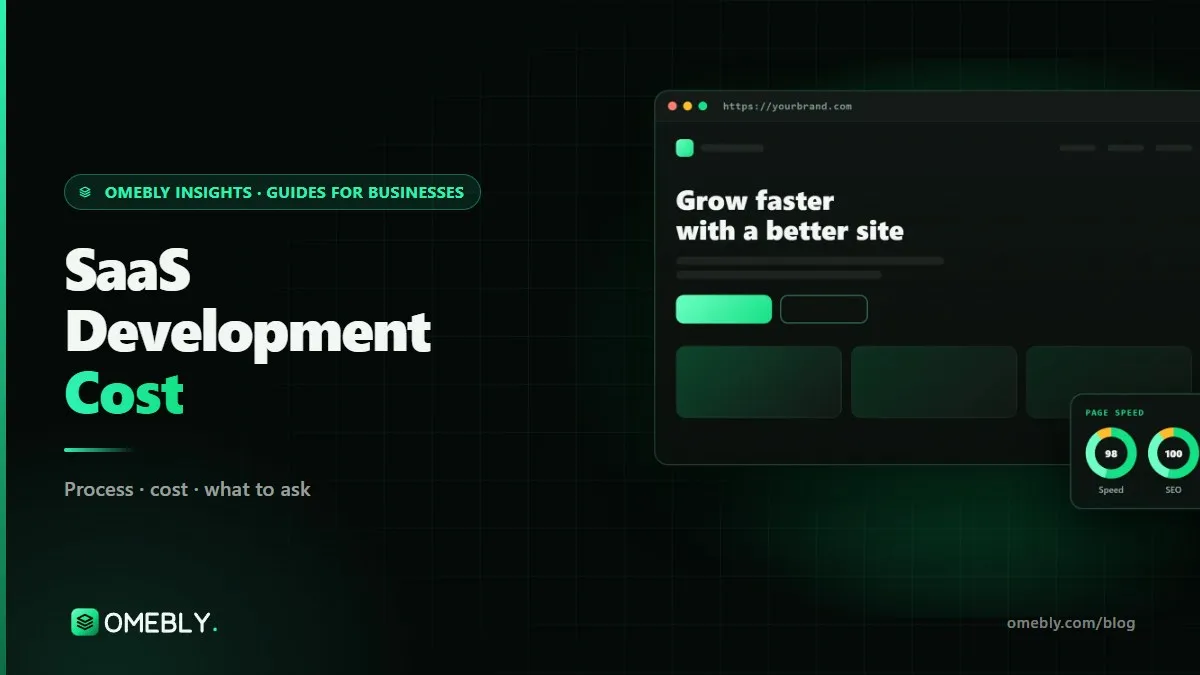
“How much will it cost to build my SaaS?” is usually the first question a founder asks, and the honest answer is: it depends on what you put in the first version. SaaS development cost is driven less by the idea and more by scope: how many user roles, how billing works, which integrations you need and how polished the first release has to be.
This guide breaks a first version into its parts, shows what each adds to the effort, and explains the costs that continue after launch. For our own pricing and process, see Omebly’s SaaS development service.
Quick answer: A focused SaaS first version (MVP) at Omebly starts from $12,000 and usually takes 8 to 14 weeks. That covers sign-up, separate data per customer, team roles, your core feature, subscriptions and billing, a customer dashboard, an admin panel, cloud hosting with backups and launch support. The final price comes from a fixed written quote after a free consultation, and running costs such as hosting and payment fees are extra.
Why SaaS costs more than a website
A website shows information. A SaaS product stores your customers’ data, charges them every month and must keep each customer’s data private from every other customer. That brings work a brochure site never needs:
- Accounts and permissions: who can sign in, invite teammates and see what.
- Multi-tenancy: many companies using one system, with their data kept separate.
- Recurring billing: trials, upgrades, failed payments and invoices.
- Reliability: backups, monitoring and security, because customers rely on it daily.
That is why a business website starts from $1,500 at Omebly while a SaaS MVP starts from $12,000. Our custom website development guide covers where the two overlap.
What a SaaS first version includes
| Part | What it covers | Why it matters |
|---|---|---|
| Product workshop and roadmap | Users, core problem, must-have features, what waits | Stops you paying for features nobody uses |
| Sign-up, login and roles | Email or Google sign-in, invites, owner/admin/member roles | Teams buy SaaS, not individuals |
| Multi-tenant architecture | Each customer account’s data kept separate | A data leak between customers can end a SaaS business |
| The core feature | The one workflow your customers pay for | This is the product; everything else supports it |
| Subscriptions and billing | Plans, trials, upgrades, invoices via Stripe, Razorpay or PayPal | Avoids double charges and lost revenue |
| Customer dashboard | Where customers manage work, settings and team | First impression after sign-up |
| Admin panel | Your team views accounts, plans and support issues | You can run the business without touching the database |
| Hosting, backups and security | Cloud setup, daily backups, HTTPS, access controls | Customers trust you with their data |
| Analytics and emails | Sign-up tracking, onboarding and billing emails | Shows what users do and brings them back |
Billing deserves extra attention
Billing looks simple until a card fails on day 30, a customer upgrades mid-month or tax rules differ by country. Payment providers handle a lot of this; Stripe’s Billing documentation shows how many cases a subscription system has to cover. Indian businesses often add Razorpay for local cards and UPI. Budget time for testing every billing path before launch.
Security is part of the build, not an extra
The OWASP Top 10 lists the most common web application risks, such as broken access control and injection. In a multi-tenant product, broken access control is the big one: one customer must never see another’s records. A first version should be built and tested with this in mind from the first sprint.
What to leave out of version one
The fastest way to raise SaaS development cost is to build version three first. Good candidates to postpone:
- Native mobile apps. A responsive web app works on phones. Add apps once you know usage justifies them.
- Single sign-on (SSO) and enterprise permissions, unless your first customers are large companies who require them.
- Advanced reporting. Start with a few clear numbers and a CSV export.
- Many integrations. Pick the one your customers ask for most.
- AI features, unless AI is the core value. They add model costs, testing and edge cases.
- Multiple languages and currencies, unless you launch in several markets at once.
Each of these can be a later milestone with its own fixed quote. Our MVP app development guide explains the same “prove it first” thinking for mobile products.
What drives the price up or down
Things that raise the cost
- More user roles with different screens and permissions.
- Complex workflows: approvals, scheduling, versioning or real-time collaboration.
- Integrations with accounting, CRM, WhatsApp, ERP or government systems.
- Custom design with many unique screens, animations and a design system.
- Data migration from spreadsheets or an older system.
- Compliance needs, such as audit logs or data residency rules in your market.
Things that keep it lean
- One clear customer type and one core workflow.
- Standard sign-in and a proven payment provider.
- A UI built from a consistent component set rather than one-off screens.
- Quick decisions and feedback during weekly demos.
Timeline: 8 to 14 weeks, phase by phase
A typical first version runs like this:
- Weeks 1–2: workshop, flows and design. Agree the scope, map user flows and design key screens.
- Weeks 3–8: core build. Accounts, multi-tenancy, the core feature and the dashboards, shown in weekly demos.
- Weeks 8–11: billing, admin and integrations. Plans, payments, emails and your admin panel.
- Weeks 11–14: testing and launch. Security checks, billing tests, real-user testing, hosting and hand-over.
Smaller scopes finish at the shorter end; more roles and integrations push it towards the longer end.
Costs after launch
The build is a one-time cost. Running a SaaS has ongoing costs, paid directly to providers in your name:
- Cloud hosting and database, which grow with users and data.
- Third-party services: email sending, file storage, error monitoring, maps or SMS.
- Payment gateway fees on each transaction.
- Domain and SSL, usually small.
- New features and improvements, quoted as new milestones.
Ask any developer to list these before you start, so your pricing covers them.
Mistakes that inflate SaaS budgets
- No written scope. “Like Notion, but for clinics” is not a scope. Get every feature in writing.
- Hourly billing with no cap. Prefer a fixed quote tied to milestones.
- Building for every customer type at once.
- Skipping the admin panel, then paying a developer to change data by hand.
- Ignoring code ownership. Make sure the code, designs and cloud accounts are yours.
- No support terms. Ask what happens when a bug appears after launch.
Questions to ask any SaaS developer
Before you compare quotes, ask each team the same questions so you compare like with like:
- How do you keep each customer’s data separate? Listen for a clear answer about tenant isolation and access checks, not “we’ll handle it”.
- Which billing cases are covered? Trials, upgrades, downgrades, failed payments, refunds and invoices.
- What exactly is in the fixed price, and what is quoted separately?
- How often will I see working software? Weekly demos catch misunderstandings early.
- Who owns the code, designs and cloud accounts, and when are they handed over?
- What happens after launch? Ask for the bug-fix policy in writing, including response times.
- Can my next developer take over? Clean, documented code and a standard stack protect you if you ever change teams.
A lower quote that answers these vaguely usually costs more in the end.
SaaS budget checklist
- One target customer and one core workflow defined
- Must-have features separated from later ones
- User roles listed
- Payment provider and plans decided
- Integrations limited to the essential one or two
- Fixed written quote with milestones and timeline
- Code, designs and hosting in your name
- Written bug-fix and support policy
- Running costs estimated for the first year
How Omebly can help
Omebly builds SaaS products for founders and businesses in India, Dubai and the wider Gulf, the UK and the US, working remotely with calls in your time zone. A SaaS MVP with Omebly starts from $12,000 and usually takes 8 to 14 weeks. It includes a product workshop and roadmap, multi-tenant architecture with role-based access, subscriptions and billing (Stripe, Razorpay, PayPal), a customer dashboard and admin panel, cloud hosting, backups and security setup, plus analytics, onboarding emails and launch support. The stack is usually React or Next.js with Node.js and PostgreSQL, chosen to fit your product.
You get a fixed written quote within 48 hours of your consultation, weekly demos, milestone payments and an NDA on request. Founder Nazmul Hussain, who has 10+ years of experience building web and app products, leads each project. You own the code once paid in full, and our support policy covers bugs in code we wrote for as long as Omebly operates; new features, third-party services and hosting are quoted separately.
Have a SaaS idea to scope? Book a free consultation or message us on WhatsApp.
Frequently asked questions
How much does it cost to build a SaaS MVP?
At Omebly, a SaaS MVP starts from $12,000 as a one-time build cost. The final price depends on features, roles, integrations and design, and comes as a fixed written quote after a free consultation.
How long does a SaaS first version take to build?
Usually 8 to 14 weeks, depending on features. A product workshop at the start fixes the scope, and weekly demos let you see progress and approve each milestone.
What should a SaaS MVP include?
Sign-up and login, separate data for each customer account, team roles, the core feature that solves your customer's problem, subscriptions and billing, a customer dashboard, an admin panel for your team, hosting with backups, and basic analytics and emails.
What are the ongoing costs of running a SaaS product?
Expect cloud hosting and database costs, email and other third-party services, payment gateway fees on each transaction, domain and monitoring tools, plus budget for new features. These are paid to the providers and grow with your usage.
Is it cheaper to build a SaaS in India?
Teams in India can often deliver the same scope for less than agencies in the UK, US or UAE, but price alone is a poor guide. Compare the written scope, the stack, how payments and data separation are handled, code ownership and the support policy.
Who owns the code of my SaaS product?
With Omebly, you own the code, designs and accounts once the project is paid in full, and hosting is set up in your name. Always check the ownership clause in any developer's contract before you sign.

Written by
Nazmul Hussain, Managing Director & Technical Head, Omebly. 10+ years building websites and apps for clients in India, the Gulf, the UK and the US, and mentoring at Omebly Academy. LinkedIn · GitHub
Follow Omebly
New guides, work and launches on every channel.