Bengali Voice Chat Rooms: Talk in Bangla on Omebly
Omebly speaks Bangla. Set the app to Bengali, find or host voice rooms for adda, songs, poetry and Ludo, and keep chatting with friends near and far.

A good Bengali adda doesn’t need a fixed topic. It drifts from football to film to politics to whose mother makes the best chingri malai curry, and it can last for hours. Phones scattered that adda across cities and countries. A Bengali voice chat app brings it back: open a room, take a seat and talk in Bangla, the way you would on the para rowak or in a college canteen.
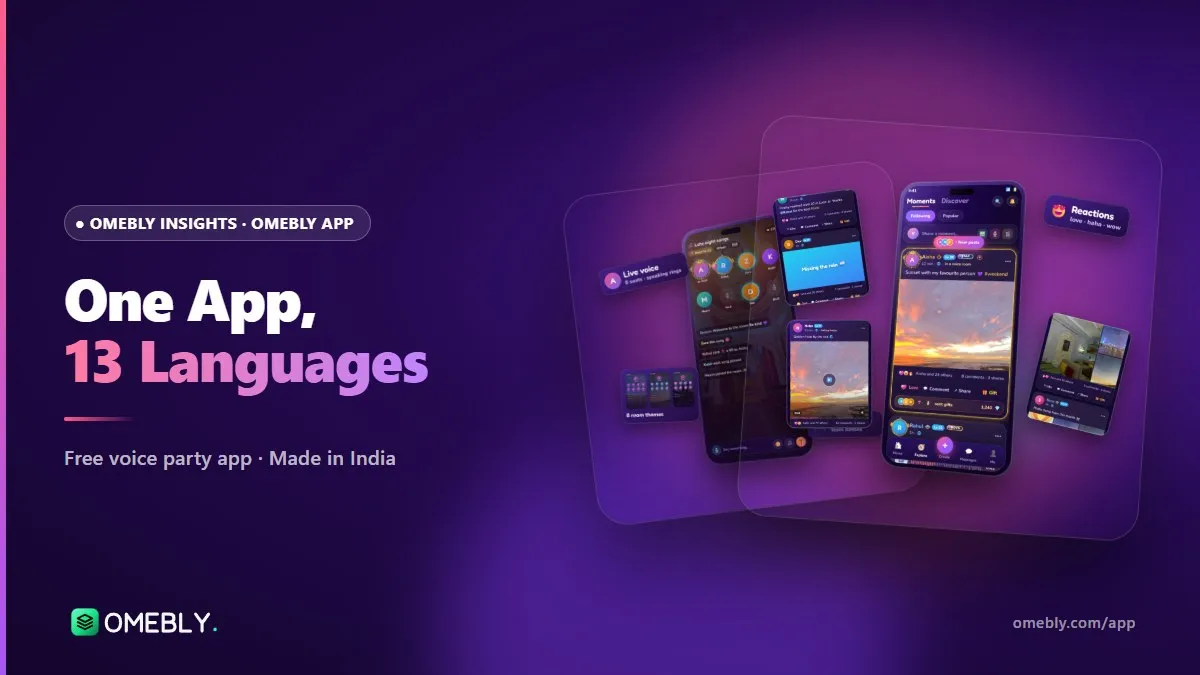
Omebly is a free voice chat app built in-house in Kolkata, and Bengali is one of its 13 languages. You can download the Android test app from the Omebly App page.
Quick answer: Omebly is a free voice chat app made in Kolkata that you can set to Bengali in Me > Settings > Language. Join or host live voice rooms in Bangla for adda, songs, poetry, film talk or Ludo and chess, with 8 to 24 seats. It’s for ages 16+ and is currently in testing on Android at omebly.com/app/.
Why Bengali voice chat feels different
Bangla is a talking culture. Adda, tarka (friendly argument), Rabindrasangeet sung at a gathering, poems recited at a family function: so much of it is spoken, not typed. Text chat flattens all that, and many people who speak beautiful Bengali never learnt to type it quickly on a phone.
Voice rooms solve both problems. You hear the warmth, the jokes and the accents, and nobody has to struggle with a Bengali keyboard. Whether you speak the Kolkata way or with a Dhaka lilt, you’re simply talking.
Who Bengali rooms are for
- Students and young professionals who moved from Kolkata, Siliguri or Durgapur to Bengaluru, Pune or Delhi and miss evening adda.
- Families spread across countries, with cousins in Dubai, London or the US.
- Music and poetry lovers who want a room for Nazrulgeeti, Bengali band songs or kobita.
- Film and football fans who want to argue in their own language.
- Anyone learning Bangla who wants to listen to real conversation.
How to set Omebly to Bengali (step by step)
- Download the Android test app from omebly.com/app/ and install it. Omebly isn’t in the app stores yet, so your phone may ask you to allow installs from your browser or Files app.
- Sign in with Google. There’s no separate Omebly password to remember.
- Add your date of birth, name and photo. Omebly is for ages 16 and over.
- Open Me, then Settings, then Language.
- Choose Bengali. Menus, buttons and labels now appear in Bangla.
- Switch any time. If you share a phone with a parent who prefers Bengali and you prefer English, it takes a few seconds to change.
For the full list of languages and how they work, read our guide to the Indian social app in 13 languages.
Finding Bengali voice rooms
The app language changes the interface. The language of a room depends on the people in it, so here’s how to find Bangla conversations.
Read room titles and announcements
Hosts usually write their room title in the language they plan to speak, such as “সন্ধ্যার আড্ডা” (evening adda) or “Bangla gaan”. Read the title and announcement before you take a seat.
Check rooms near you
The rooms near you section shows conversations happening close to home. If you’re in Kolkata or anywhere in Bengal, that’s often the quickest way to find Bengali speakers with the same local jokes.
Follow hosts you like
When you enjoy a room, follow the host. Their profile card shows their latest Moments, and you’ll spot their next room more easily.
Ideas for Bengali voice rooms
Can’t find the room you want? Host it. Here are formats that work well in Bangla.
| Room idea | How it works | Seats |
|---|---|---|
| Evening adda | Open chat, one host keeps it moving | 8 or 10 |
| Gaaner lorai (song duel) | Teams take turns singing from the last letter, Antakshari-style | 10 or 15 |
| Kobita night | Members take turns reciting poems | 8 or 10 |
| Film club | Talk about one Bengali film or series per week | 10 or 15 |
| Football tarka | Mohun Bagan vs East Bengal banter, kept friendly | 15 or 24 |
| Quiz hour | Bengali general knowledge, one question master | 10 or 15 |
| Ludo or chess adda | Play inside the room while you chat | 8 or 10 |
Hosting tips for a Bengali room
- Choose seats to fit the format. Omebly rooms have 8, 10, 15 or 24 seats. Smaller rooms suit poetry; bigger ones suit football nights.
- Pick a theme that sets the mood, and write a short announcement in Bangla explaining the room.
- Schedule it. Scheduled rooms send reminders, so regulars actually turn up.
- Share to WhatsApp. Each room can be shared with a preview card, so your family or college group can tap straight in.
- Use a password for family rooms. Private rooms with a 4-digit password keep a family adda just for family.
- Mute chat when needed. Hosts can mute room chat to keep a poetry reading or a quiz focused.
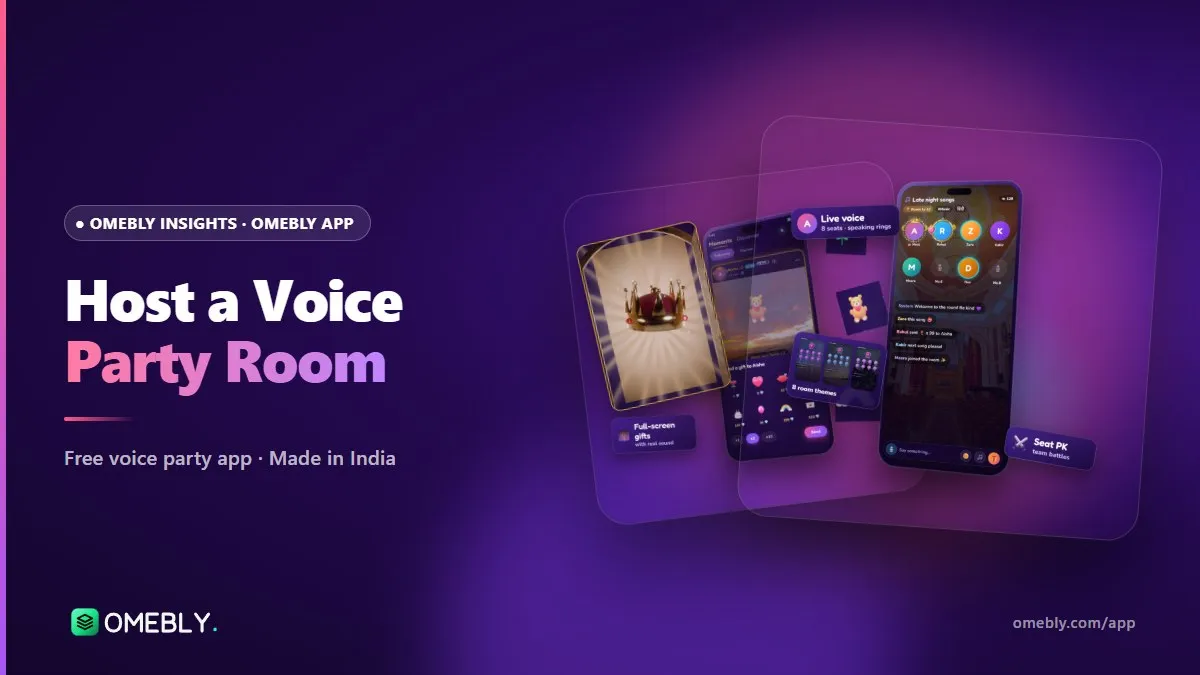
Our guide on how to host a voice party room covers seats, themes and room controls in more detail.
More than talk: things to do together in Bangla
Play Ludo and chess
Ludo and chess are built into voice rooms, with a full-width board so the room chat stays visible while you play. Games are free to play, with no betting. A Ludo game with your cousins, with everyone talking over each other in Bengali, is about as close to a family holiday as a phone gets.
Movie night
Room owners can play videos for the whole room, so everyone can watch videos together, talk and react at the same time. Pick a classic Bengali song playlist or a short film and discuss it afterwards.
Moments in Bengali
Moments is Omebly’s feed. Post photos (up to nine), text on colour backgrounds, short videos or voice notes, which are perfect for a quick poem or a song without typing a word. The Popular feed shows Moments in your languages.
Messages, calls and groups
Keep the adda going after the room closes with private chats, group chats and voice or video calls with friends. You can also set a mood status so friends know if you’re up for a chat.
Families and relationships
Families are groups with their own chat and room, a natural home for a Bengali community; creating one needs you to be 18+ and level 10, and anyone can join. You can also link best friend, close friend and sibling relationships. Couple and crush relationships are for users aged 18 and over only.
Pujo, Poila Baisakh and other big days
Festival evenings are when Bengali rooms come alive. During Durga Puja, a room lets friends who couldn’t travel home share the evening, swap pandal stories and plan Bijoya calls. Our guide to Durga Puja adda online walks through hosting a Pujo room step by step. The same idea works for Poila Baisakh, Kali Puja, Saraswati Puja, Eid and Christmas in Park Street.
Staying safe in Bengali rooms
Talking in your own language makes people feel at home, which is exactly why it’s worth staying careful.
- Don’t share your address, phone number or college details just because someone is “from your para”.
- Messages from people you don’t follow go to a Requests inbox, so you choose who you talk to.
- Block and report anyone who makes you uncomfortable. Room owners can manage seats and remove any room admin in one tap.
- Leave any room that turns unpleasant. There’s always another adda.
Read more in our safe voice chat guide.
Common mistakes to avoid
- Assuming a room is Bengali because of one Bengali word in the title. Listen for a minute first.
- Hosting without a plan. Even an adda needs a host who brings quiet people in.
- Letting football banter turn nasty. Keep it friendly, and mute chat if needed.
- Forgetting the schedule. Unscheduled rooms often end up empty.
Bengali room checklist
- App installed from omebly.com/app/ and set to Bengali
- Profile photo and name added
- One Bengali room joined and a host followed
- Your own room created, scheduled and shared to WhatsApp
- Family room set to private with a password, if needed
- Safety basics shared with younger relatives (16+ only)
How Omebly can help
Omebly is designed and built in-house by the Omebly team in Kolkata, using Flutter and real-time servers, so Bengali isn’t an afterthought: it’s home. The app is free, for ages 16+, and currently in testing on Android. If a Bengali word in the app feels wrong or stiff, tell us through the feedback option or our contact page, and we’ll fix it.
Bring your adda online: get Omebly and talk in Bangla at omebly.com/app/.
Frequently asked questions
Is there a Bengali voice chat app made in India?
Yes. Omebly is a free voice chat app built in-house in Kolkata, and Bengali is one of the 13 languages the app is built for. You can set the app to Bangla and join or host voice rooms in Bengali. It is in testing on Android at omebly.com/app/.
How do I change Omebly to Bengali?
Open Me, then Settings, tap Language and choose Bengali. Menus, buttons and labels change to Bangla, and you can switch back to English or another language at any time.
Do I have to type in Bengali to use Omebly?
No. Voice rooms are for talking, so you can simply speak Bangla. Voice notes in Moments also let you share without typing. If you do want to type, a Bengali keyboard on your phone works in room chat and messages.
Can I host a Bengali room for my friends abroad?
Yes. Create a room, give it a Bengali title, schedule it so friends get a reminder, and share it to WhatsApp with a preview card. Friends in other cities or countries can tap the link and join.
Who can use Omebly?
Omebly is for people aged 16 and over. Some features, such as couple and crush relationships, are for adults aged 18 and over only.
Is Omebly free?
Yes. Omebly is free to download and use, including voice rooms, messages, Ludo and chess. Games are free to play with no betting.

Written by
Nazmul Hussain, Managing Director & Technical Head, Omebly. 10+ years building websites and apps for clients in India, the Gulf, the UK and the US, and mentoring at Omebly Academy. LinkedIn · GitHub
Follow Omebly
New guides, work and launches on every channel.