








Core
$699 3 months
- Months 1 to 3 of the syllabus
- 2 capstone projects
- Live classes and weekly 1-on-1 reviews
- Omebly certificate
Omebly PDF Tools
Edit PDFRotate PDFHeader and footerBates numberingResize PDFEdit metadataPDF bookmarksAdd page numbersAdd watermarkCrop PDFCreate PDF formFill PDF formsMerge PDFSplit PDFRemove pagesExtract pagesOrganise PDFPages per sheetScan to PDFBatch PDFCompress PDFGrayscale PDFOptimise for webRemove commentsRepair PDFOCR PDFJPG to PDFPNG to PDFText to PDFMarkdown to PDFEPUB to PDFWord to PDFPowerPoint to PDFExcel to PDFHTML to PDFPDF to JPGPDF to PNGPDF to TextExtract imagesPDF to EPUBPDF to WordPDF to PowerPointPDF to ExcelPDF to PDF/AUnlock PDFProtect PDFSign PDFFlatten PDFRedact PDFCompare PDFAI SummarizerTranslate PDFChat with PDFPDF to MarkdownTypography, colour, layout and brand assets in Adobe tools.
Beginners who love design
Social media managers
Small business owners who design their own content
Every month ends with work you can show. Longer tracks go deeper and add bigger projects.
Design principles, colour theory, typography, Photoshop basics.
Illustrator: logos, icons, vector art; social media post design.
InDesign: brochures and print, brand kit basics, exporting for print and web.
Advanced photo editing, packaging design, motion basics, client briefs.
Brand identity systems, freelancing workflow, and a full client-style brand project.
Live, mentor-led online classes, weekly 1-on-1 reviews and recordings to revise. Free first call to check your level.
$699 3 months
$1,199 6 months
$1,999 12 months
Download the course brochure (PDF)
No job guarantees: we give placement assistance (CV and LinkedIn help, mock interviews, portfolio reviews and referrals where possible). Results depend on your effort and the job market.
Live online classes with a mentor, plus recordings so you can revise.
No. The 3-month track starts from the basics. We check your level in a free call first.
Yes, an Omebly certificate of completion with your projects listed.
No. Nobody can honestly guarantee a job. Our courses teach practical, project-based skills, help you build a portfolio and give placement assistance: CV and portfolio reviews, interview practice and sharing openings we hear about. Results depend on your effort and the job market.
You receive an Omebly certificate of completion. Courses also prepare you for well-known industry certifications, which you take directly with the provider.
Yes, we guide you on student/trial plans and free alternatives.
Canva is covered, but professional work needs Adobe skills.
Photoshop edits pixels, Illustrator draws vectors and Canva speeds up templates. Here is which tool suits which job, with a simple rule for each.

Design Durga Puja posts that look festive without looking like everyone else's: the right sizes, colours, Bengali fonts and motifs, plus step-by-step layouts in Photoshop and Canva.
A practical guide to learning graphic design online: the principles that matter, the Adobe tools to learn, a month-by-month plan and portfolio projects that show real skill.
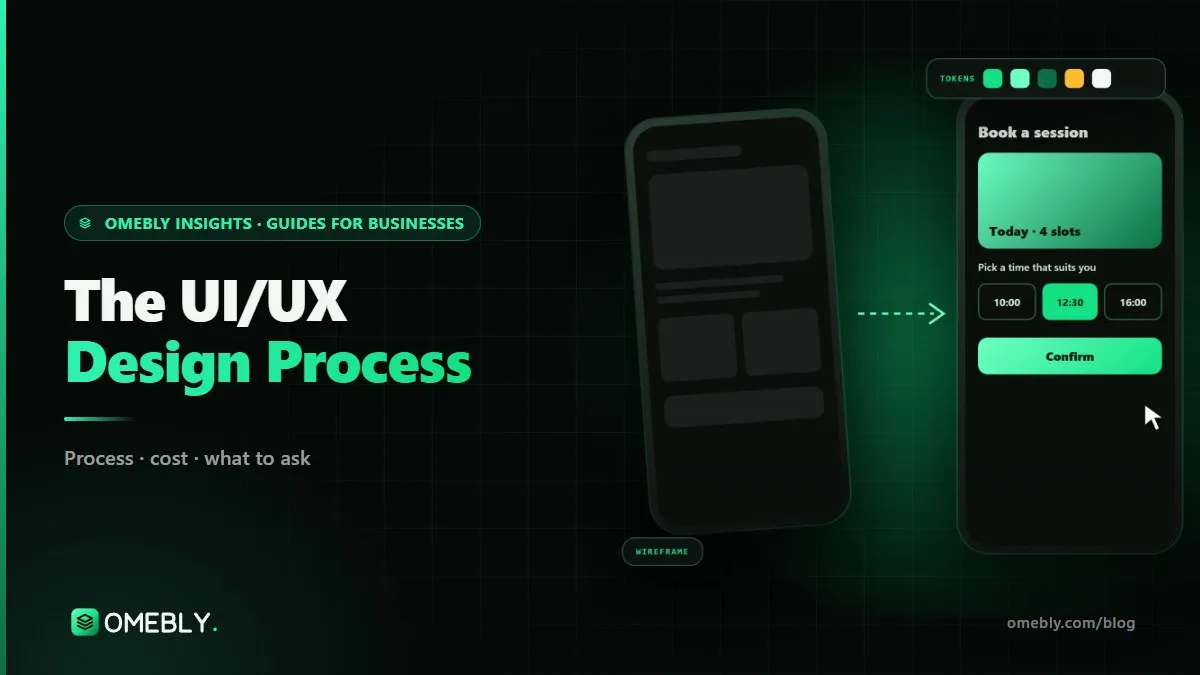
A practical walk through the UI/UX design process, from research and user flows to prototypes, testing and developer hand-off, and how each step affects sales.
Tell us where you are today. We'll check your level and suggest the right track, no pressure.
Prefer email? info@omebly.com