Motion Graphics for Ads: How to Learn After Effects for Social Media
How to learn motion graphics for social media ads: hooks, storyboarding, After Effects techniques, platform specs, creative testing and a practical month-by-month plan.
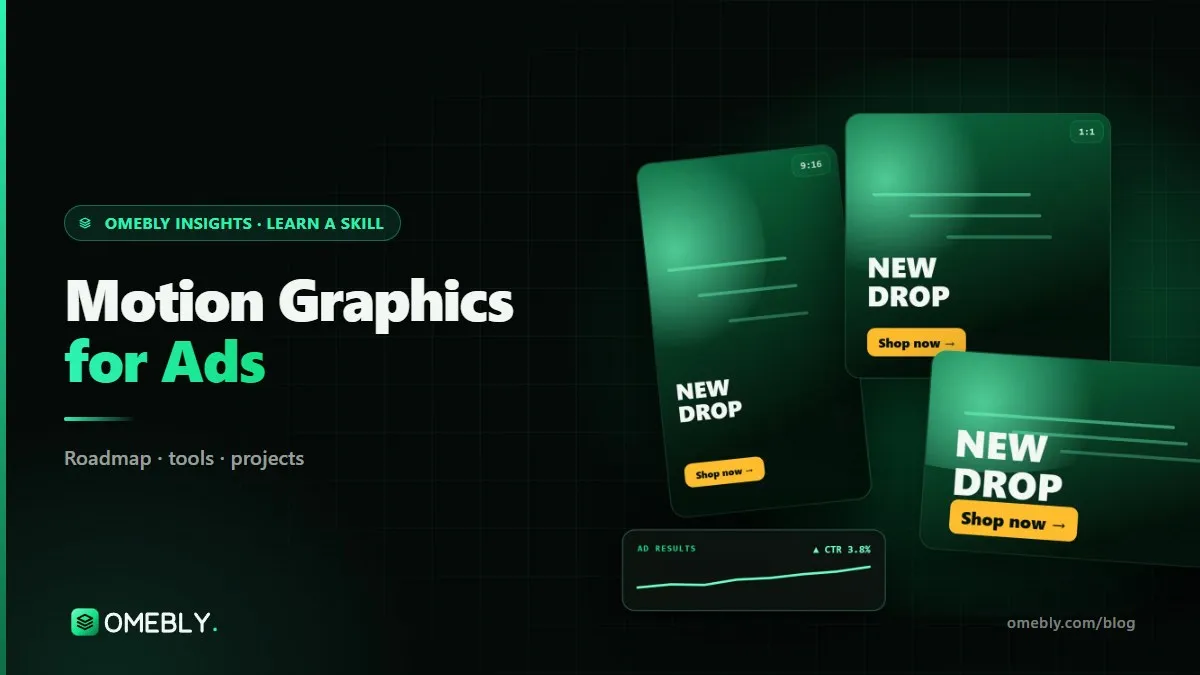
Scroll through any social feed and you will see it: product shots that spin into frame, bold text that snaps in on the beat, before-and-after reveals in under six seconds. These are motion ads, and brands need a steady supply of them. If you are a designer, editor or marketer looking for a motion graphics ads course or a self-study plan, this guide shows how to learn After Effects for social media ads, step by step.
Over ten years of building digital products, I have watched ad creative become one of the biggest levers a brand controls. Targeting is increasingly automated by the platforms. What the ad looks like, and how fast it earns attention, is still a human job.
Quick answer: To learn motion graphics for ads, start with ad formats, sizes and hooks, storyboard short concepts, then learn After Effects for kinetic text and product animation. Build reusable templates, learn each platform’s specs and test several variations of each idea. Add Blender for 3D product shots and UGC-style edits later. You can produce solid animated ads within about three months of steady practice.
What motion ads are and why brands use them
A motion ad is a short animated advertisement, usually 6 to 30 seconds long, built from text, graphics, product images and sometimes footage. It runs on platforms like Meta (Facebook and Instagram), YouTube and TikTok.
Brands use motion ads because they are fast to produce, easy to version and they work without a film shoot. One product photo and a strong idea can become ten ad variations in different sizes, hooks and colour schemes.
Motion ads vs general animation
General animation is about storytelling and craft over any length. Motion ads are a specialised form with strict constraints: you have a second or two to stop the scroll, the message must work with the sound off, and the ad has to fit exact sizes and lengths. If you want the broader craft, start with our animation roadmap.
The anatomy of a good motion ad
| Part | Timing | Job |
|---|---|---|
| Hook | 0–2 seconds | Stop the scroll with movement, a bold claim or a question |
| Product or problem | 2–5 seconds | Show what it is or what it solves |
| Proof or benefit | 5–12 seconds | One clear reason to care |
| Call to action | Final 2–3 seconds | Tell people exactly what to do next |
Shorter formats, like a 6-second bumper, compress all of this into one idea and one brand moment.
Motion ad skills by stage
Stage 1: Ad thinking and storyboards
- Formats and sizes: vertical (9:16), square (1:1) and landscape (16:9), plus safe zones where platform buttons cover the screen.
- Hooks: movement, contrast, surprising text or showing the result first.
- Storyboarding: sketching each beat before animating, so you don’t waste hours on a weak idea.
- After Effects for ads: keyframes, easing, shape layers, text animators and pre-comps. Adobe’s After Effects user guide is the official reference.
Stage 2: Product animation and templates
- Product animation: slides, zooms, reveals and parallax with a still product image.
- Kinetic text: text that moves with rhythm and stays readable.
- Templates: reusable After Effects compositions so new variations take minutes, not hours.
- Brand consistency: colours, fonts, logo placement and motion style that feel like one brand.
Stage 3: Testing and delivery
- Creative testing: changing one element at a time (hook, colour, headline) to learn what works.
- Platform specs: length limits, file sizes and caption safe zones for each platform.
- Exporting: the right codec, frame rate and file size for upload.
- Ad library: an organised archive of your ads, versions and notes on results.
Stage 4: Advanced creative
- 3D product shots in Blender: clean renders that make simple products look premium.
- UGC-style edits: ads that feel like real user content, mixing footage with motion text.
- Performance creative analysis: reading basic results with the marketing team to decide the next round.
- Campaign creative strategy and client pitching: planning a set of ads around one campaign idea.
The motion ads toolkit
- After Effects: the core tool for custom animation.
- Premiere Pro: combining footage, music and animated elements.
- Blender: free 3D software for product shots.
- Figma: designing ad frames and layouts before animating.
- Canva: quick resizes and simple variations.
- CapCut: fast UGC-style and short-form edits.
- Meta Ads Library: research what brands in any category are running. The public Meta Ad Library is free to search.
Research before you animate
Spend time in the Ad Library before every project. Look at what competitors run repeatedly, since ads that keep running are often the ones that work for them. Note the hooks, lengths and formats, then design something better rather than copying.
A month-by-month plan for learning motion ads
This plan assumes 8–10 hours a week. Pick one real or imaginary product and use it throughout, so your portfolio feels like a campaign.
Month 1: Formats, hooks and After Effects
Study 30 ads in the Ad Library and write down each hook. Storyboard three concepts for your product. Learn After Effects basics and animate one 15-second vertical ad with a strong opening.
Month 2: Product animation and templates
Animate product reveals, kinetic text and transitions. Turn your best ad into a template with editable text, colours and images. Create a mini brand motion guide: fonts, colours, easing style and logo animation.
Month 3: Testing, specs and export
Make three variations of one ad, each with a different hook. Export them in vertical, square and landscape. Build an organised ad library with file names that show the version and size. Review each variation honestly and decide which you would run first.
Months 4–6: 3D, UGC and performance
Learn Blender basics for a 3D product shot and bring it into After Effects. Edit a UGC-style ad mixing footage and animated text. Learn to read simple ad results, such as which hook held attention longer, with a marketer or from sample data.
Months 7–12: Campaign strategy and pitching
Plan a full campaign: one idea, several ad formats and a testing plan. Practise pitching creative concepts to a client. Complete a full brand campaign project from brief to final delivery.
Beginner motion ad projects
- Three Meta ad variations for a product: same product, three different hooks.
- A 6-second YouTube bumper: one idea, one brand moment, no wasted frames.
- An app promo motion ad: animated screens showing a key feature.
- A festive campaign ad set: a seasonal set across several sizes.
Presenting ad work
Show each ad in a phone frame, list the sizes delivered and explain the idea behind each hook. If you tested variations, say what you were testing. Reviewers want to see that you think about results, not just style.
Common mistakes in motion ads
- Slow starts. Logo intros in the first two seconds waste the most valuable moment.
- Too much text. If it can’t be read in time, it doesn’t exist.
- Ignoring safe zones. Platform buttons and captions can hide your call to action.
- No sound-off plan. Many people watch muted; the message must still land.
- One version only. Without variations, there is nothing to learn from.
- Off-brand motion. Wild easing and random fonts weaken trust.
- Copying competitors exactly. Research for patterns, then make it your own.
Motion ad checklist
- Hook within the first two seconds
- One clear message and a visible call to action
- Readable with the sound off
- Exported in the sizes the campaign needs
- At least two variations to test
- Brand colours, fonts and logo used consistently
Careers and roles in motion ads
Motion ad skills are used by agencies, in-house brand teams, e-commerce companies, app businesses and freelancers. Common roles include:
- Motion designer (ads): animated creatives for paid social and display.
- Performance creative designer: producing and iterating ads based on results.
- Social media motion designer: animated posts and stories for brands.
- Video editor with motion skills: combining footage and animation for ads.
- Freelance ad creative designer: ad sets for small brands and online stores.
Because motion ads sit between design and marketing, it helps to understand both sides. Our video editing guide covers footage-based ads, and the Omebly digital marketing course explains how campaigns are planned and measured.
Learn it with Omebly: a live motion graphics ads course
The Omebly Motion Ads for Brands course teaches animated ads for Meta, YouTube and TikTok, with live, mentor-led classes, recordings for revision and weekly one-on-one reviews. It suits designers adding motion, marketers who make their own creatives and video editors moving into ads. You don’t need experience running ads; the focus is the creative.
- Core: $699 for 3 months. Ad formats and sizes, hooks, storyboarding and After Effects for ads; product animation, kinetic text, templates and brand consistency; creative testing, platform specs, exporting and building an ad library. Includes two capstone projects and an Omebly certificate of completion.
- Professional: $1,199 for 6 months. Adds 3D product shots in Blender, UGC-style edits and performance creative analysis, with four capstone projects, mock interviews and a portfolio review.
- Career: $1,999 for 12 months. Adds campaign creative strategy, client pitching and a full brand campaign project, plus a live client-style project with the Omebly team, unlimited mentor reviews and placement assistance (CV and LinkedIn help, mock interviews, portfolio reviews and referrals where possible).
Tools covered are After Effects, Premiere Pro, Blender, Figma, Canva, CapCut and the Meta Ads Library, along with responsible use of AI tools for ideas and assets. A free first call checks your level. There is no job promise; your results depend on your effort and the job market.
To see this work in a client context, visit Omebly’s animation design service.
Book a free call on WhatsApp or through our contact page to get started.
Frequently asked questions
Do I need to know how to run ads to make motion ads?
No. Making ad creatives and running ad campaigns are different skills. You need to understand hooks, formats and platform specs, but setting budgets and targeting is usually the media buyer's job.
Is After Effects necessary for motion graphics ads?
For professional, custom animation, After Effects is the standard tool. Canva and CapCut are useful for quick variations, and Blender adds 3D product shots, but After Effects gives you the most control.
What makes a motion ad perform well?
A strong hook in the first second or two, a single clear message, readable text with the sound off, the product or benefit shown early and a clear call to action. Testing several variations shows what actually works for an audience.
Is AI covered in motion ads training?
In the Omebly course, yes. It covers responsible use of AI tools for ideas and assets, while the core skills of storytelling, timing and brand consistency stay with the designer.
Does the Omebly Motion Ads course guarantee a job?
No. Nobody can honestly guarantee a job. Omebly offers placement assistance, including CV and LinkedIn help, mock interviews, portfolio reviews and referrals where possible. Results depend on your effort and the job market.
How long does it take to learn motion graphics for ads?
With regular practice, you can produce clean animated ads in about three months. Adding 3D product shots, UGC-style edits, performance analysis and campaign strategy takes six to twelve months.

Written by
Nazmul Hussain, Managing Director & Technical Head, Omebly. 10+ years building websites and apps for clients in India, the Gulf, the UK and the US, and mentoring at Omebly Academy. LinkedIn · GitHub
Follow Omebly
New guides, work and launches on every channel.