Full Stack Web Development Roadmap 2026: From HTML to Deployment
From your first HTML page to a deployed web app: the skills, tools, projects and month-by-month plan to become a full stack developer in 2026.
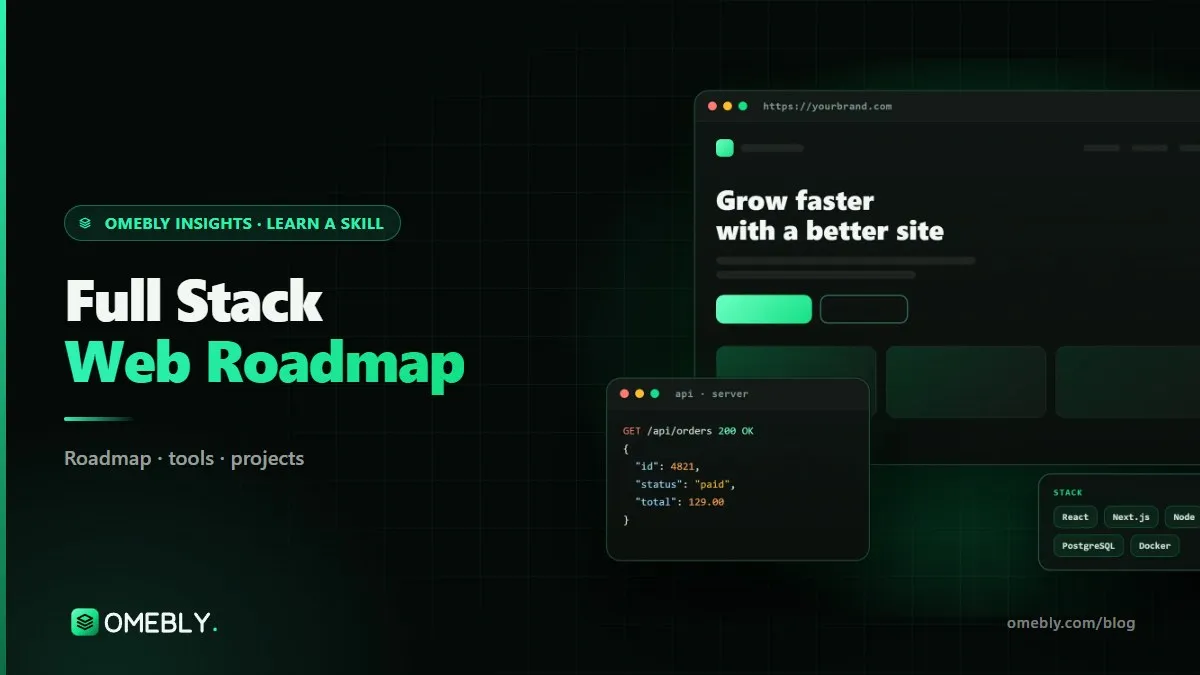
Almost every business needs a website, and many need much more: dashboards, booking systems, online stores and internal tools. Full stack developers can build all of it, from the button a user clicks to the database that stores their order. If you are looking at a full stack web development course or planning to learn on your own, the number of frameworks can feel overwhelming. This roadmap cuts it down to what matters, in the order that makes sense.
Quick answer: Learn full stack web development in this order: HTML, CSS and responsive layouts; JavaScript and Git; React for front ends; Node.js and Express for APIs; a database such as PostgreSQL or MongoDB; authentication and deployment. Then add Next.js, TypeScript, testing, payments, performance and SEO. Build and deploy a project at each stage; the core takes about three months of steady practice.
What full stack web development means
A web application has two halves.
- Front end: everything in the browser, built with HTML, CSS and JavaScript, usually with a framework such as React.
- Back end: the server, APIs and database that store data, check passwords and process payments.
A full stack developer can work on both and connect them, then deploy the whole thing so real users can reach it.
Why it is a strong skill set in 2026
Full stack skills let you build complete products, not just parts. For freelancers that means delivering a whole site to a client. In a team it means understanding how your work affects everyone else’s. And with AI coding assistants now common, developers who understand the whole system are better at reviewing and fixing generated code.
Full stack skills by stage
Stage 1: Web foundations
- HTML: semantic structure, forms and accessibility basics.
- CSS: the box model, Flexbox, Grid and responsive layouts for phones.
- JavaScript basics: variables, functions, arrays, objects and DOM manipulation.
- Git and GitHub from week one.
MDN’s Learn web development is the best free reference for this stage.
Stage 2: Modern JavaScript and React
- Modern JavaScript: arrow functions, destructuring, modules, promises and async/await.
- Fetching data from APIs.
- React fundamentals: components, props, state, hooks and routing.
The official React documentation is clear and up to date.
Stage 3: Back end and databases
- Node.js and Express.
- Designing REST APIs.
- Databases: PostgreSQL (relational) and MongoDB (document).
- Authentication: sign-up, login, sessions or tokens, password hashing.
- Deploying a full app.
Stage 4: Professional front end
- Next.js: routing, server rendering and building fast pages.
- TypeScript: types that catch errors before users do.
- Testing, payments integration, performance and technical SEO.
Stage 5: Production skills
- Cloud deployment and environment management.
- CI/CD: automatic tests and deploys on every push.
- System design basics: caching, queues, scaling and trade-offs.
- A full client-style web app built to a brief.
Tools every full stack developer uses
| Tool | Purpose |
|---|---|
| VS Code | Code editor |
| HTML, CSS, JavaScript | The core languages of the web |
| React | Building interactive user interfaces |
| Next.js | Production React framework |
| Node.js (with Express) | JavaScript on the server |
| PostgreSQL (and MongoDB) | Storing application data |
| Git and GitHub | Version control and portfolio |
| Vercel | Simple hosting and deployment |
You do not need every tool at once. HTML, CSS, JavaScript, VS Code and Git are enough for the first month.
A month-by-month full stack learning plan
Plan for eight to ten hours a week. Web development rewards daily practice more than long weekend sessions.
Month 1: HTML, CSS, JavaScript basics and Git
- Build three static pages: a profile page, a product landing page and a contact form.
- Make every page responsive with Flexbox and Grid.
- Add simple JavaScript: a menu toggle, form validation, a light/dark switch.
Milestone: a personal portfolio site, live on the internet.
Month 2: Modern JavaScript and React
- Async JavaScript and fetching from a public API.
- React components, state, hooks and routing.
- Rebuild part of your portfolio in React and add a small API-driven app.
Milestone: a React app that loads, filters and displays live data.
Month 3: Node.js, databases, auth and deployment
- Build a REST API with Node.js and Express.
- Connect PostgreSQL or MongoDB.
- Add authentication and deploy front end and back end.
Milestone: a blog with an admin panel where only logged-in users can create posts.
Months 4 to 6: Professional skills
- Move to Next.js and TypeScript.
- Write tests, integrate a payment provider in test mode and improve performance and SEO.
- Build an e-commerce store with cart and checkout.
Months 7 to 12: Production and system design
- Cloud deployment, CI/CD pipelines and monitoring.
- System design basics.
- A real-time feature, such as chat, using WebSockets.
- One full client-style web app from brief to launch.
Beginner and portfolio projects
- Personal portfolio site. Responsive, fast and accessible, with links to your projects.
- Blog with admin panel. Full CRUD, authentication and a database.
- E-commerce store with cart and checkout. Product listings, cart state and a test-mode payment flow.
- Real-time chat app. WebSockets, rooms and message history.
- A small tool for someone you know. A booking form for a tutor or an inventory list for a shop. Real users find real bugs.
Every project should be on GitHub with a README and a live demo link.
Common mistakes new web developers make
Jumping into frameworks too early
React is much easier when you understand plain JavaScript. Skipping fundamentals leads to confusion later.
Building only to-do apps
To-do apps are fine for practice, but a portfolio needs projects with authentication, a database and deployment.
Ignoring mobile and accessibility
Most users browse on phones. Test layouts at small widths and use semantic HTML, labels and good contrast.
Never deploying
A project that only runs on your laptop is hard to show. Deploy early and often.
Copying code you do not understand
Whether it comes from a tutorial or an AI assistant, read every line and be able to explain it in an interview.
Careers in web development
Full stack skills open several paths:
- Front-end developer: React, Next.js, CSS and UI work.
- Back-end developer: APIs, databases and server logic. SQL helps a lot here; see our SQL guide.
- Full stack developer: end-to-end features and products.
- Freelance web developer: building complete sites and apps for clients.
- Mobile developer: many web developers later move to cross-platform apps; our Flutter roadmap covers that route.
Openings and pay vary by country, company and experience. A strong GitHub, live projects and the ability to explain your decisions matter far more than the number of frameworks on your CV.
Readiness checklist
- I can build a responsive layout from a design without a framework.
- I am comfortable with async JavaScript and React hooks.
- I can build and secure a REST API with a database.
- I have deployed at least two full stack apps.
- I use Git branches and write clear commit messages.
How to choose a full stack web development course
Web development has more free tutorials than any other skill, so it is easy to start and very easy to get lost. When comparing a full stack web development course with self-study, look for structure, feedback and shipped projects.
What to look for
- Fundamentals first. HTML, CSS and JavaScript should come before frameworks. A course that starts with React on day one often leaves gaps.
- A modern, coherent stack. React, Node.js and a real database, then Next.js and TypeScript, is a sensible, widely used path.
- Deployment from early on. You should deploy projects regularly, not only in the final week.
- Code review. A mentor reviewing pull requests teaches you how professional teams work and catches problems such as insecure authentication.
- Real projects. Authentication, a database, payments in test mode and real-time features are what make a portfolio credible.
- Git and GitHub throughout. Every project should live in a public repository with a clear README.
Questions to ask before you enrol
Are classes live or recorded? How often is my code reviewed? How many projects will I deploy? Does the course cover testing, performance and SEO, or only the basics?
Red flags
Be careful with courses that promise a developer job, quote placement figures you cannot check or claim you can master full stack development in a few weeks. Learning to build and ship reliable web apps takes months of daily practice.
Using AI assistants wisely
AI coding tools can speed you up, but use them as a pair programmer, not a replacement. Write the first version yourself, then ask for a review or an alternative, and make sure you can explain every line you keep. Interviewers will ask.
Learn it with Omebly
Omebly Academy’s Full-Stack Web Development course teaches you to build and launch complete web applications with a live mentor. It suits beginners aiming for developer jobs, designers who want to code and freelancers who want to build full sites. No prior experience is needed, and your level is checked in a free first call. Classes are live with recordings and weekly one-to-one reviews, and every project goes on your GitHub and portfolio. WordPress is covered briefly; the focus is modern coded web apps.
- Core (3 months, $699): HTML, CSS, responsive layouts, JavaScript and Git; modern JavaScript and React; Node.js, Express, REST APIs, PostgreSQL or MongoDB, authentication and deployment, with two capstone projects.
- Professional (6 months, $1,199): adds Next.js, TypeScript, testing, payments, performance and SEO, four capstone projects, mock interviews and portfolio review.
- Career (12 months, $1,999): adds cloud deployment, CI/CD, system design basics and a full client-style web app, a live client-style project with the Omebly team, unlimited mentor reviews and placement assistance.
You receive an Omebly certificate of completion with your projects listed. Placement assistance means CV and LinkedIn help, mock interviews, portfolio review and referrals where possible; it is not a job guarantee. If you would rather build mobile apps, see the Flutter app development course.
Have questions? Contact us or message us on WhatsApp to book a free call.
Frequently asked questions
What is a full stack web developer?
A full stack developer builds both the front end (what users see in the browser) and the back end (servers, APIs and databases), and knows how to deploy the whole application.
How long does it take to become a full stack developer?
With steady part-time study, most beginners can build and deploy a simple full stack app in about three months. Becoming comfortable with TypeScript, testing, performance and deployment pipelines usually takes six to twelve months.
Should I learn React or Next.js first?
Learn plain JavaScript and React first. Next.js is built on React and adds routing, server rendering and performance features that make much more sense once React itself is clear.
Do I need to learn WordPress?
It helps to understand WordPress because many small business sites use it, but a full stack roadmap focuses on coded web applications with HTML, CSS, JavaScript, React and Node.js.
Do I need a computer science degree to become a web developer?
No. Many developers are self-taught or course-trained. Employers and clients look mainly at your projects, your GitHub and how you explain your code.
Does a full stack course guarantee a developer job?
No course can honestly guarantee a job. Omebly provides a certificate of completion and placement assistance, such as CV and LinkedIn help and mock interviews, but results depend on your effort and the market.

Written by
Nazmul Hussain, Managing Director & Technical Head, Omebly. 10+ years building websites and apps for clients in India, the Gulf, the UK and the US, and mentoring at Omebly Academy. LinkedIn · GitHub
Follow Omebly
New guides, work and launches on every channel.