Ecommerce Email Flows: The Automated Emails Every Online Store Should Set Up First
Five automated emails do most of the work for an online store. Here is what each should say, when to send it, and the order to build them in.
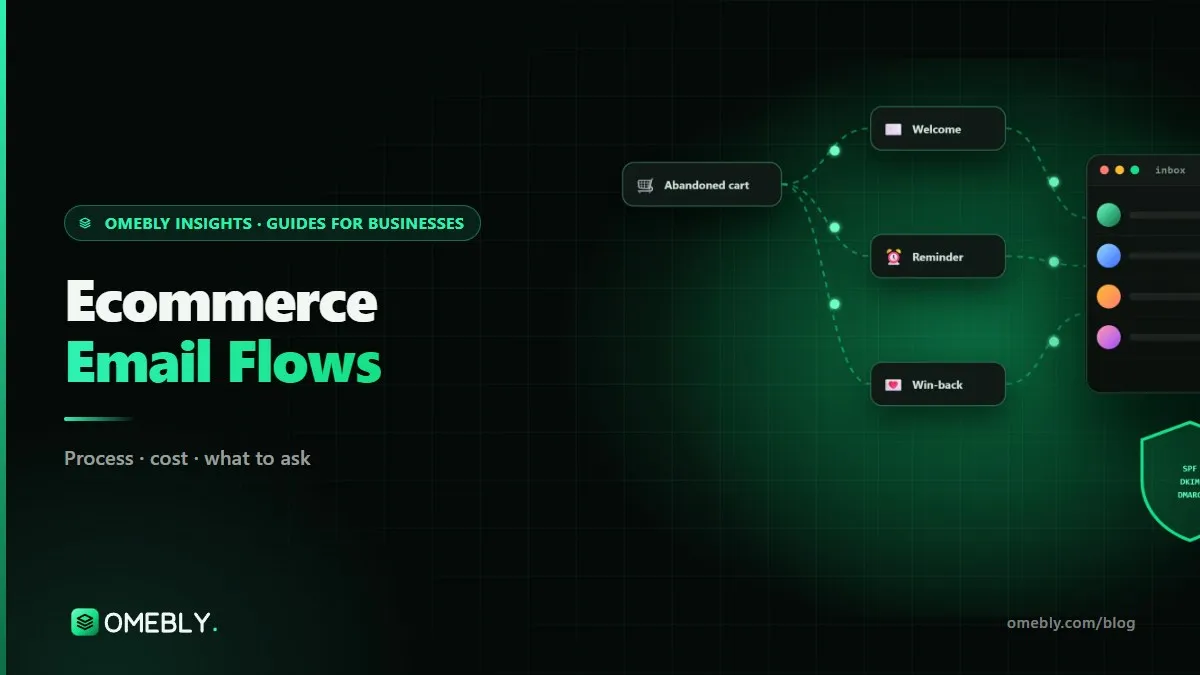
Most visitors to an online store leave without buying, and most first-time buyers never come back on their own. Automated ecommerce email flows follow up for you: a welcome when someone subscribes, a reminder when they leave a cart, a thank-you after they buy and a nudge when they go quiet. Set up once and improved over time, these emails keep working every day without anyone pressing send.
The question most store owners ask is which flows to build first. This guide covers the five that matter most, in the order we usually set them up, with timings, content ideas and the set-up work that decides whether they reach the inbox at all.
Quick answer: Build these five ecommerce email flows first: a welcome series for new subscribers, an abandoned cart (or checkout) flow, a browse abandonment flow, a post-purchase flow and a win-back flow for lapsed customers. Before sending anything, authenticate your domain with SPF, DKIM and DMARC. Start with welcome and abandoned cart, because they catch people at their most interested.
Why flows come before newsletters
Newsletters are sent when you have time. Flows are sent when the customer is ready, because they are triggered by what each person does. Someone who left a cart ten minutes ago is far more likely to respond than someone receiving a general newsletter next week.
Many stores have years of occasional newsletters and no automated flows at all, so the emails that would earn most are simply missing. Fixing that is usually the quickest win in email marketing automation.
Before you build: get delivery right
A brilliant flow is useless if it lands in spam. Before switching anything on:
- Authenticate your domain with SPF, DKIM and DMARC records in your DNS.
- Send from your own domain, such as hello@yourstore.com, not a free Gmail address.
- Make unsubscribing easy, including one-click unsubscribe in the email header.
- Only email people who agreed to hear from you, and never buy lists.
- Clean your list of invalid and long-inactive addresses.
Google’s email sender guidelines set out these expectations for anyone sending to Gmail addresses, including stricter rules for bulk senders such as authentication, easy unsubscribes and low spam complaint rates. Yahoo has similar requirements.
The five ecommerce email flows to set up first
| Flow | Trigger | Typical emails | Main goal |
|---|---|---|---|
| Welcome series | Someone subscribes | 2 to 4 over about a week | First purchase |
| Abandoned cart or checkout | Items left in cart or checkout started | 2 to 3 over a day or two | Recover the order |
| Browse abandonment | Product viewed, nothing added | 1 to 2 | Bring them back to the product |
| Post-purchase | Order placed | 2 to 4 over a few weeks | Reviews, second order |
| Win-back | No order for a set period | 2 to 3 | Re-engage before they lapse |
The timings are sensible starting points, not rules. Test them against your own results.
1. Welcome series
This is the first impression for everyone who joins your list, often through a pop-up or checkout tick box.
- Email 1 (immediately): thank them, deliver anything you promised, and say what kind of emails they will get.
- Email 2 (a day or two later): your story, what makes your products different, best-sellers.
- Email 3: social proof, such as genuine reviews, or answers to common questions about sizing, delivery or returns.
- Email 4 (optional): a gentle reminder of any welcome offer before it expires.
Stop the series for anyone who buys, and move them into the post-purchase flow instead.
2. Abandoned cart or checkout
For most stores, this flow recovers orders more directly than any other. If your platform can tell the difference, use an abandoned checkout flow for people who entered an email at checkout, and an abandoned cart flow for known subscribers who added items.
- Email 1 (within a few hours): a simple reminder with the product image, name and a link straight back to the cart.
- Email 2 (about a day later): answer the doubt that stopped them: delivery times, returns, sizing, payment options or reviews.
- Email 3 (optional): a final reminder, and only here, if your margins allow, a tested incentive.
Keep it helpful, not pushy. Many shoppers leave because of surprise costs or a confusing checkout, so if this flow works hard but recovers little, look at the checkout itself; conversion rate optimisation starts by finding exactly where shoppers drop off.
3. Browse abandonment
When a known subscriber views a product but adds nothing, a light-touch email can bring them back: “Still thinking about this?” with the product, a couple of similar items and key details. Send one or two at most, and exclude anyone who has just received a cart reminder, so nobody gets three emails in a day.
4. Post-purchase
This is where first-time buyers become repeat customers.
- Thank you and what happens next: order details, delivery expectations and who to contact.
- How to use or care for the product: especially useful for skincare, electronics, clothing or anything with setup.
- Review request: once the product has had time to arrive and be used.
- Next purchase: a sensible cross-sell or a reminder to reorder consumables, timed to how long the product lasts.
Split the flow for first-time and repeat buyers. A loyal customer does not need the welcome-style introduction again.
5. Win-back
Customers who have not ordered in a while are slipping away. A win-back flow reaches them before they forget you: what is new, best-sellers they have not tried, and, if you have tested it, an offer. Set the timing from your own data, based on how often customers usually reorder.
After the win-back flow, consider a sunset step: people who have not opened or clicked anything for a long time are moved to a suppressed segment. Emailing them forever harms your inbox placement for everyone else.
Segmentation: making flows relevant
Once the five flows run, segmentation makes them sharper. A simple approach is RFM: recency, frequency and monetary value. Loyal, high-value customers might get early access instead of discounts; one-time buyers get a stronger second-order message; lapsed customers enter win-back sooner.
Location and language matter too. A store selling in India and the UAE may need different delivery messages, currencies and festive timing for each market.
How to measure your flows
- Placed orders and revenue per flow, from your email platform and cross-checked in GA4.
- Click rate, which is more reliable than open rate now that privacy features inflate opens.
- Unsubscribe and spam complaint rates, as early warnings.
- Recovery rate for abandoned cart flows: recovered orders divided by carts that entered the flow.
Review each flow monthly, change one thing at a time and give each change enough time to show a result.
Mistakes to avoid
- Sending newsletters for years without any automated flows.
- A discount in every email, which trains customers to wait.
- Abandoned cart emails sent days late.
- No exclusions, so the same person gets welcome, cart and browse emails at once.
- Templates that break on mobile or in dark mode.
- No DMARC record on the sending domain.
- Emailing the whole list, including people who have not engaged in a year.
Checklist: your first ecommerce email flows
- SPF, DKIM and DMARC set up on your sending domain
- Store connected to your email platform, list cleaned
- Consent wording and sign-up forms checked
- Welcome series live
- Abandoned cart or checkout flow live
- Browse abandonment flow live, with exclusions
- Post-purchase flow split for first-time and repeat buyers
- Win-back and sunset flows live
- Monthly review of orders, clicks and unsubscribes per flow
Email works best alongside paid ads. If you also run Meta ads, recent buyers can be excluded from acquisition campaigns while email handles their next order, and lapsed customers can be reached on both channels. And for the busy festive season, our Diwali-ready ecommerce website checklist helps make sure the store itself is ready for the traffic your emails bring.
How Omebly can help
Our email marketing automation services set up these flows in Klaviyo or Mailchimp: domain authentication first, then welcome and abandoned cart flows, followed by browse, post-purchase and win-back flows with RFM segments. We write the copy, design mobile-friendly templates and build everything in your own account, and you approve each flow before it goes live. It is part of our wider digital marketing service, with monthly plans from $1,200 and a fixed written quote after a free consultation. We cannot promise a revenue figure, but we measure each flow and keep improving the ones that perform.
Tell us your platform and list size through our contact page, and we will suggest the first flows to build.
Build the welcome and cart flows this month, and let them work while you focus on the rest.
Frequently asked questions
What is the difference between an email flow and a campaign?
A flow is automated and triggered by what one person does, such as signing up or leaving a cart, so each subscriber gets it at the right moment. A campaign is a one-off send to a list or segment at a time you choose, such as a festive sale announcement.
How many emails should an abandoned cart flow have?
Two or three is a common starting point: a reminder within a few hours, a follow-up about a day later and an optional final email after that. Test the timing and number against your own results rather than copying a template.
Should every flow include a discount?
No. Automatic discounts in every flow can train customers to wait for a code before buying. Lead with reminders, reviews, delivery details and answers to common doubts, and keep discounts for specific situations you have tested.
Can I send ecommerce email flows on WhatsApp instead?
WhatsApp messages can complement email, especially in India and the Gulf, but they follow Meta's own business messaging rules and usually need opt-in for marketing. Many stores use email for the full flow and WhatsApp for one timely reminder or order update.
Do I need Klaviyo, or can Shopify Email do this?
Shopify's built-in tools can handle basic automations such as abandoned checkout emails. Dedicated platforms like Klaviyo offer deeper segmentation, browsing data and reporting, which matters more as your list and catalogue grow.
How do I know if a flow is working?
Look at orders and revenue attributed to each flow, click rate and unsubscribe rate, not just opens, which privacy features make unreliable. Compare over full months and check results in GA4 too, so email is judged on the same basis as your other channels.

Written by
Nazmul Hussain, Managing Director & Technical Head, Omebly. 10+ years building websites and apps for clients in India, the Gulf, the UK and the US, and mentoring at Omebly Academy. LinkedIn · GitHub
Follow Omebly
New guides, work and launches on every channel.