Is 3D Product Rendering Better Than Product Photography for E-commerce?
3D renders and product photos each win in different places. Here is how to decide which your store needs, product by product, and when to combine them.
If you sell physical products online, your images do most of the selling. Shoppers cannot pick the item up, so they judge it by what they see. That raises a practical question for every brand owner: should you book a photographer, or have the products rendered in 3D? The 3D rendering vs product photography decision is not about which is “better” overall. It is about which one suits each product, each channel and the stage your business is at.
This guide compares both honestly, including where 3D falls short, and gives you a simple way to decide. It reflects how we scope 3D product animation and rendering projects at Omebly.
Quick answer: 3D rendering is usually better when the product does not exist yet, comes in many colours, needs inside or exploded views, or will be reused across many ads. Product photography is usually better for one-off products, items worn or handled by people, food, and anything where real texture and authenticity matter most. Many stores get the best results by combining the two.
What each approach actually involves
Product photography means a real product, a studio or location, lighting, a photographer and editing. You need finished samples of every variant you want to show, and any new angle or colour later means another shoot.
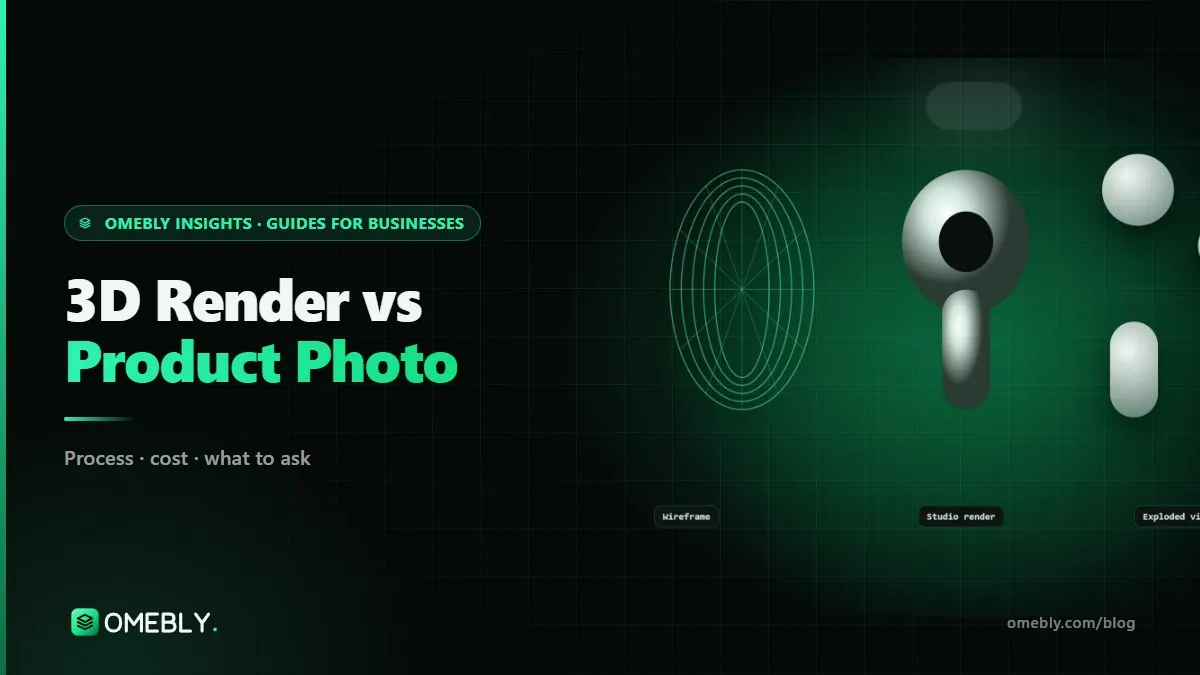
3D product rendering means building a digital model of the product from CAD files, photos or a sample, giving it realistic materials, lighting it like a studio and rendering images or animation. Once the model exists, it can be re-lit, re-coloured, re-angled and animated without touching the physical product.
3D rendering vs product photography: side-by-side
| Factor | 3D rendering | Product photography |
|---|---|---|
| Needs a finished product | No: CAD, photos or a sample are enough | Yes, for every variant shown |
| Colour and finish variants | Re-rendered from one model | A new sample and setup each time |
| Inside and exploded views | Straightforward | Difficult or impossible |
| Consistency across a range | Identical lighting and angles every time | Depends on careful studio control |
| Authenticity and texture | Very realistic, but still computer-made | Real product, real light |
| Products on people | Hard to make convincing | Natural, with real models |
| Reuse for ads and video | Same model drives stills, animation and ads | Separate video shoot needed |
| Time before first image | Modelling and look development first | Can be quick once samples exist |
| Cost profile | Higher setup, cheaper repeats | Lower setup, repeats cost again |
When 3D rendering is the better choice
Products that are not made yet
Pre-orders, crowdfunding pages and launch campaigns often need visuals months before stock arrives. With 3D, the product page can be ready from CAD files alone.
Large colour or variant ranges
If you sell a kettle in eight colours or a chair in five fabrics, photographing each one consistently is slow. With 3D, the model and lighting stay fixed and only the material changes, so the whole range looks consistent.
Showing what is inside
Engineering is hard to photograph. Exploded views, cutaways and transparent shells let shoppers see the motor, the filter or the battery, which often answers their main question about quality.
Content that will be reused heavily
The same model can produce white-background listings, lifestyle scenes, a 360-degree spin, social clips and ad variations. That makes 3D attractive for brands that publish product content every week.
Shots a camera cannot get
Floating parts, liquid splashes frozen mid-air, a product assembling itself in slow motion. These are possible with photography rigs, but expensive and fiddly.
When product photography is the better choice
Products worn, held or used by people
Clothing, jewellery on skin, cosmetics being applied and anything where hands and faces matter usually look more convincing with real people. Digital humans in close-up are the hardest thing in CGI to get right.
Soft, organic or one-off items
Food, flowers, handmade pottery, vintage pieces and textiles with complex weaves are often quicker and more truthful to photograph than to model.
Small catalogues that rarely change
If you have ten products in one colour each and they do not change, a well-planned photo day is hard to beat on cost.
When authenticity is the selling point
Artisan and craft brands often sell the imperfections. A camera captures those naturally.
A simple decision guide
Work through your catalogue product by product, not as one decision for the whole store.
- Does the product exist in final form? If not, 3D is the only realistic option for now.
- How many variants? More than three or four colours or finishes points towards 3D.
- Is it worn or held by people? If yes, lean towards photography for those shots.
- Do buyers care what is inside? If yes, plan at least a few 3D exploded or cutaway views.
- Will the visuals feed ads and video? If you need a steady supply of creative, a 3D model keeps paying back.
- Do you have CAD files? Clean CAD makes 3D faster and more accurate.
The hybrid approach most stores end up with
In practice, many brands mix both:
- 3D renders for the main white-background images, colour variants, exploded views and a 360-degree spin.
- Photography for lifestyle images with people, unboxing and close texture shots.
- 3D animation for the hero video on the product page and short social clips.
This gives you consistent catalogue images, authentic lifestyle content and motion assets from one model. For ads built on those assets, our motion graphics ads service turns renders into short variations for testing.
Marketplace and channel rules to check
Whichever method you choose, each channel has its own image requirements. Google’s Merchant Center image guidelines, for example, ask for a clean, unobstructed view of the product with no watermarks or promotional overlays, and treat generic illustrations that do not depict the actual product as unacceptable. Marketplaces such as Amazon set their own background and size rules for the main image. The safe principle is simple: your images, photographed or rendered, must show the real product accurately. Check each platform’s current rules before you brief anyone.
If you are preparing a store for a busy sales season, our Diwali e-commerce website checklist covers product pages and image readiness alongside everything else.
Mistakes to avoid
- Renders that look too perfect. Real products have slight texture, soft edge highlights and tiny imperfections. Spotless surfaces read as fake.
- Colours that drift from the real thing. Match materials to physical swatches or daylight photos, and compare side by side.
- Forgetting to update renders. If the design changes before manufacturing, update the model so the product page stays truthful.
- Inconsistent lighting between photos and renders. In a hybrid set, agree a lighting style so the gallery feels like one shoot.
- Not owning the model. Without the model files, every new colour or ad means starting again.
- Using CGI people in close-up. Keep digital humans at a distance, or use real models.
Checklist before you decide
- Catalogue listed with variants per product
- Products marked: exists now, or CAD only
- Shots needing people identified
- Inside or exploded views needed noted
- Channels listed with their image rules
- CAD files, photos or samples gathered
- Colour references (Pantone, RAL or swatches) ready
- Ownership of model files agreed in writing
For larger scenes, such as a product inside a rendered kitchen or showroom, see our 3D CGI and environments work.
How Omebly can help
Omebly’s 3D product rendering and animation service builds an accurate model of your product from CAD files, photos or a sample, matches materials and lighting to the real thing, and delivers store renders, exploded views, a hero film and social cut-downs. The model files are yours once the project is fully paid, so future colours and ads start from what already exists. Our team also builds e-commerce stores, so we know how product visuals are used on product pages and marketplaces. It is part of our wider animation design service.
Send your product details or CAD files through the contact page or on WhatsApp at +91 70444 33991, and we will tell you honestly which products are better rendered and which are better photographed.
Decide product by product, and you will rarely have to choose only one method.
Frequently asked questions
Can customers tell a 3D render from a photo?
With accurate materials, lighting and small surface imperfections, most shoppers cannot tell on a product page. Renders that look too clean, with perfect reflections and no texture, are what give CGI away.
Is 3D rendering cheaper than product photography?
For one product in one colour, a photo shoot is usually cheaper. 3D tends to pay off when you have many colour variants, products that do not exist yet, or a need for exploded and inside views, because one model can be re-rendered many times.
Do I need the physical product for 3D rendering?
Not always. CAD files give the most accurate result. Clear photos from several angles with measurements can also work, and a physical sample helps match colour and texture closely.
Should lifestyle images be photographed or rendered?
It depends on the product. Rendered lifestyle scenes work well for furniture, appliances and gadgets. Products worn or held by people, like clothing and cosmetics, usually look more convincing photographed with real models.
Can 3D renders mislead shoppers?
They can if they show something the product does not have, such as a richer colour or a feature that changed before manufacturing. Keep renders faithful to the final product and update them when the design changes.
What file should I ask for at the end of a 3D project?
Ask for the final images and videos plus the 3D model and scene files. Owning the model means new colours, angles and ads later start from what already exists.

Written by
Nazmul Hussain, Managing Director & Technical Head, Omebly. 10+ years building websites and apps for clients in India, the Gulf, the UK and the US, and mentoring at Omebly Academy. LinkedIn · GitHub
Follow Omebly
New guides, work and launches on every channel.