Local SEO for Kolkata Businesses: Google Business Profile Setup, Step by Step
A practical, step-by-step guide to setting up, verifying and improving your Google Business Profile so local customers in Kolkata can find you.
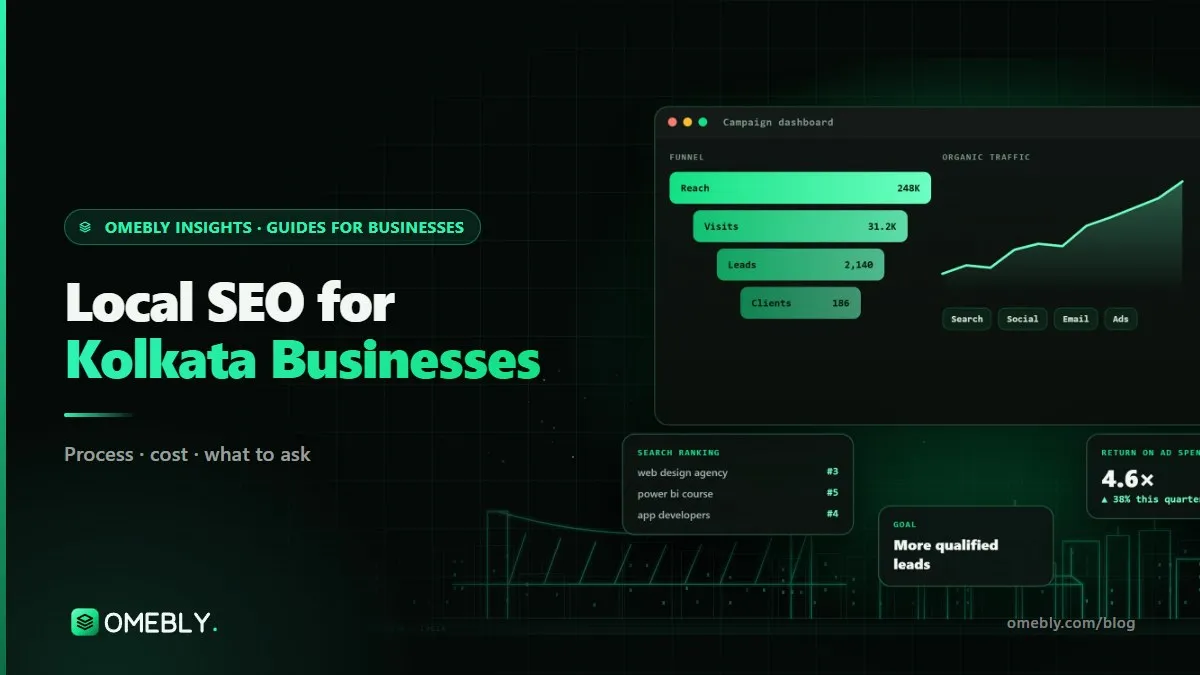
When someone in Behala types “AC repair near me” or someone in Salt Lake searches “cake shop open now”, Google shows a map with three businesses before any normal results. Getting into that map is what local SEO Kolkata businesses should care about most, and the foundation is a free Google Business Profile that is set up properly.
This guide walks through the setup step by step, from choosing the right category to verification, reviews and connecting your profile to your website. It is the same groundwork we do in our SEO services, written so you can do it yourself.
Quick answer: To rank locally in Kolkata, create or claim your Google Business Profile, use your exact real business name, pick the most specific primary category, set a precise address or a service area, verify it, then add hours, services, real photos and a description. Ask every happy customer for a review, reply to all reviews, and make sure your website shows the same name, address and phone number.
How Google decides who shows up locally
Google says local results are based mainly on three things: relevance (how well your profile matches the search), distance (how far you are from the searcher or the area in the search) and prominence (how well known you are, including reviews and links). You can read this in Google’s own guide to improving your local ranking.
You can’t change distance. You can improve relevance with a complete, accurate profile, and prominence with reviews, a good website and mentions around the web. That is what the steps below do.
Step 1: Check you are eligible
A Google Business Profile is for businesses that meet customers in person, either at a location or by travelling to them. Before you start, decide which type you are:
- Storefront business: customers visit you (a shop, clinic, restaurant, coaching centre). Show your address.
- Service-area business: you go to customers (plumbers, caterers, home tutors, pest control). Hide your address and set a service area.
- Hybrid: customers visit you and you also travel to them. Show your address and add service areas.
According to Google’s guidelines for representing your business, virtual offices aren’t eligible, and businesses that travel to customers from home should hide their address.
Step 2: Create or claim your profile
Search for your business on Google Maps first. It may already exist, created by a customer or by Google. If it does, claim it; if not, create one at Google Business Profile using a Google account your business controls, ideally a shared business email rather than a staff member’s personal account.
Step 3: Use your real business name
Type your name exactly as it appears on your signboard, invoices and website. Don’t add “Best”, “No. 1”, “Kolkata” or a list of services. Google’s guidelines don’t allow unnecessary information in the name, and keyword-stuffed names are a common reason for suspensions.
Step 4: Choose the right categories
Your primary category matters most. Choose the most specific one that completes the sentence “This business is a…”. A dental clinic should pick “Dental clinic”, not “Health”. Add a few secondary categories only if they are genuinely true, and resist adding ten.
Tip: search your main keyword in Google Maps and look at the categories of the businesses that appear. That shows you what Google associates with that search.
Step 5: Set your address or service area carefully
Kolkata addresses can be tricky: lanes, landmarks, building names and pin codes don’t always line up neatly on the map.
- Write the address the way India Post would deliver to it, with the right pin code.
- Drag the map pin to your actual entrance, not the middle of the road or the next building.
- For service areas, add the neighbourhoods and towns you actually serve, for example Salt Lake, New Town, Gariahat, Behala or Howrah. Don’t list the whole state.
Step 6: Verify your business
Google decides which verification method you get. It might be a video recording, a phone call or SMS, an email or a postcard. Video verification is now common. Typically, you record one continuous video showing:
- your location or signboard and the street around it,
- something that proves the business is real, such as equipment, stock or a branded vehicle,
- something that proves you manage it, such as opening the shop or showing business documents.
Make sure everything in your profile is correct before you submit. Changing your name, address or category straight after verification can trigger another review.
Step 7: Complete every section
A half-empty profile looks inactive, to customers and to Google.
| Section | What to add |
|---|---|
| Hours | Regular customer-facing hours, plus special hours for Durga Puja, Diwali and other holidays |
| Phone | A number that is answered during your hours |
| Website | Your homepage or the most relevant page, with tracking on the link |
| Description | Up to 750 characters: what you do, who for, where; no links or offers |
| Services or products | Each main service, with a short description and price where sensible |
| Attributes | Accessibility, payment options and other true details |
| Photos | Real photos of your front, inside, team and work |
Note that Google switched off the chat feature in Business Profiles in 2024, so put a WhatsApp button on your website for customers who prefer to message.
Photos that actually help
Upload your own photos, not stock images. A clear picture of your signboard helps people find you, interior photos build confidence, and photos of finished work (a cake, a renovated room, a repaired machine) sell better than any description. Add new ones every month.
Step 8: Build a steady flow of genuine reviews
Reviews are one of the strongest prominence signals you control. The key word is genuine.
- Ask at the right moment, when the customer has just said thank you. Use the “ask for reviews” link from your profile and send it on WhatsApp.
- Make it easy: a QR code at the counter or on the bill.
- Reply to every review, good and bad, politely and quickly. Replying in Bengali or Hindi when the customer wrote in that language is a nice touch.
- Never buy reviews or offer discounts for them. Google’s policies prohibit fake and incentivised reviews, and removed reviews or a suspended profile cost far more than you gain.
Step 9: Keep the profile active
Post updates: a new service, a festive menu, Puja-time opening hours, an event. Answer questions customers leave. Update photos. Check your profile monthly, because anyone can suggest edits to it, and Google sometimes accepts them.
Step 10: Connect your profile to your website
Your profile and your website should support each other.
- Same name, address and phone number on your website, profile and major directories such as Justdial or IndiaMART.
- A contact or location page with your address, a map embed and directions from known landmarks.
- LocalBusiness structured data so search engines read your details correctly.
- Pages for each main service, and for each area you serve if the content is genuinely different, not copy-paste pages with the neighbourhood name swapped.
- Fast mobile pages, because almost every local search happens on a phone.
If your website is slow or outdated, fix that first. Our checklist for choosing a website development company in Kolkata covers what a local business site needs.
How to measure local SEO
Use the performance report in your Business Profile to track calls, direction requests and website clicks each month. Add UTM tags to your website link so Google Analytics shows visits from your profile separately. Above all, ask new customers how they found you and write it down. Rankings vary by where the searcher is standing, so leads and calls are a better measure than a single position.
Common local SEO mistakes in Kolkata
- Keyword-stuffed business names.
- A map pin dropped in the wrong lane.
- Different phone numbers on the profile, website and directories.
- Hours not updated for Puja and Diwali, so customers arrive to a closed shutter.
- Stock photos instead of real ones.
- Ignoring negative reviews or replying angrily.
- Creating a second profile instead of fixing the first.
Local SEO Kolkata: your quick checklist
- Eligible, with the right type (storefront, service-area or hybrid)
- Real business name, specific primary category
- Accurate address and pin, or a sensible service area
- Verified
- Hours, special hours, phone, website and description complete
- Services and real photos added
- Review link shared with every customer; all reviews answered
- Website shows the same name, address and phone
- Monthly check of the profile and its performance
How Omebly can help
Omebly is based in Kolkata, and we help local businesses with Google Business Profile and local SEO as part of our SEO services, alongside technical SEO audits, keyword research, on-page optimisation, schema, content and monthly reports on rankings, traffic and enquiries. Monthly digital marketing plans start from $1,200, with a fixed quote after a free consultation. We never promise number-one rankings, because nobody honestly can.
For the wider picture of SEO, Google Ads and Meta Ads together, read our digital marketing guide for small businesses.
Want a second pair of eyes on your profile? Contact us or message us on WhatsApp.
Frequently asked questions
What is local SEO for a Kolkata business?
Local SEO is the work that helps your business appear when people nearby search for what you offer, especially in Google Maps and the map pack. Its core is a complete, verified Google Business Profile, steady genuine reviews and a website with consistent local details.
Is a Google Business Profile free?
Yes. Creating and managing a Google Business Profile is free. You only pay if you choose to run ads or hire someone to manage it for you.
How long does Google Business Profile verification take?
It varies. Google chooses the verification method, which may be a video recording, phone, SMS, email or postcard, and reviews can take from a few days to a few weeks. Make sure your details are accurate before you submit to avoid delays.
Can I list my business at home or without a shop?
Yes, if you meet customers in person or travel to them. Service-area businesses that work from home should hide their address and set a service area instead. Virtual offices and addresses you don't really operate from are not allowed.
Can I add keywords like 'best' or 'Kolkata' to my business name?
No. Google's guidelines say your profile name must match your real-world business name. Adding extra keywords or locations can lead to suspension, and it usually does more harm than good.
How long does local SEO take to show results?
A properly set up profile can start showing in searches within weeks, but steady local results usually take three to six months of reviews, updates and website work. Nobody can honestly guarantee a top position in the map pack.

Written by
Nazmul Hussain, Managing Director & Technical Head, Omebly. 10+ years building websites and apps for clients in India, the Gulf, the UK and the US, and mentoring at Omebly Academy. LinkedIn · GitHub
Follow Omebly
New guides, work and launches on every channel.